Activity Log integration in Mewayz (Formerly Seemless)
An Activity Log, often known as an Activity Diary or Job Activity Log, is a practical tool for tracking how you spend your time.
Introduction
An Activity Log, also known as an Activity Diary or Job Activity Log, is a simple yet powerful tool for tracking how you spend your time. By recording your daily tasks over a few days, you can gain insights into your routine, identify peak productivity hours, and spot time-wasting activities. This helps improve time management, boost efficiency, and allows you to schedule high-focus tasks when you’re most alert, making it useful for both students and professionals aiming to achieve their goals more effectively.
How To Install the Add-On?
To install the Activity Log Add-On you can follow this link: Setup Add-On.
How To Use the Activity Log Add-On?
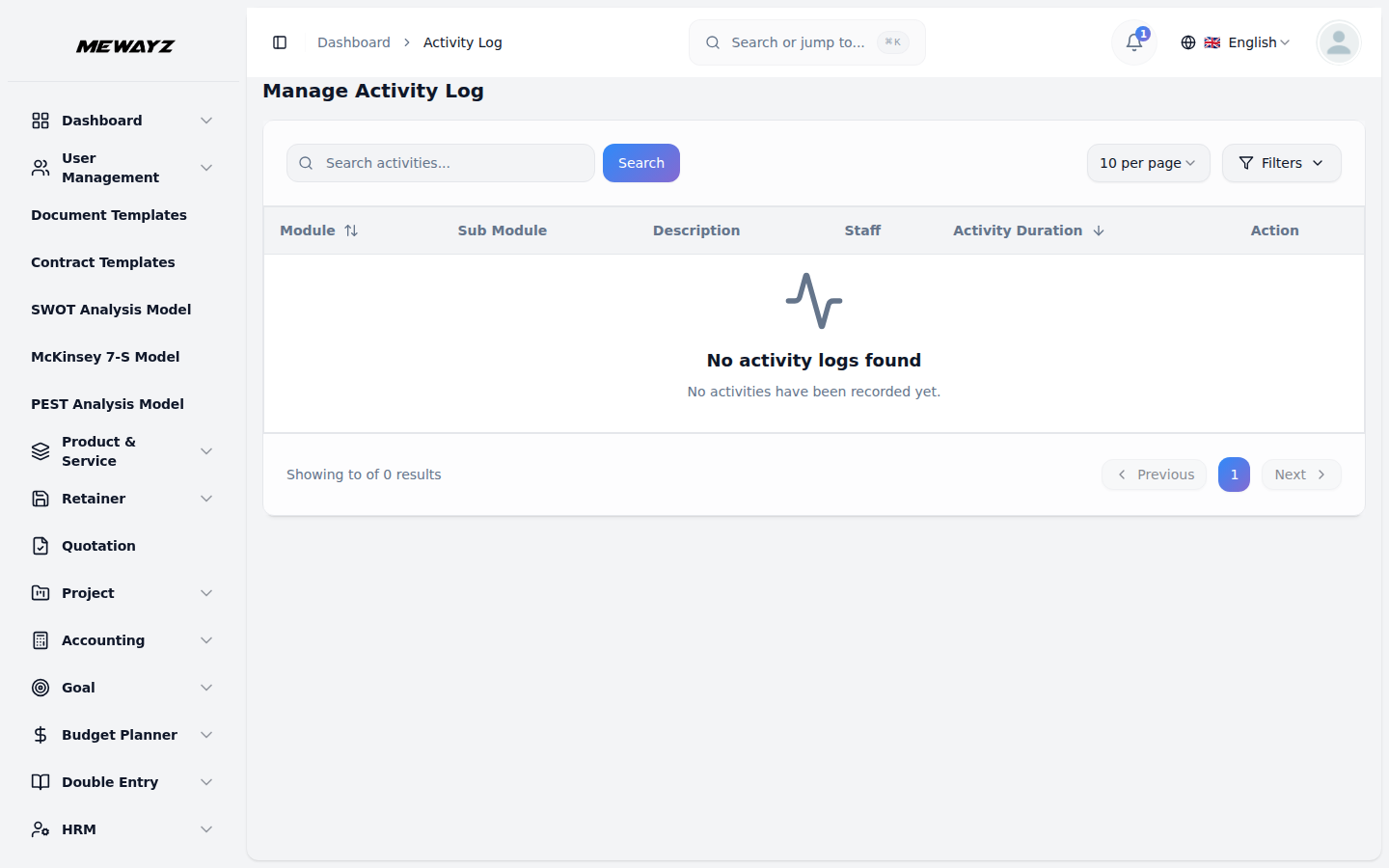
- After purchasing the Add-On, go to the Activity Log page in the sidebar.
- Here you can see all the details related to activity log like, module, sub modules, description,
staff, activity duration, you can also delete the activity logs with the help of delete button given in the action column.
- Secondly you can also filter and search the activity logs by selecting the staff from the
- For example: If you create a user from the User Management section, that activity
dropdown, and selecting the Add-On from the dropdown given beside the staff.
will be recorded in the Activity Log Add-On, showing which module and feature were used, and who performed the action, and when it was done.
List of Add-Ons
Appointment
Cleaning Management
CMMS
Contract
Documents
Feedback
File Sharing
Fix Equipment
Freight Management System
Garage Management
Hospital Management
Innovation Center
Insurance Management
Internal knowledge
Machine Repair Management
Notes
Repair Management System
Sales
Visitor Management
So, this is how you can get access to the Activity Log, by following these easy steps.