01 · Sign in & start
One login.
The whole stack on the other side.
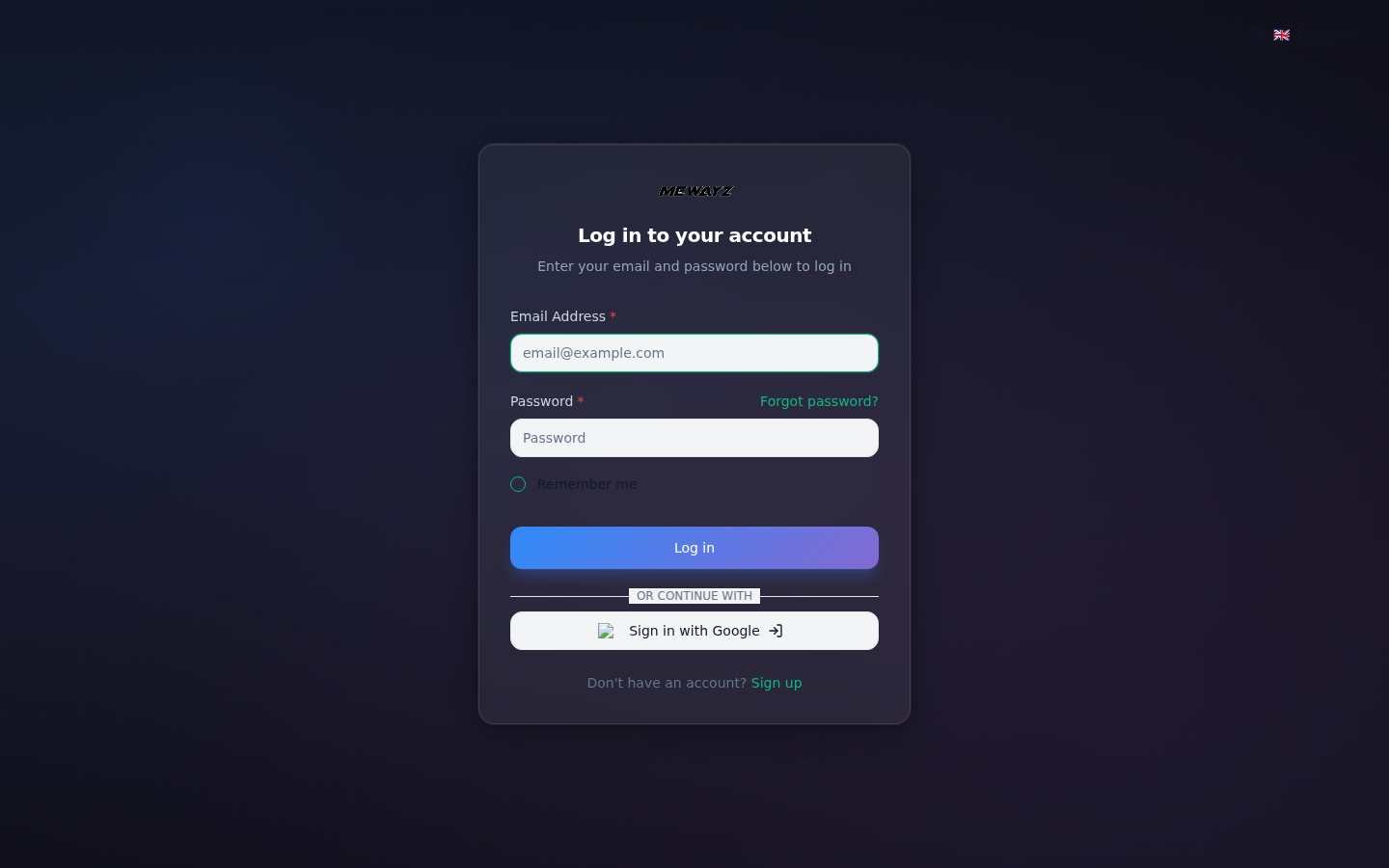
A normal sign-in flow. The difference is that everything that follows — CRM, HR, payroll, accounting, projects, POS, lives on the other side of this one screen.
Auth · 01
Sign in
SSO, MFA, magic link. Same screen across all 22 industry templates.
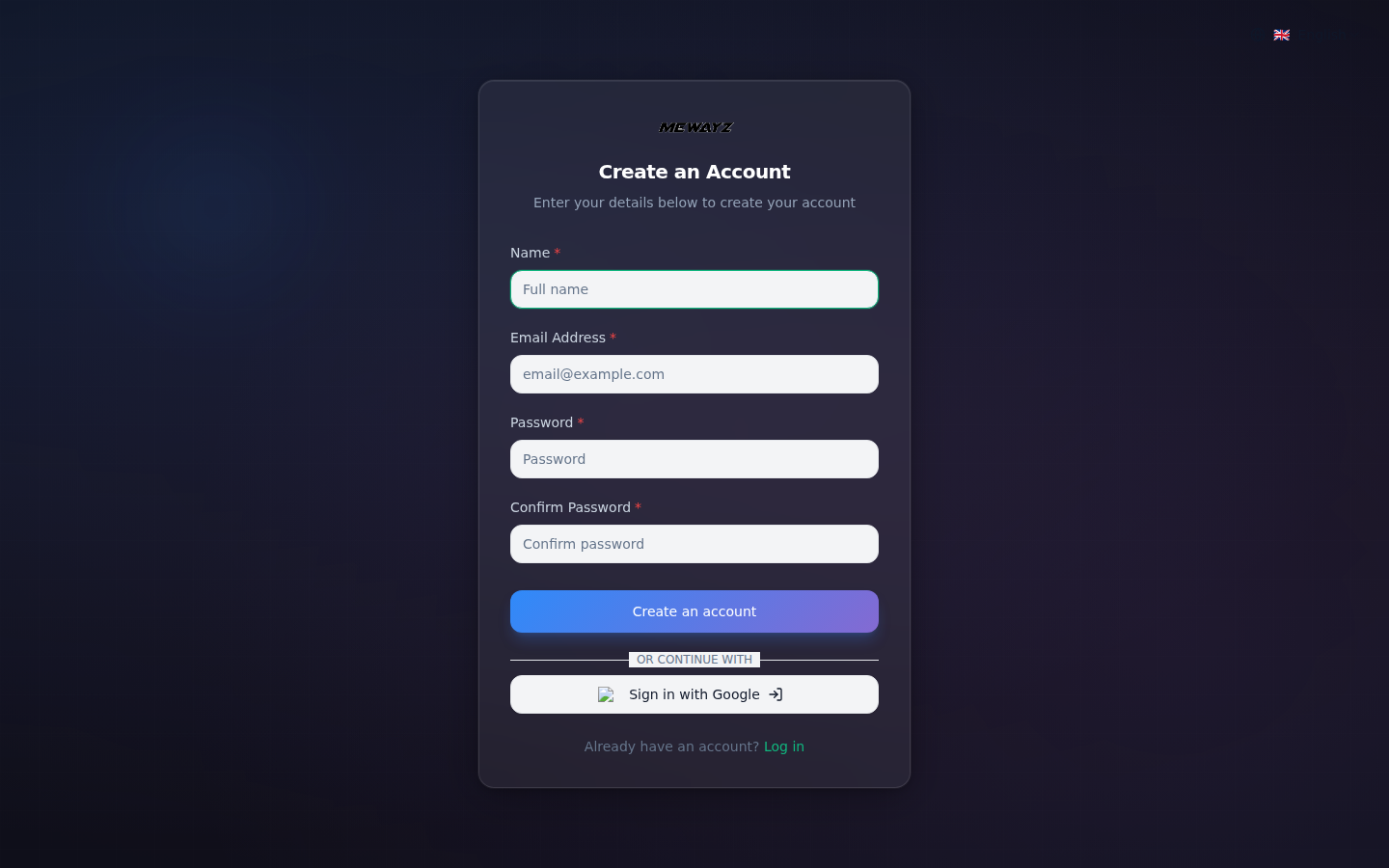
Auth · 02
Create account
Pick a template, get a working platform in under 90 seconds.
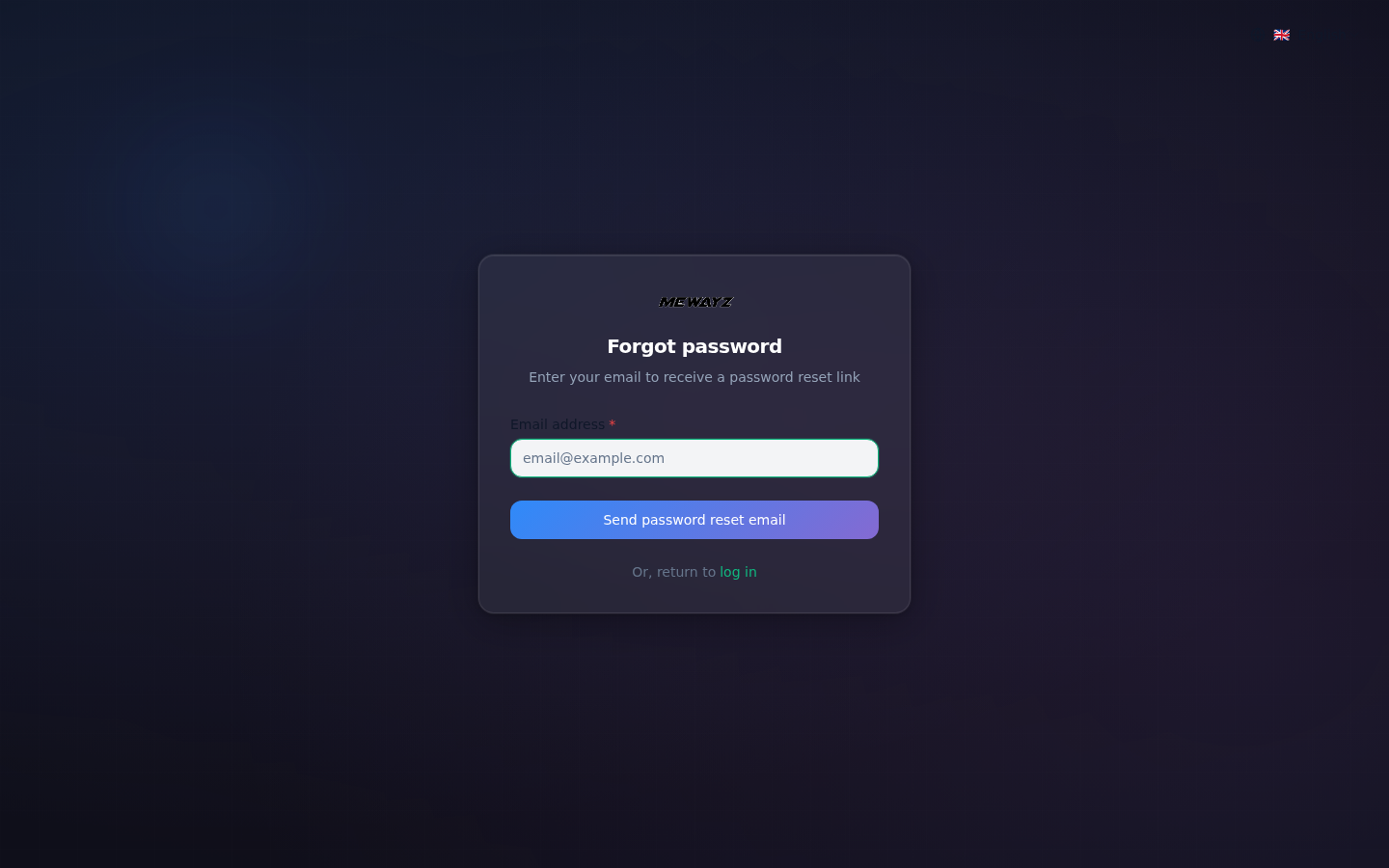
Auth · 03
Password reset
Email-based reset. Recovery codes for SSO-only accounts.
02 · Dashboards · The work, at a glance
Every team starts on a dashboard.
Each module ships with a default dashboard tuned to its job. They share the same shell, same nav, same notification tray, same global search, so switching contexts feels like turning a page, not changing apps.
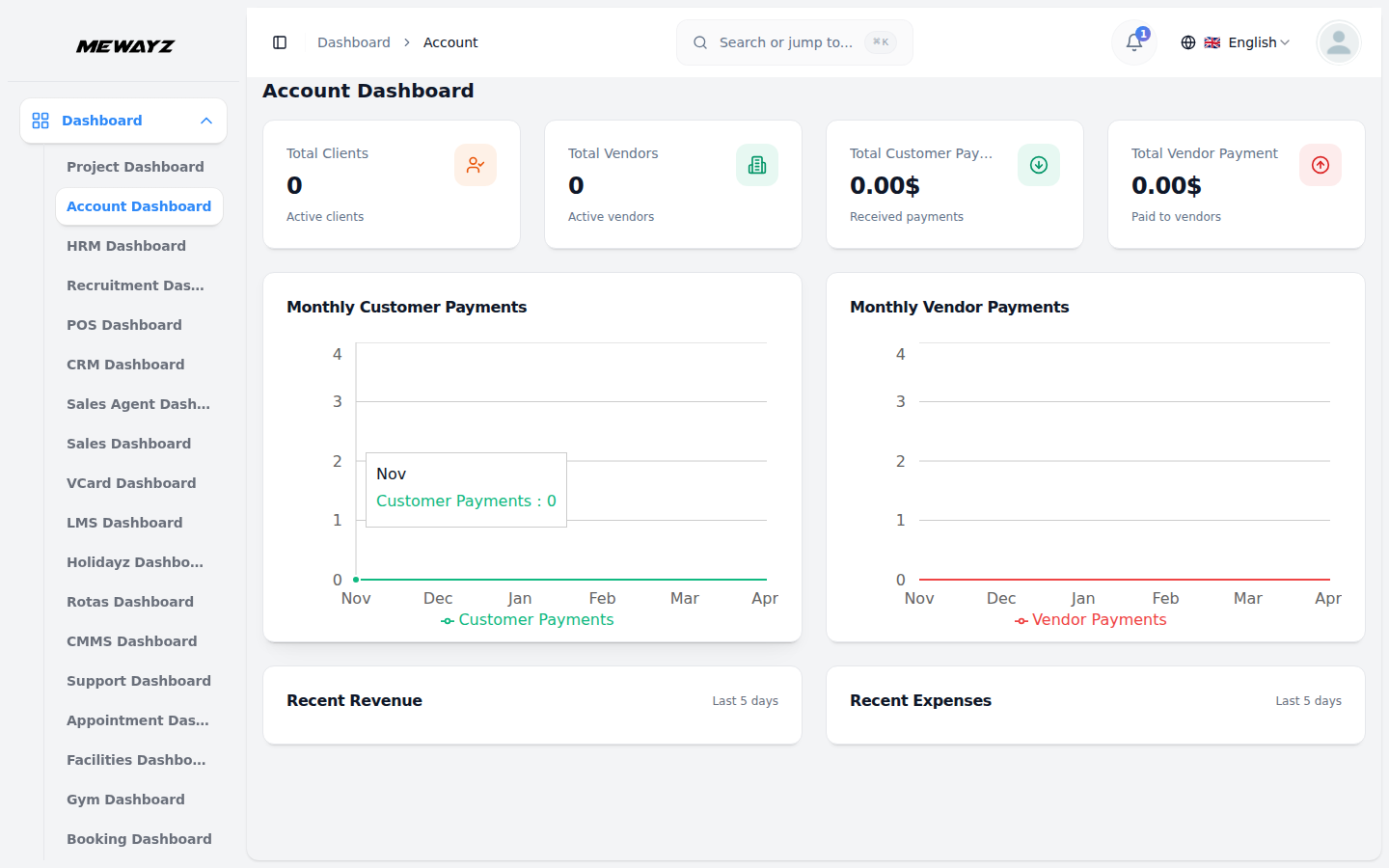
Module · Accounting
Account dashboard
Revenue, expenses, cash position, overdue invoices, at a glance.
Module · HR
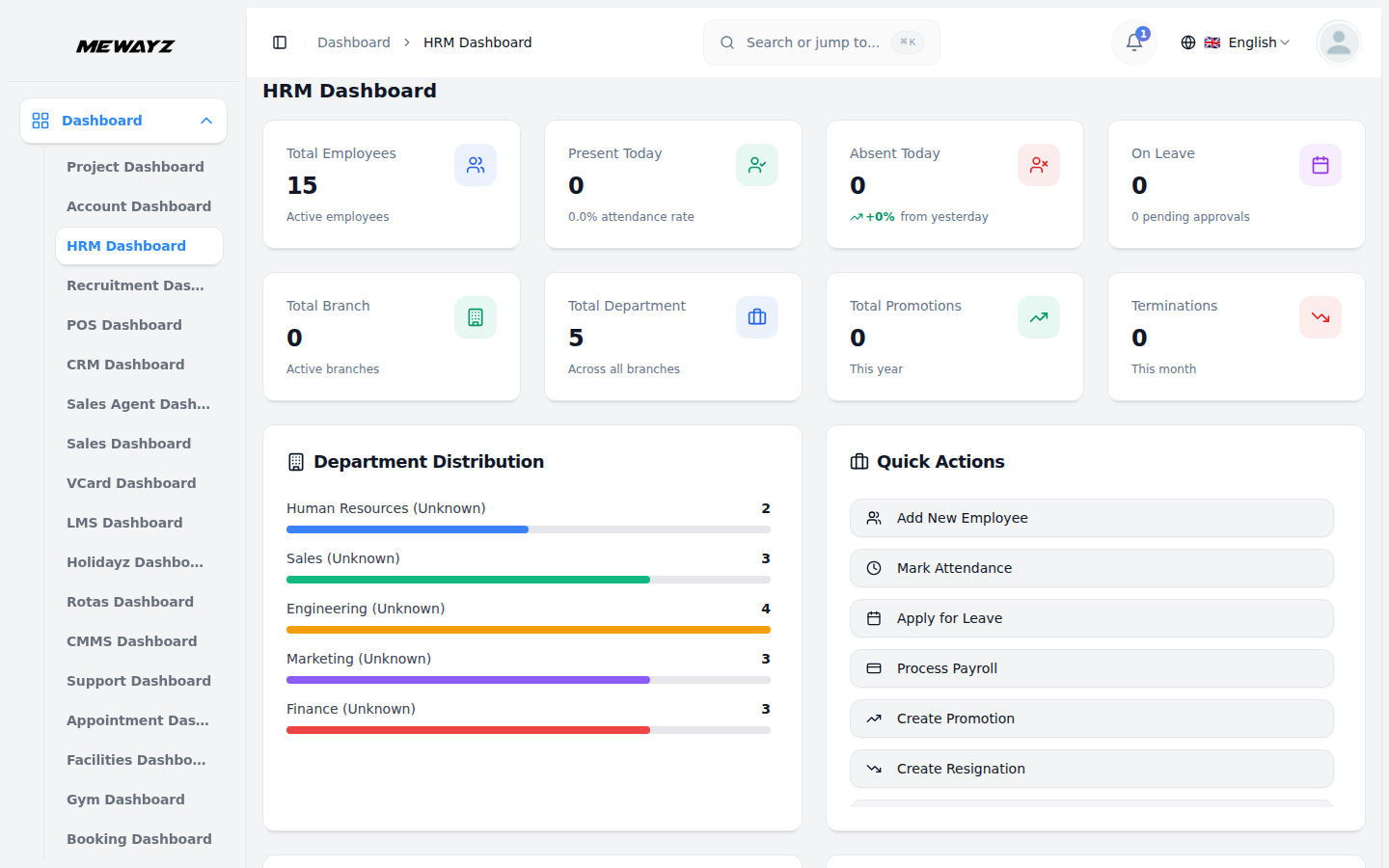
HR dashboard
Headcount, time-off, payroll, hires in flight.
Module · CRM
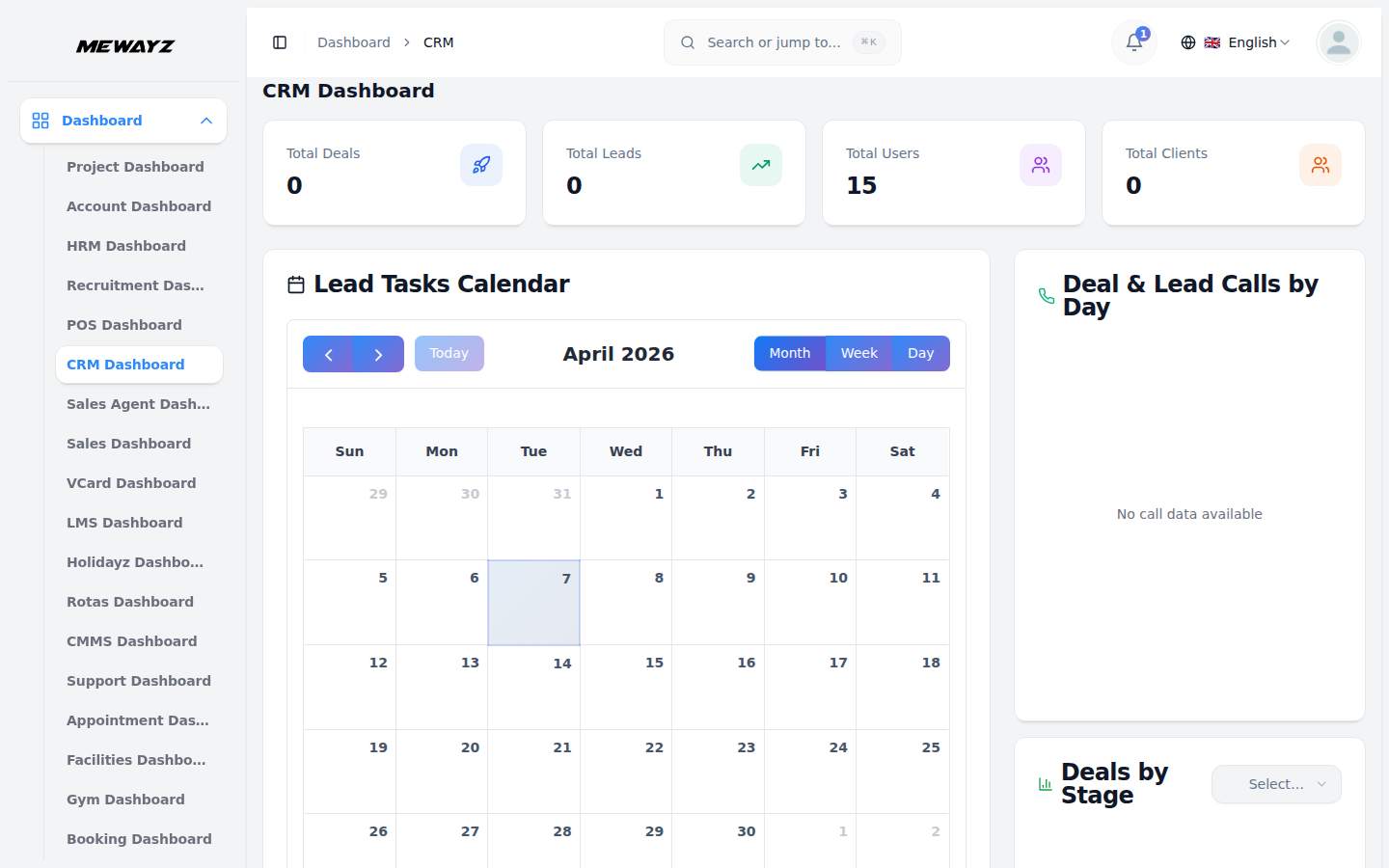
CRM dashboard
Pipeline value, deals by stage, this-week activity.
Module · Projects
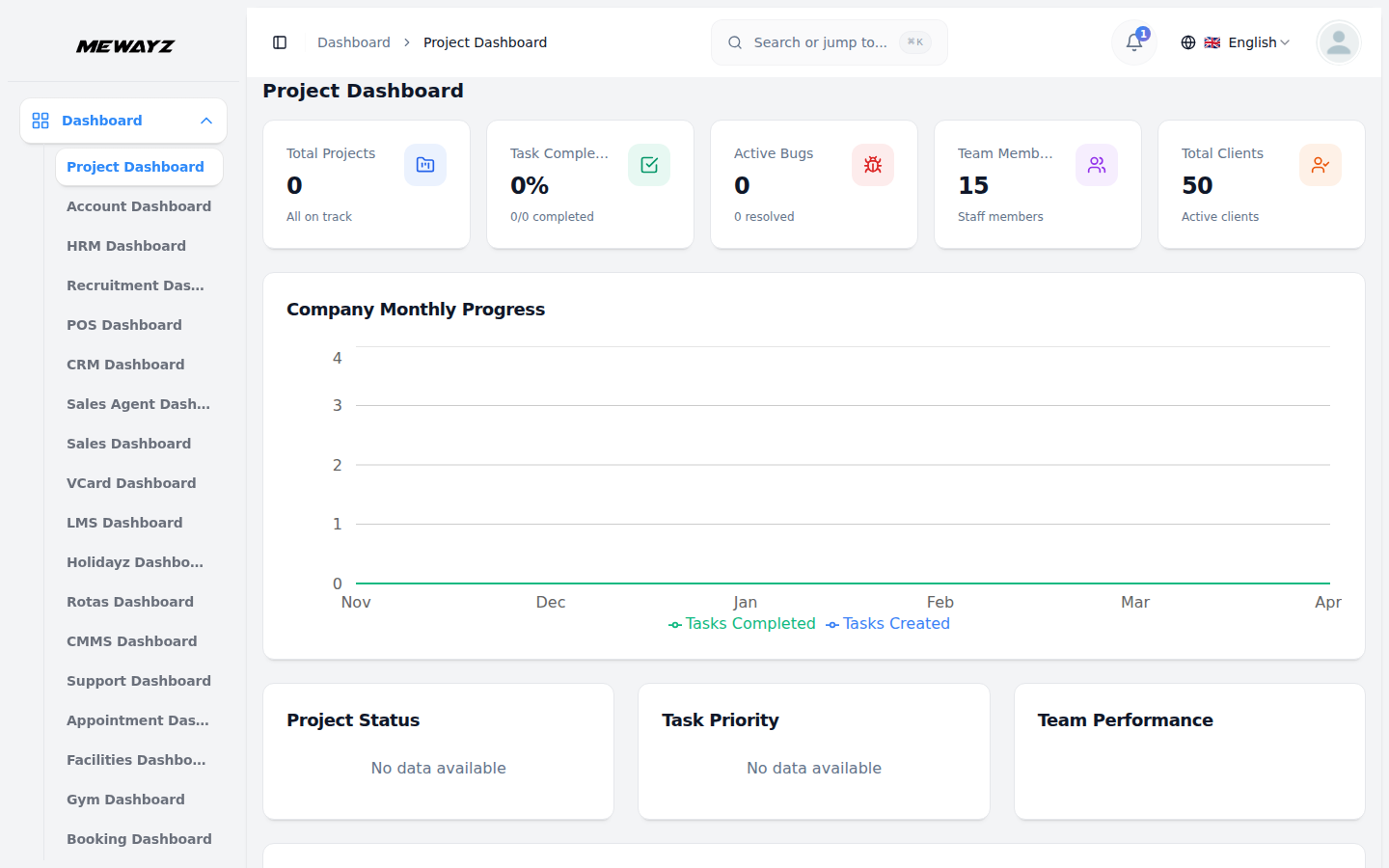
Projects dashboard
Active projects, burn-down, blocked tasks, team load.
Module · Sales
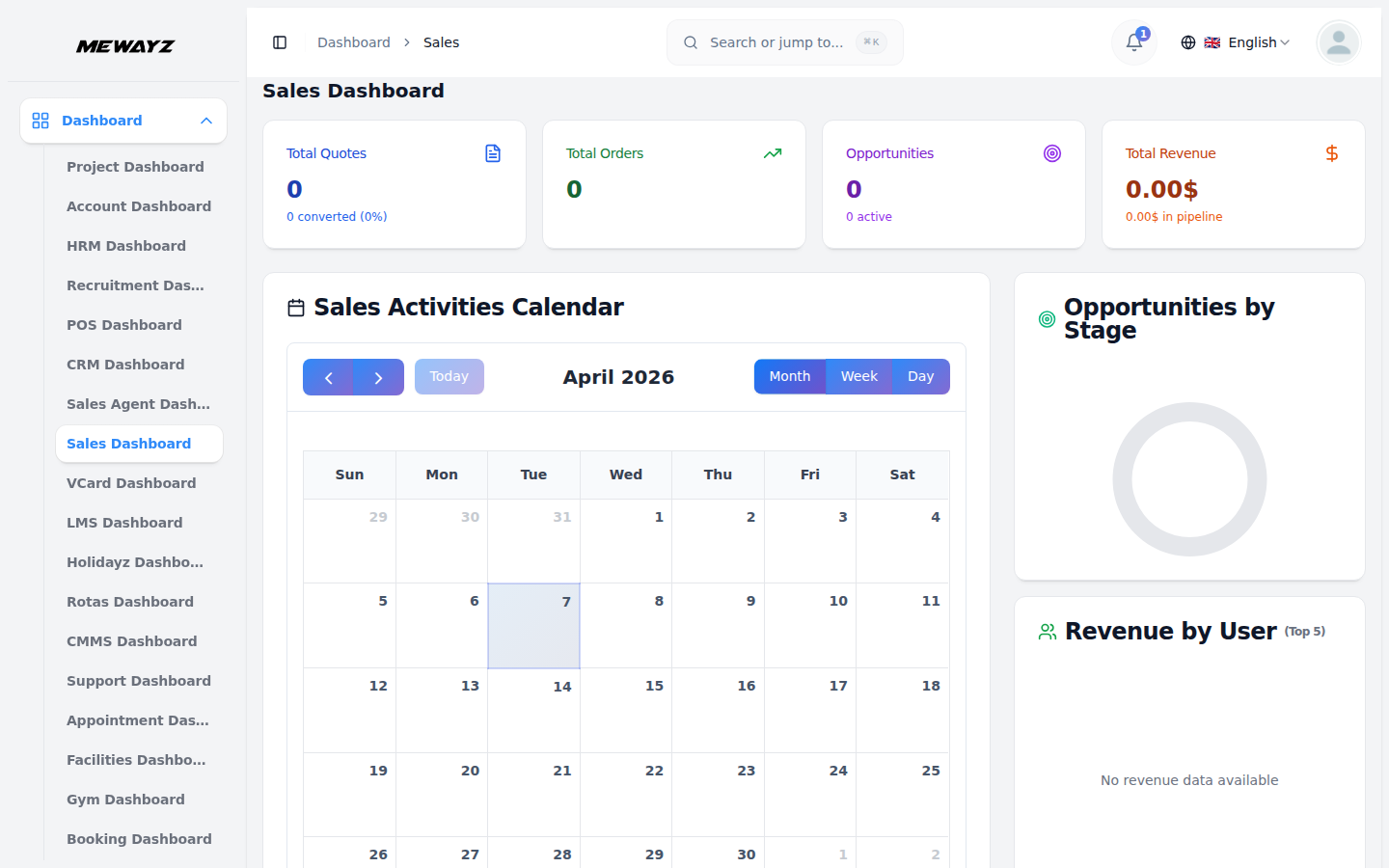
Sales dashboard
Quotes, orders, invoiced, paid, pipeline-to-cash.
Module · POS
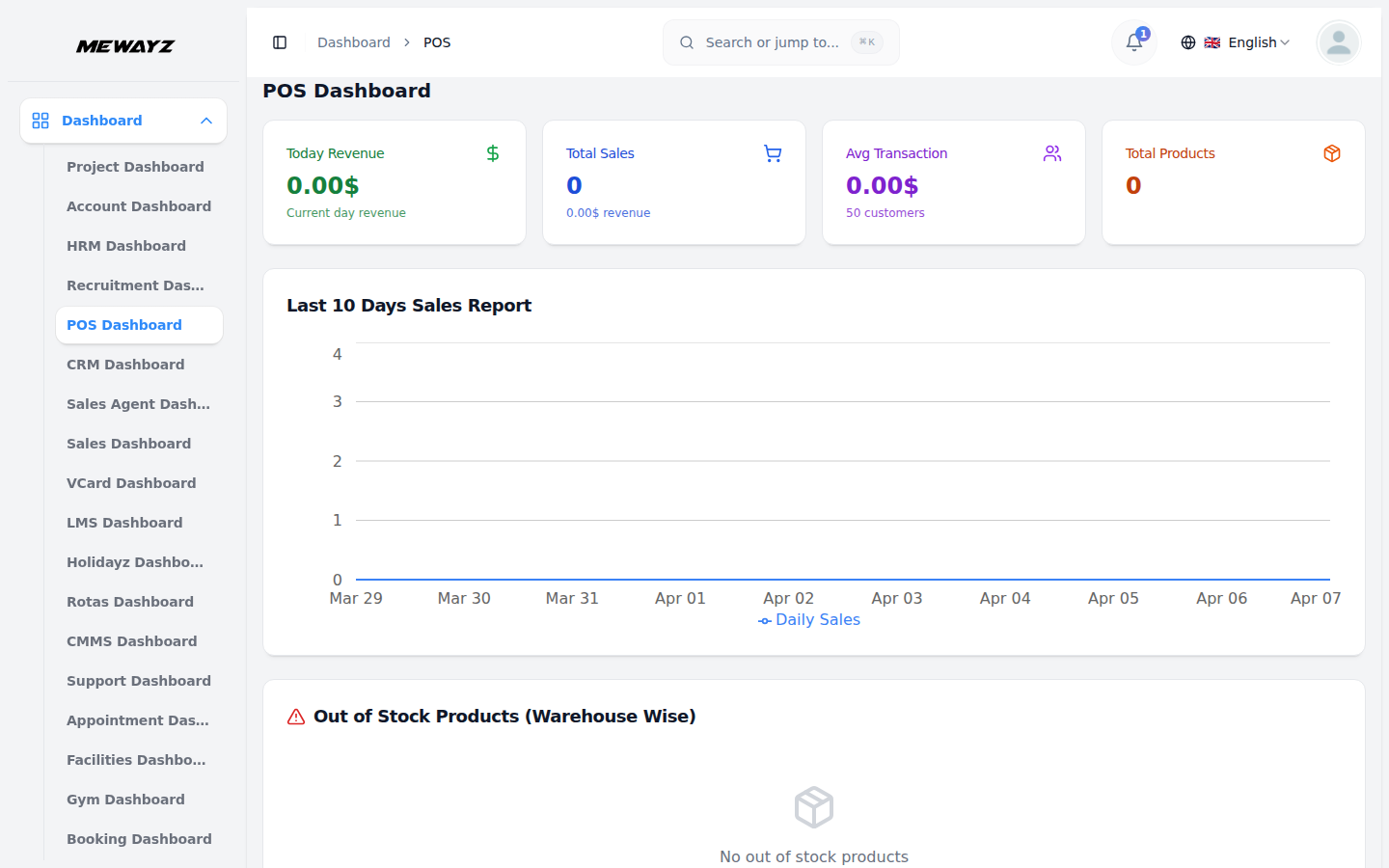
POS dashboard
Live transactions, top items, register state.
Module · Hiring
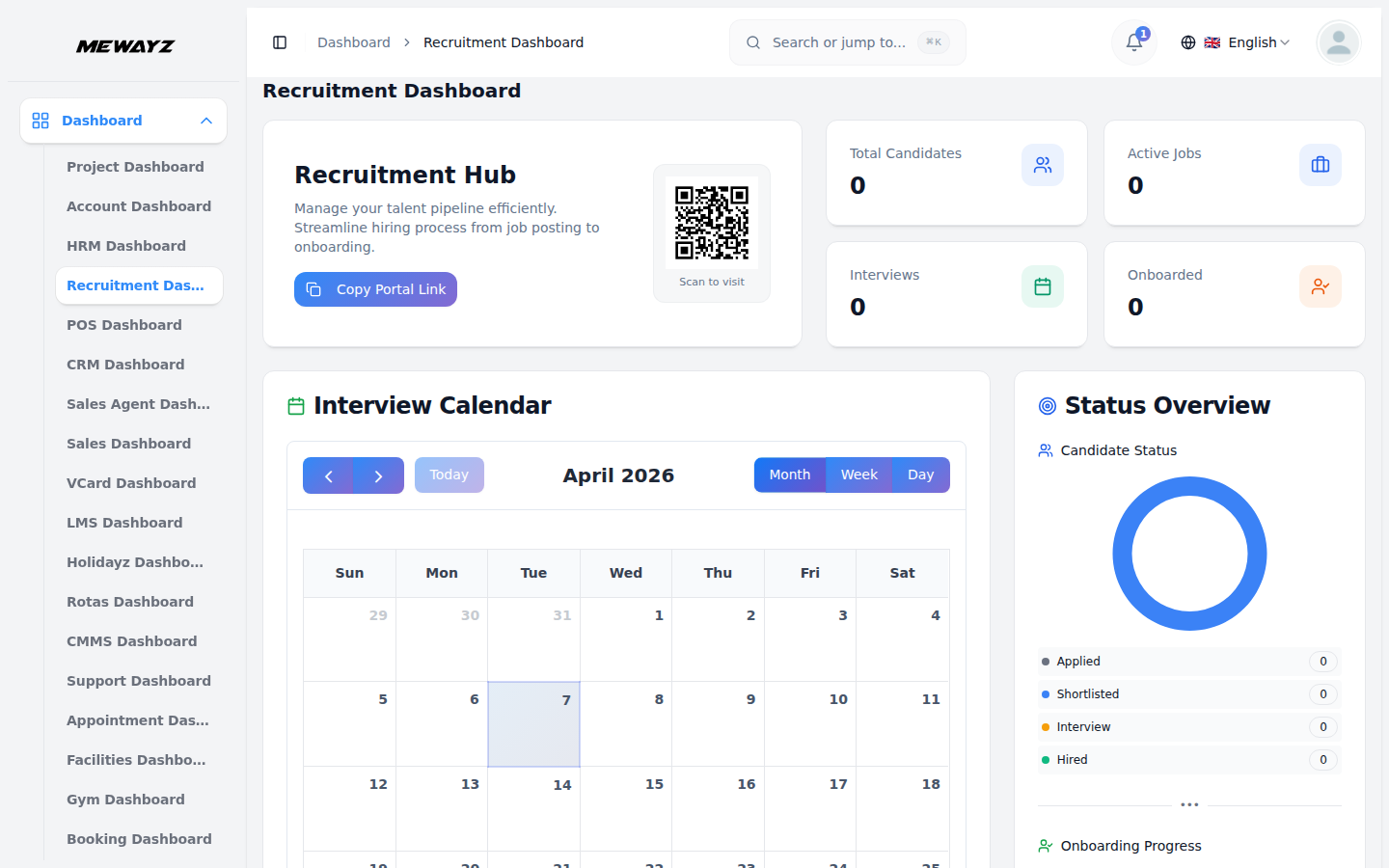
Recruitment dashboard
Open roles, candidates by stage, time-to-hire.
Module · LMS
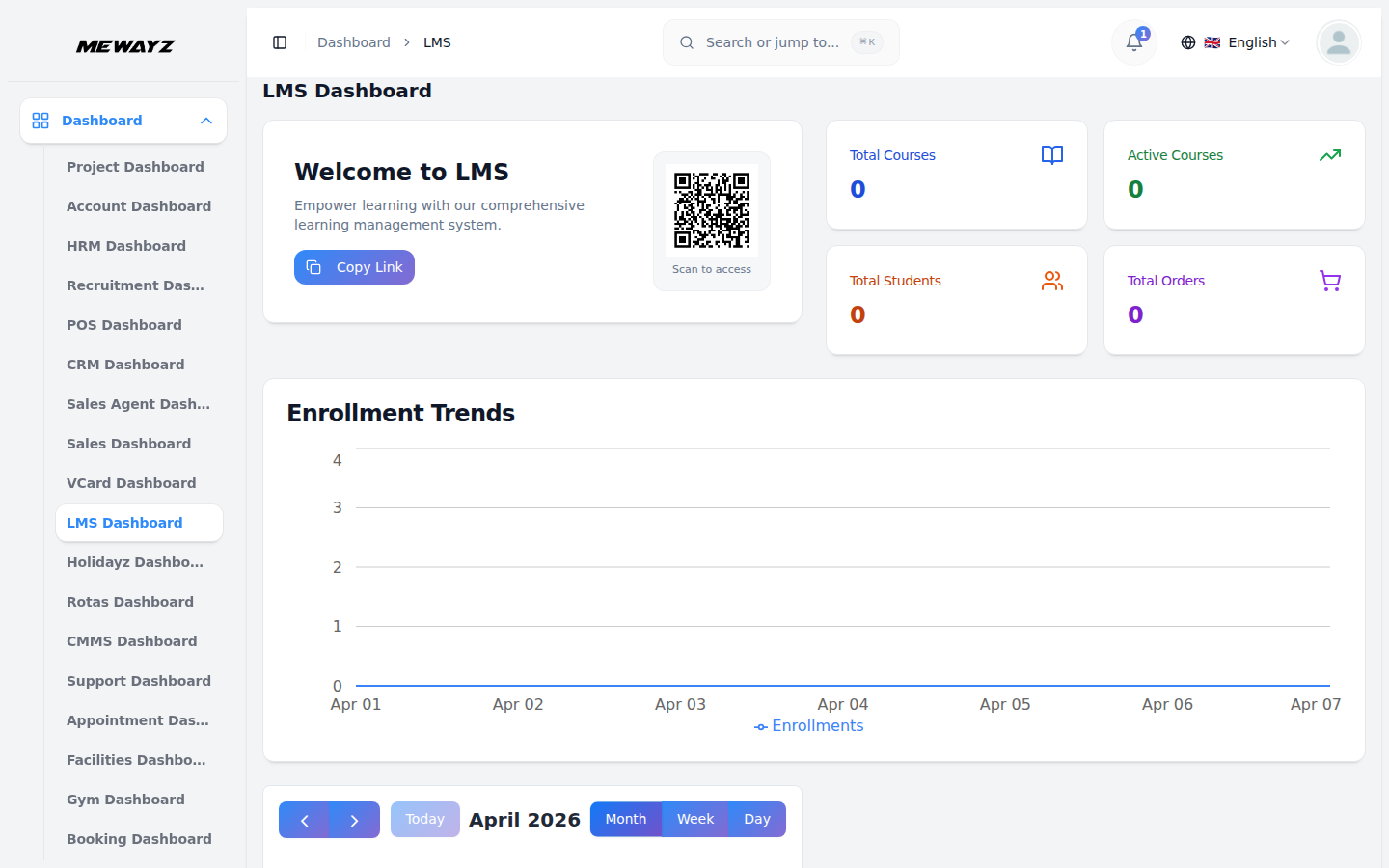
Learning dashboard
Course completions, enrolments, certificates issued.
Module · Admin
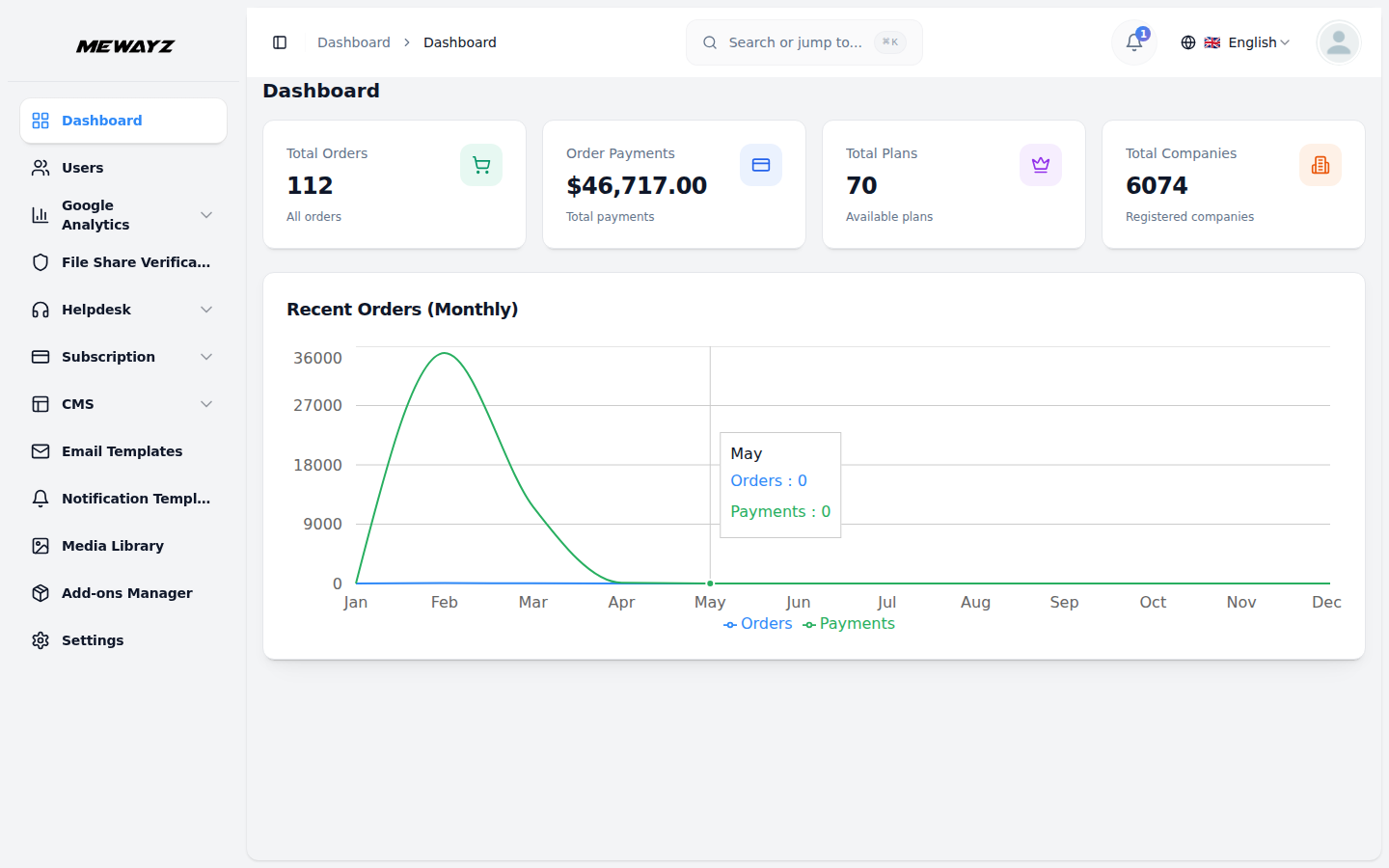
Admin dashboard
Workspace usage, billing, security events.
03 · CRM & sales pipeline
Contacts, deals, a real pipeline.
The CRM that 80% of teams use as their first reason to switch. Leads in, deals through, contacts that live in the same database as your invoicing and your tickets.
CRM · 01
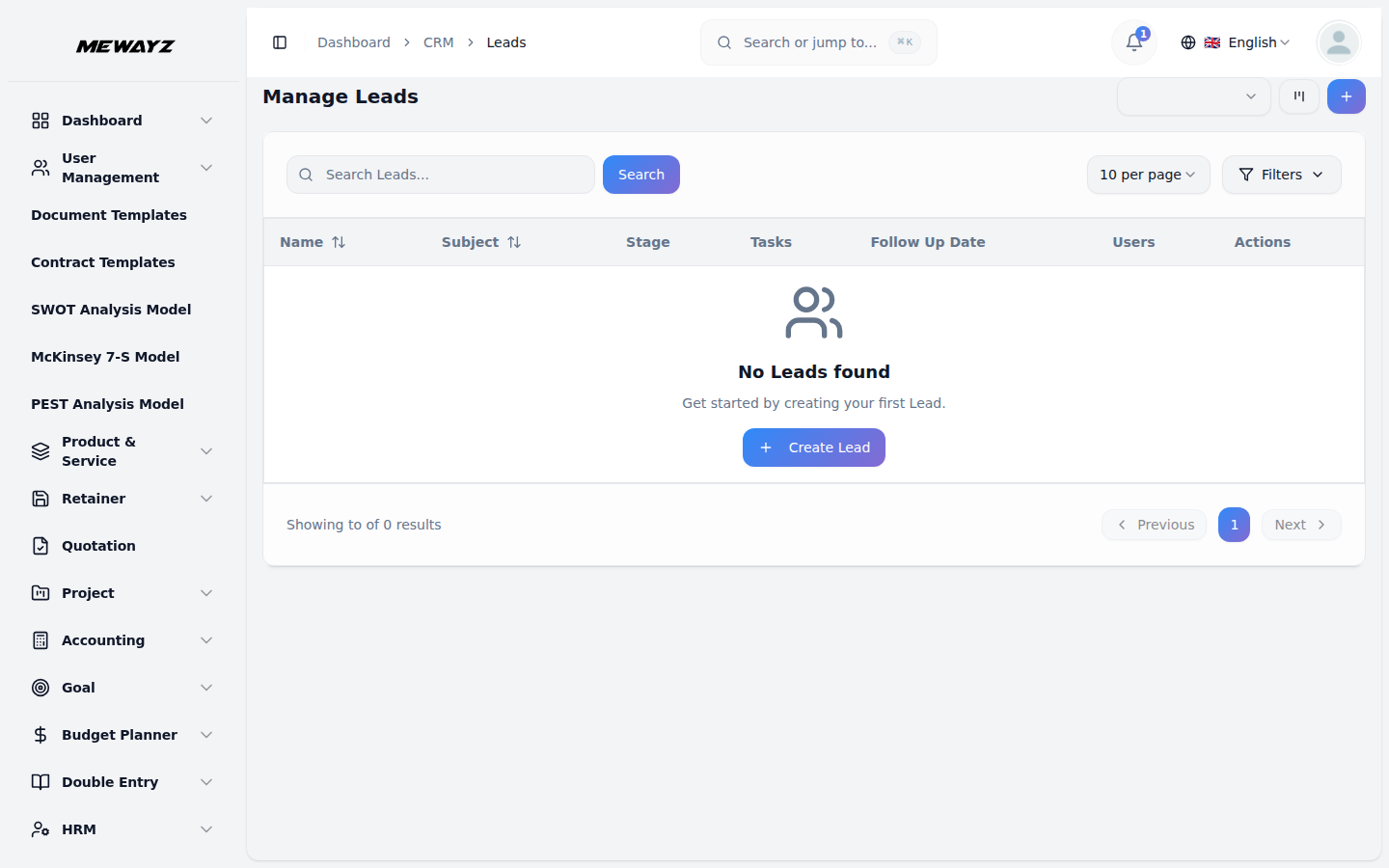
Leads
Inbound + outbound leads, scored, owned, routed.
CRM · 02
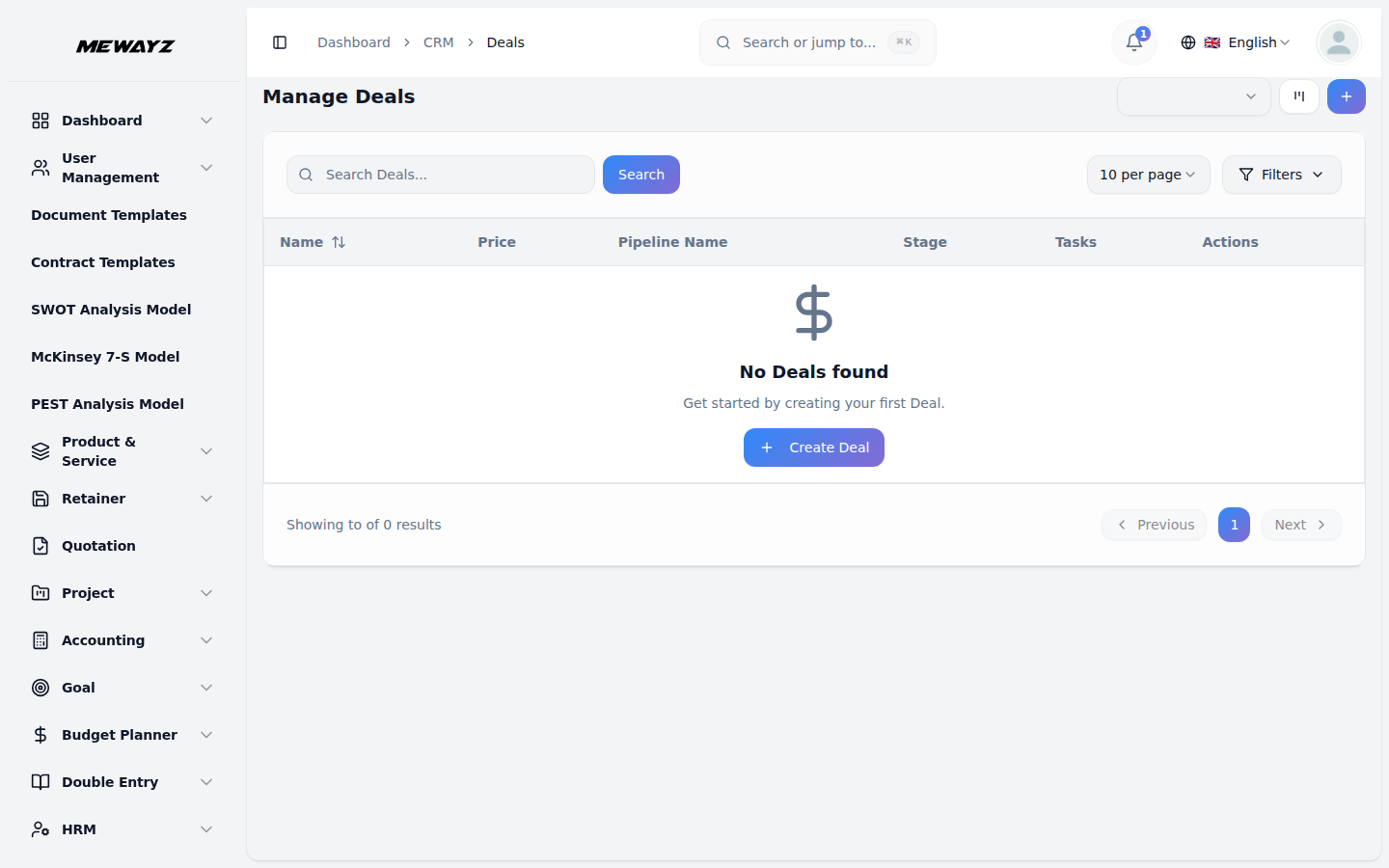
Deals
Open opportunities by stage, value, owner.
CRM · 03
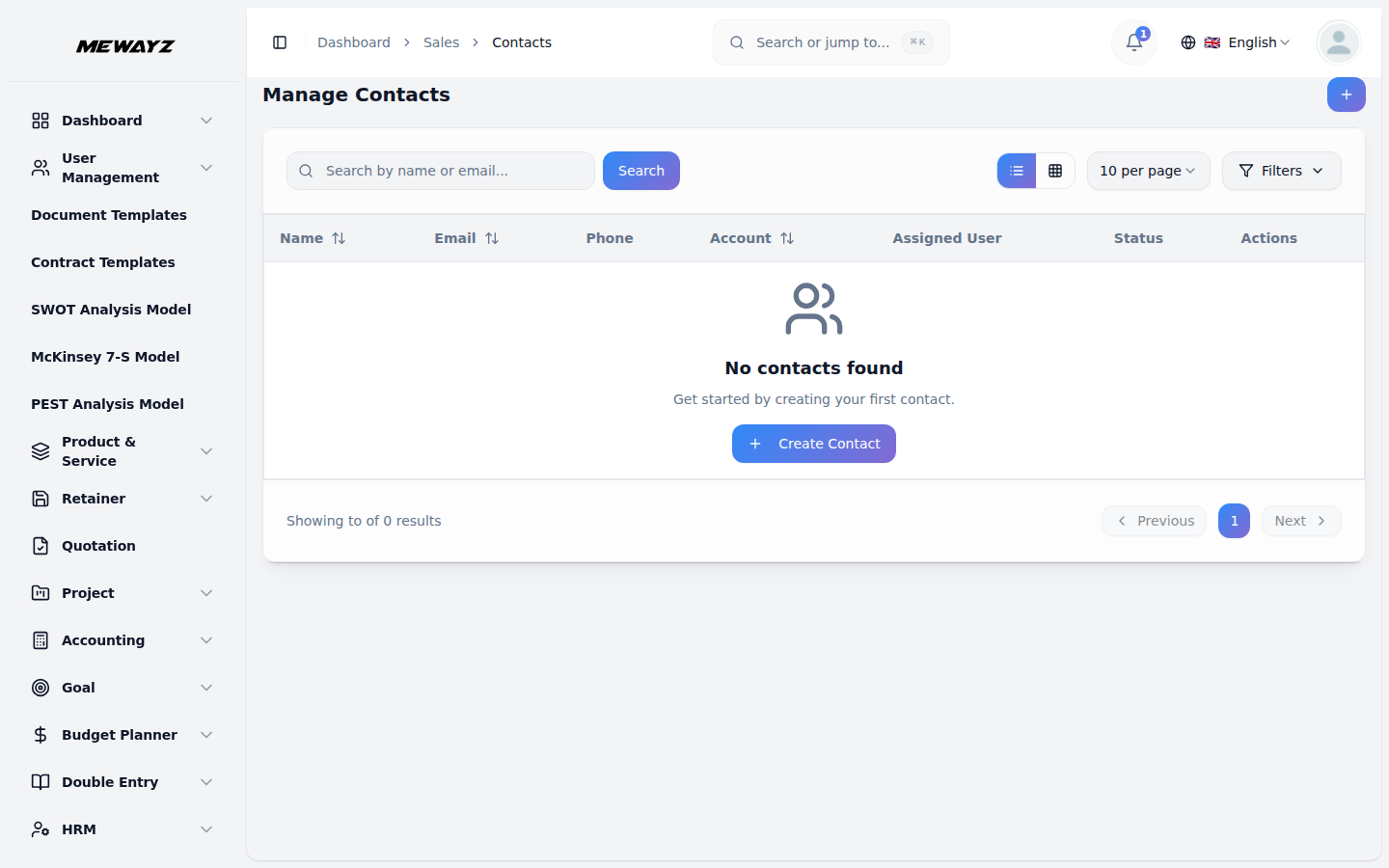
Contacts
One contact record across CRM, billing, support.
CRM · 04
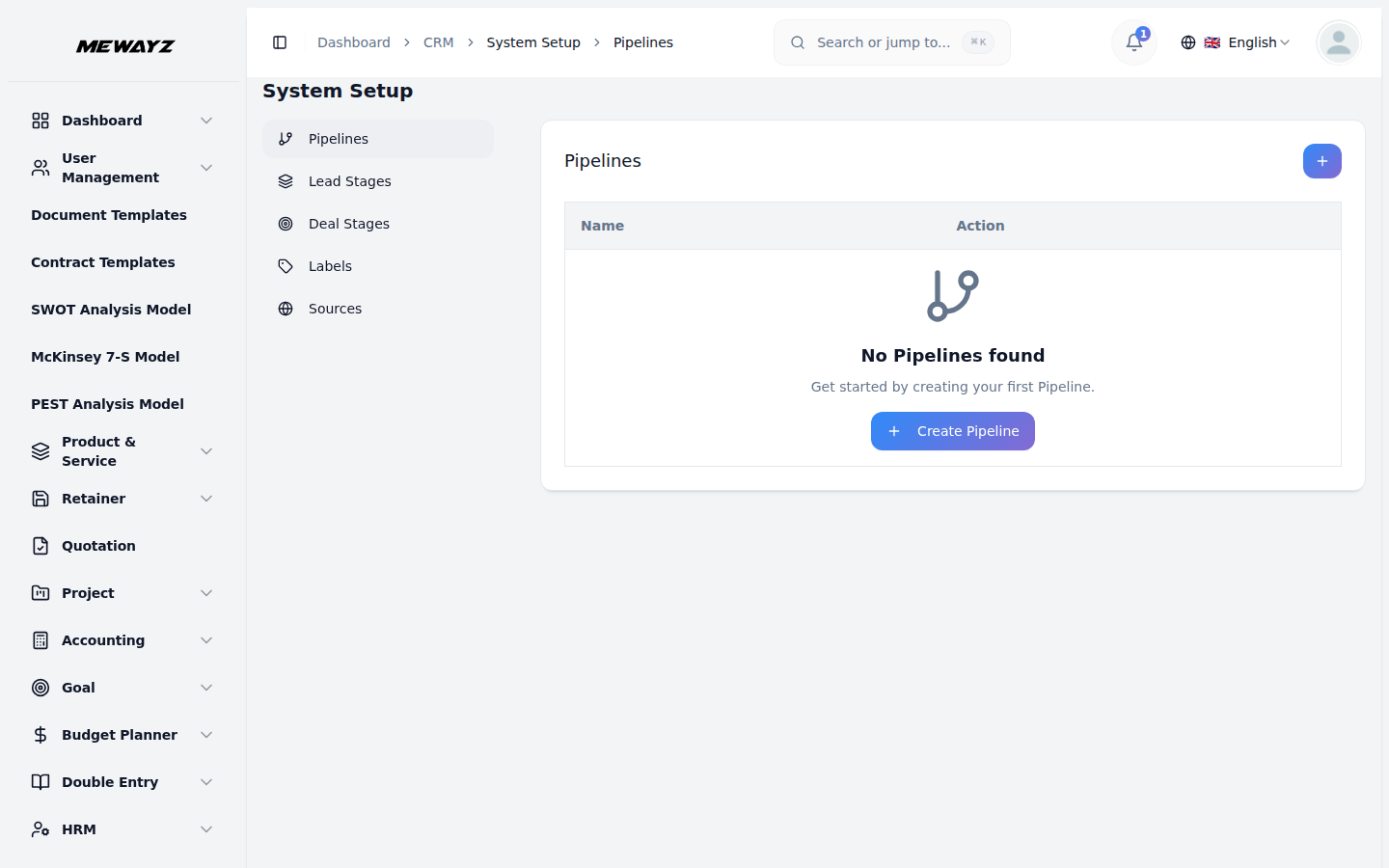
Pipelines
Multiple pipelines per team. Custom stages, gates, automation.
CRM · 05
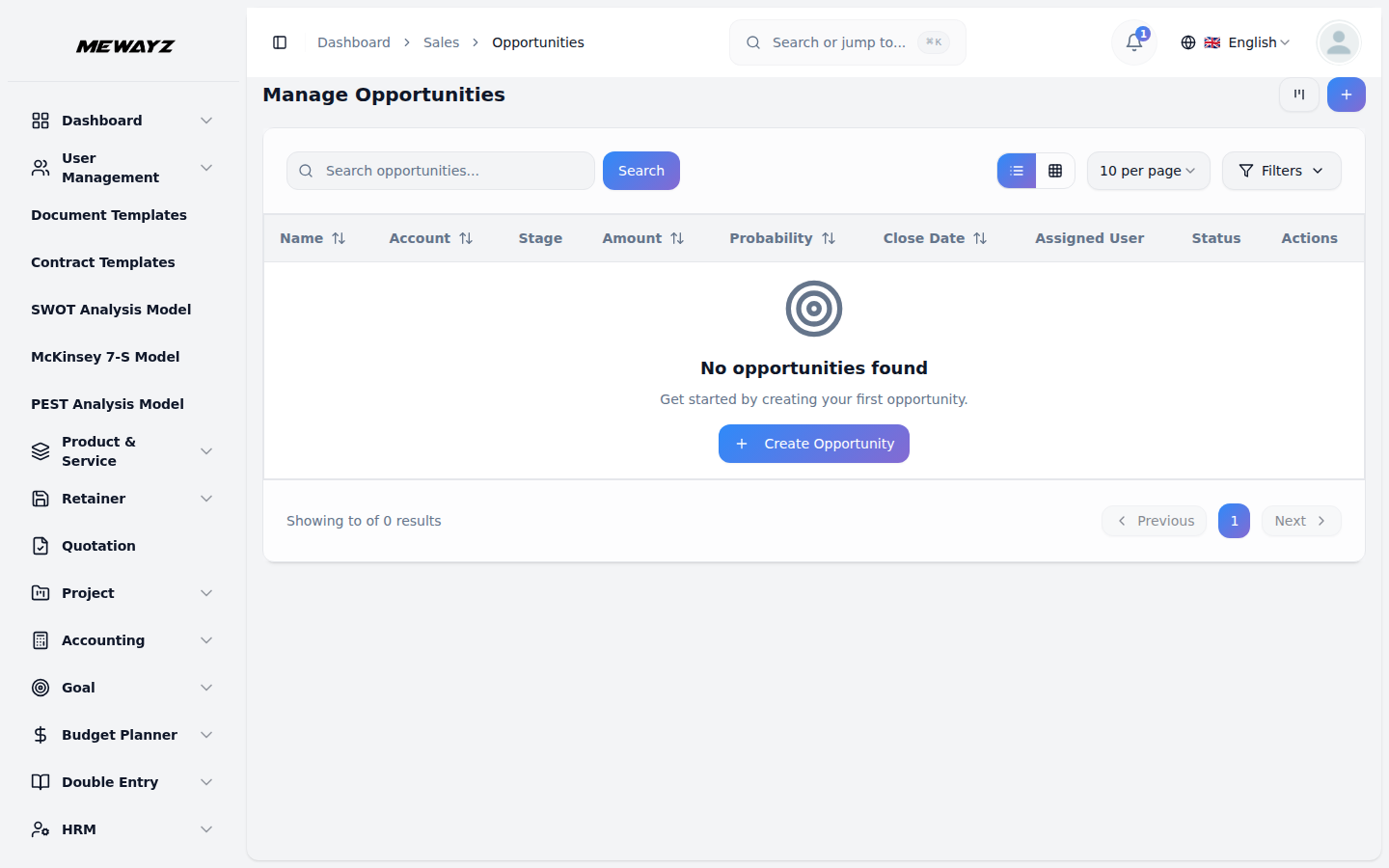
Opportunities
Win/loss tracking, forecast roll-up.
CRM · 06
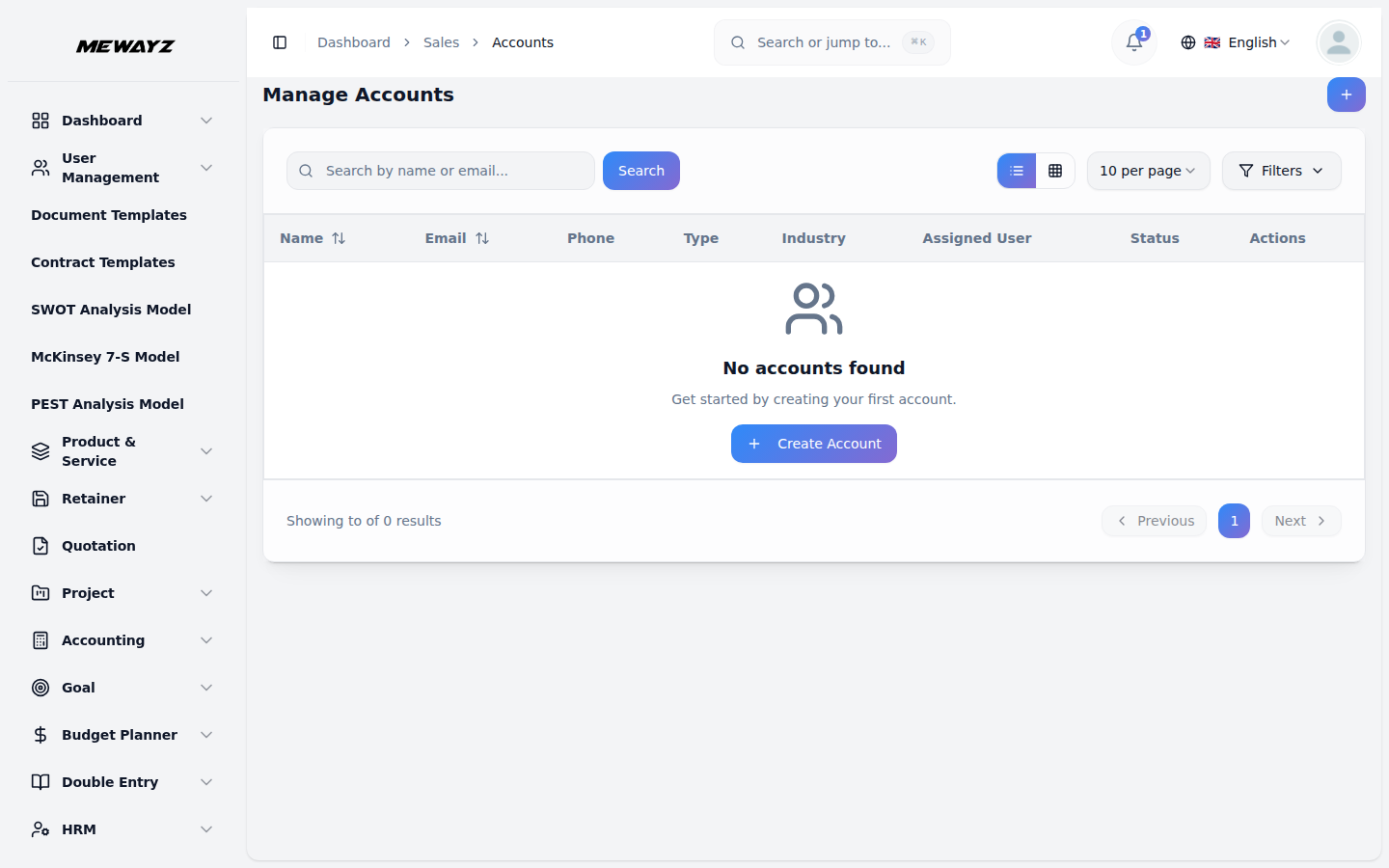
Accounts
Account hierarchy, multi-contact orgs.
CRM · 07
Tasks
Follow-ups, reminders, auto-tasks from stage moves.
CRM · 08
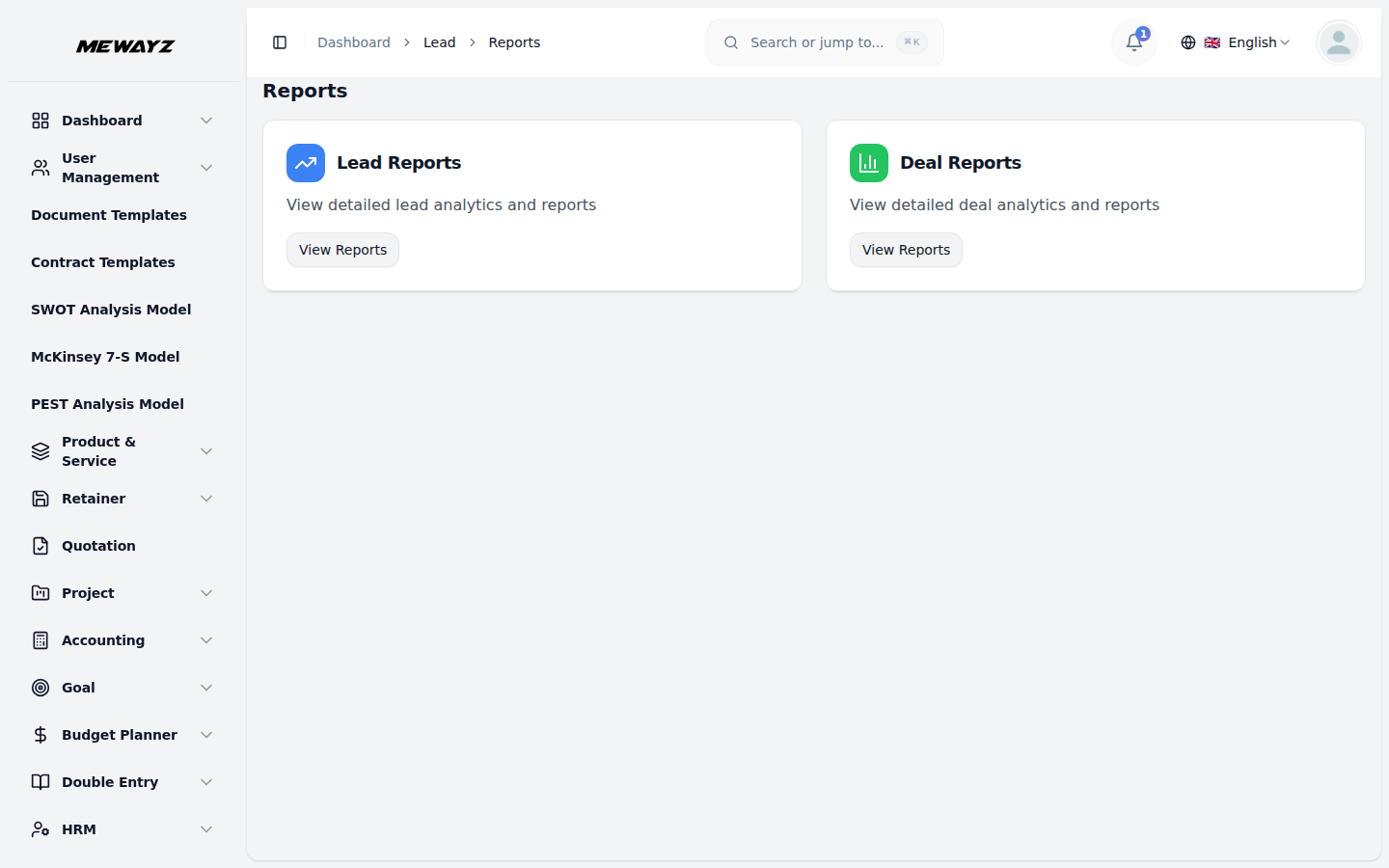
Reports
Funnel, velocity, source ROI, rep performance.
Configuration without code
CRM · setup
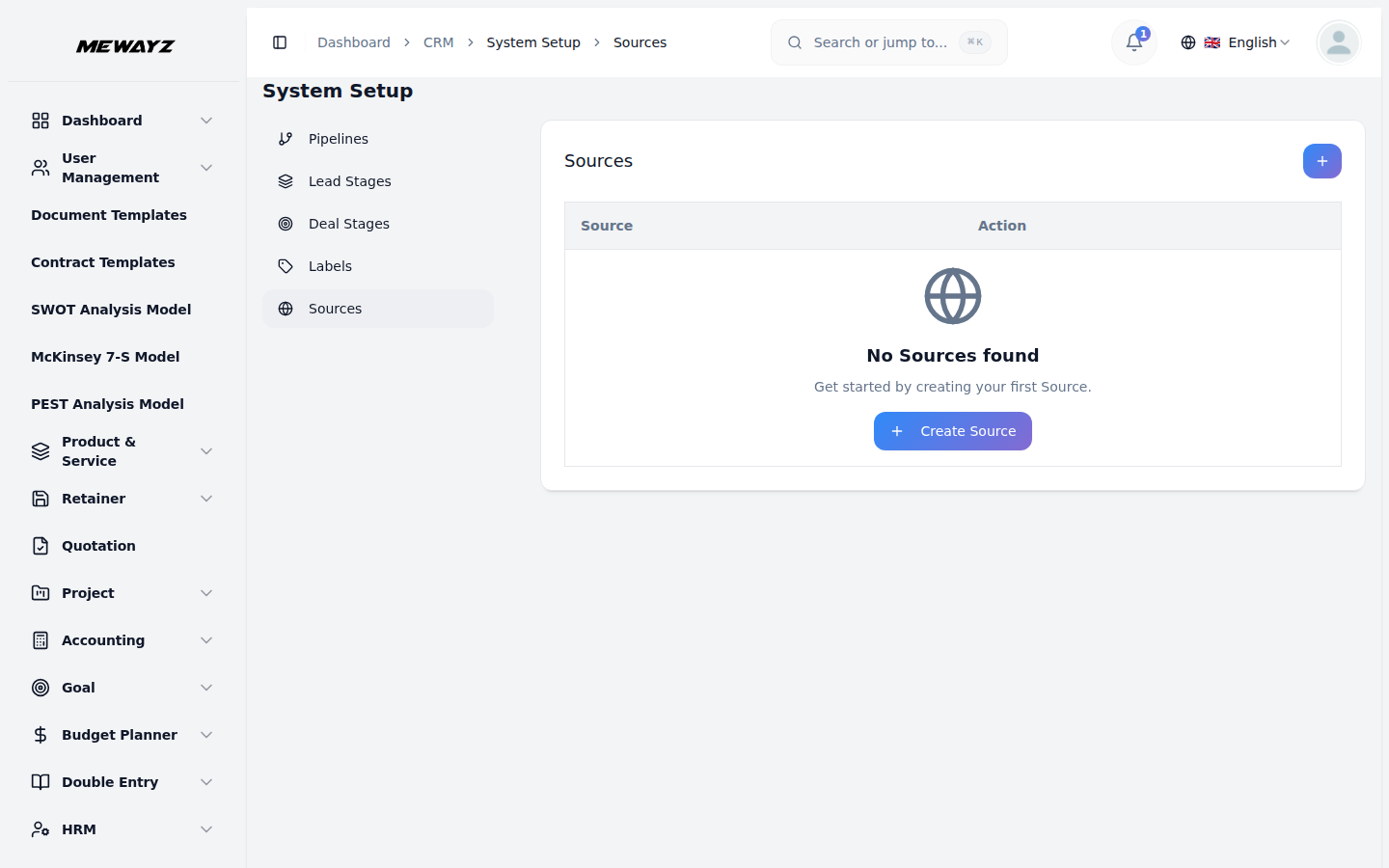
Lead sources
UTM-aware lead source taxonomy.
CRM · setup
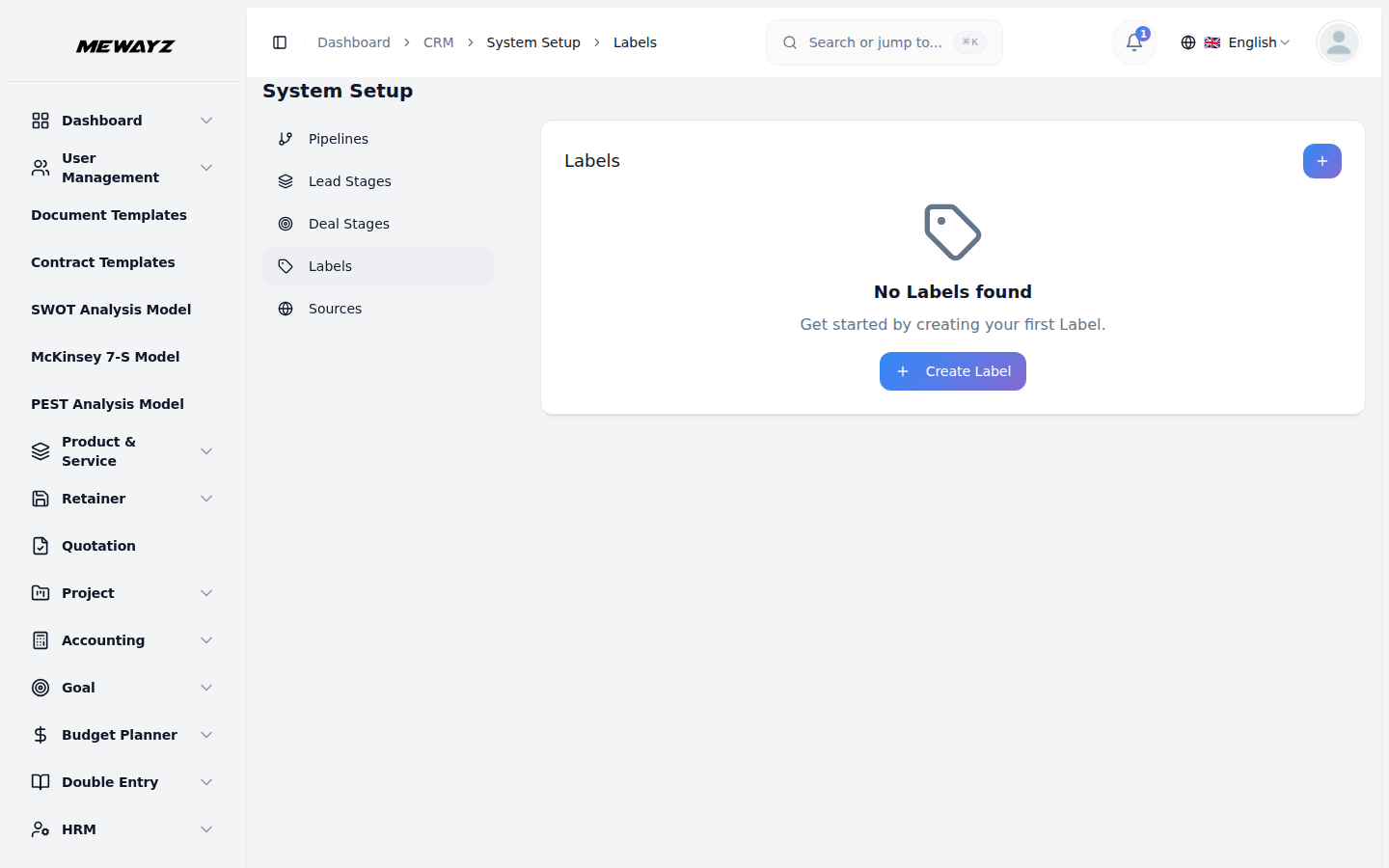
Labels
Tagging system for contacts and deals.
CRM · setup
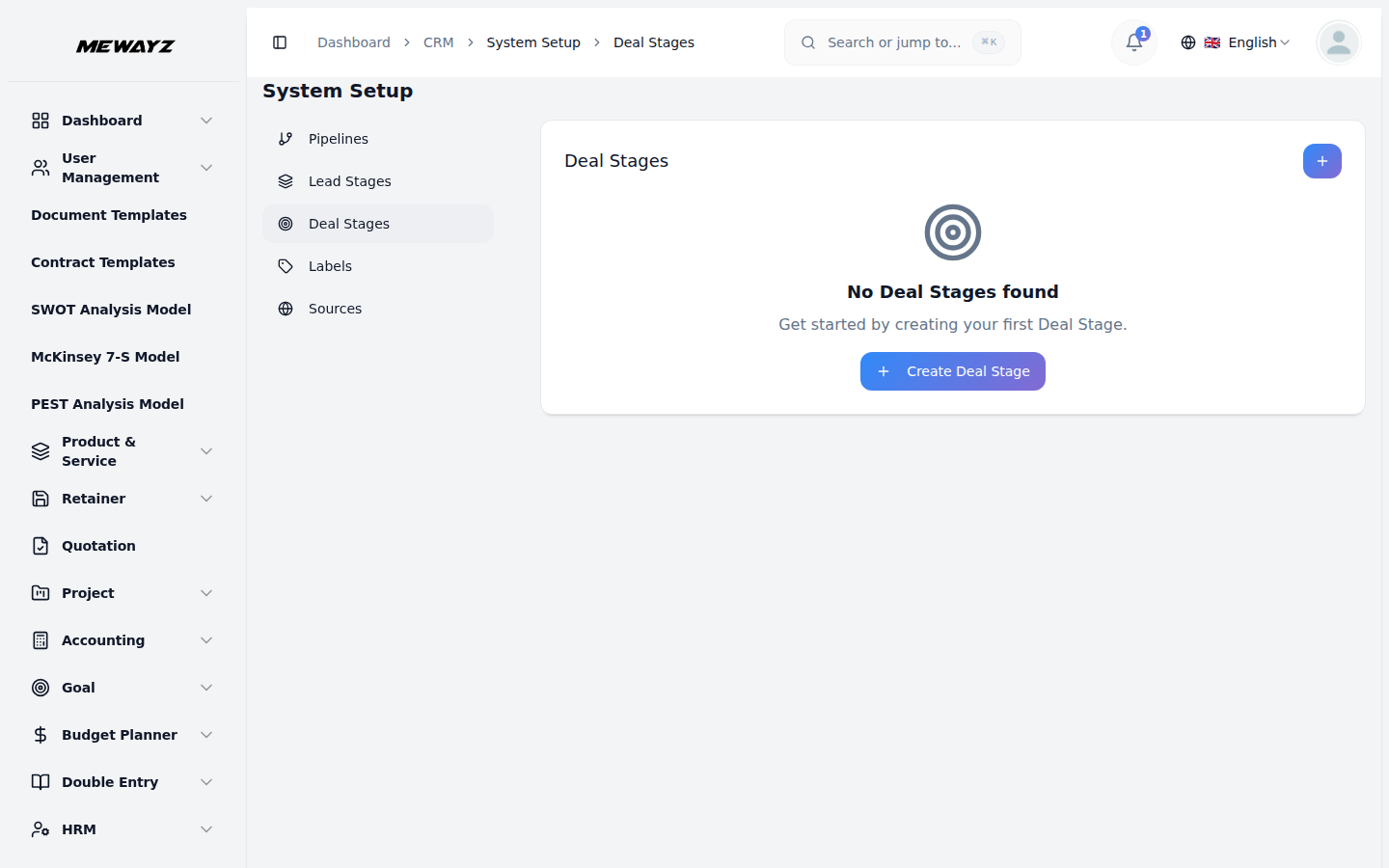
Deal stages
Custom stages per pipeline.
CRM · setup
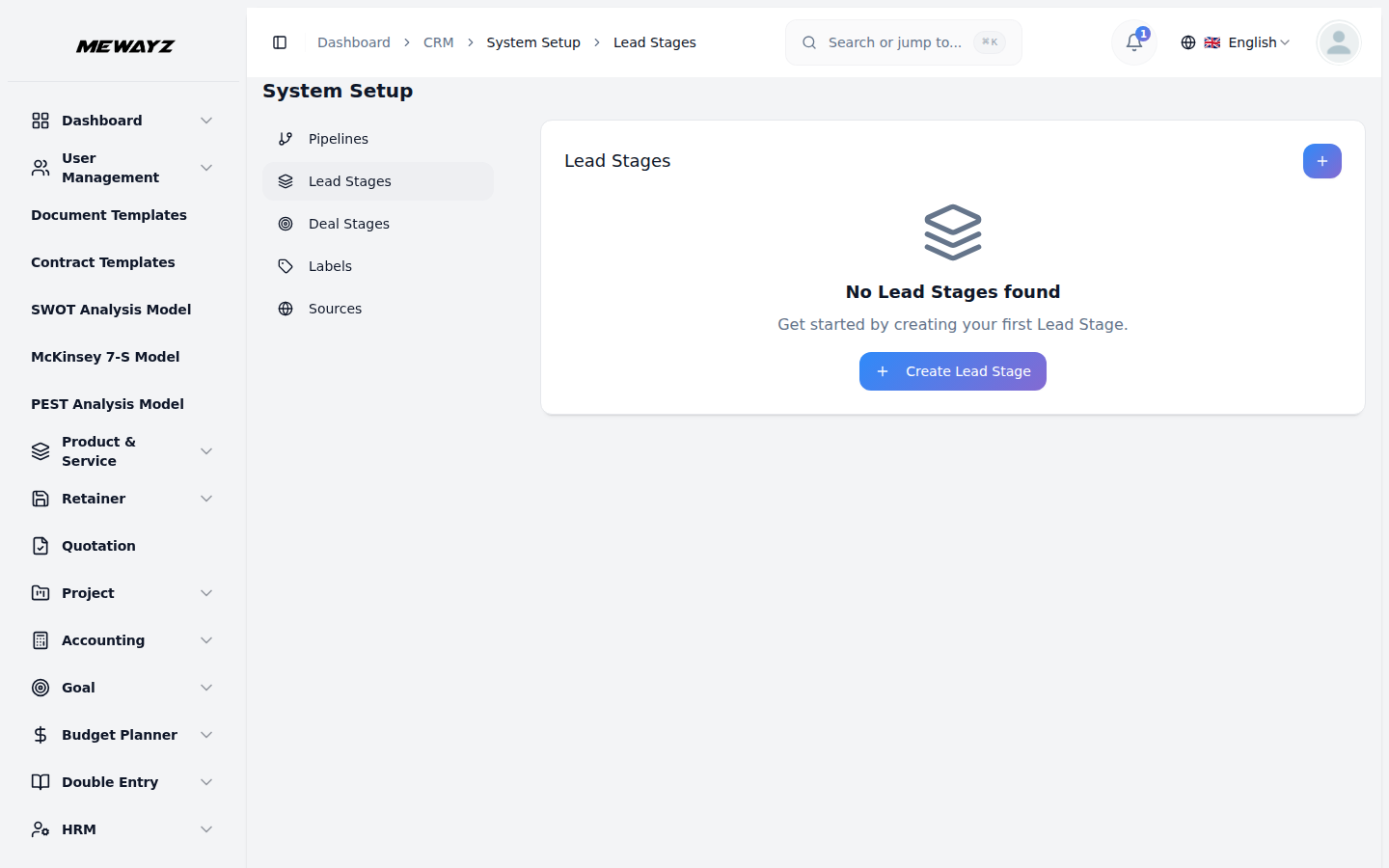
Lead stages
Disposition stages for the SDR funnel.
CRM · calls
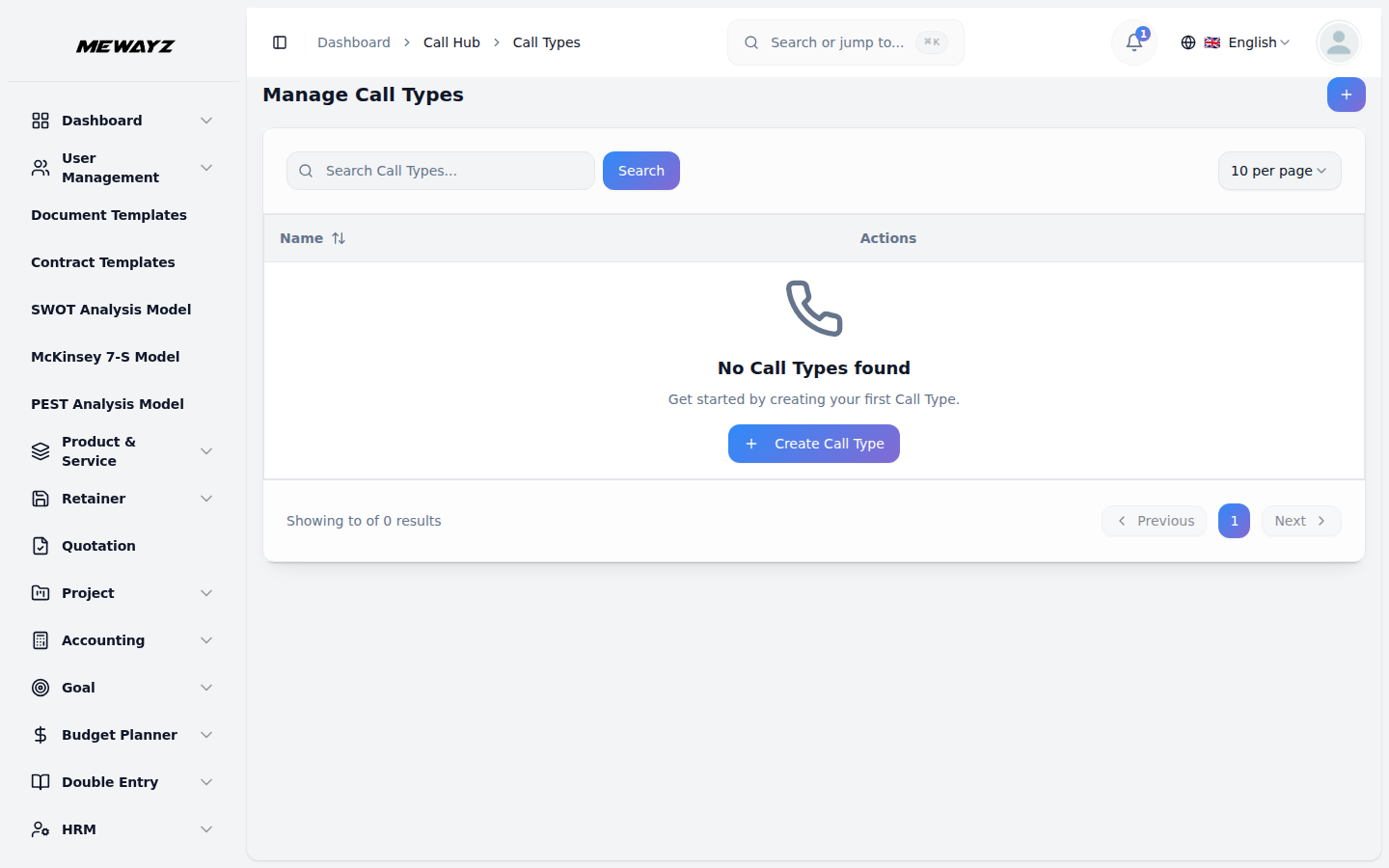
Call types
Discovery, demo, follow-up, kickoff, typed.
CRM · calls
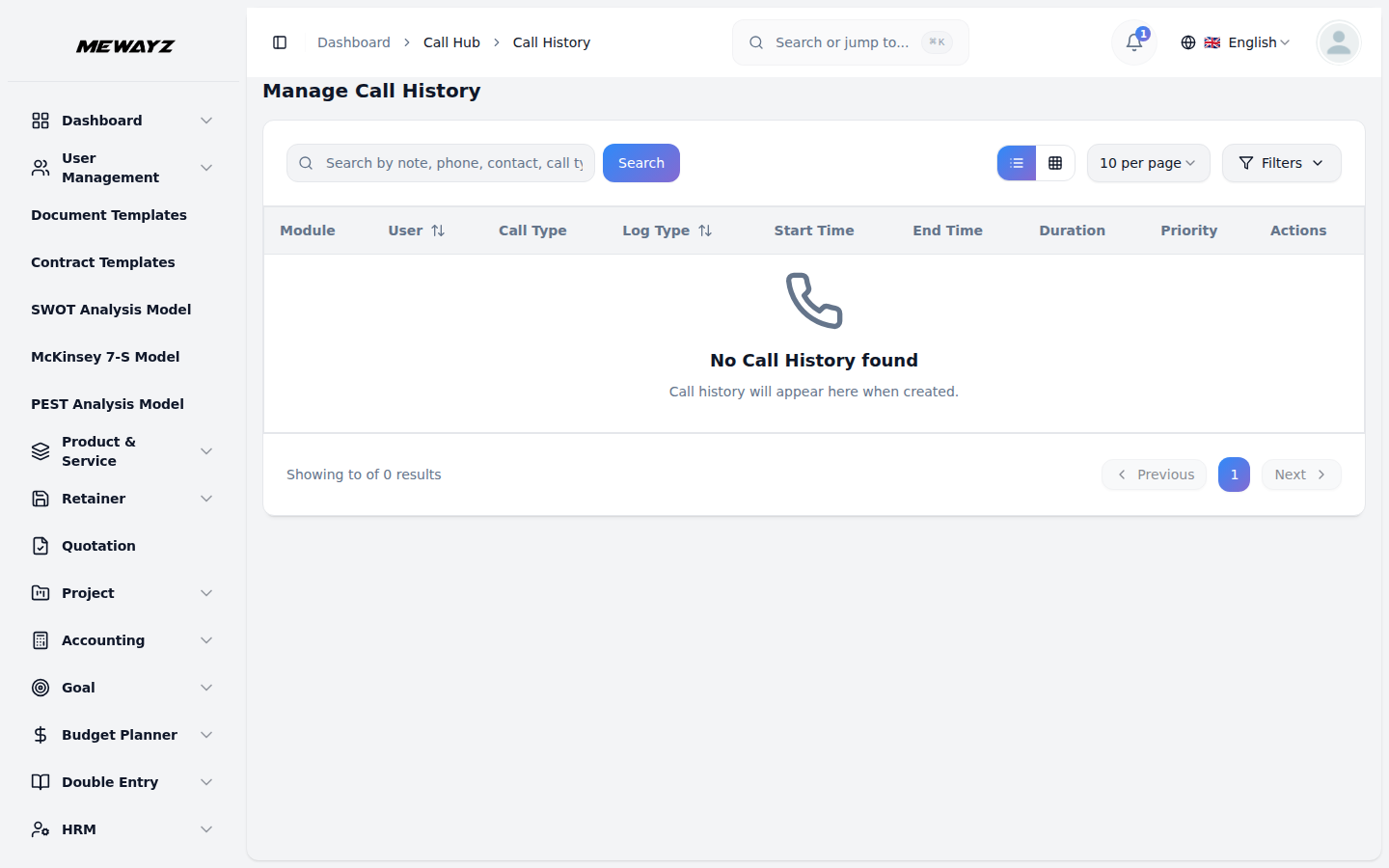
Call history
Every call logged against the contact + deal.
CRM · calls
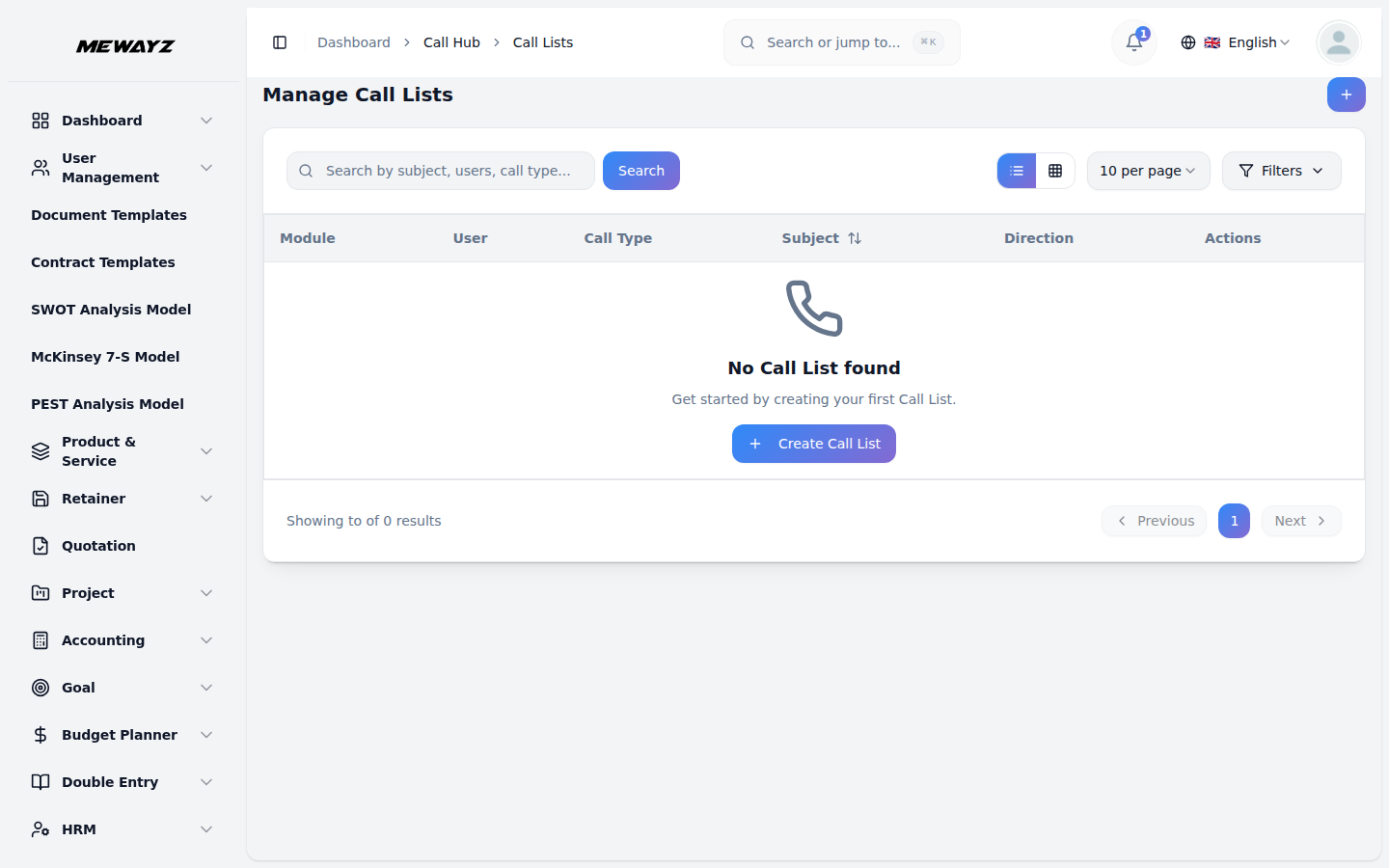
Call lists
Power-dial lists with auto-disposition.
CRM · calls
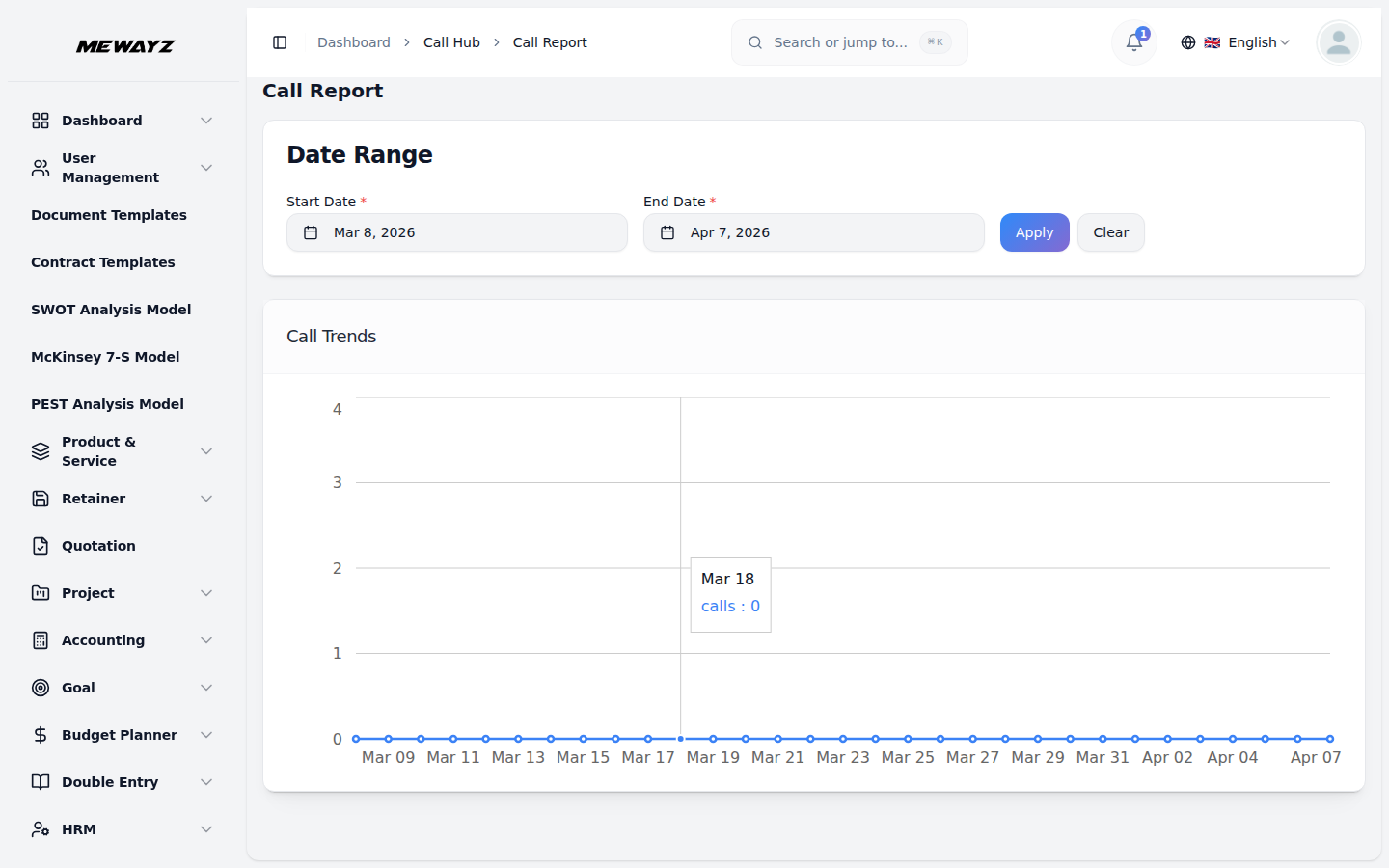
Call reports
Dials, talk time, connect rate, by rep.
CRM · prospecting
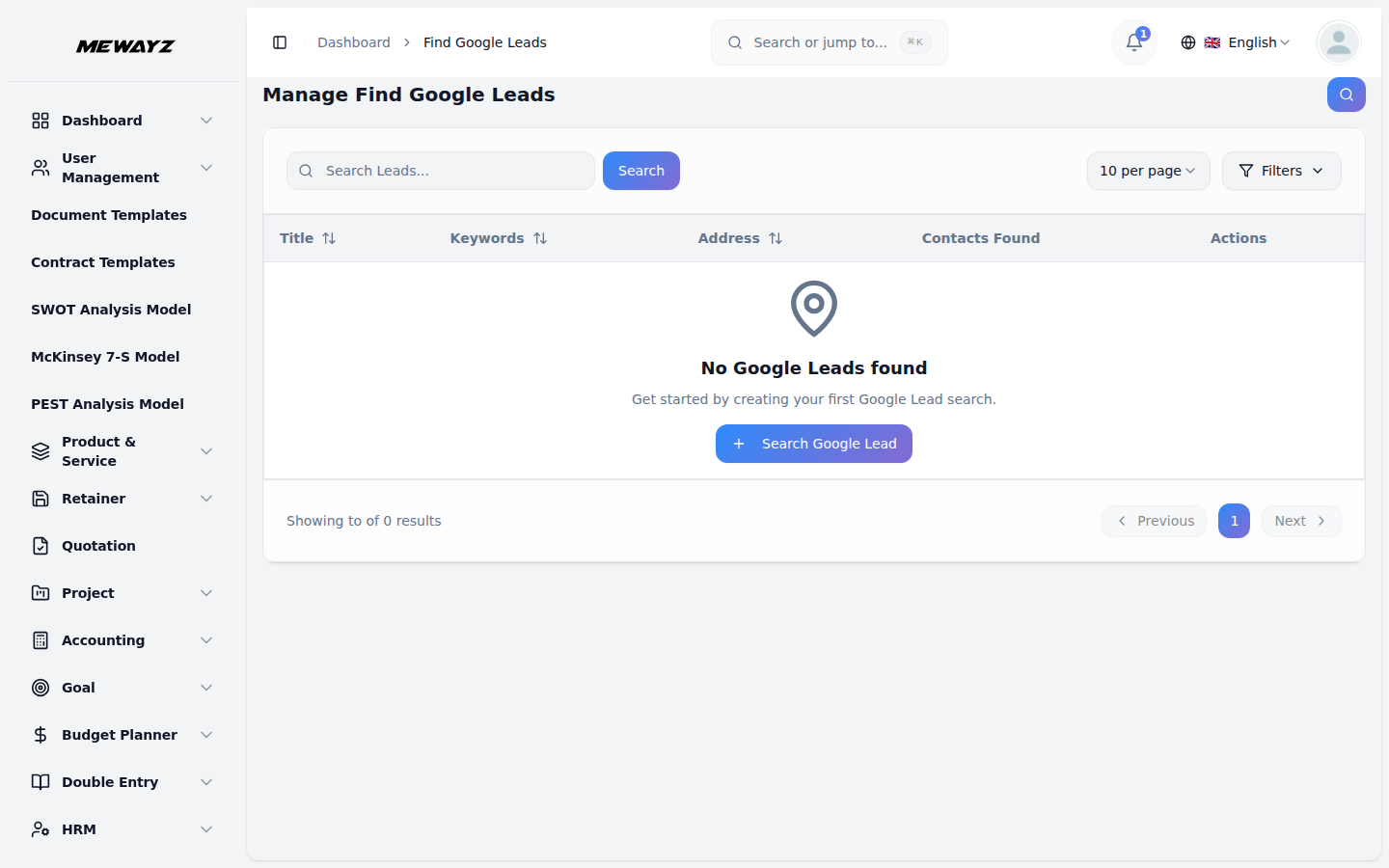
Find leads
Search businesses, enrich, push to pipeline.
04 · Quotes & orders
Quote, invoice, collect.
The closed deal flows into a quote, the accepted quote into an order, the fulfilled order into an invoice. Same records, four labels, zero copy-paste.
Sales · 01
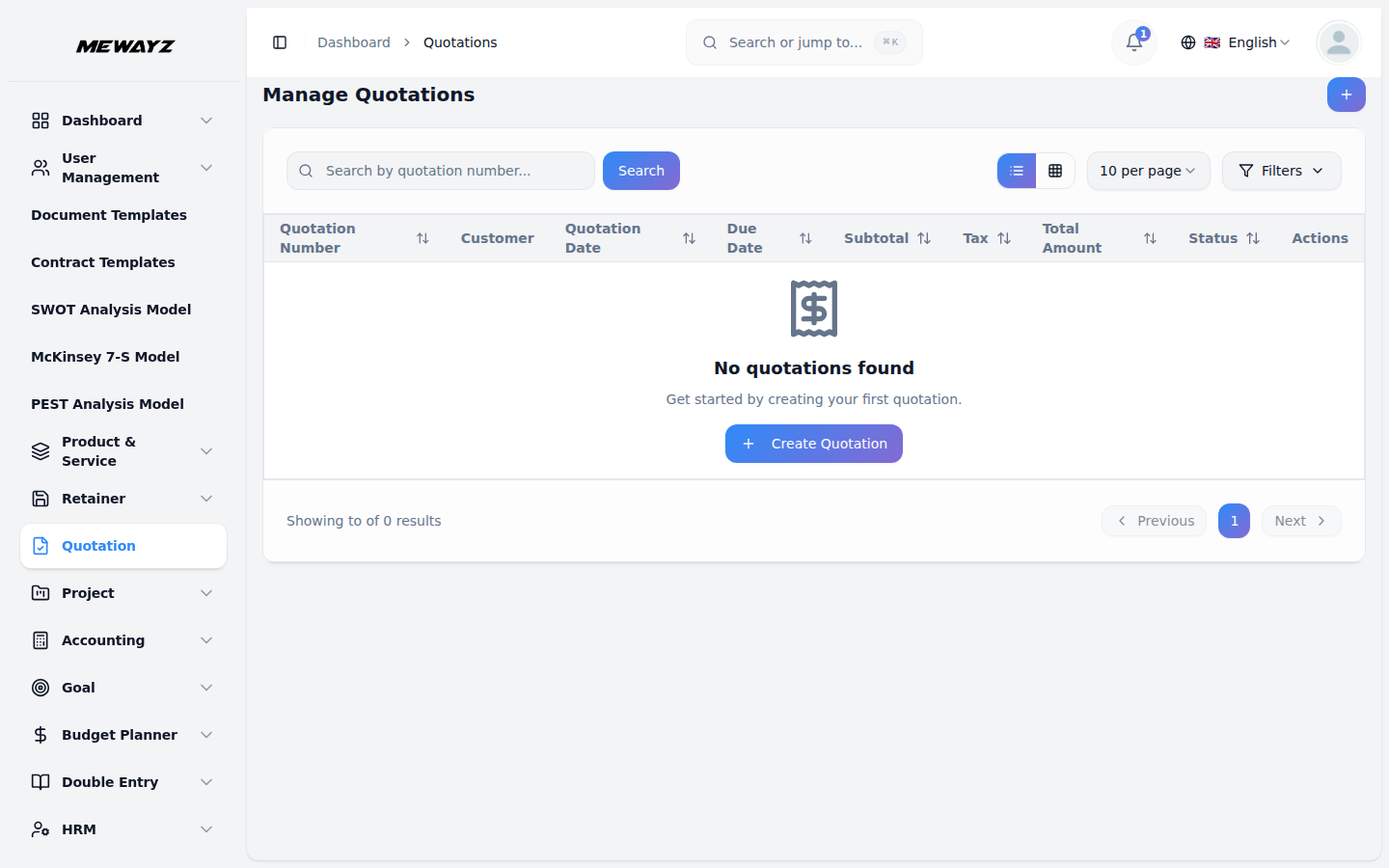
Quotations
Editable, branded, e-signable quotes.
Sales · 02
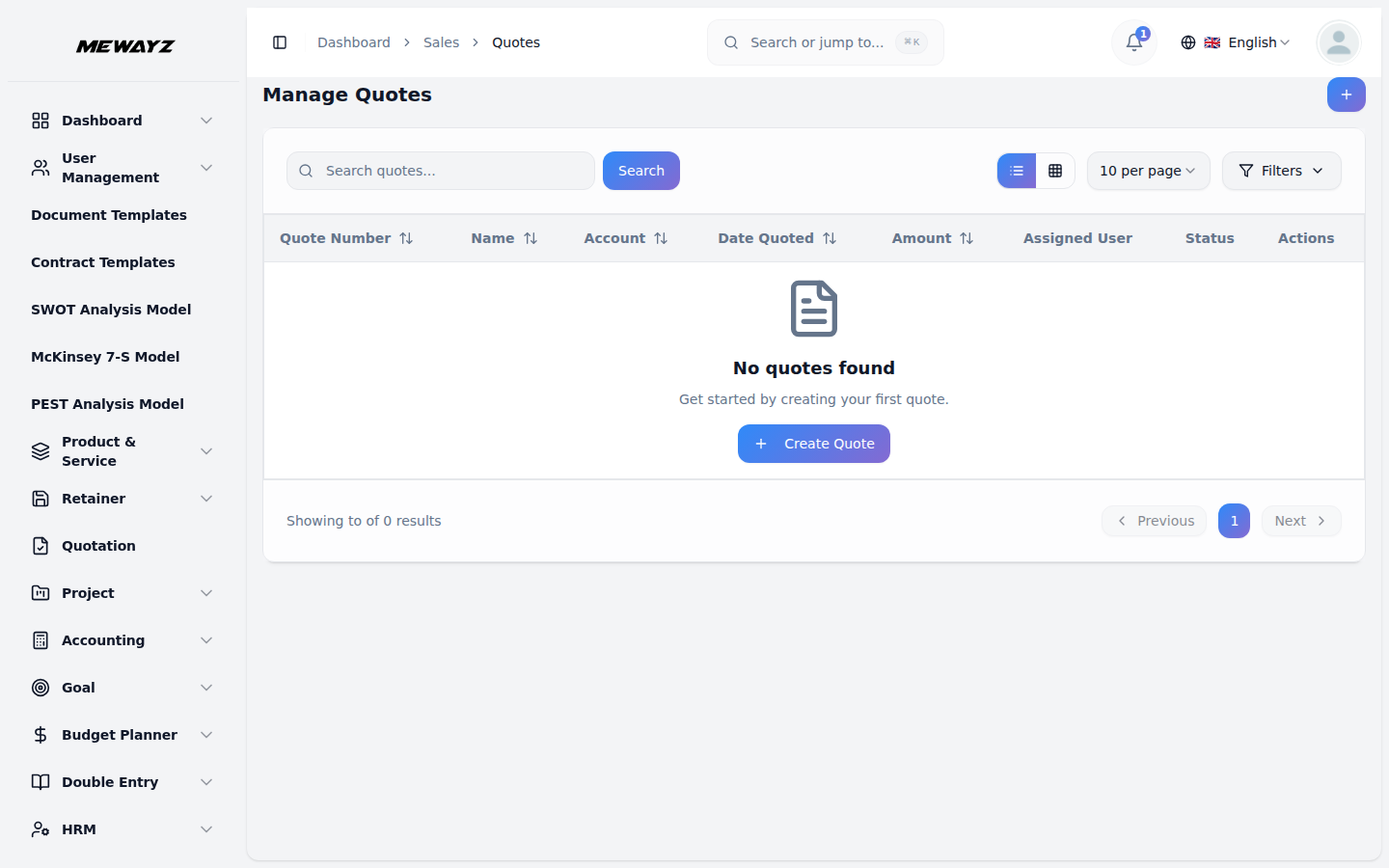
Quotes list
All quotes, status, expiry, accepted value.
Sales · 03
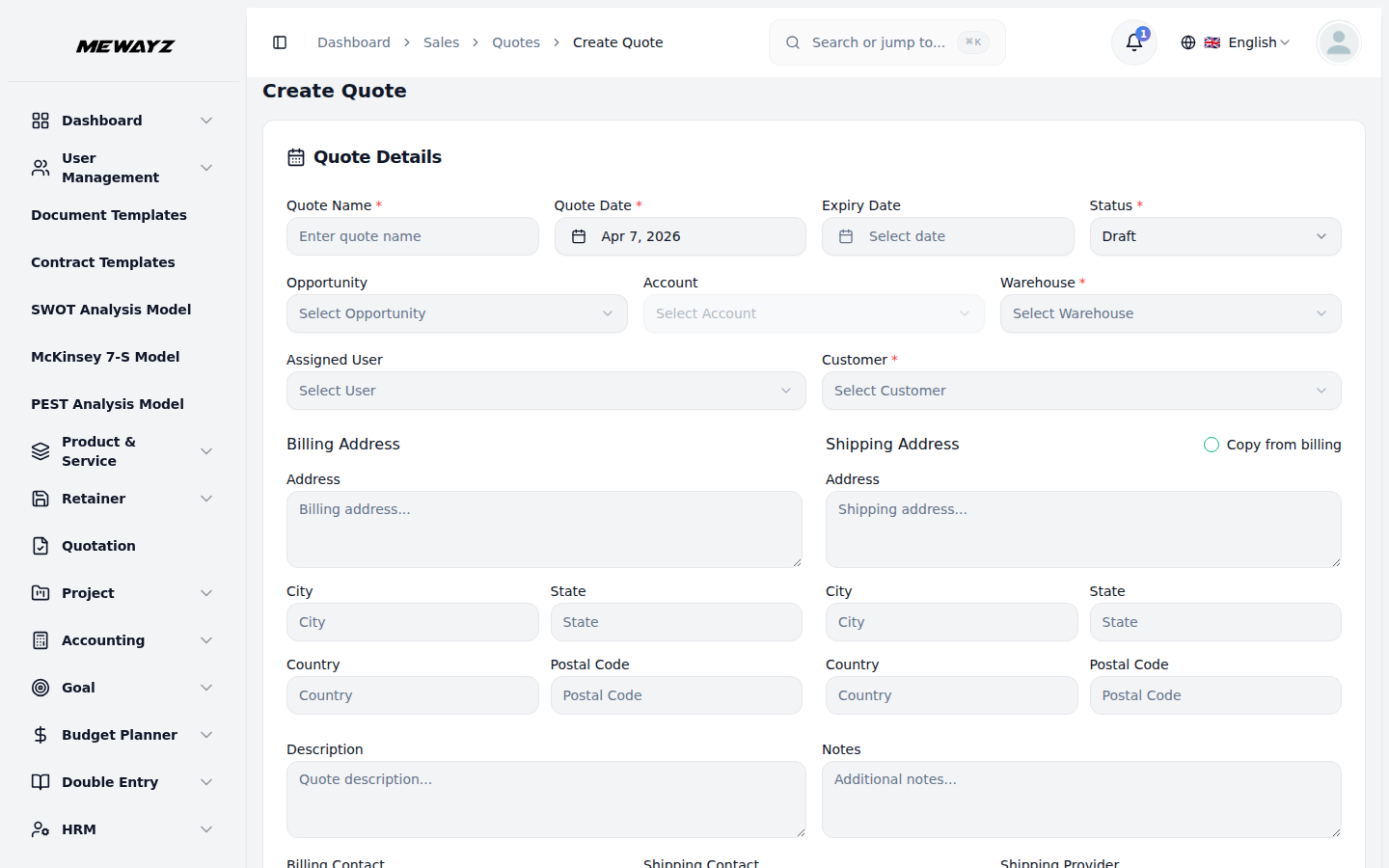
Create a quote
Product lines, discounts, tax, terms.
Sales · 04
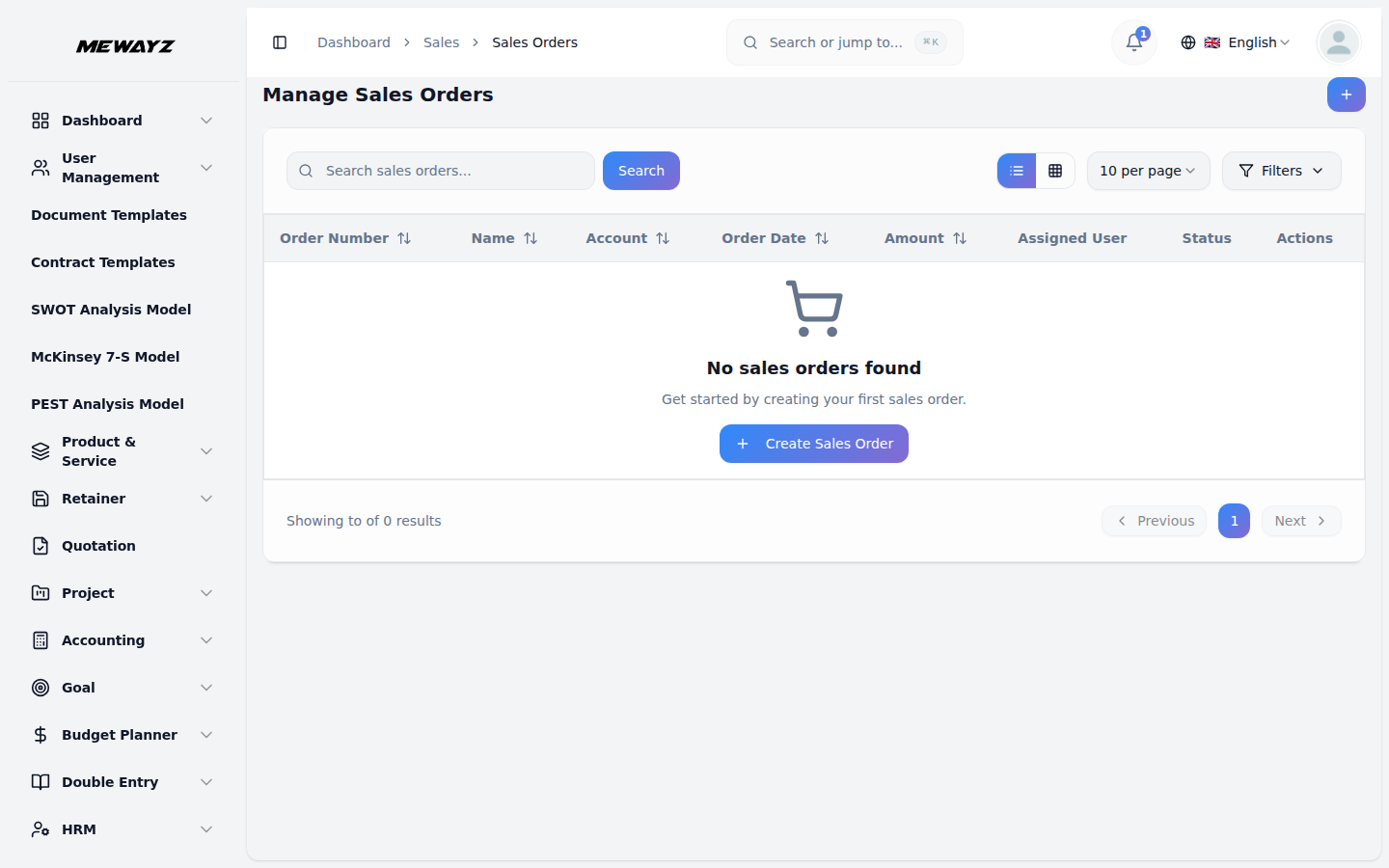
Orders
Fulfilment status, partial shipments, returns.
Sales · 05
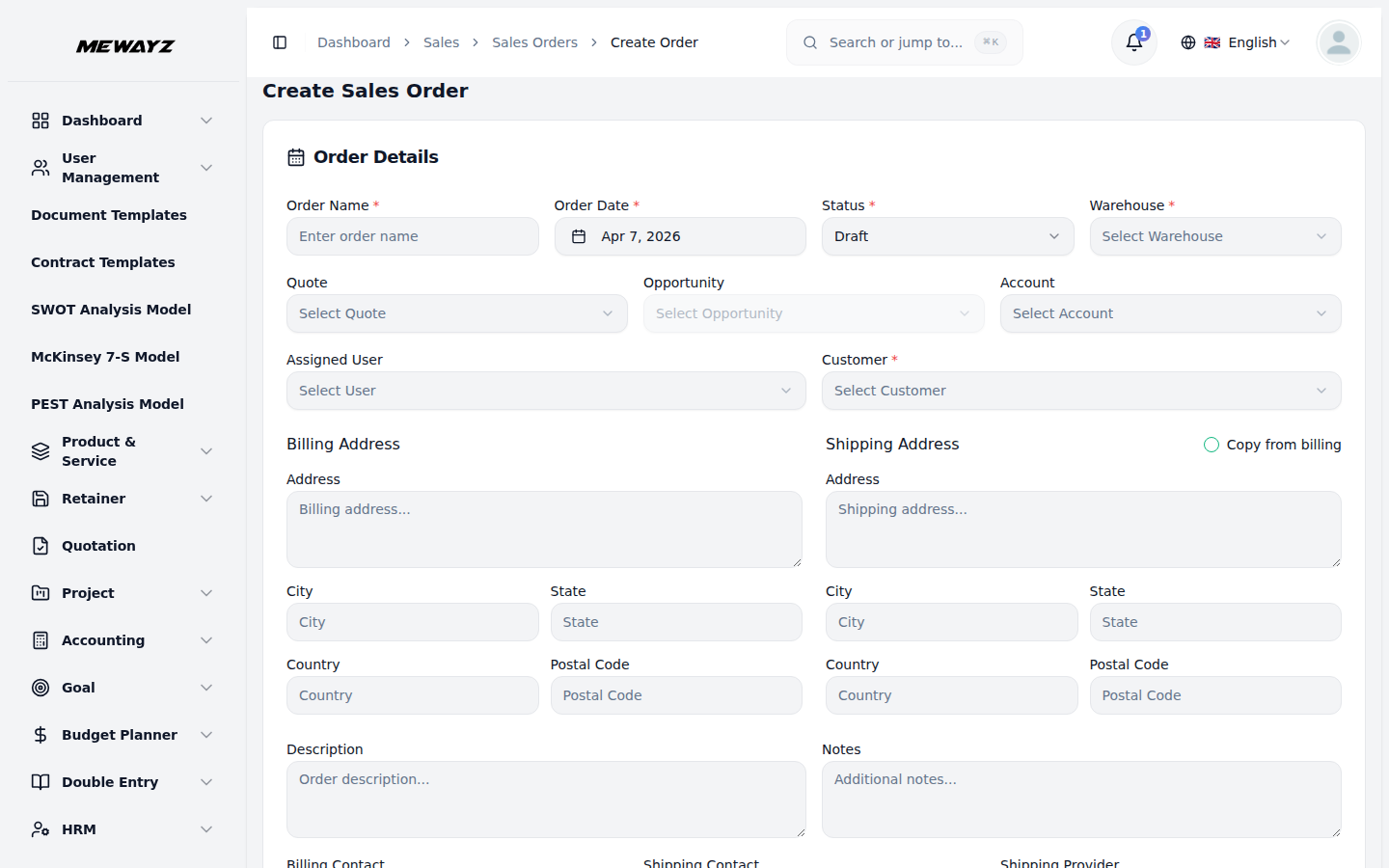
Create an order
From quote, from cart, or manually.
Sales · 06
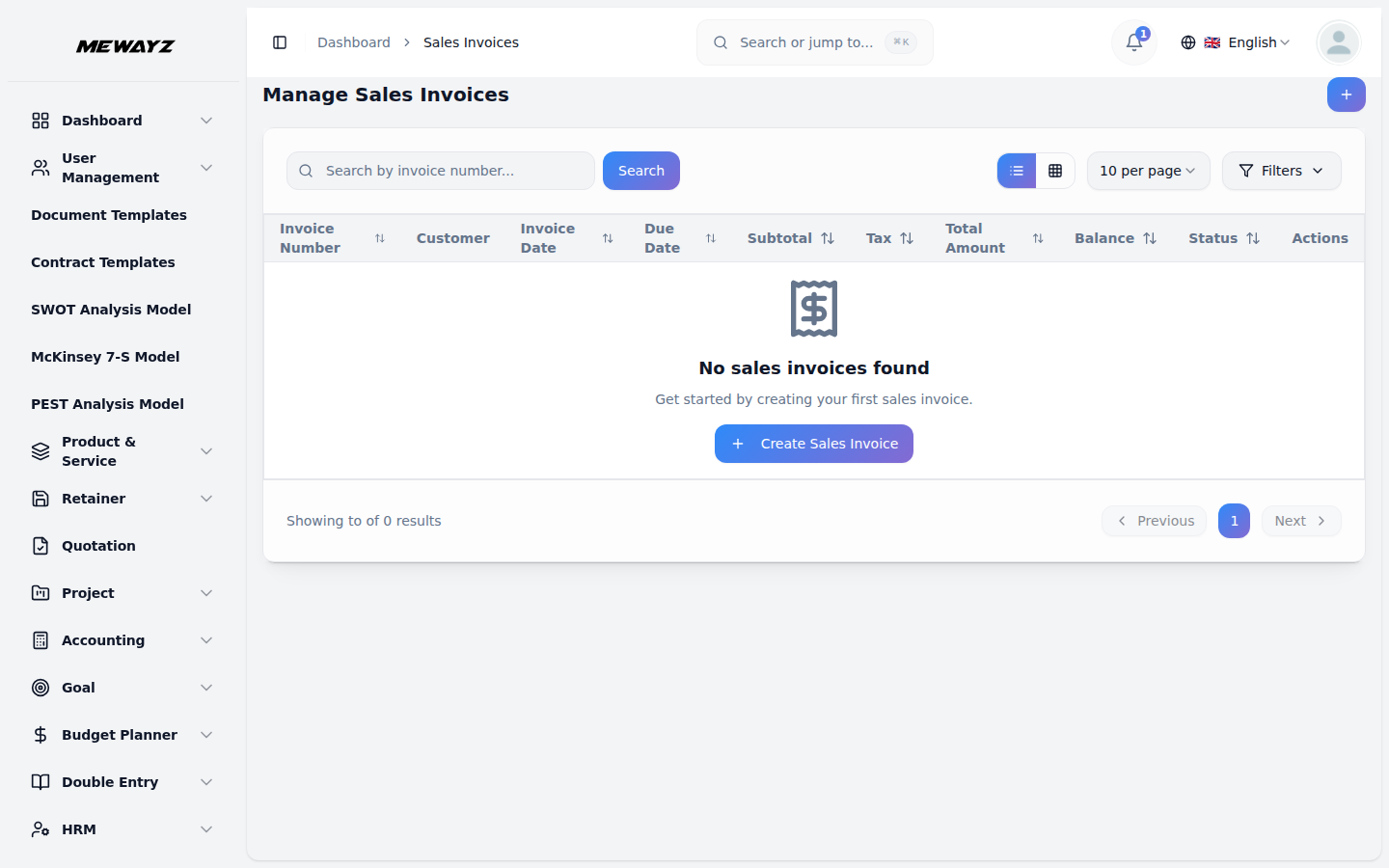
Sales invoices
Multi-currency, milestone, recurring.
05 · HR & people
One employee record. Every stage.
Offer letter to off-boarding on one record. Departments, designations, branches, shifts, leave, documents, the people-ops layer most teams stitch together from four tools.
HR · 01
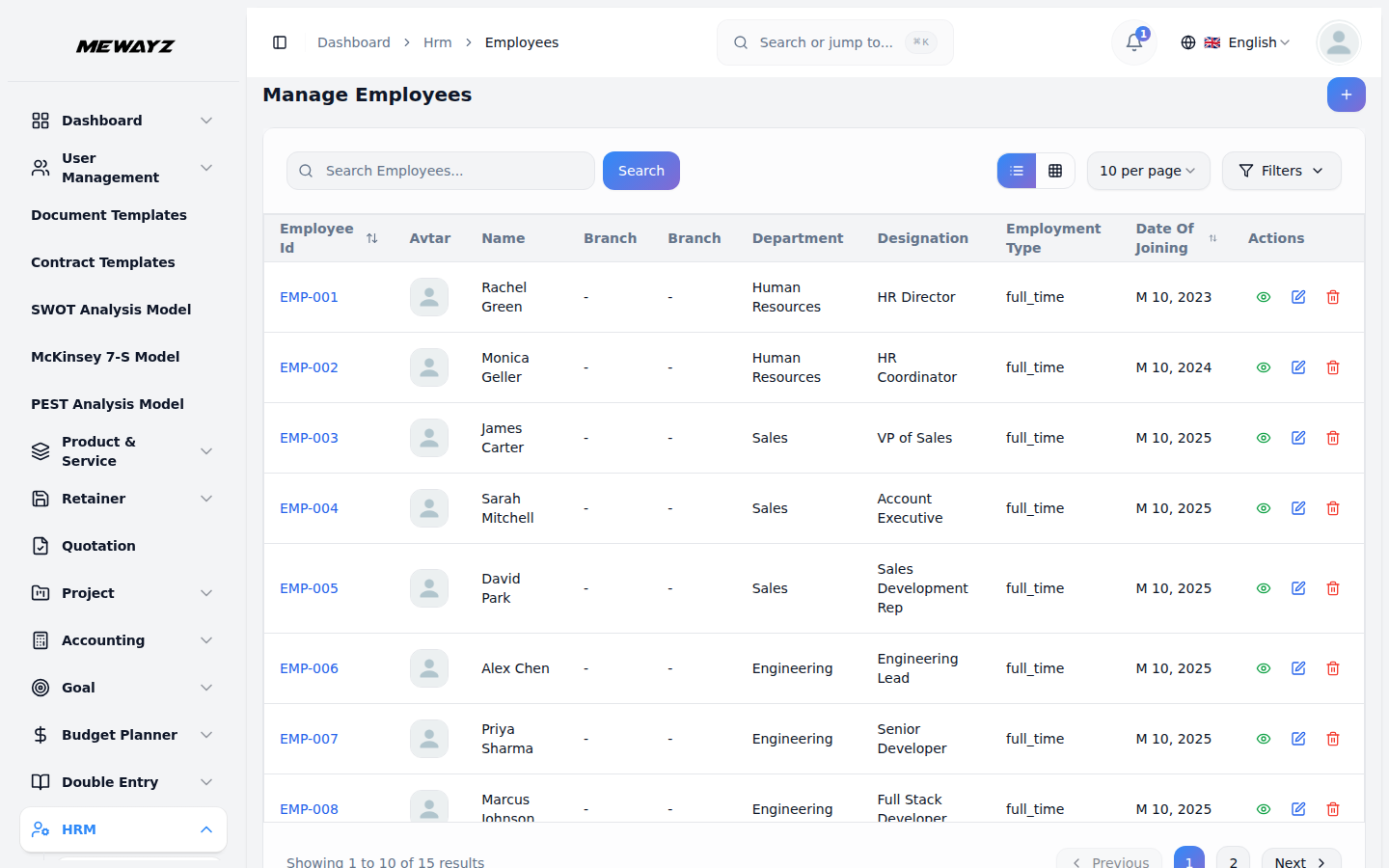
Employees
Master list, filters, bulk actions.
HR · 02
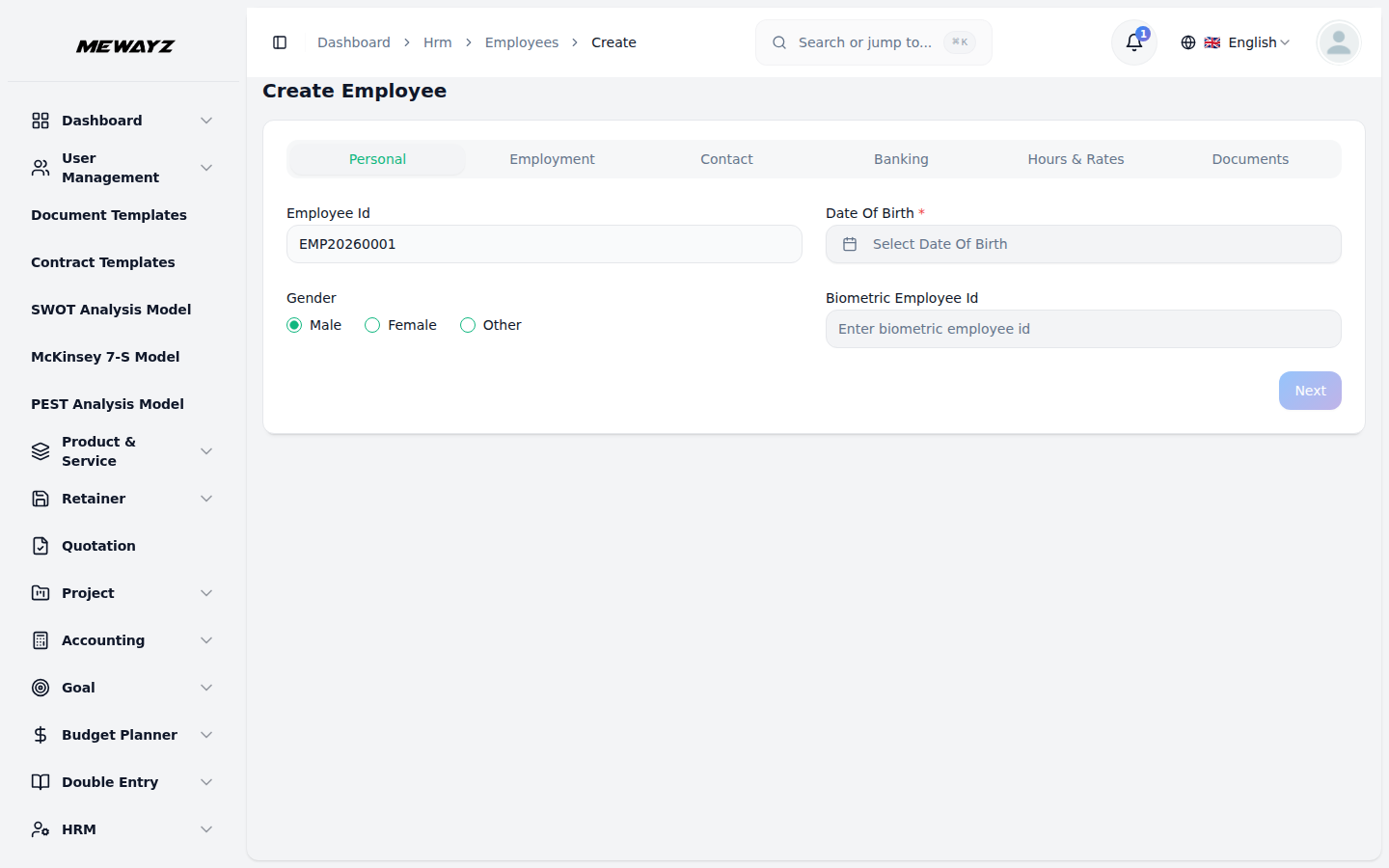
Create employee
All fields the IRS / HMRC / equivalent needs.
HR · 03
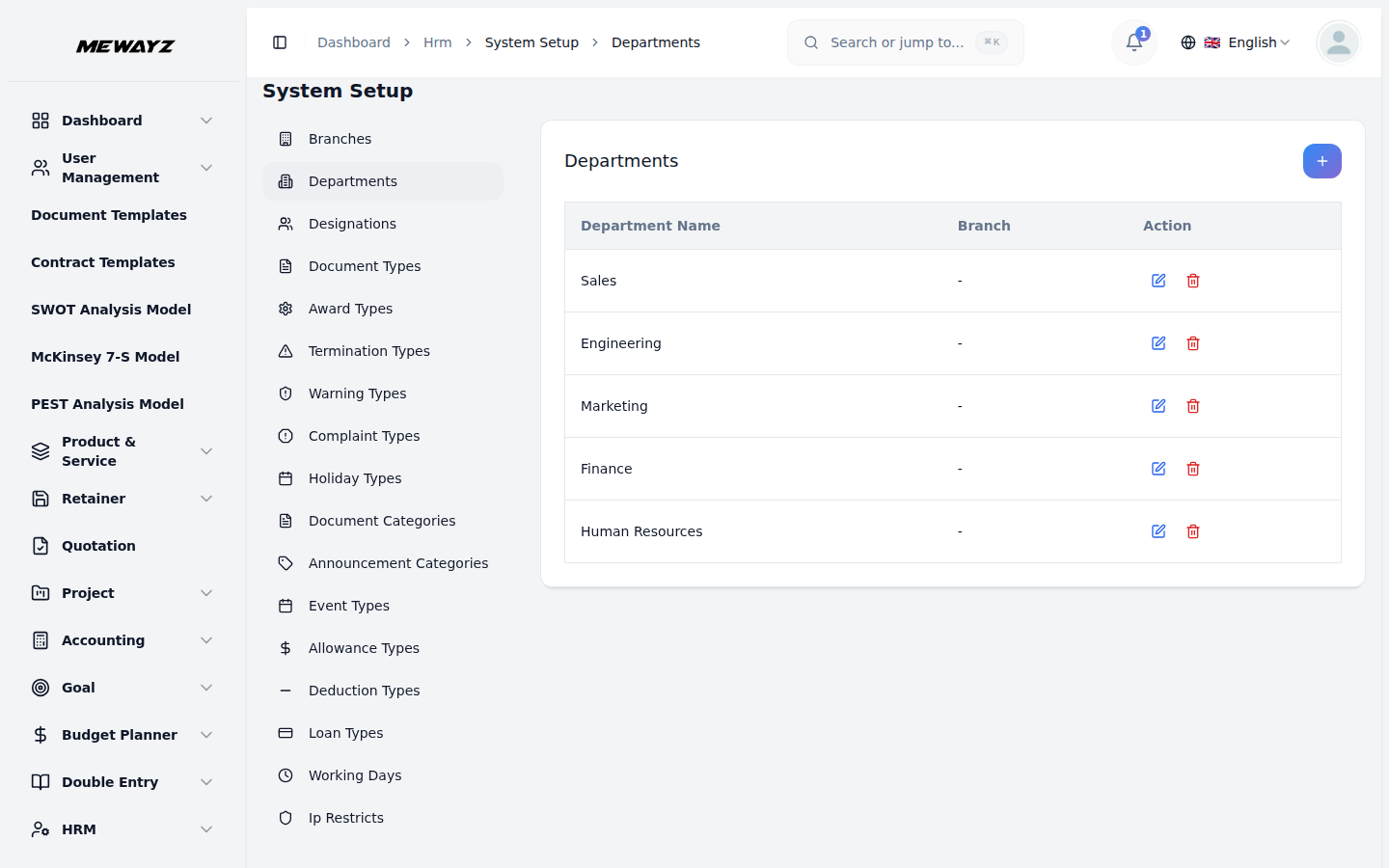
Departments
Department tree + reporting roll-ups.
HR · 04
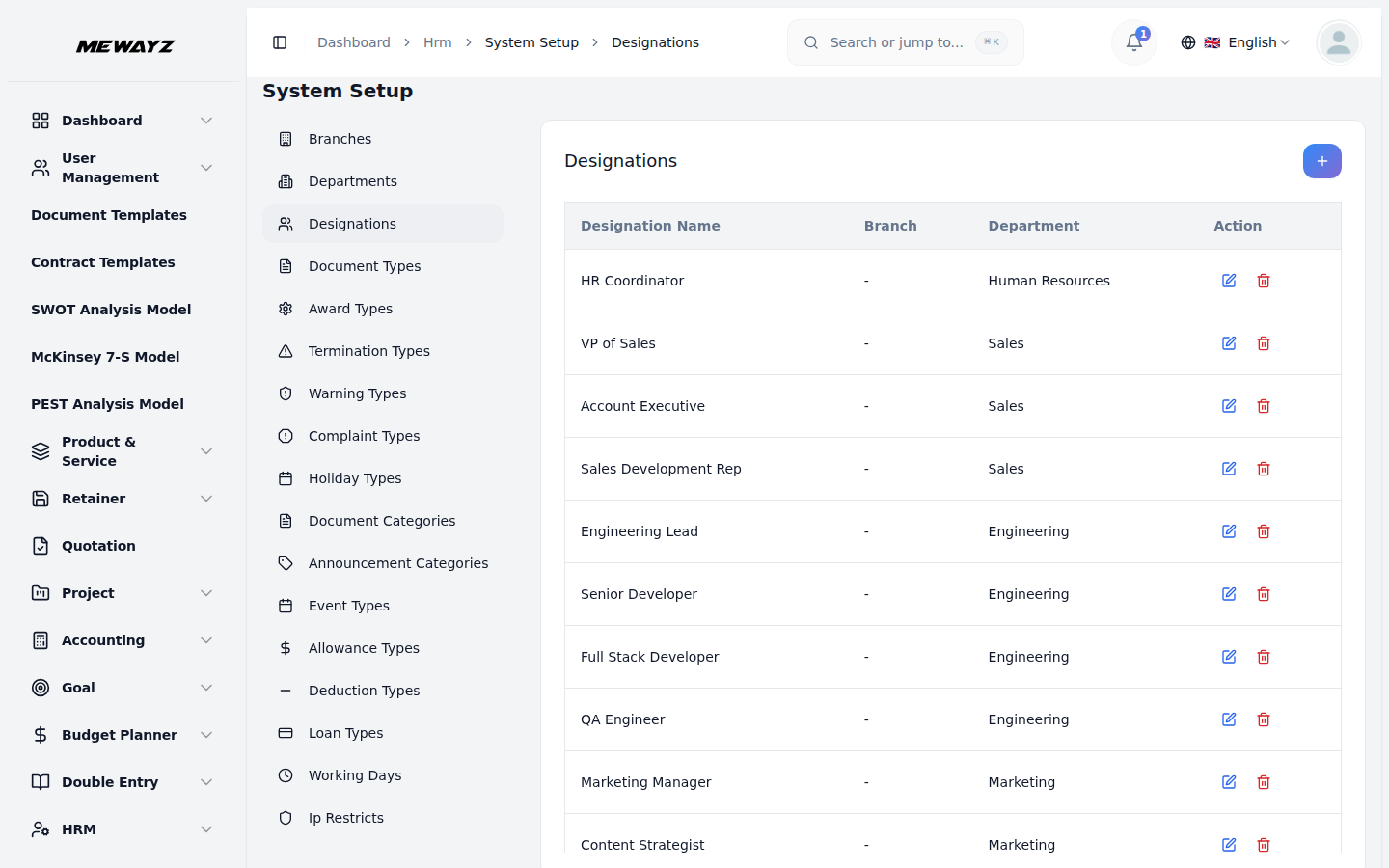
Designations
Job titles + level mapping.
HR · 05
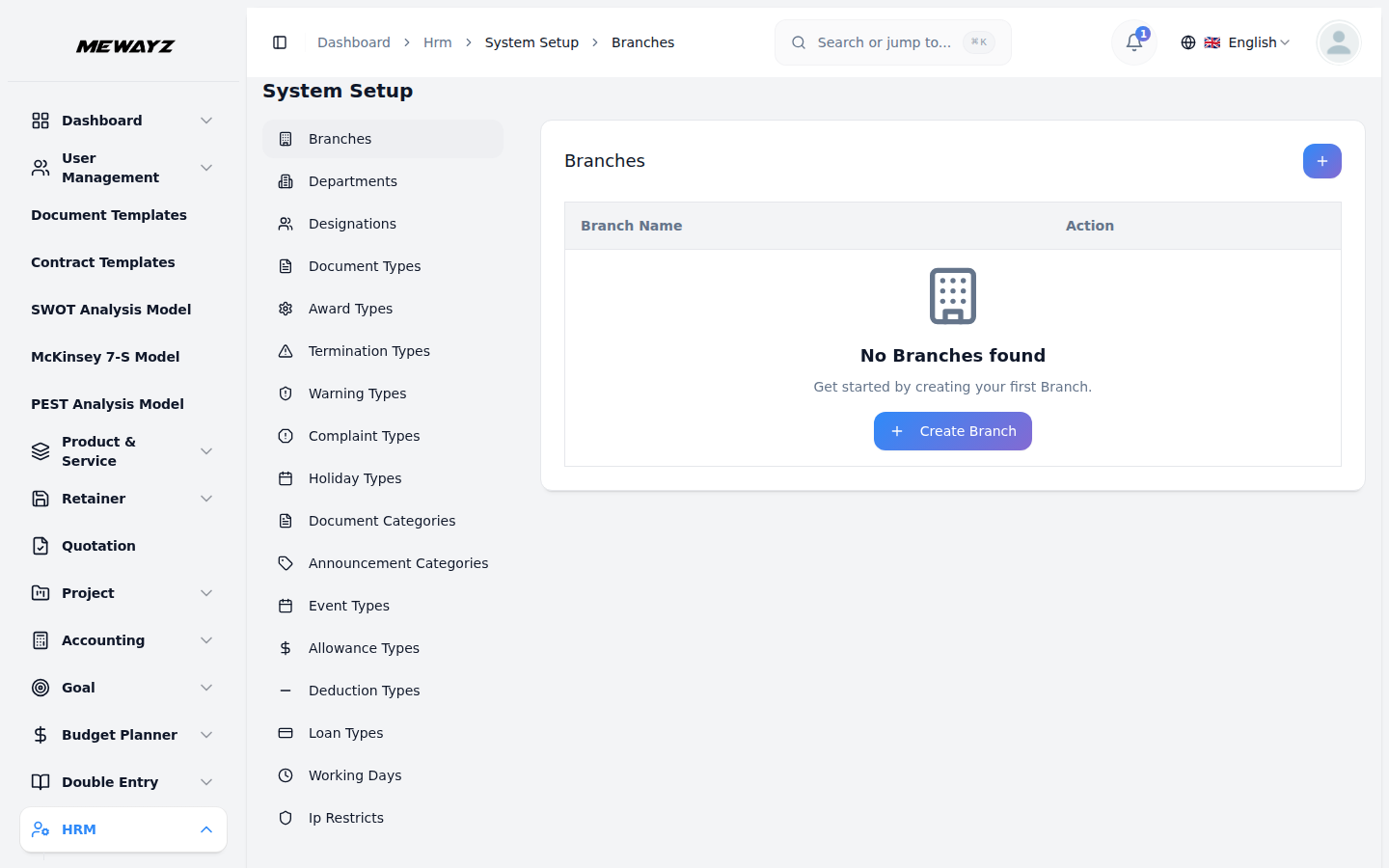
Branches / locations
Multi-location org structure.
HR · 06
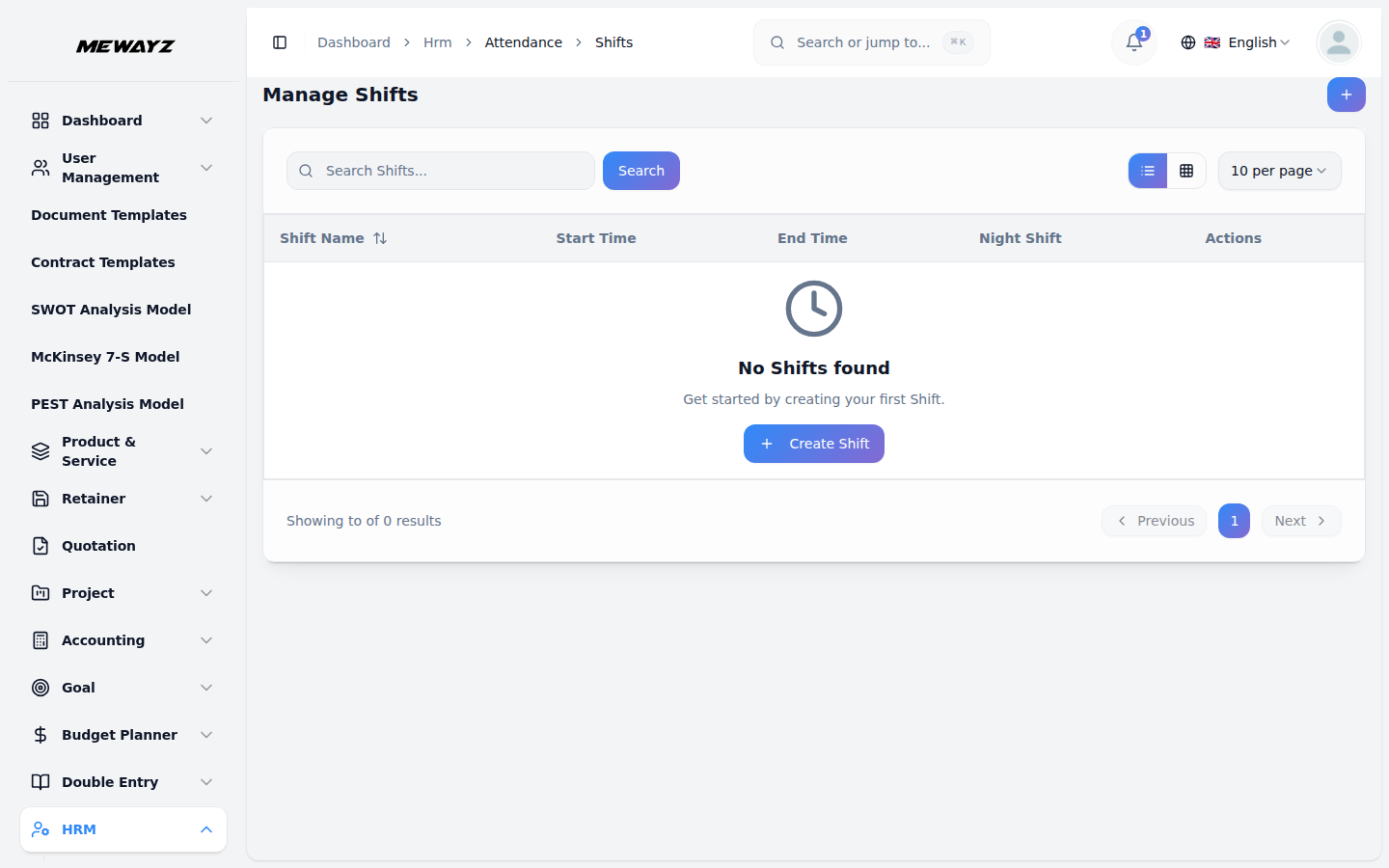
Shifts
Shift patterns, rotation rules.
Time, leave, attendance
Time · 01
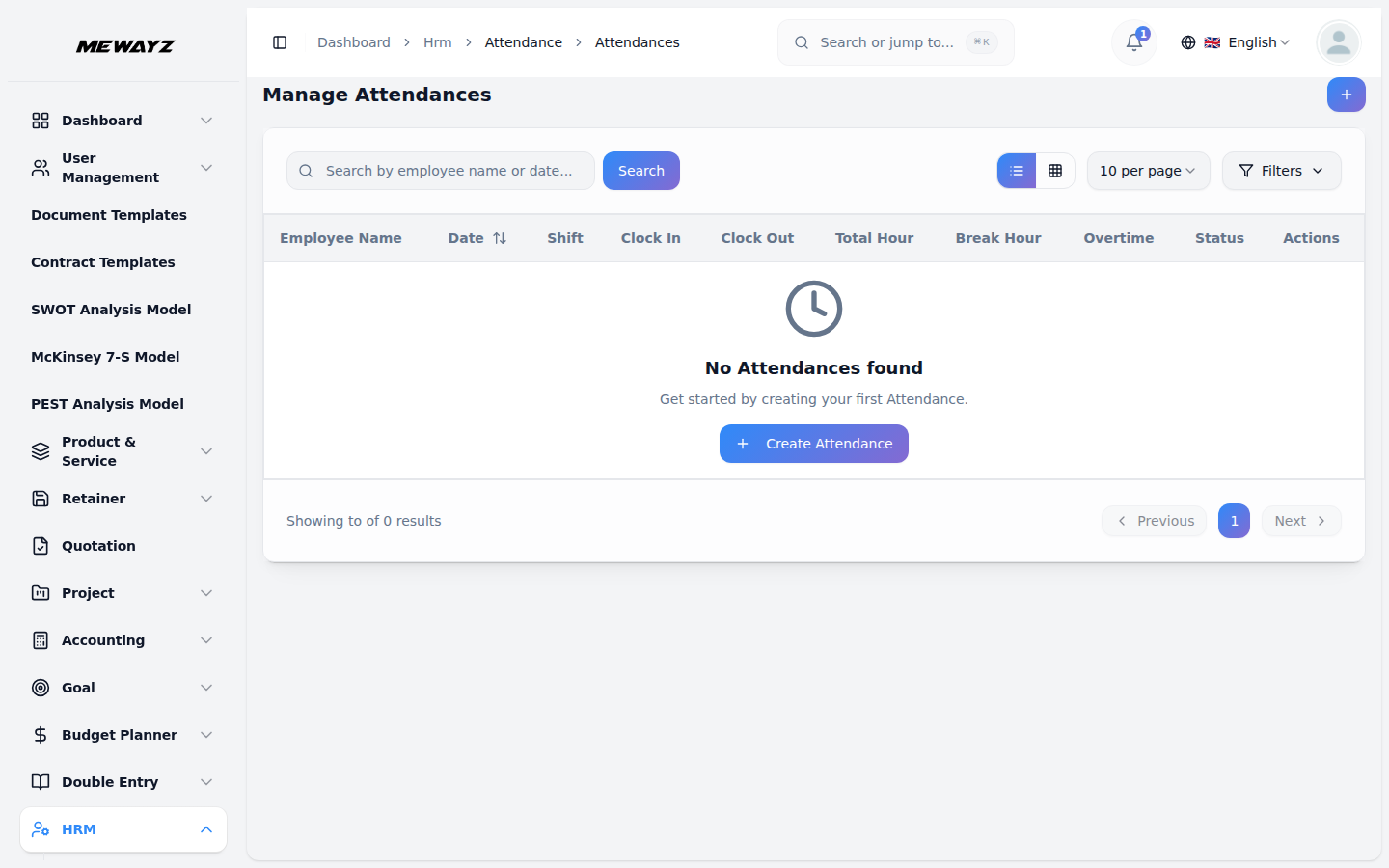
Attendance
Daily check-in, IP/geo-aware.
Time · 02
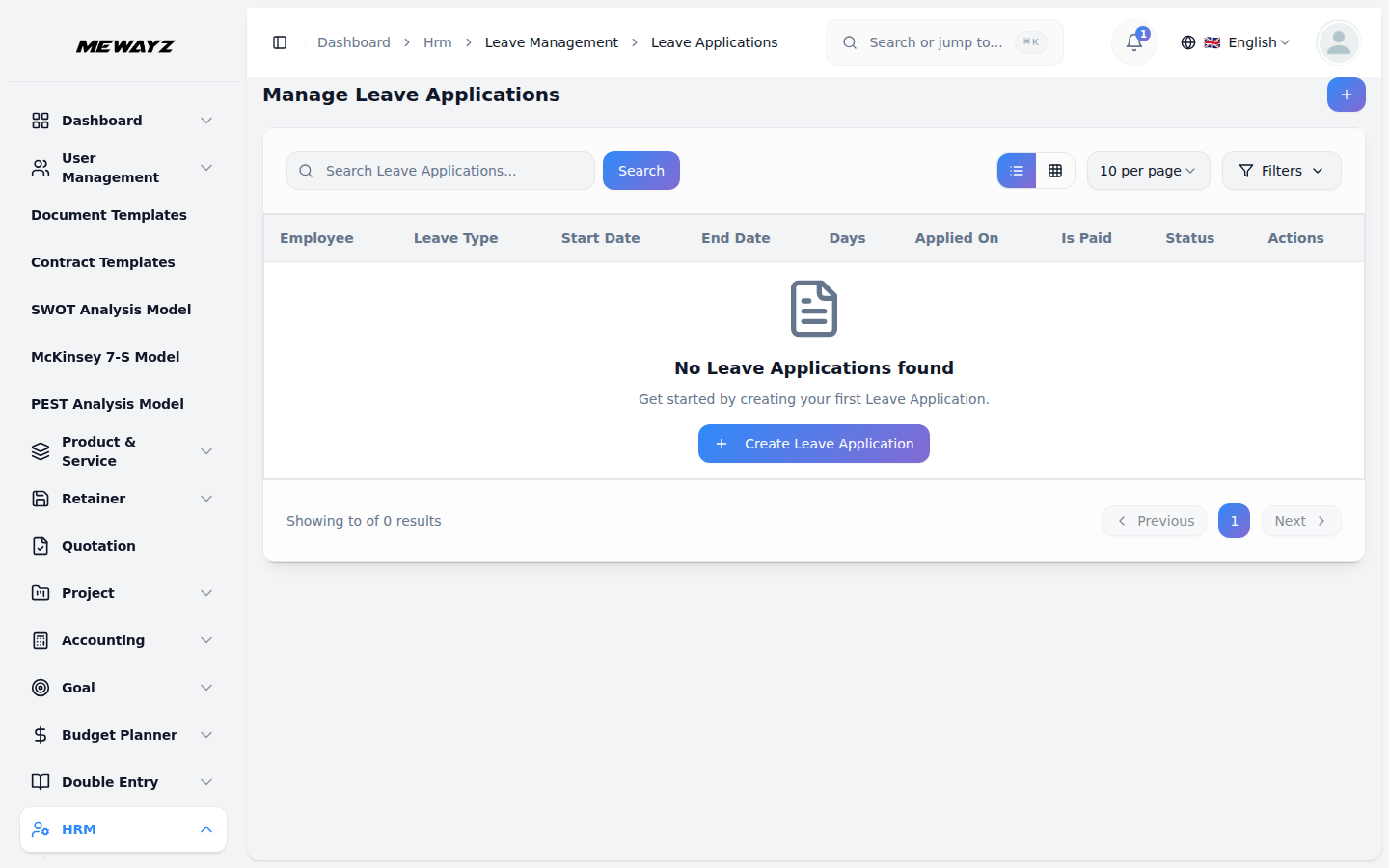
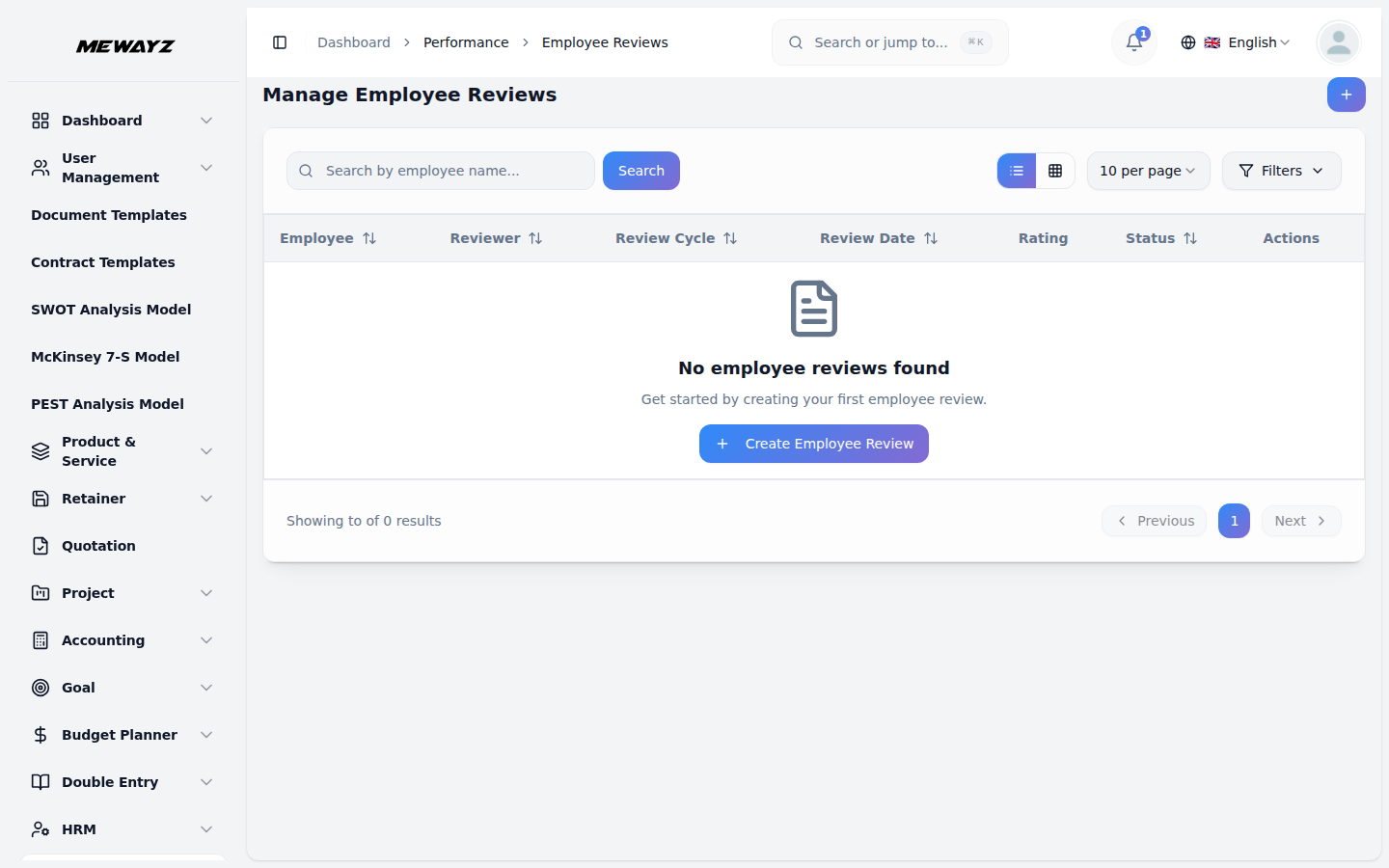
Leave applications
Request, approve, accrue.
Time · 03
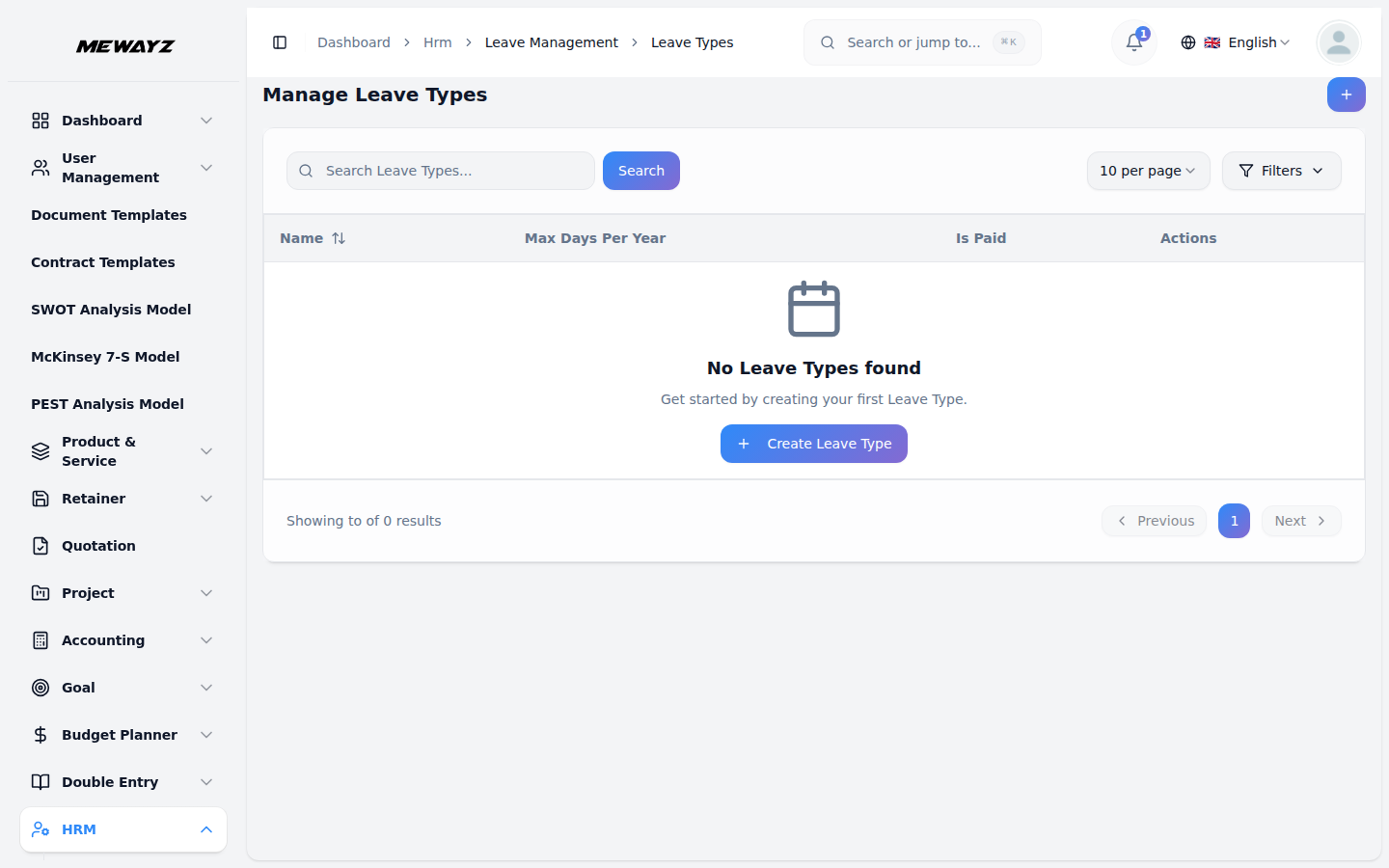
Leave types
PTO, sick, parental, sabbatical.
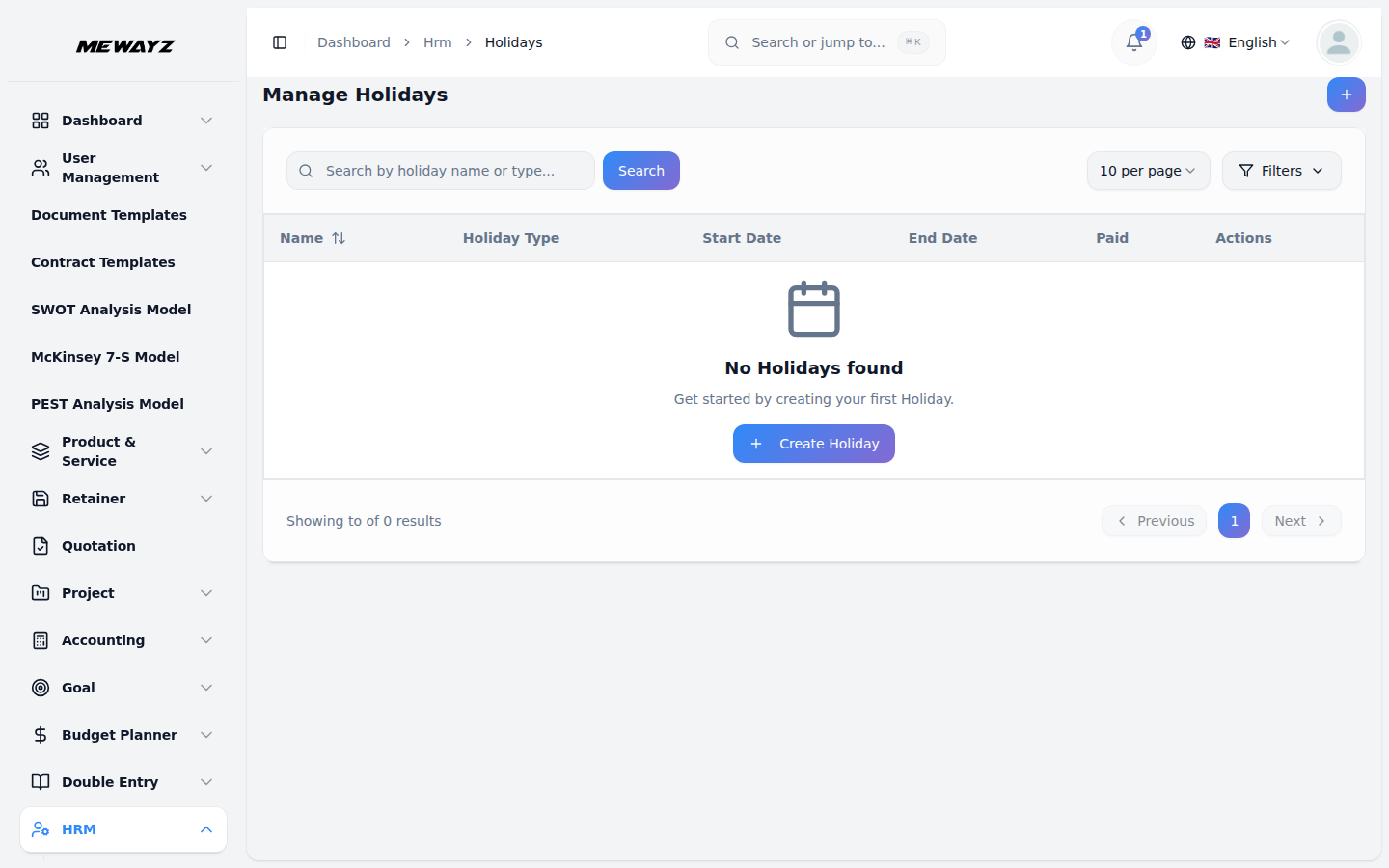
Time · 04
Holidays
Regional holiday calendars.
Time · 05
Holiday types
Public, optional, region-specific.
Time · 06
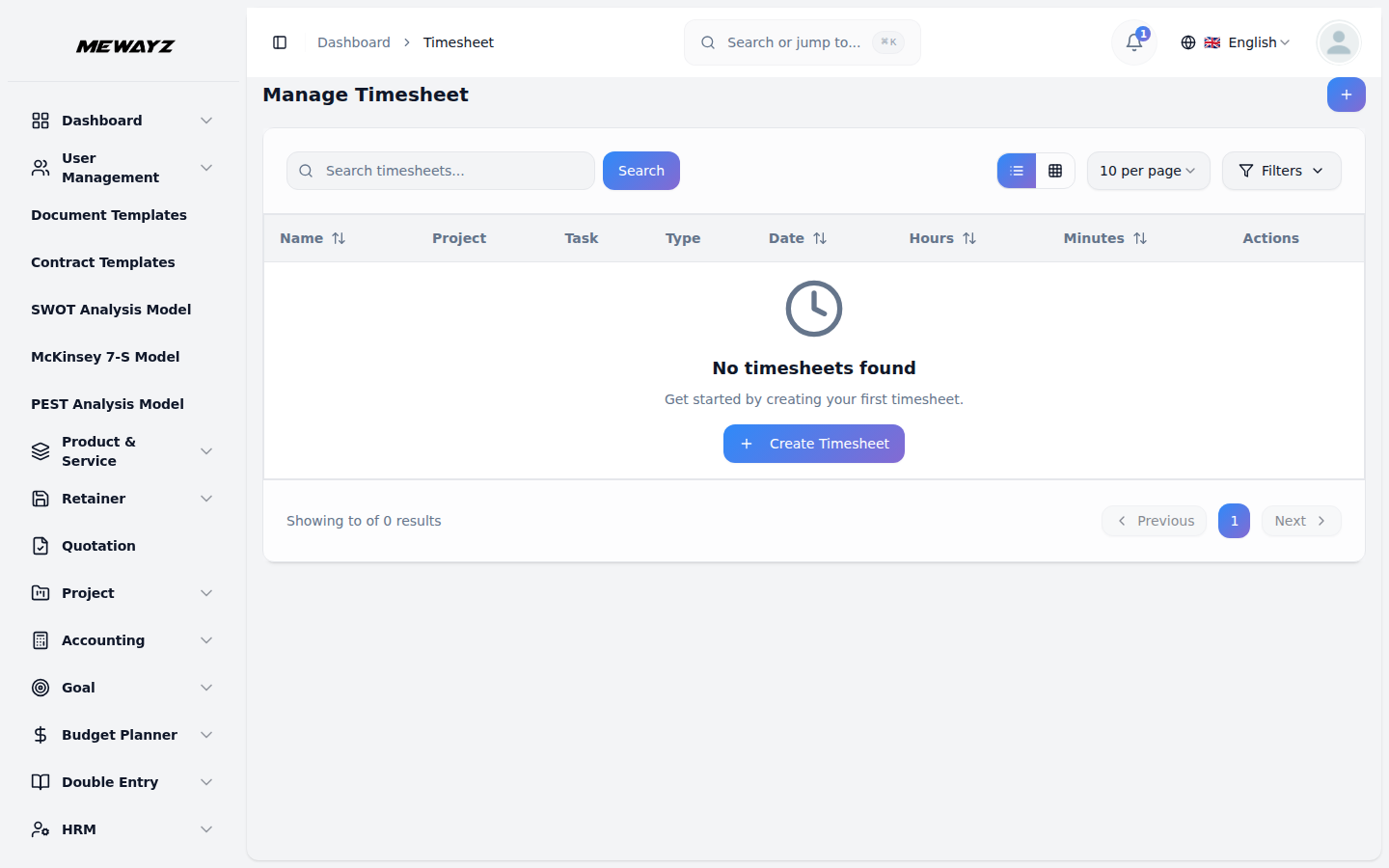
Timesheets
Weekly entry, manager approval, billable.
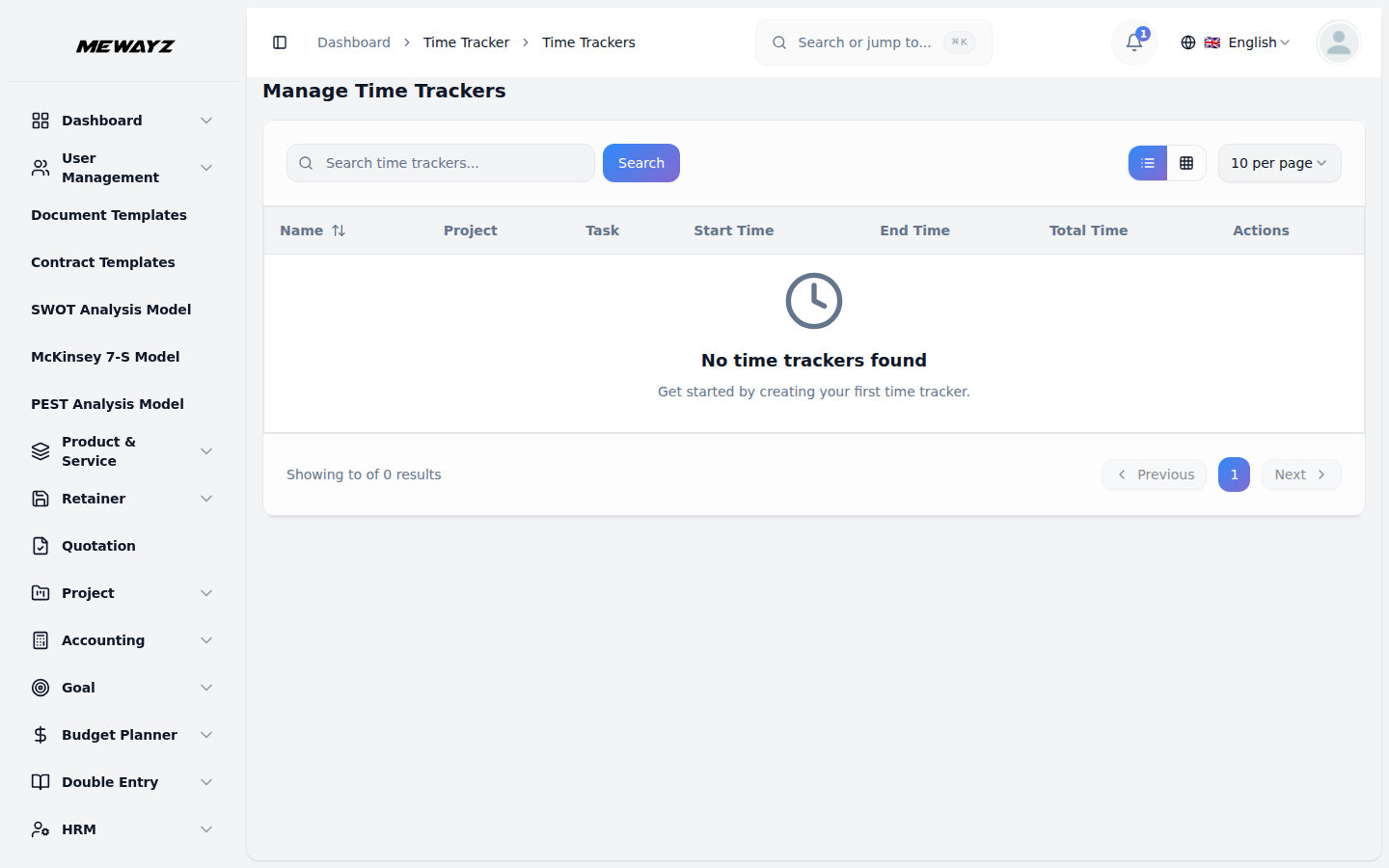
Time · 07
Time tracker
Live timer with task + project context.
Time · 08
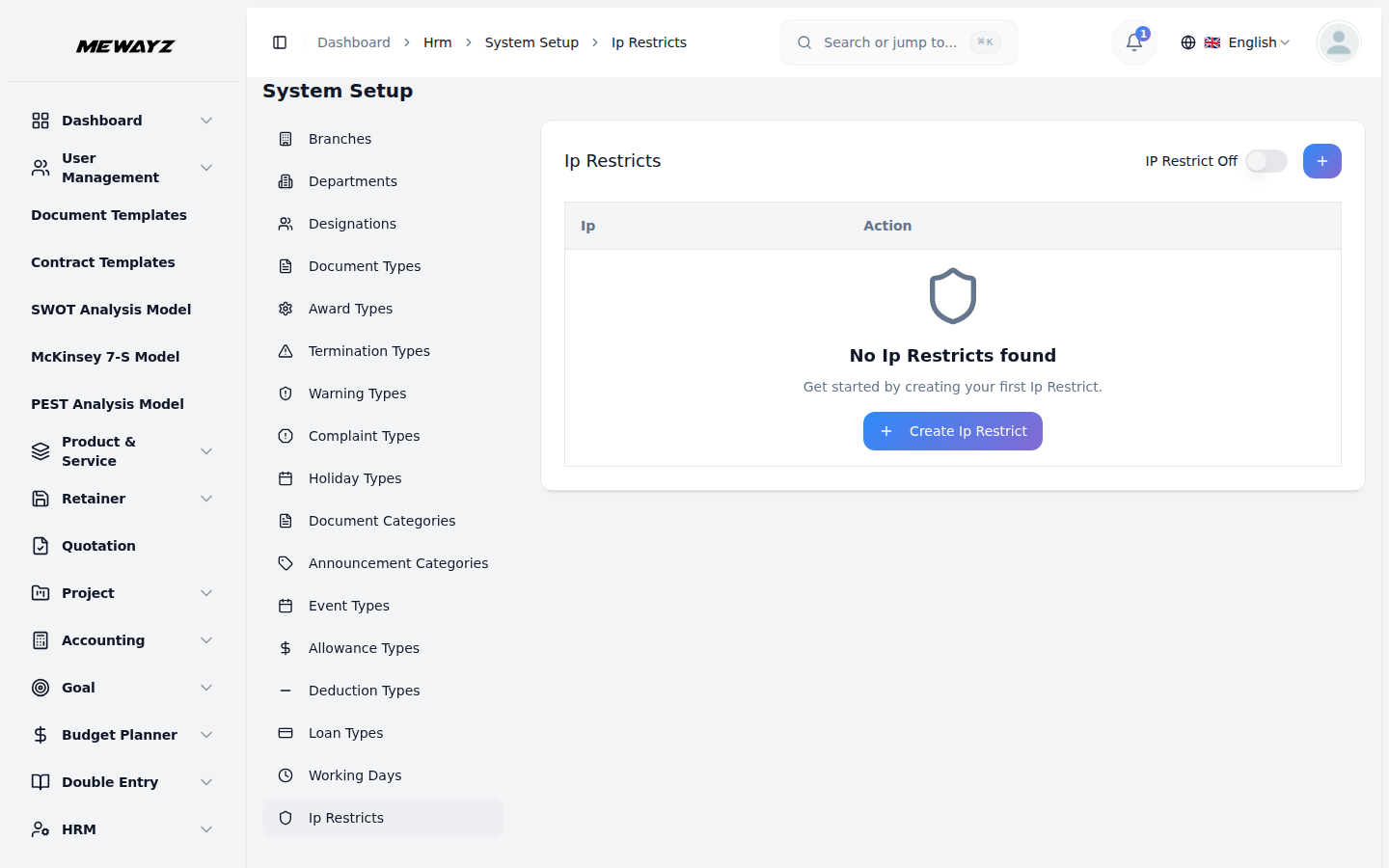
IP restrictions
Office-only check-in for shift workers.
Documents, contracts, and the paper trail
Doc · 01
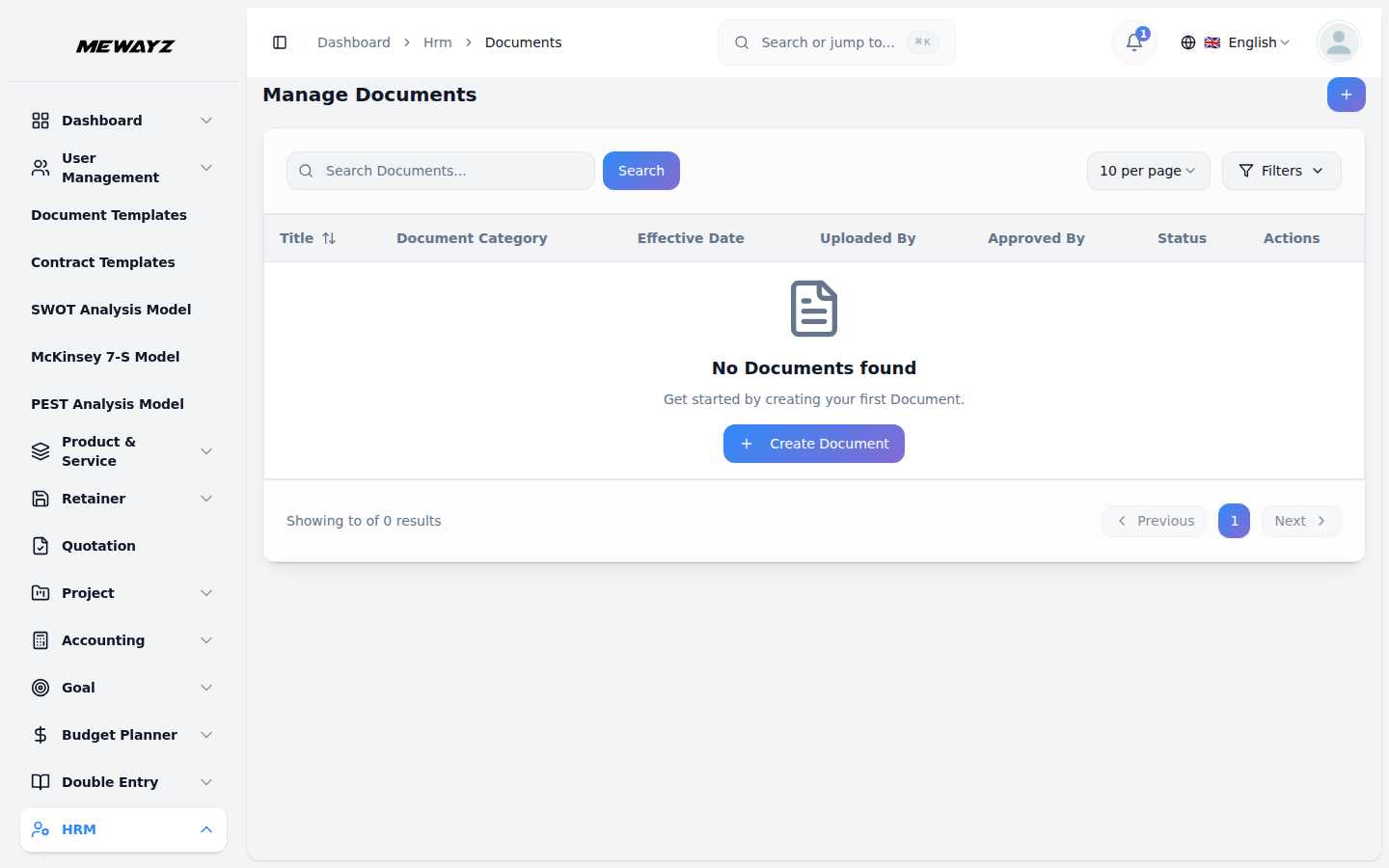
Employee documents
Stored against the employee record.
Doc · 02
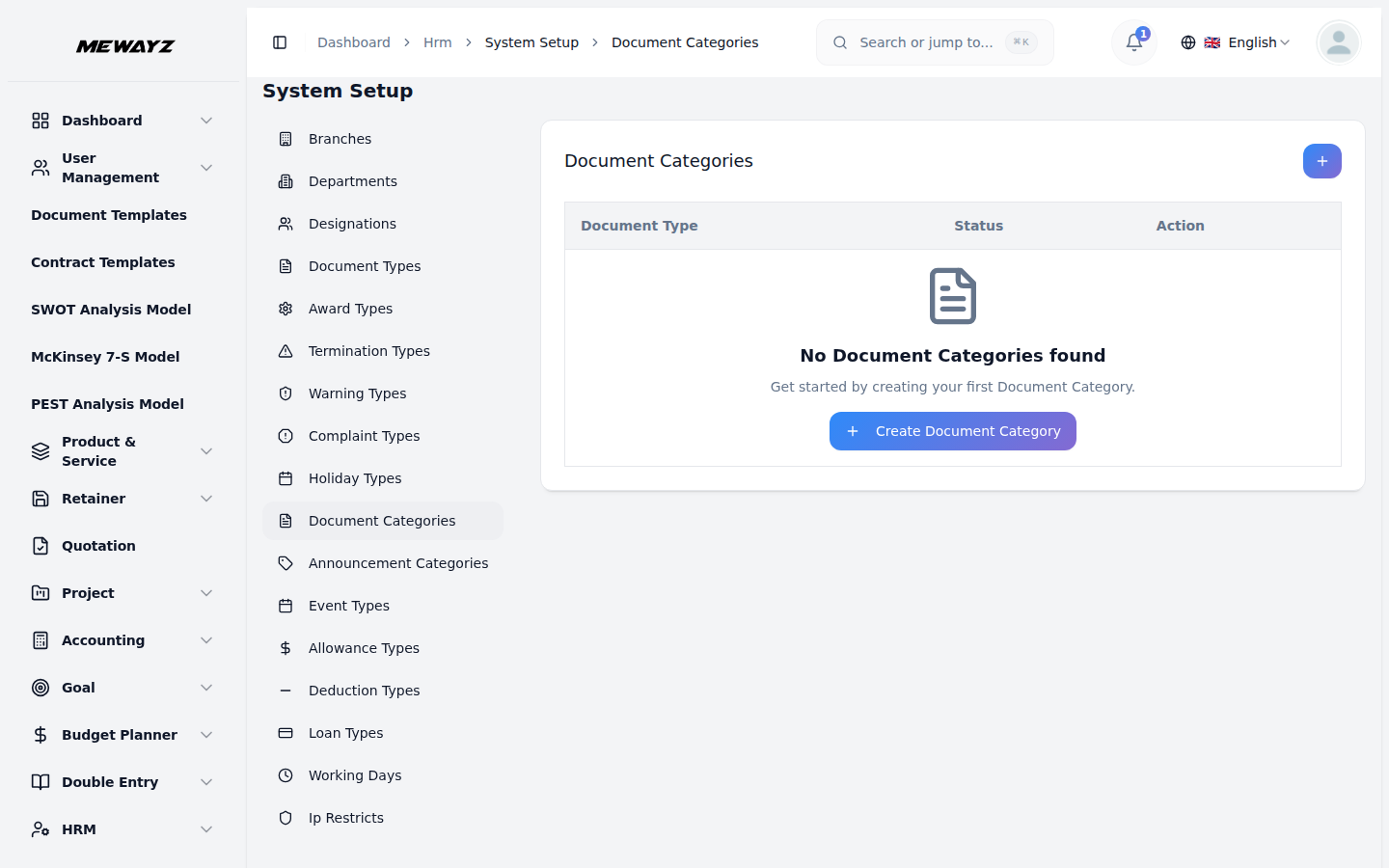
Document categories
Onboarding, certifications, visa, ID.
Doc · 03
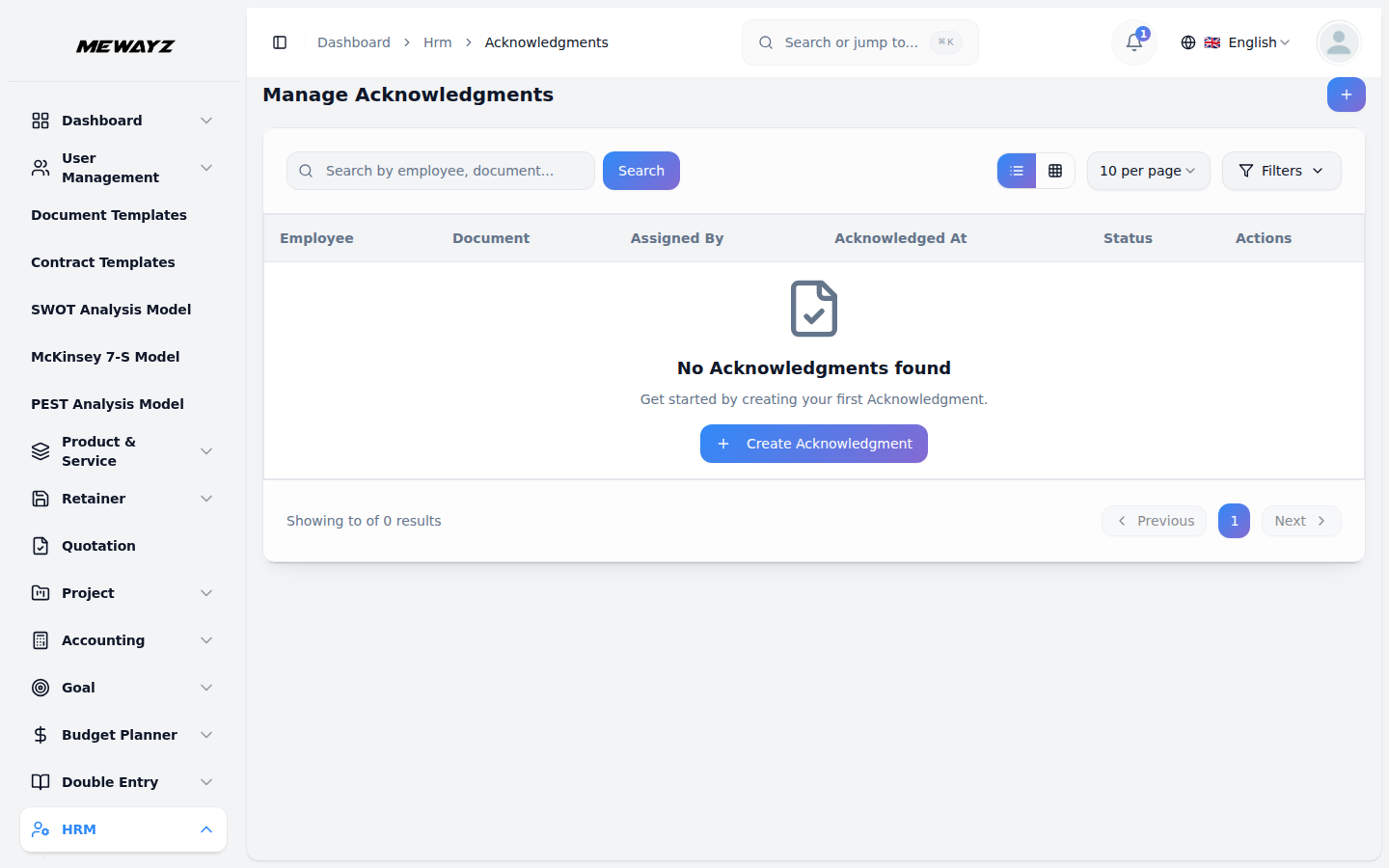
Acknowledgments
Policy receipts, e-signed.
Lifecycle events & transitions
HR · events
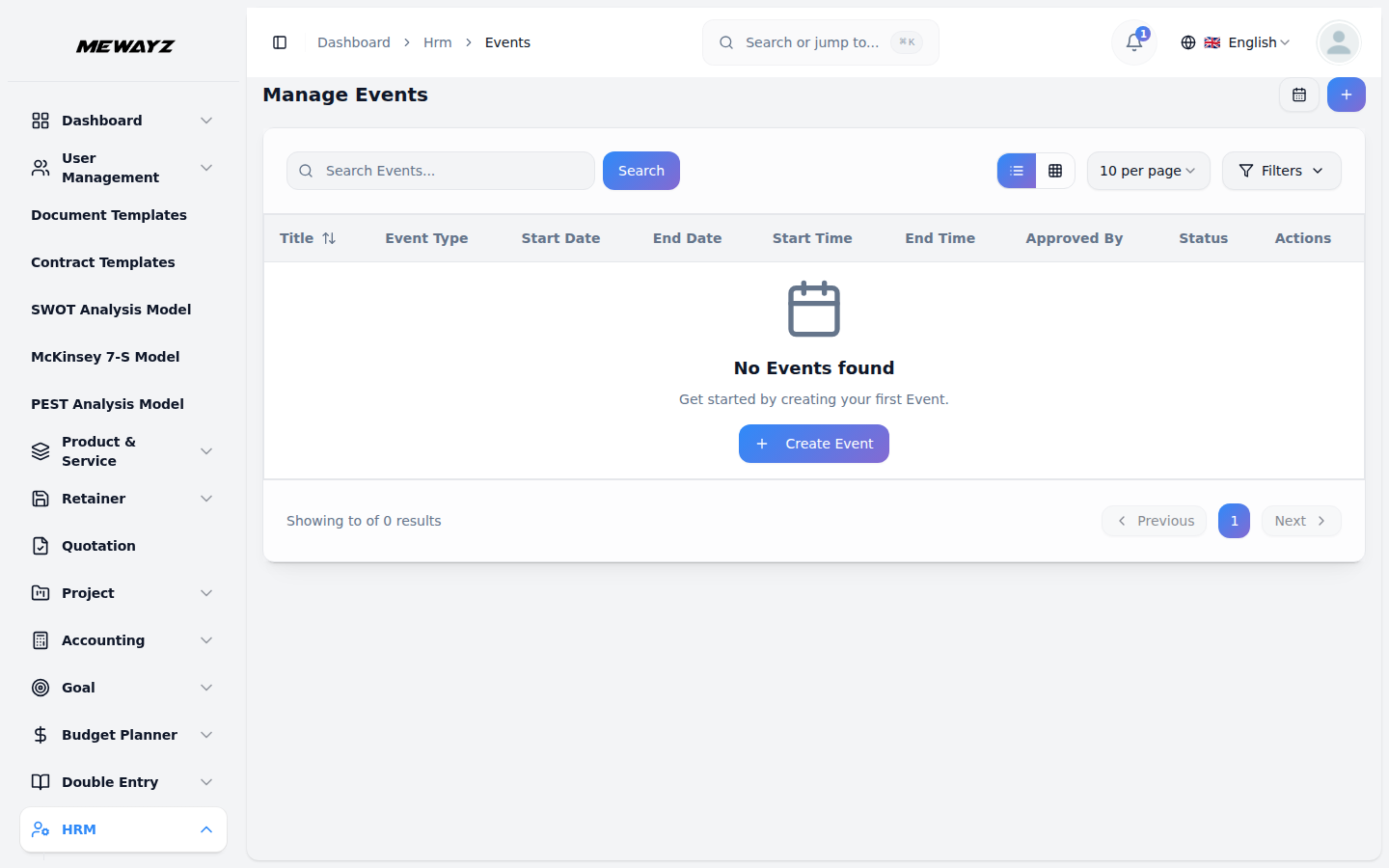
HR events
Anniversaries, birthdays, work-iversaries.
HR · events
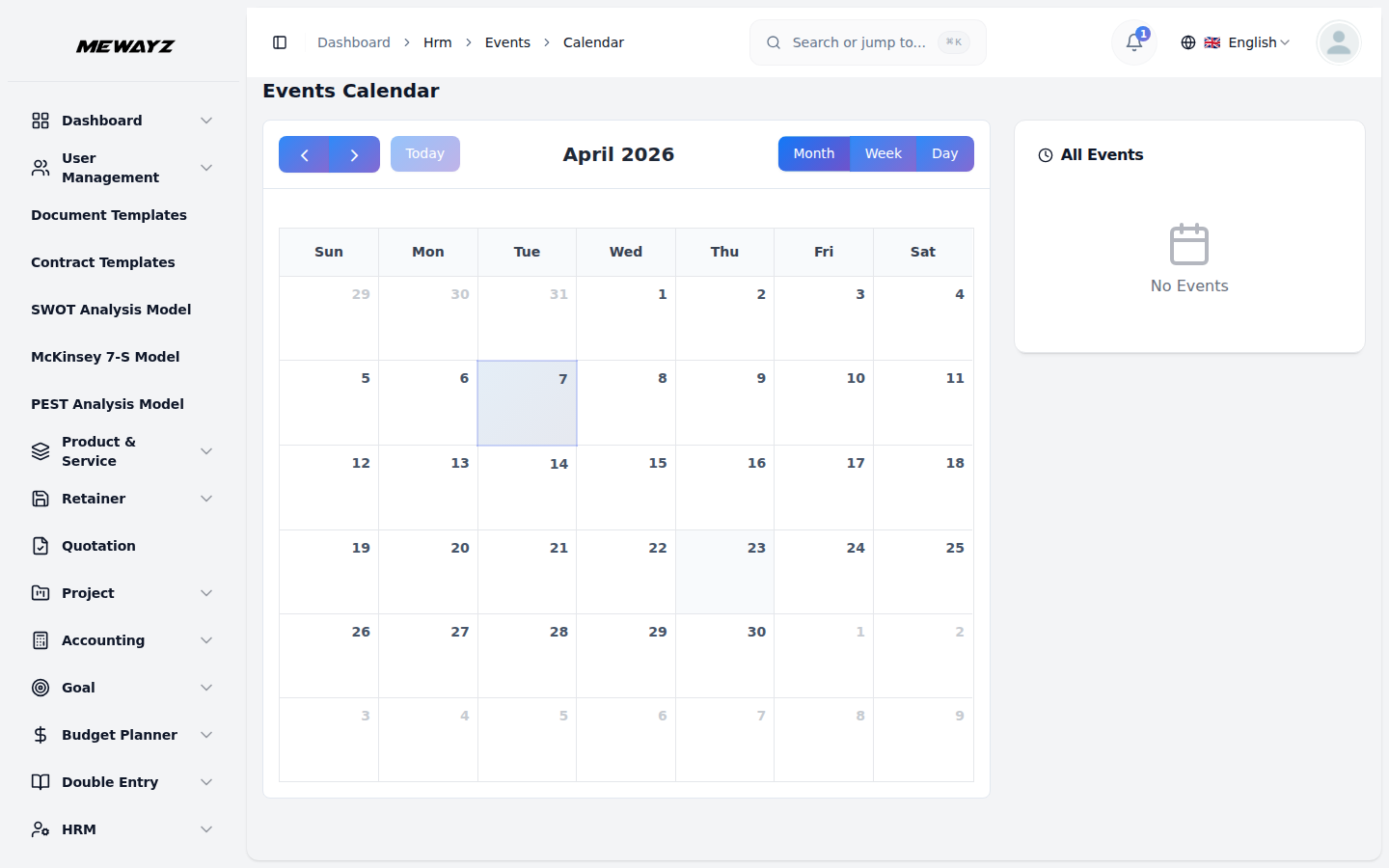
Event calendar
Workspace-wide event view.
HR · events
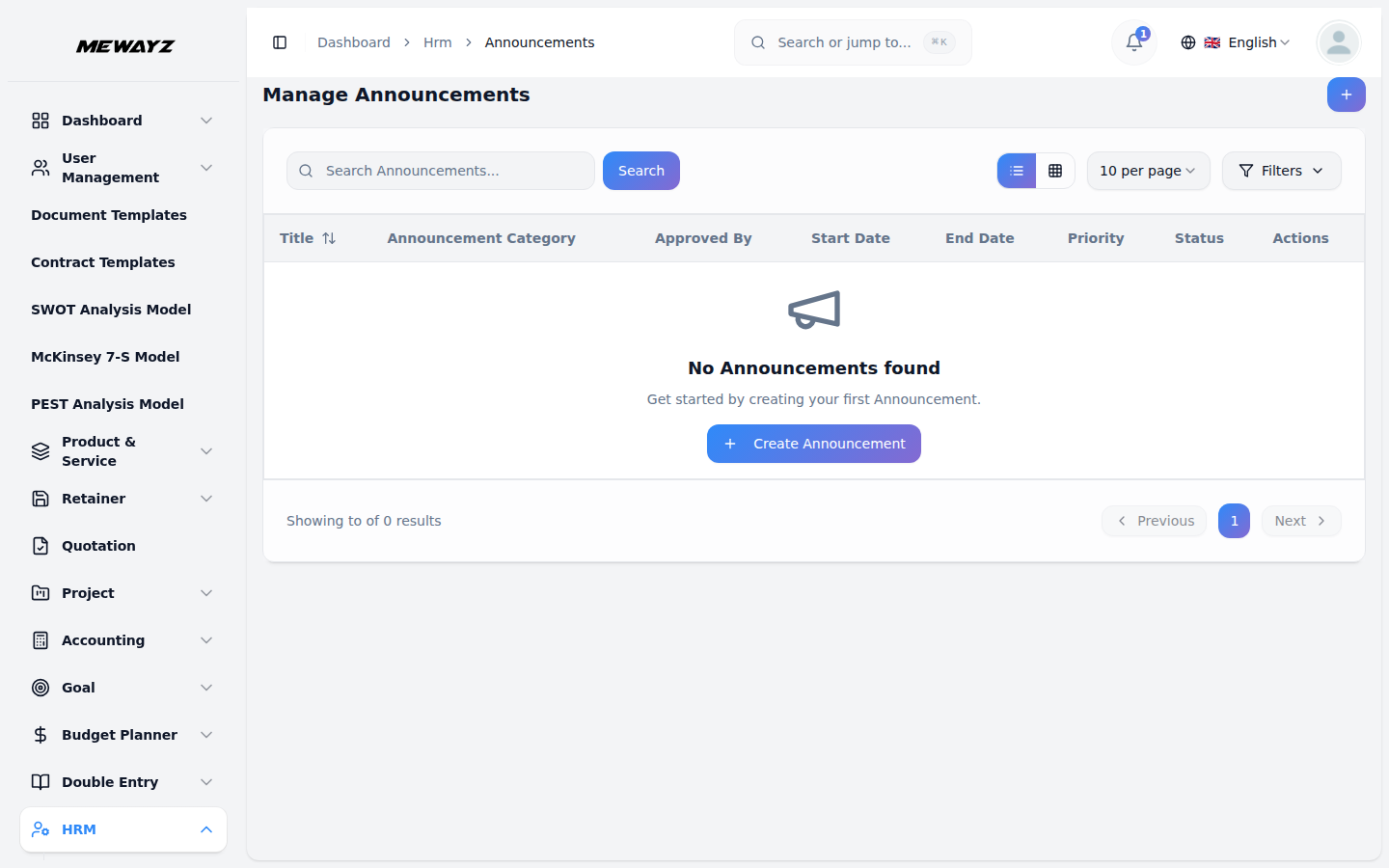
Announcements
Company-wide broadcasts with read receipts.
Lifecycle
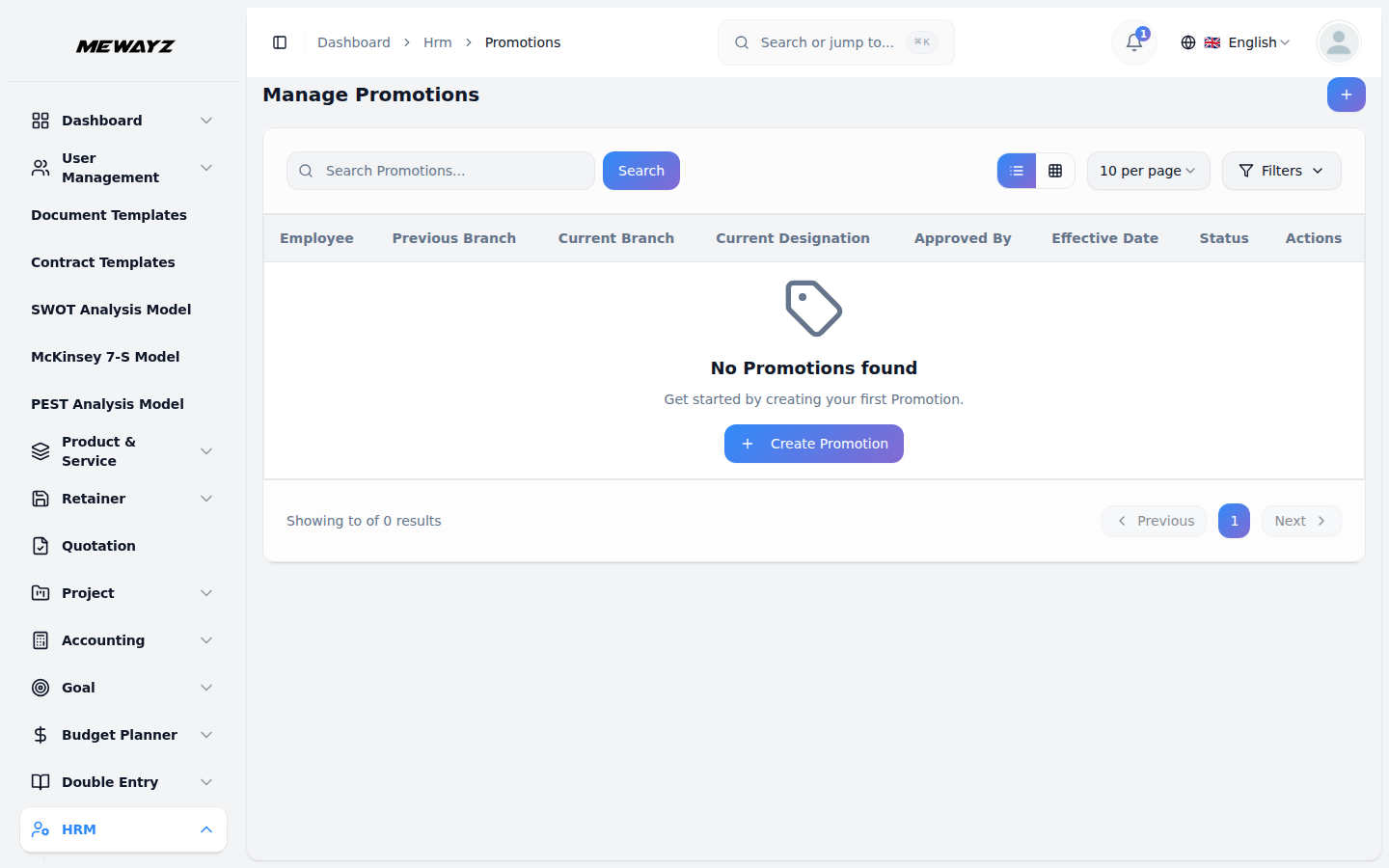
Promotions
Level change, salary adjust, title update.
Lifecycle
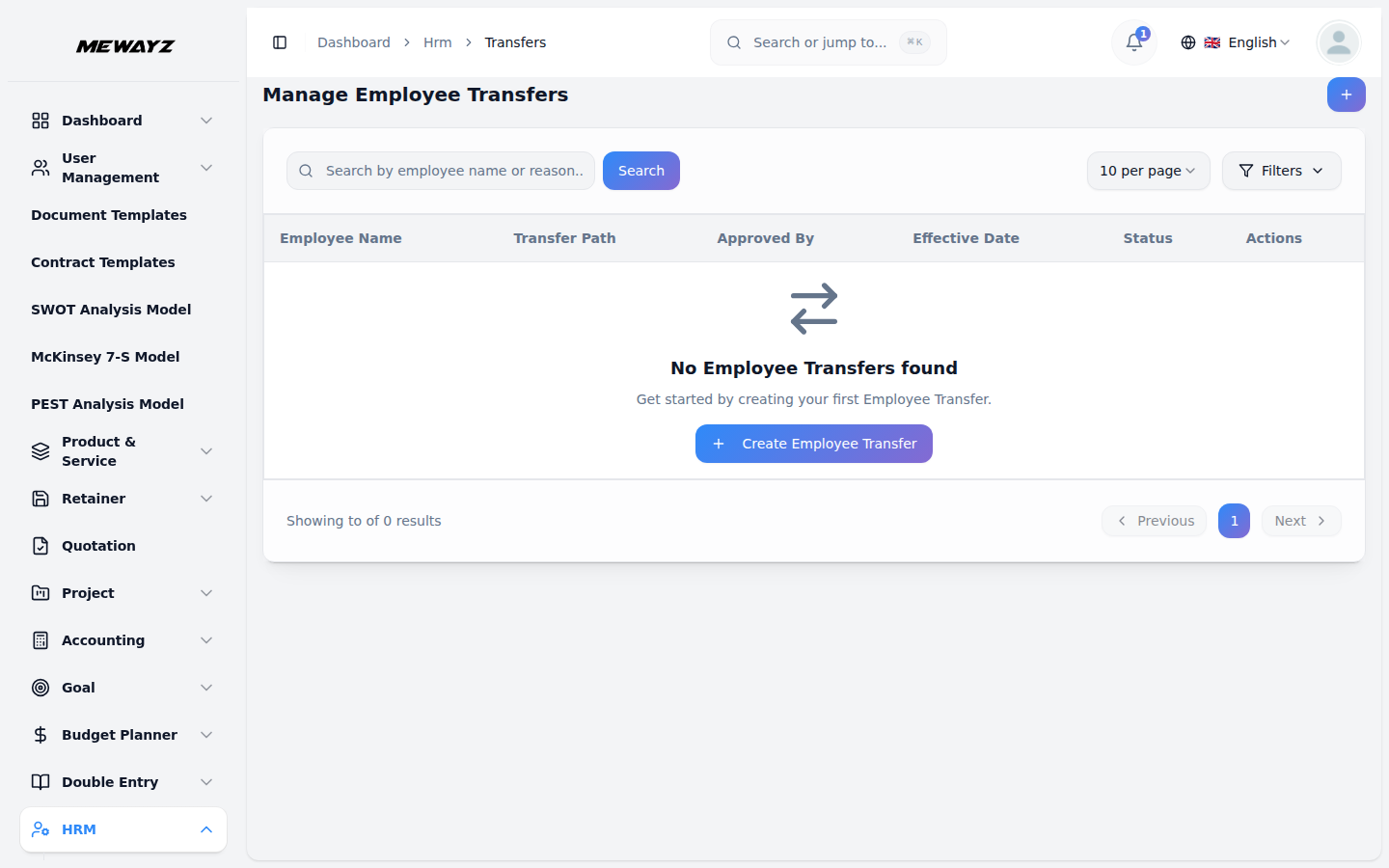
Transfers
Inter-branch / inter-department moves.
Lifecycle
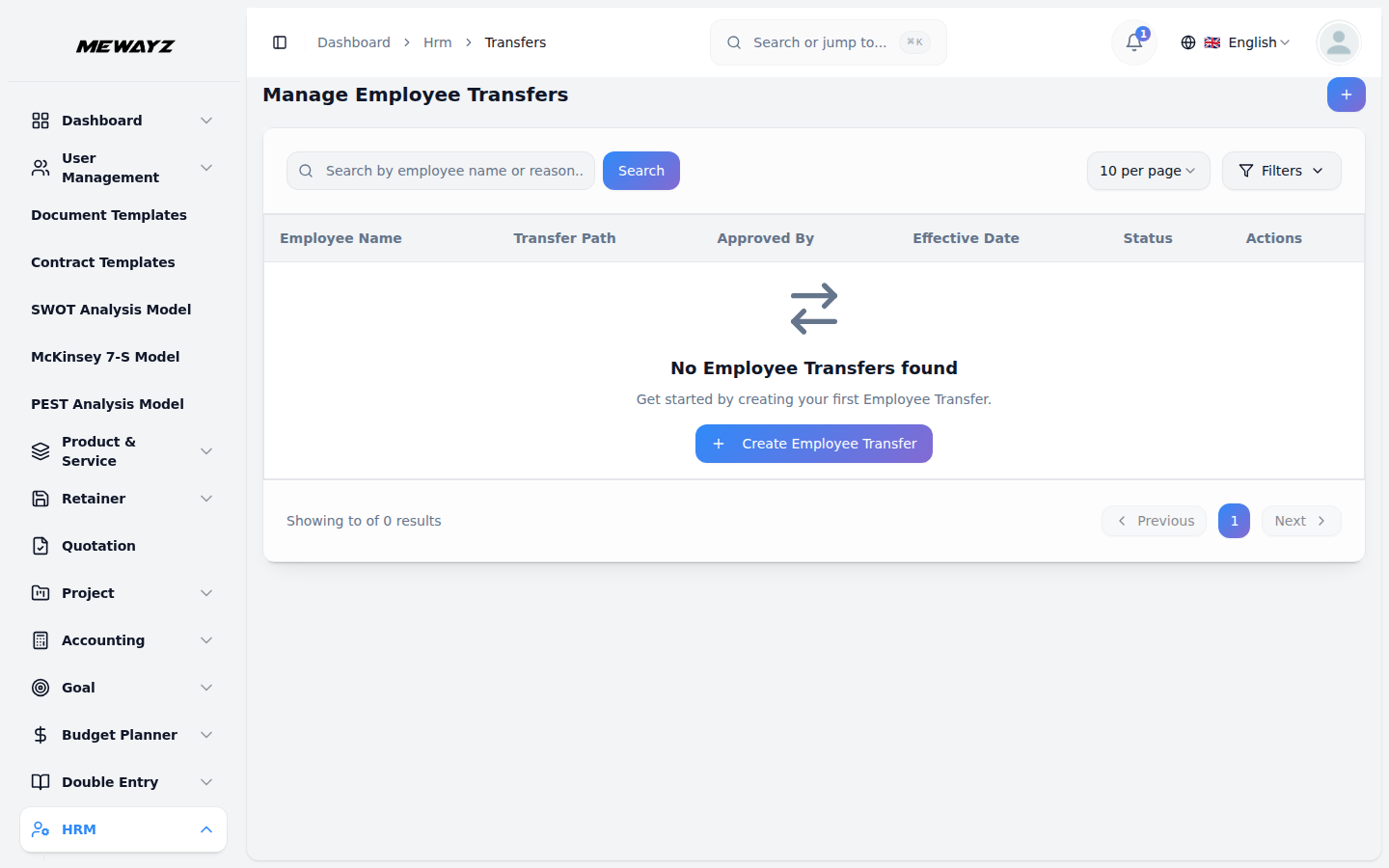
Transfer detail
Approval workflow with reason codes.
Lifecycle
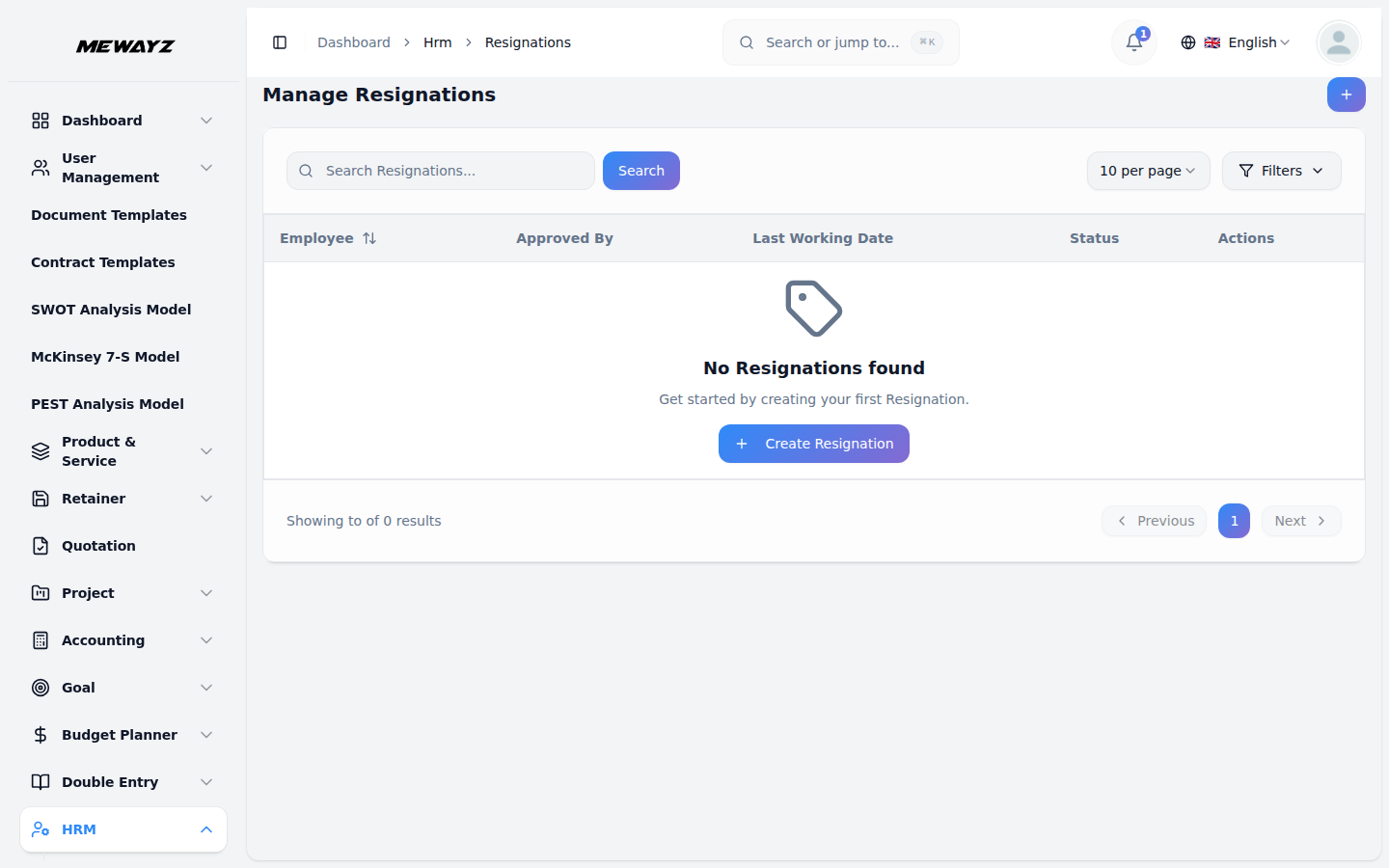
Resignations
Notice period, exit interview, knowledge transfer.
Lifecycle
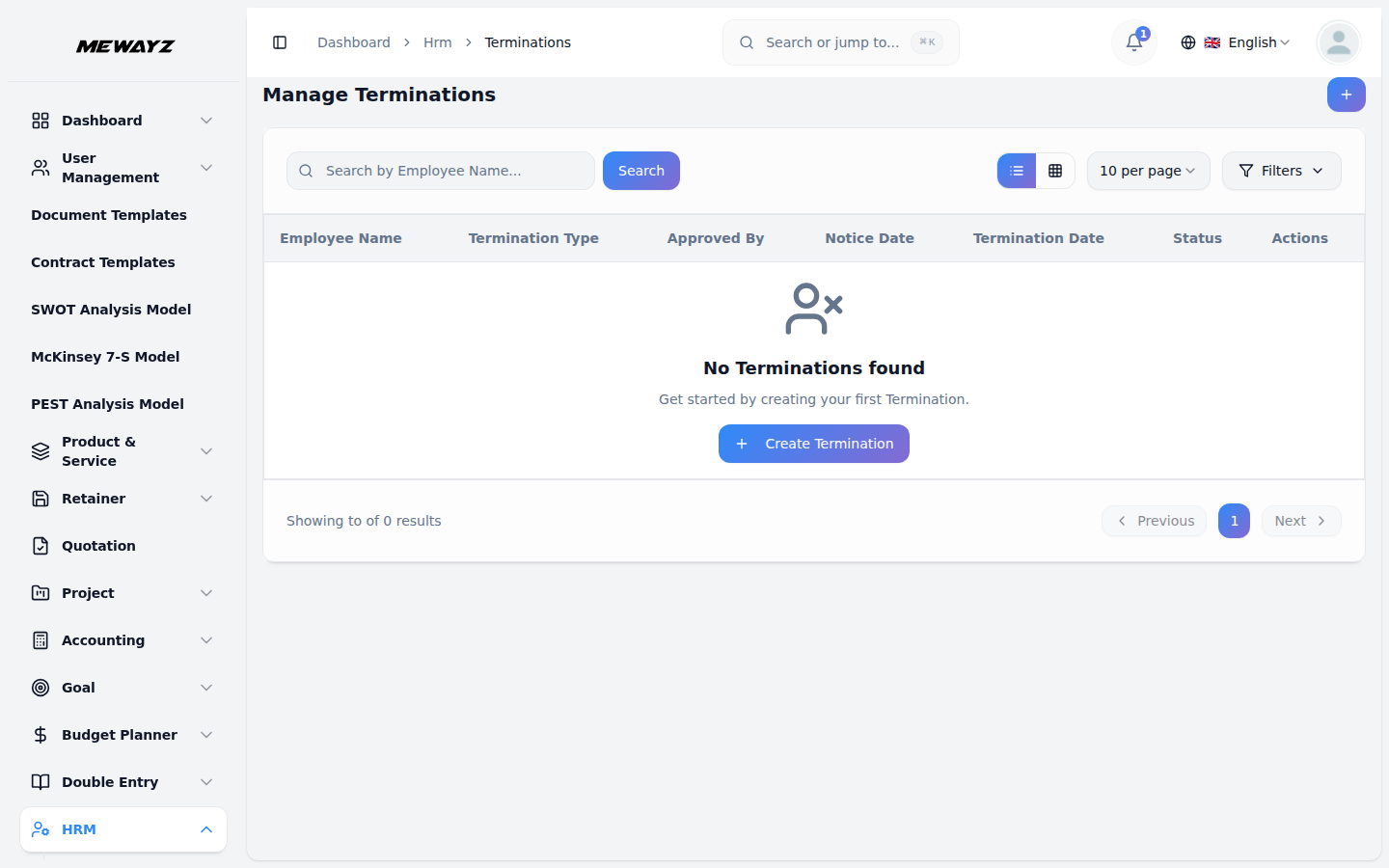
Terminations
With documented warning history.
Lifecycle
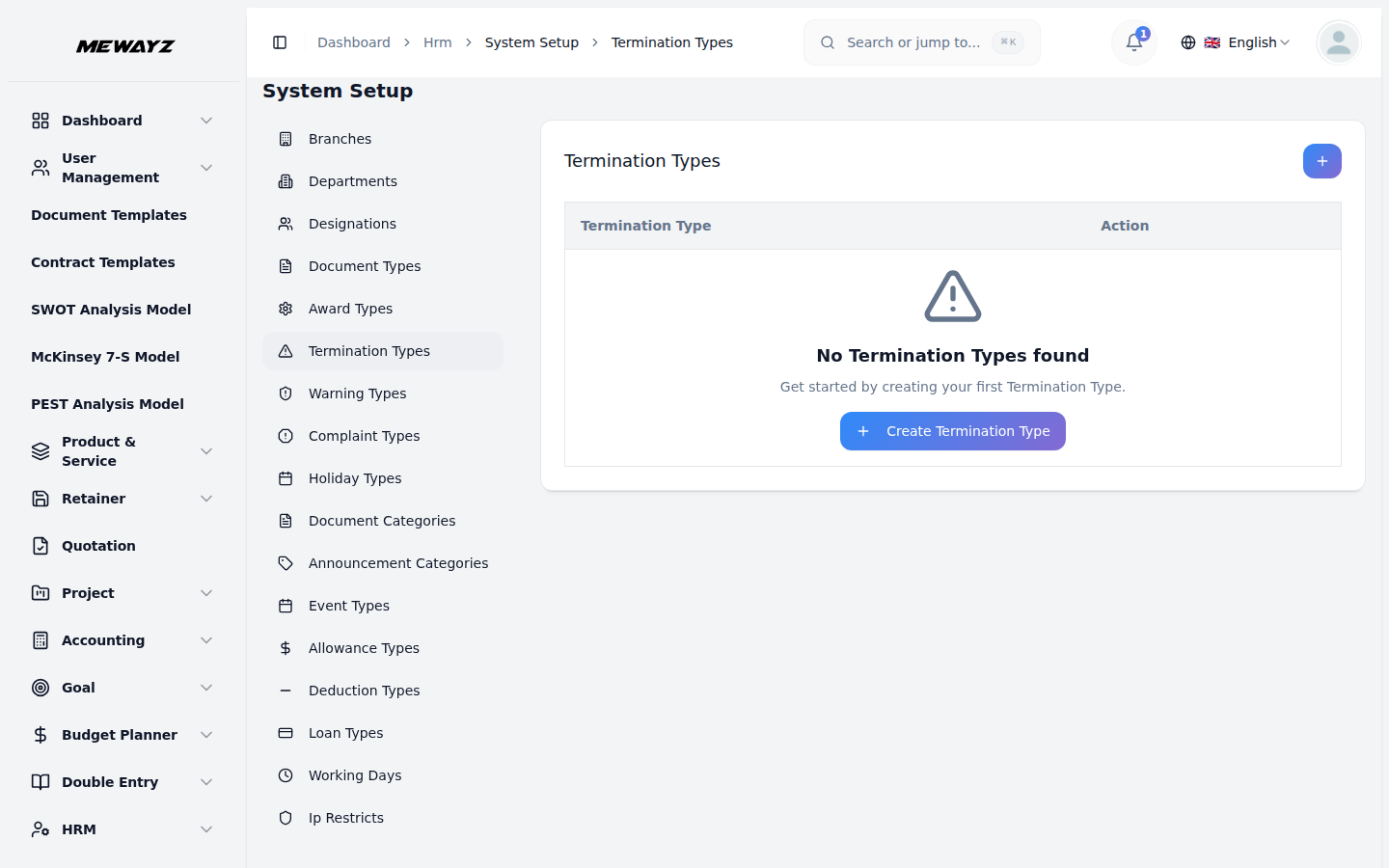
Termination types
Voluntary, involuntary, RIF, etc.
Conduct & recognition
Awards · 01
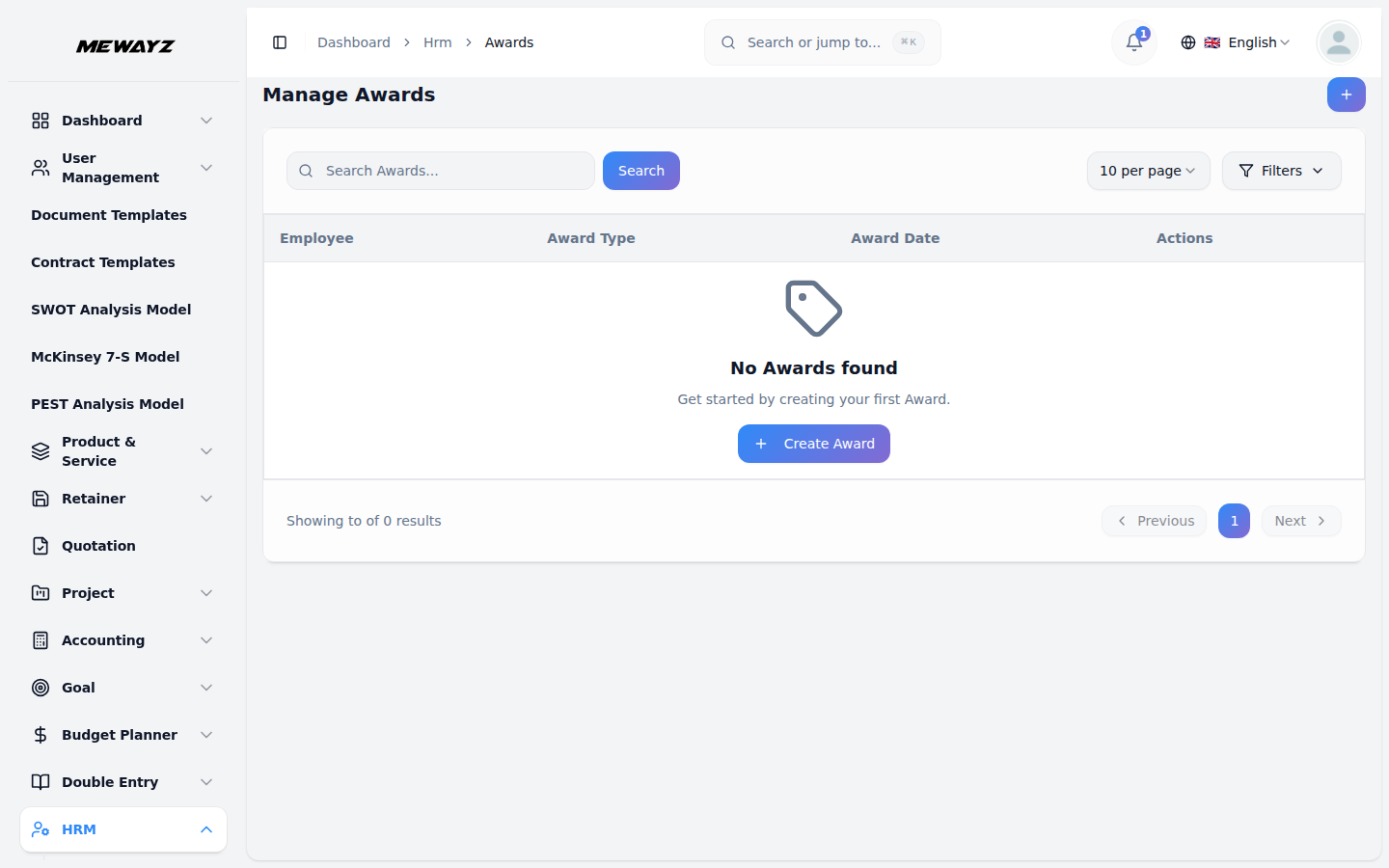
Awards
Public recognition, monetary or symbolic.
Awards · 02
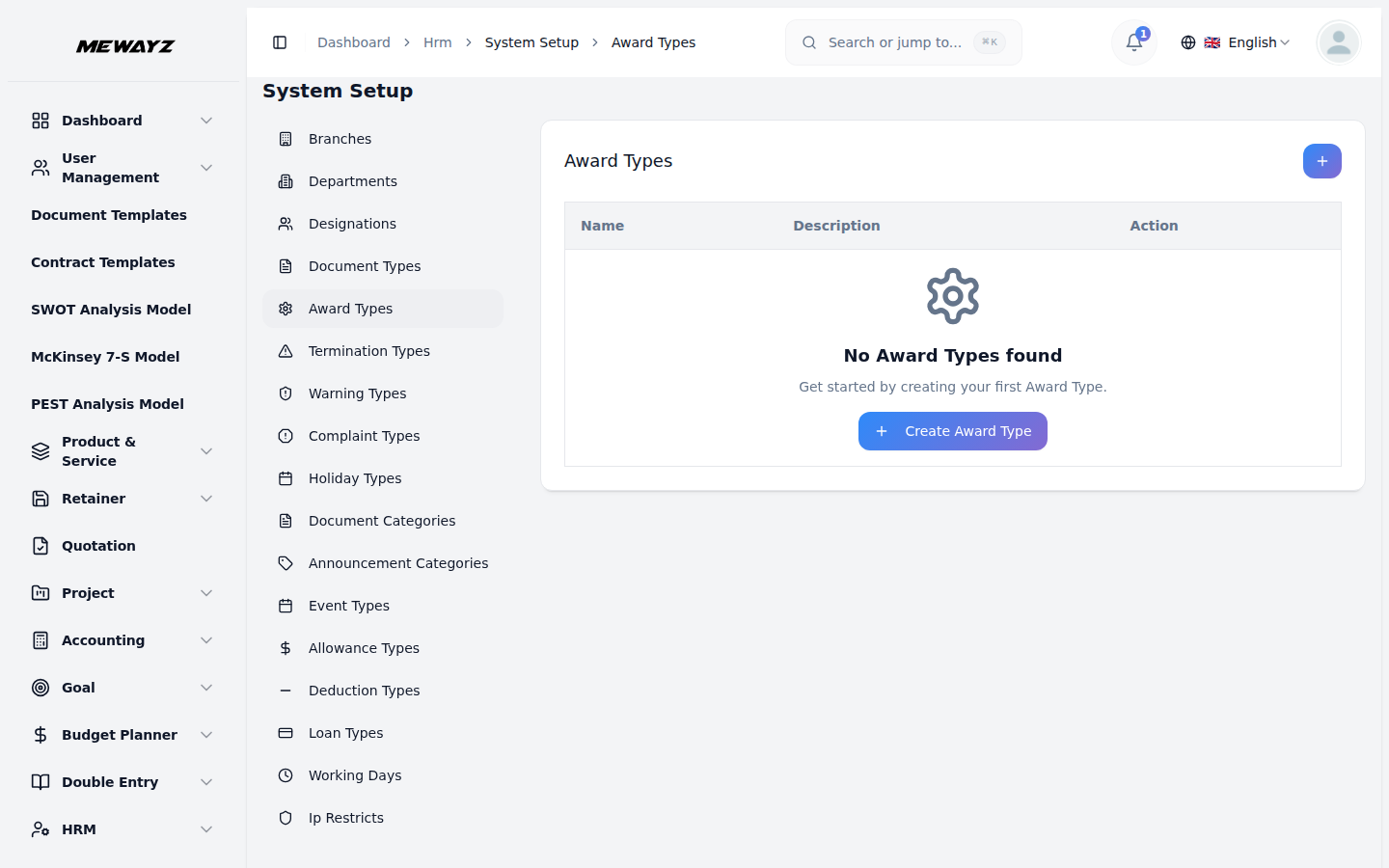
Award types
Quarterly, peer, leadership, anniversary.
Conduct · 01
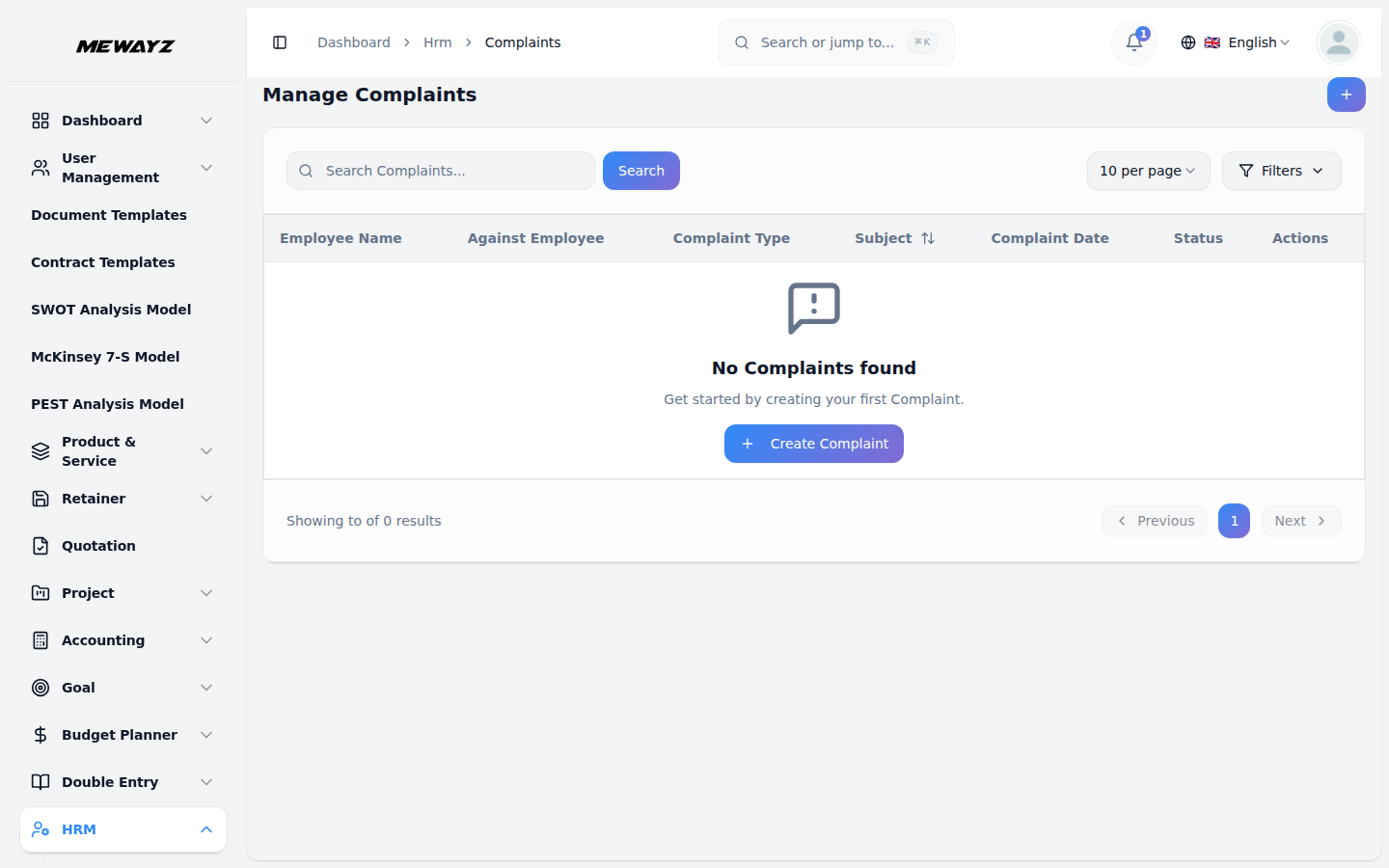
Complaints
Confidential intake with audit trail.
Conduct · 02
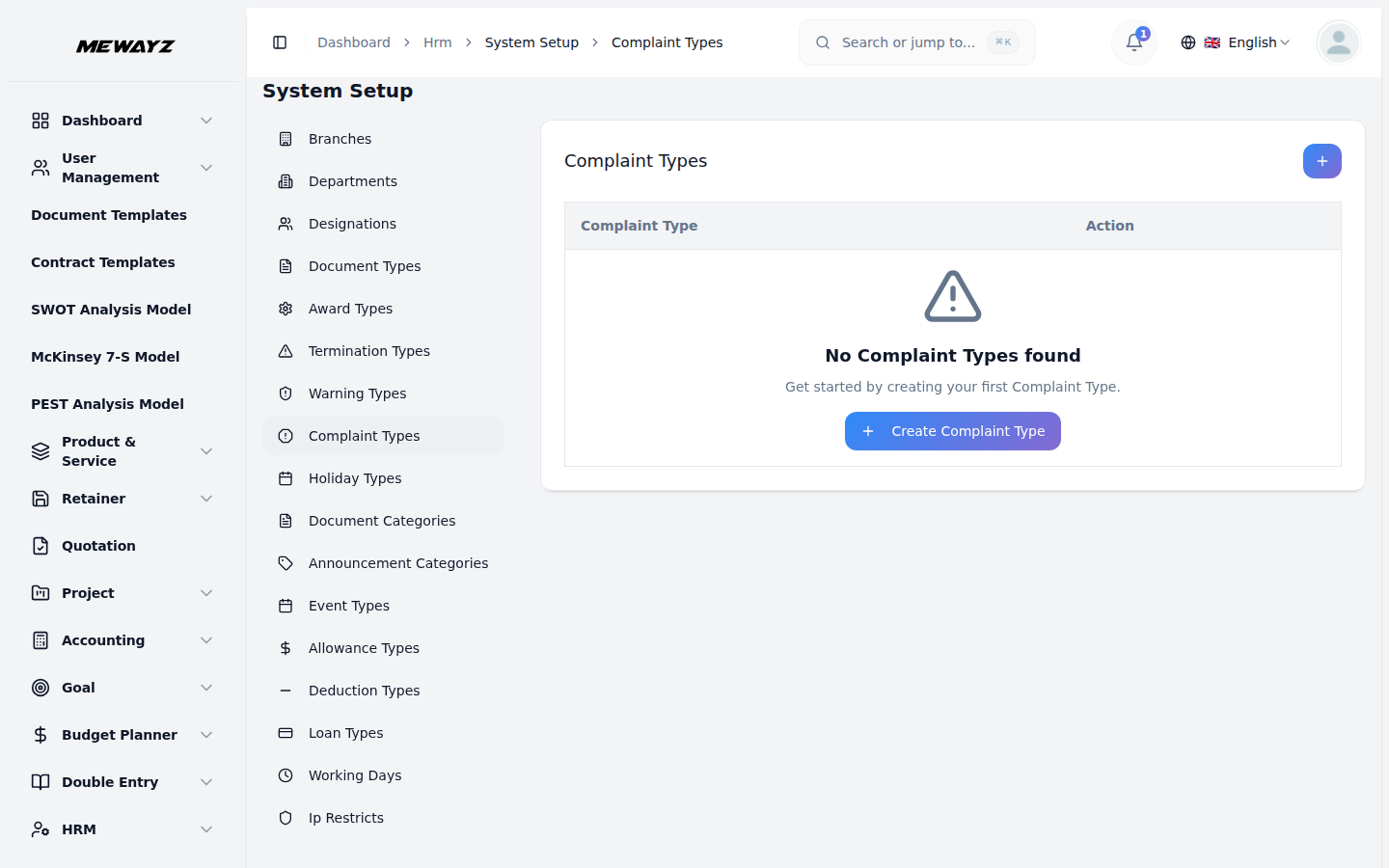
Complaint types
Categorised for HR reporting.
Conduct · 03
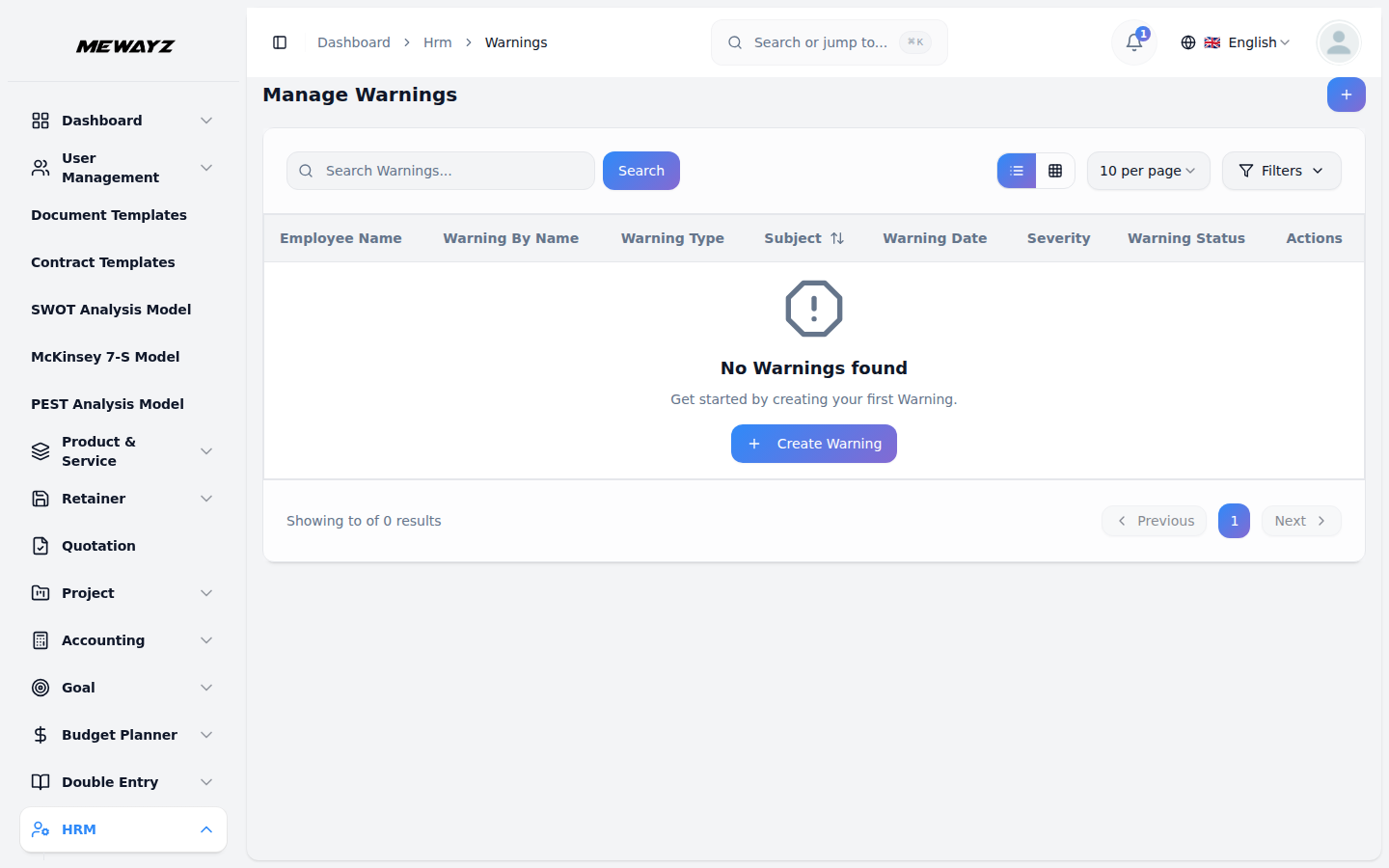
Warnings
Verbal, written, final, documented.
Conduct · 04
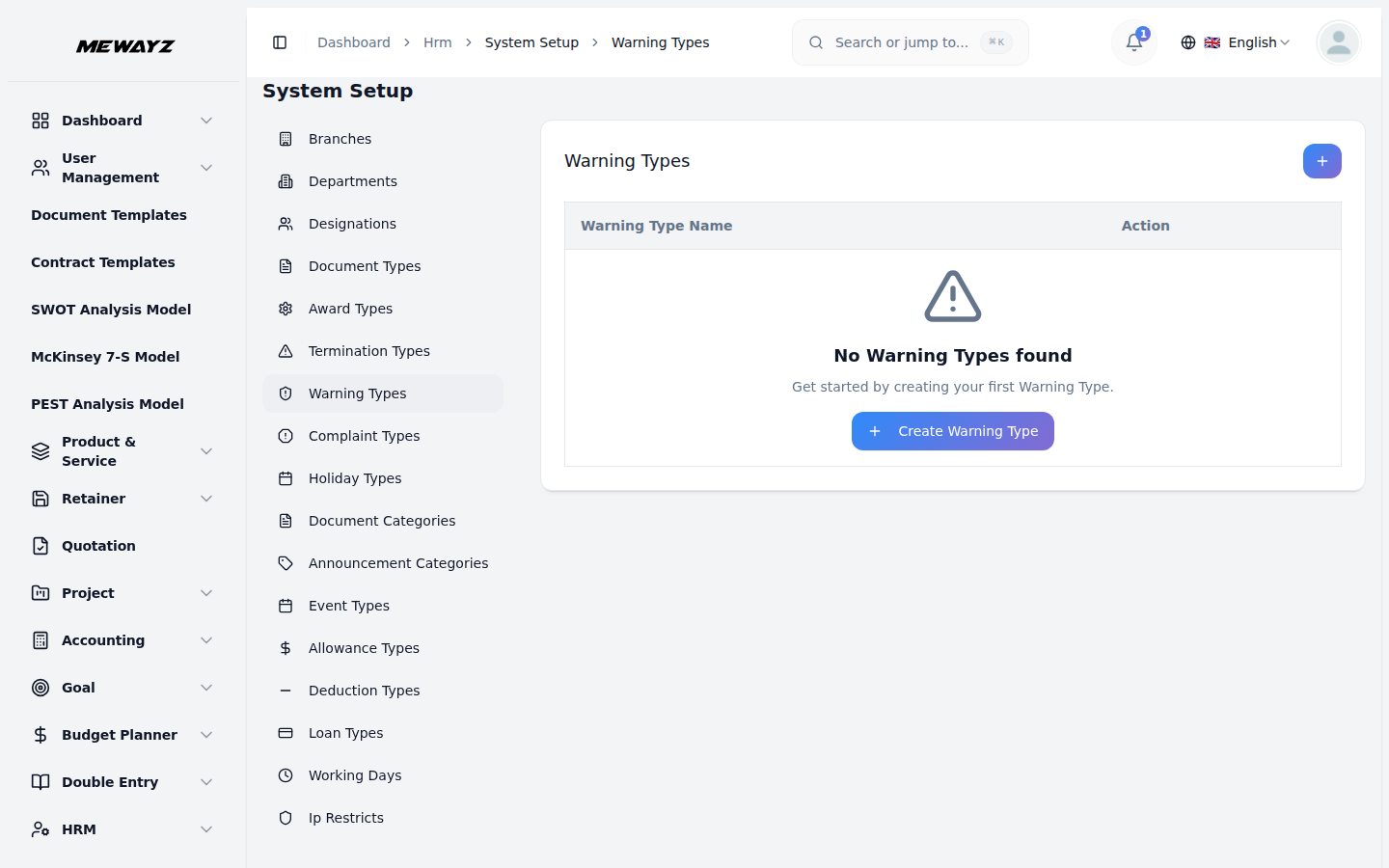
Warning types
Defines escalation paths.
06 · Payroll & comp
Run payroll. Without a separate vendor.
Salaries, deductions, allowances, bonuses, loans. The same database your HR module already runs on. Approve once, pay once, reconciled to accounting automatically.
Payroll · 01
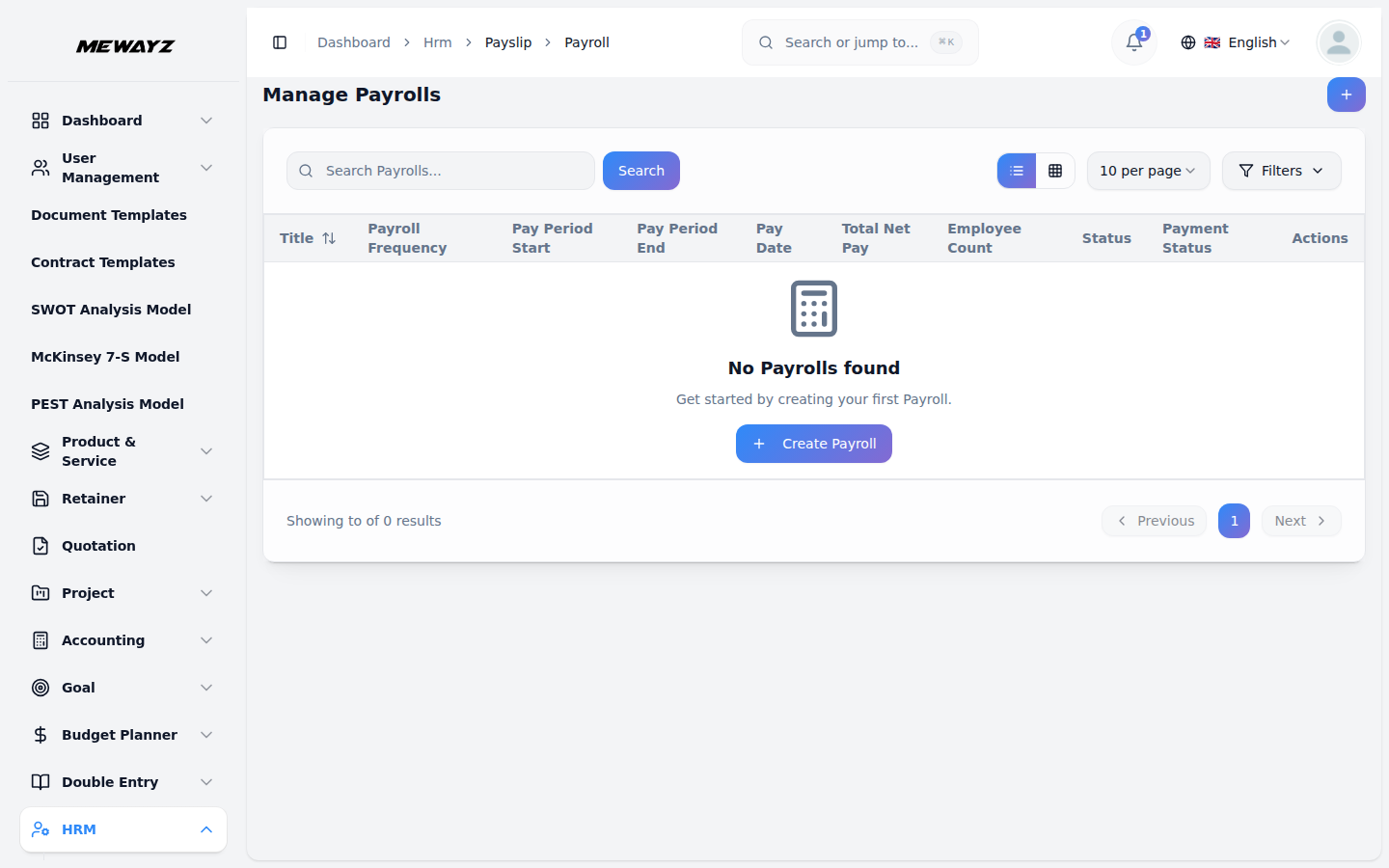
Payroll runs
Monthly run with preview and approval.
Payroll · 02
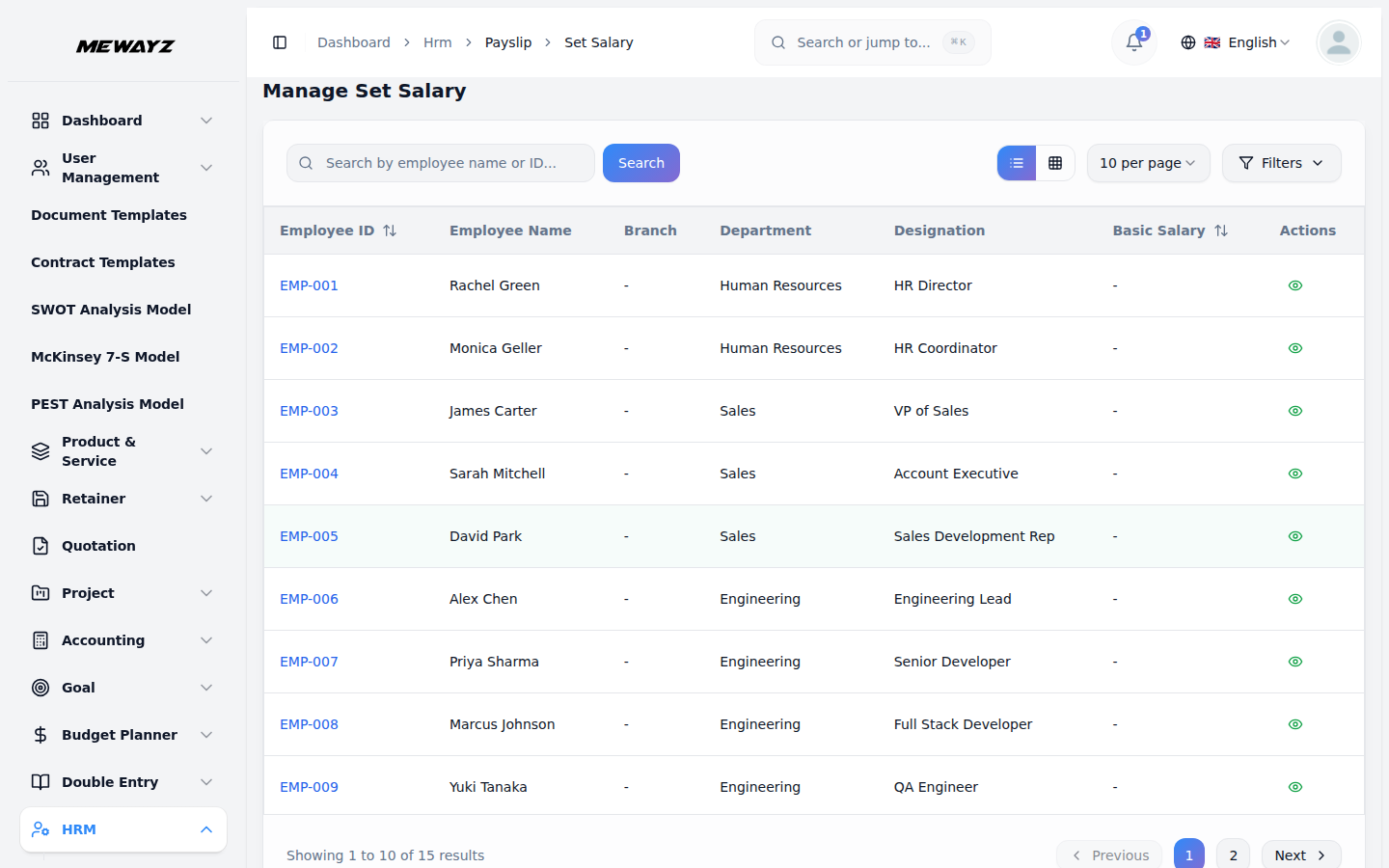
Set salary (overview)
CTC breakdown, components, frequency.
Payroll · 03
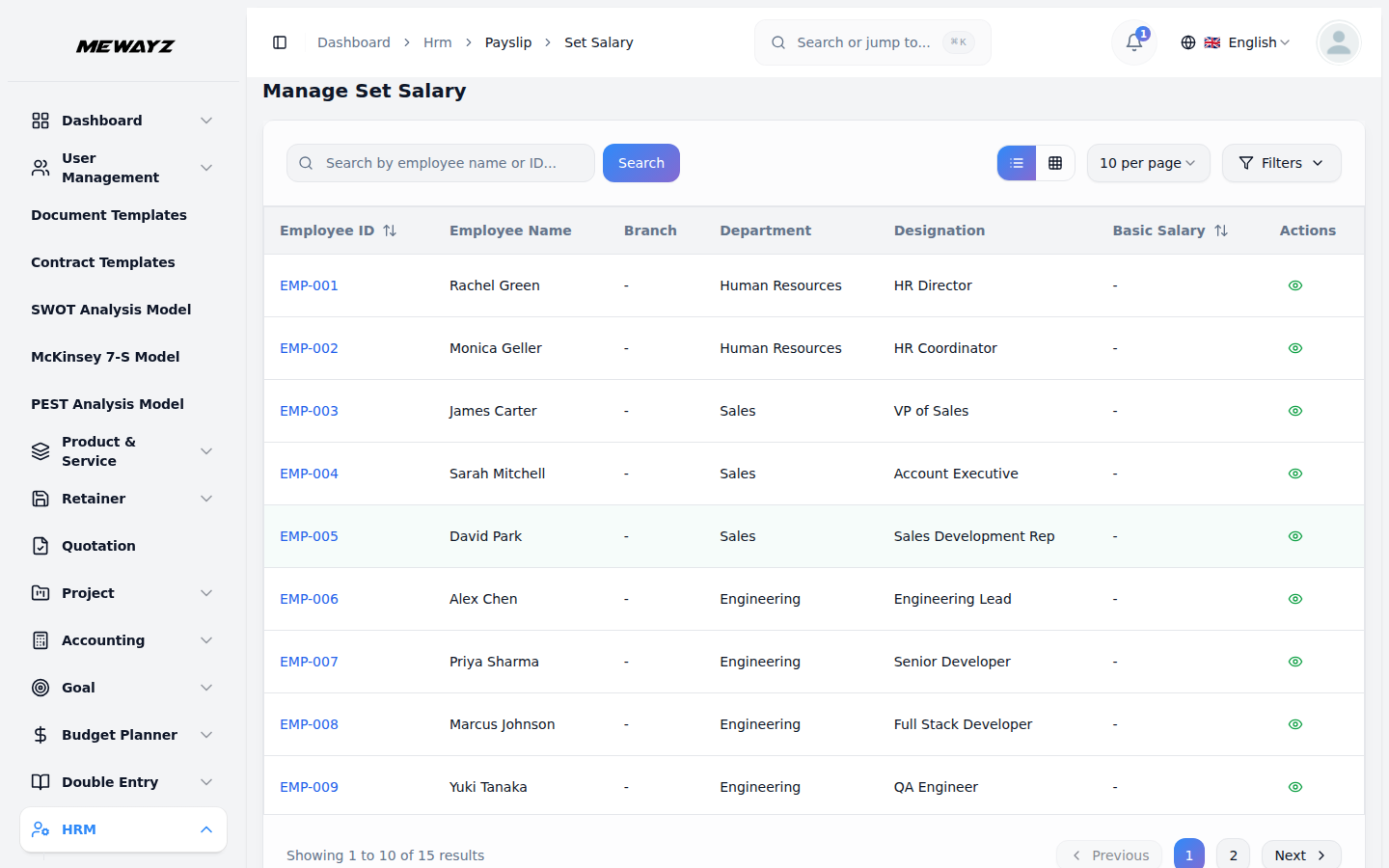
Set salary (detail)
Component-by-component override.
Payroll · 04
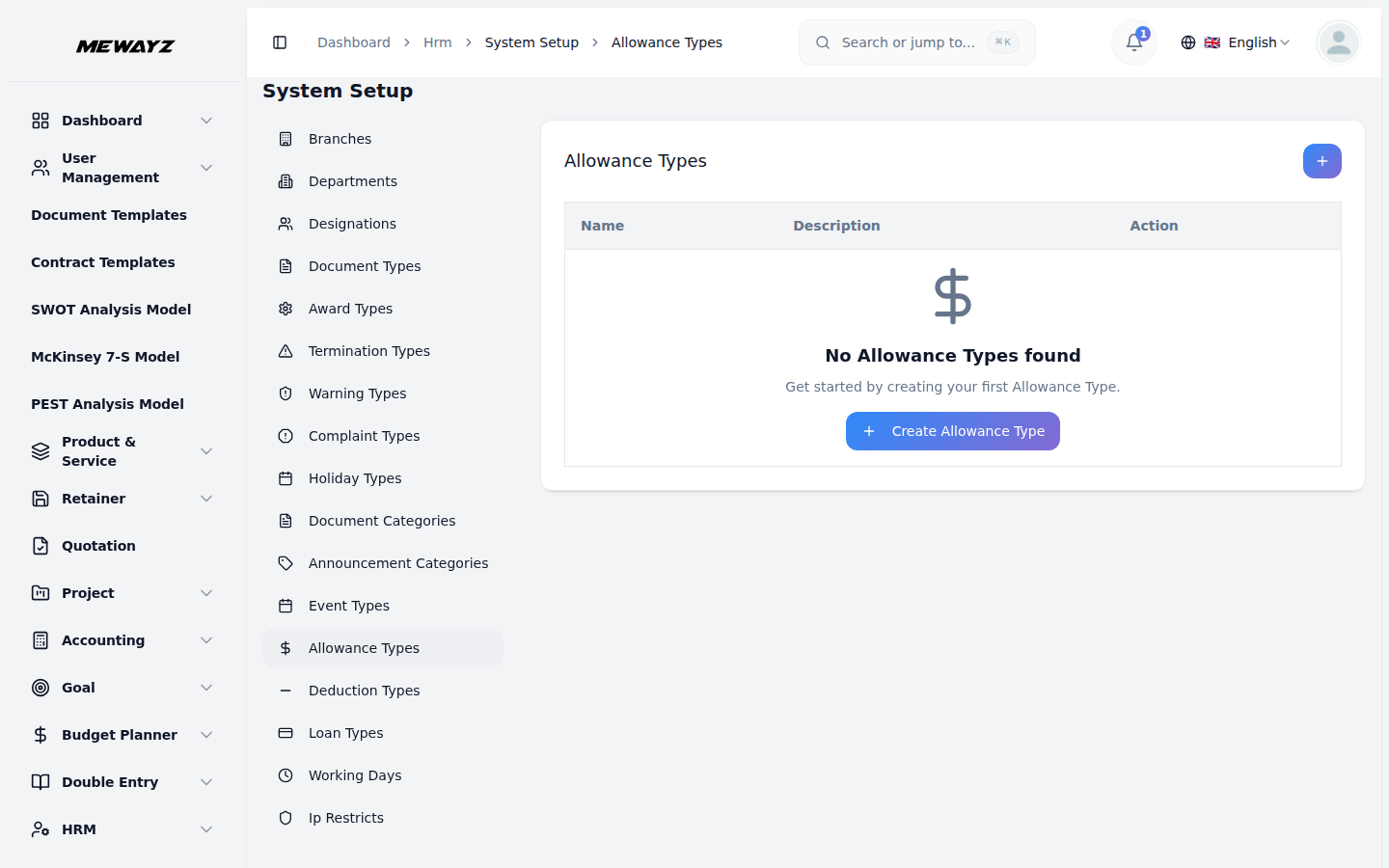
Allowance types
Travel, meals, housing, typed for reporting.
Payroll · 05
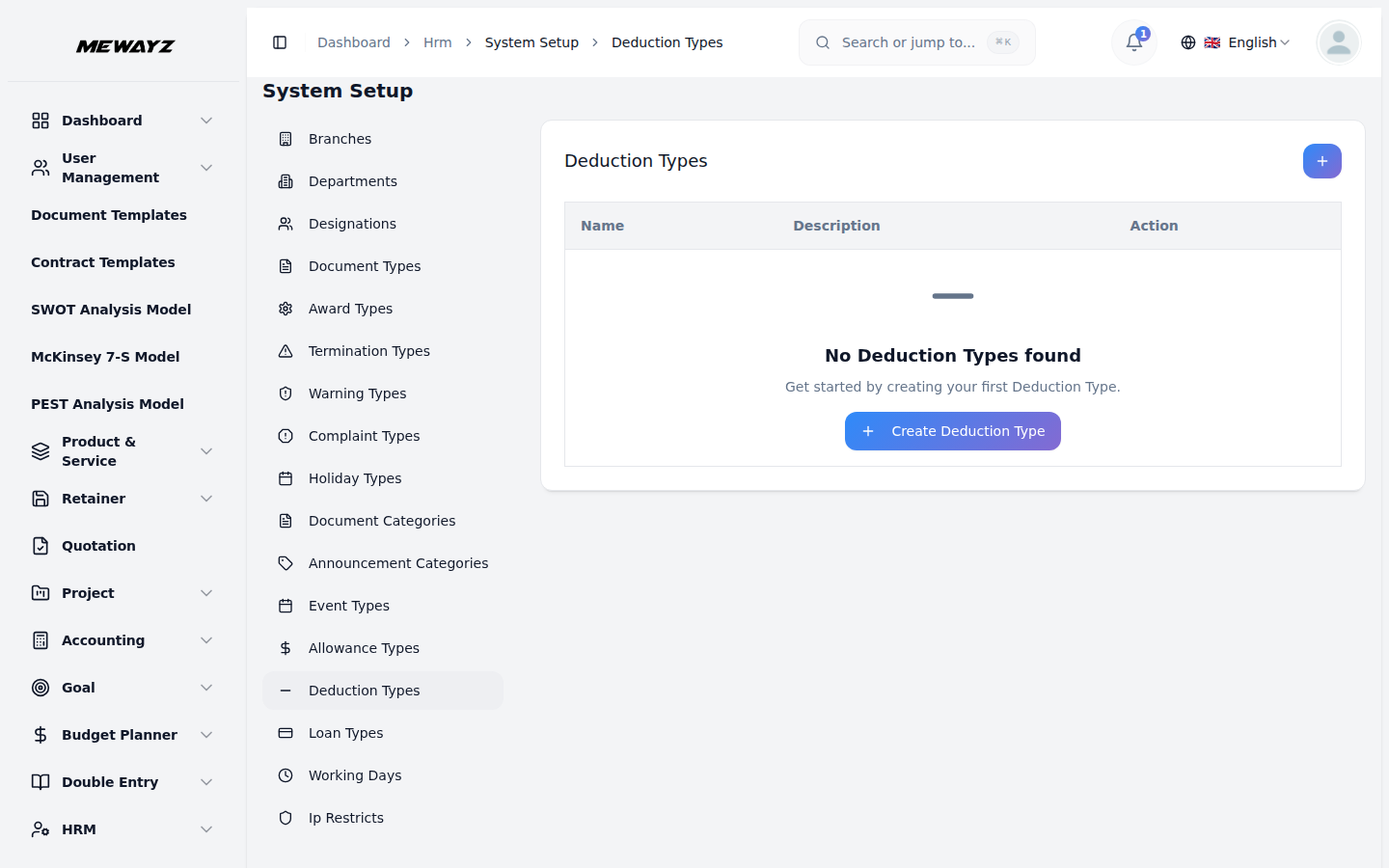
Deduction types
Tax, social, voluntary, applied per region.
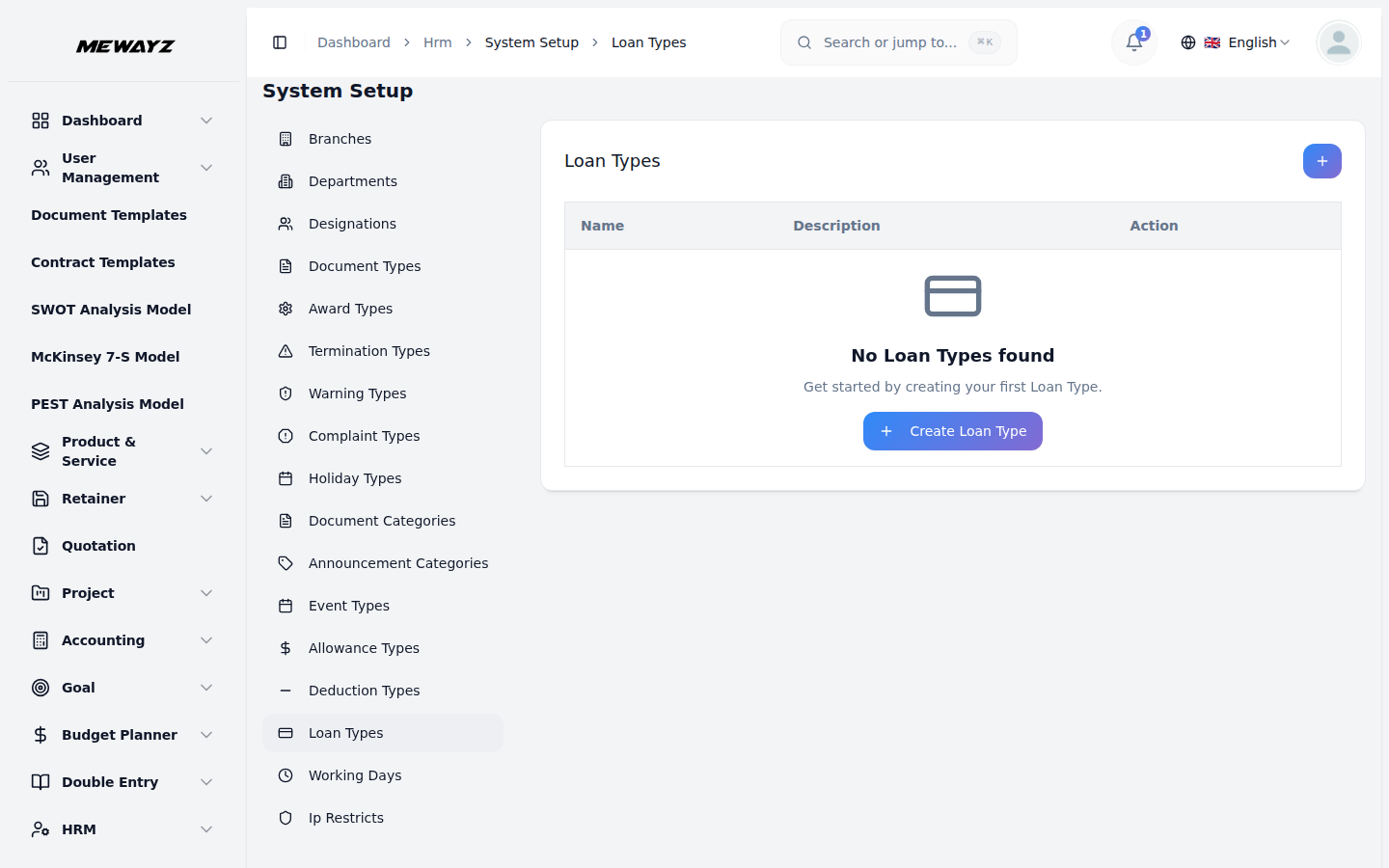
Payroll · 06
Loan types
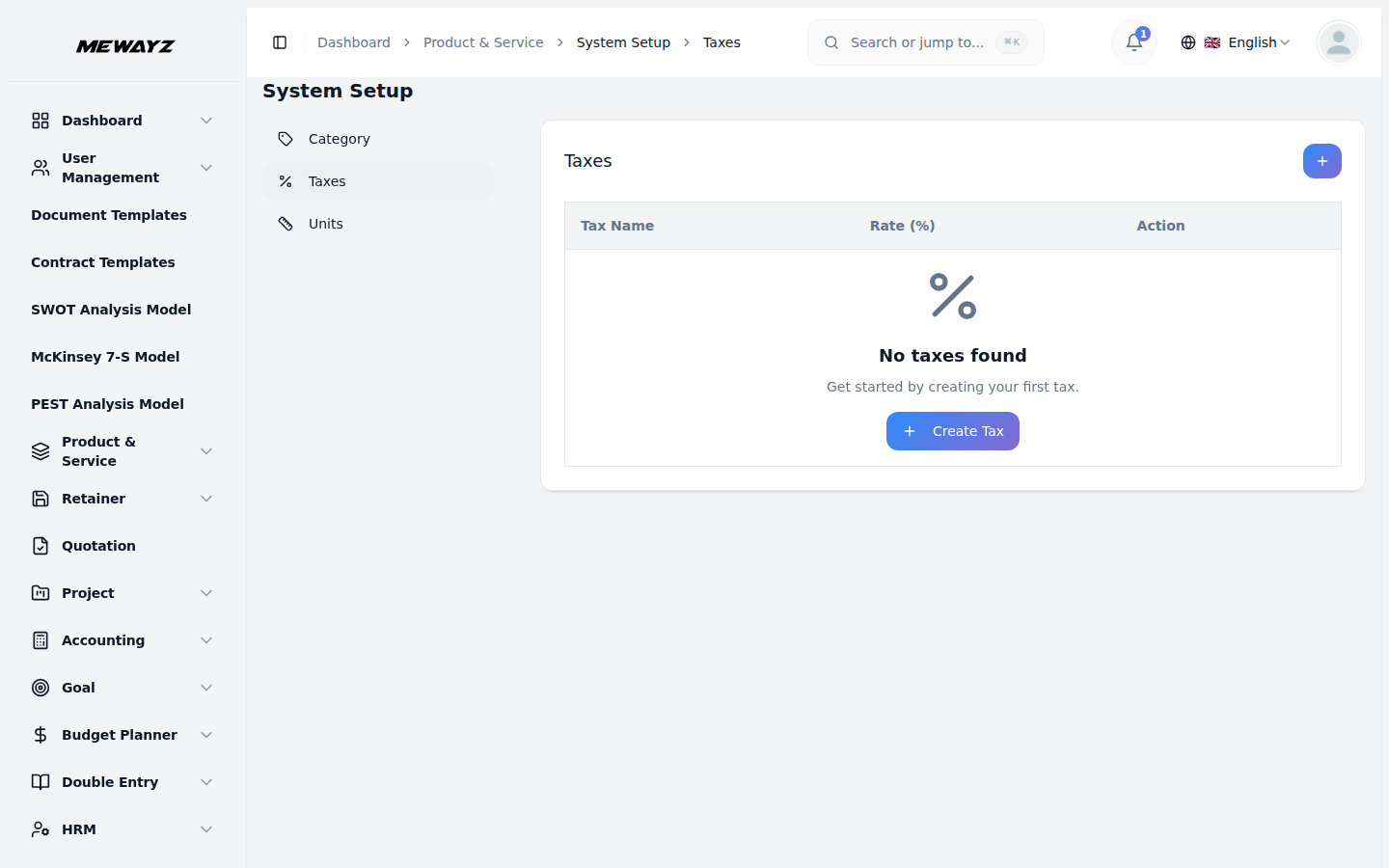
Salary advance, education, hardship.
08 · Accounting
Books that close themselves.
Full ledger. Customers, vendors, invoices, payments, expenses, bank reconciliation, tax. Built on the same database your CRM and HR run on, so a closed deal becomes an invoice without an integration layer.
Books · 01
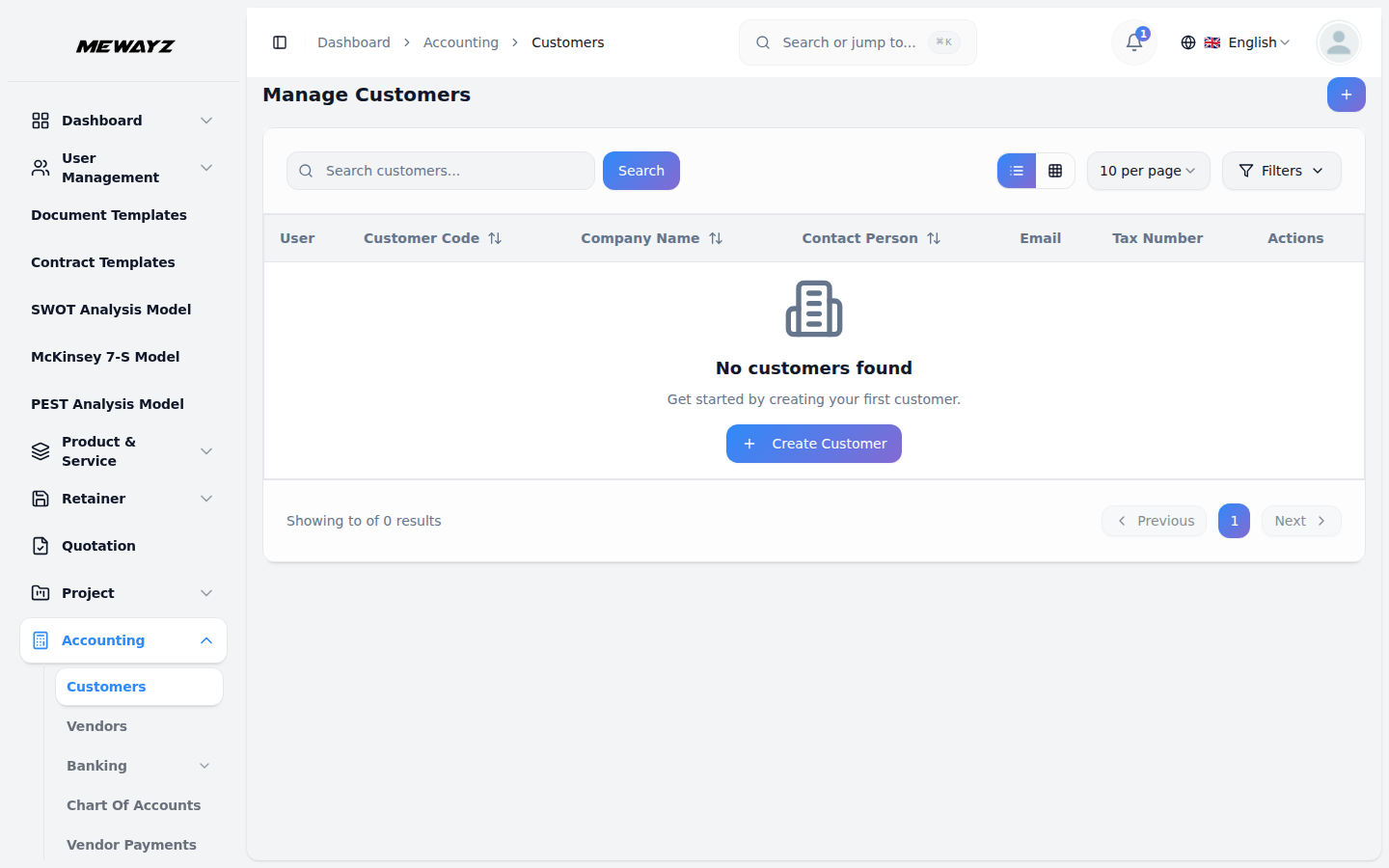
Customers
Master customer list, AR aging, last activity.
Books · 02
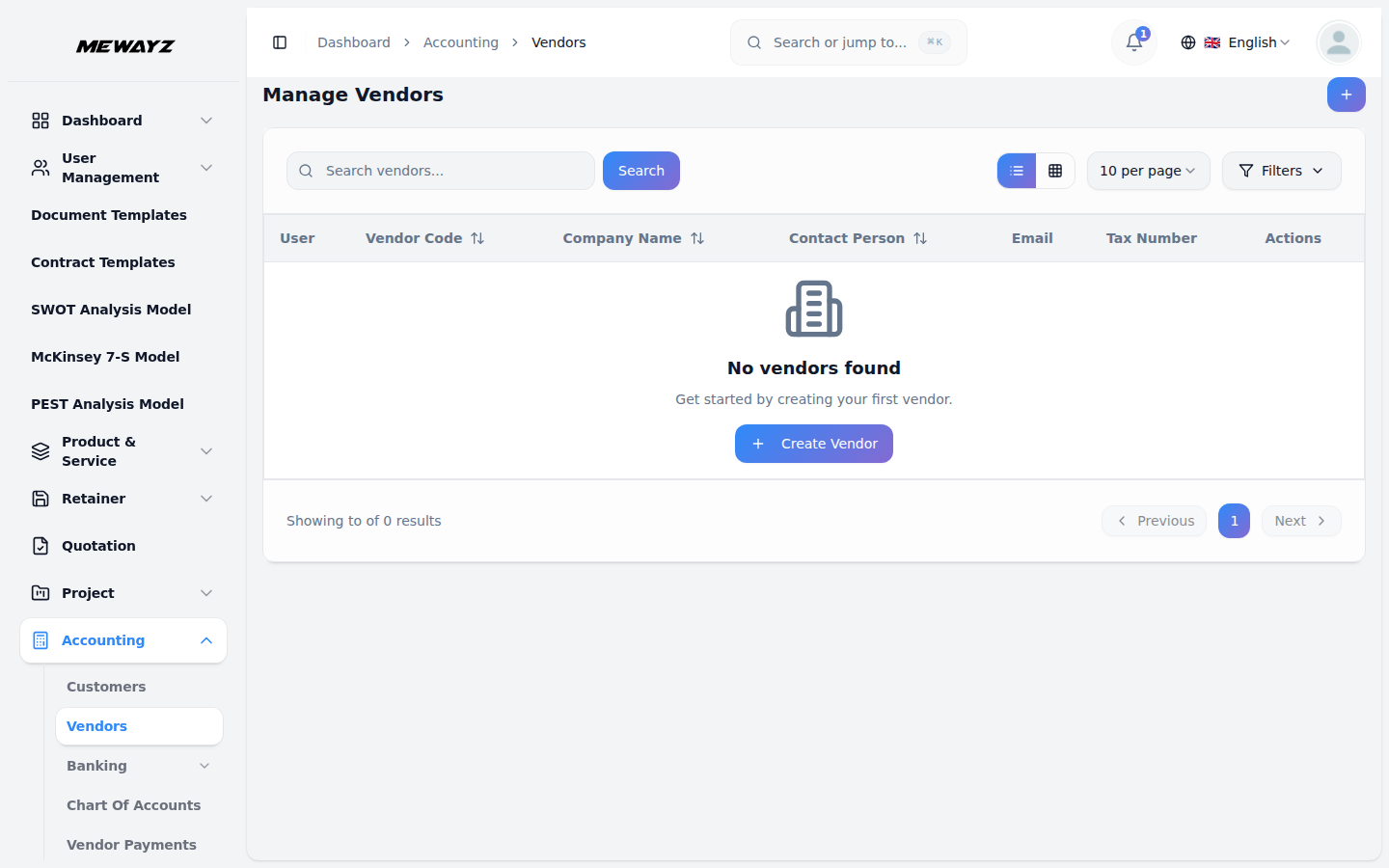
Vendors
Suppliers, contractors, AP aging.
Books · 03
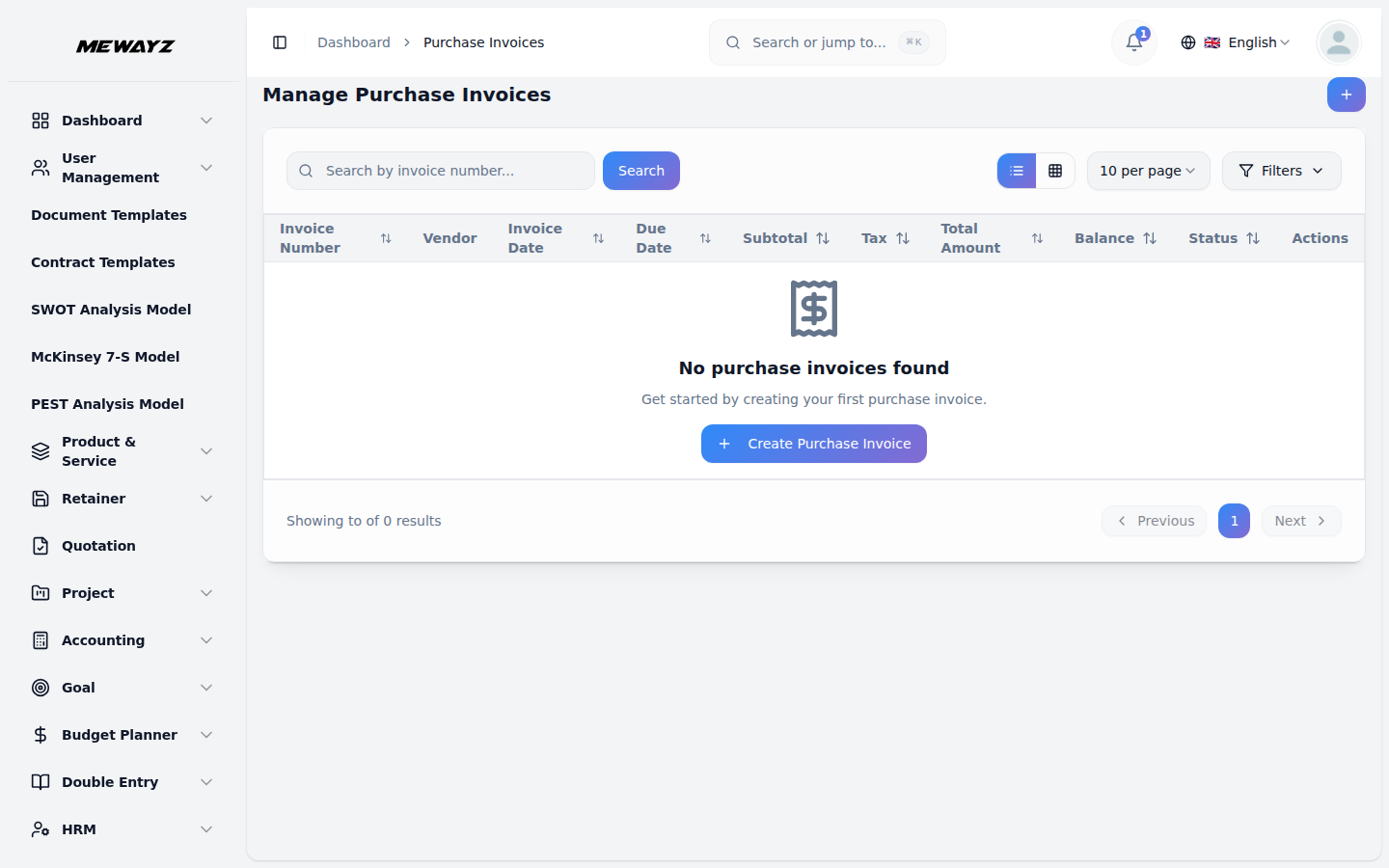
Purchase invoices
Bills from vendors, with three-way match.
Books · 04
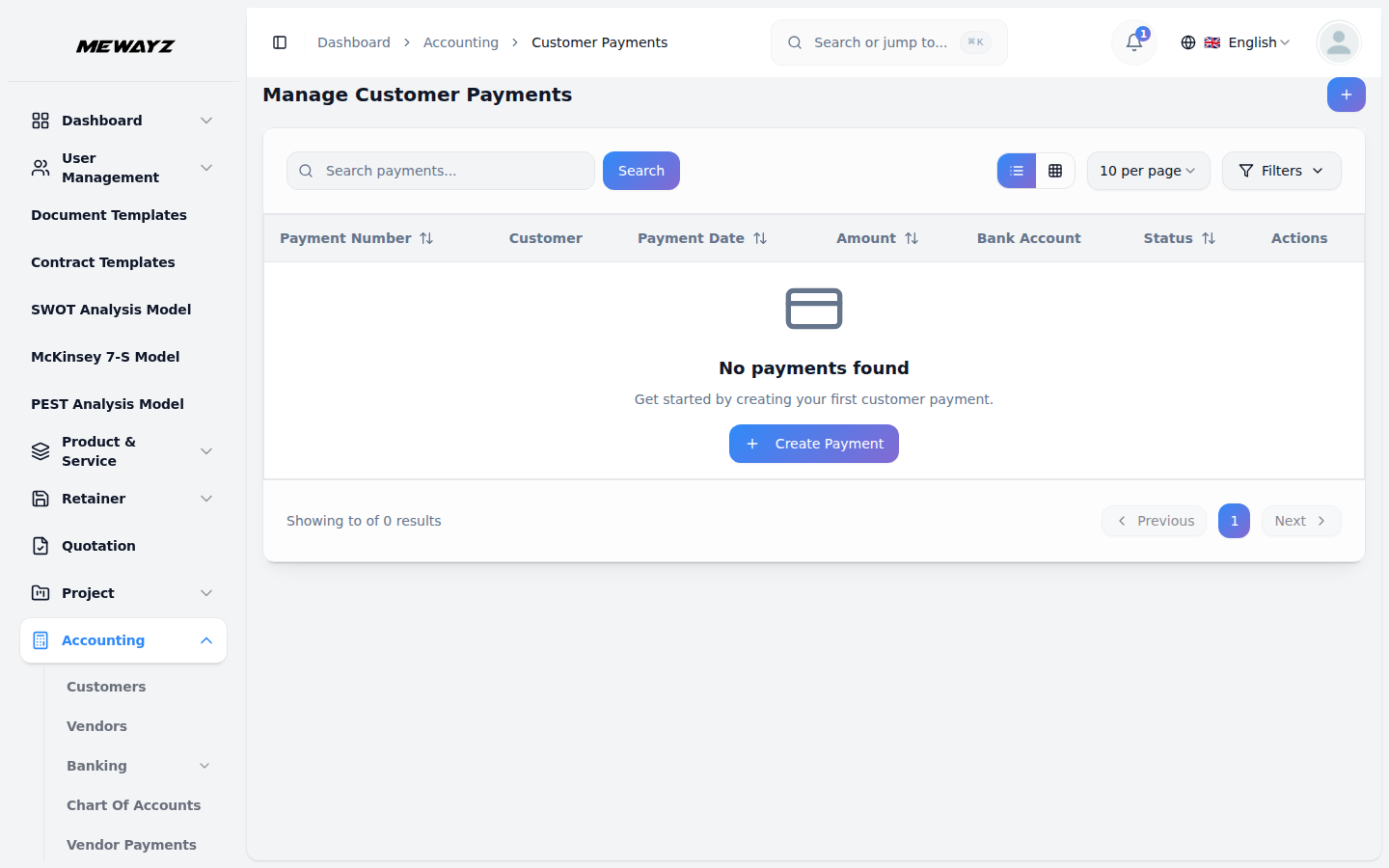
Customer payments
Stripe, ACH, manual, multi-currency.
Books · 05
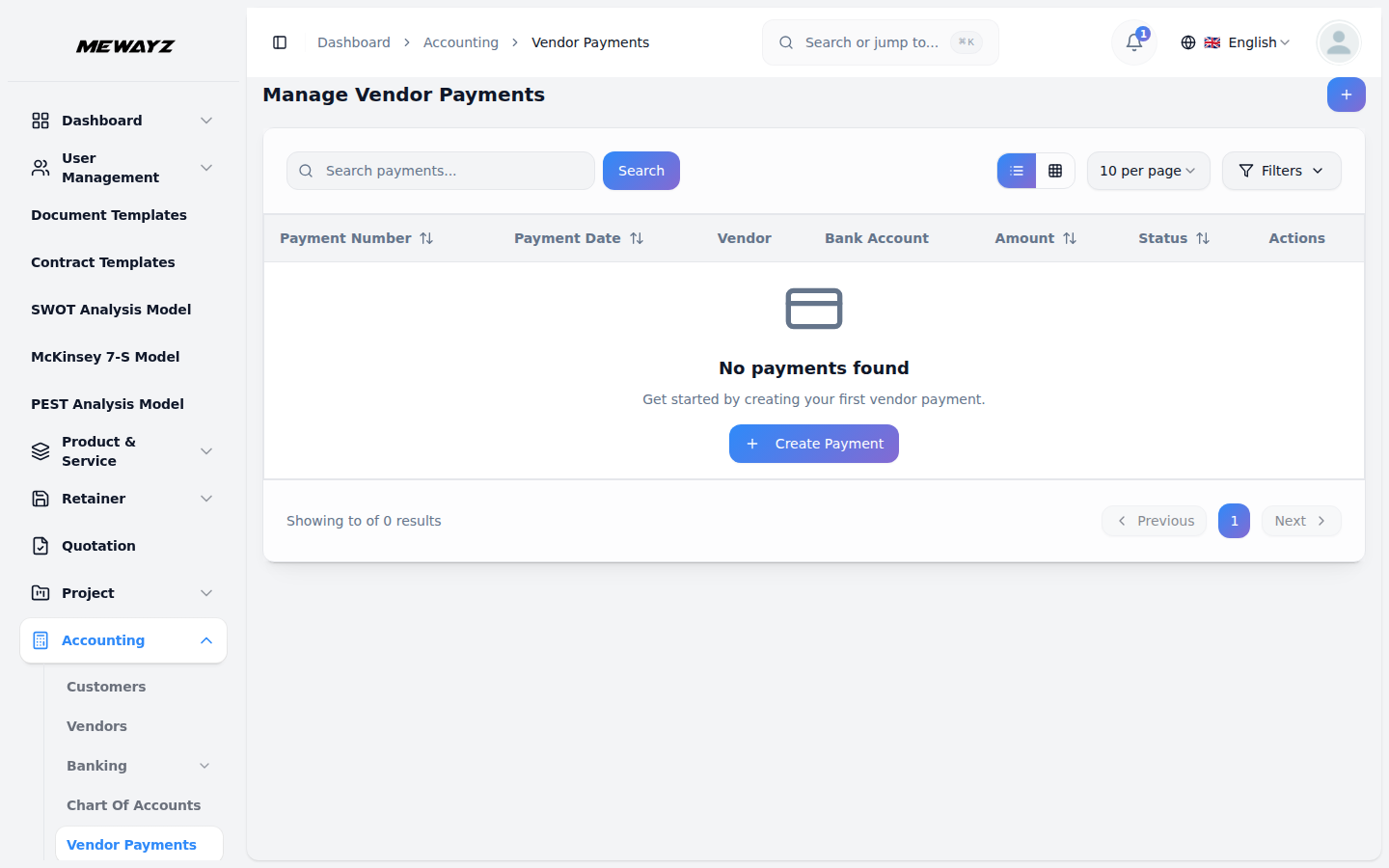
Vendor payments
Scheduled, batch, with proof.
Books · 06
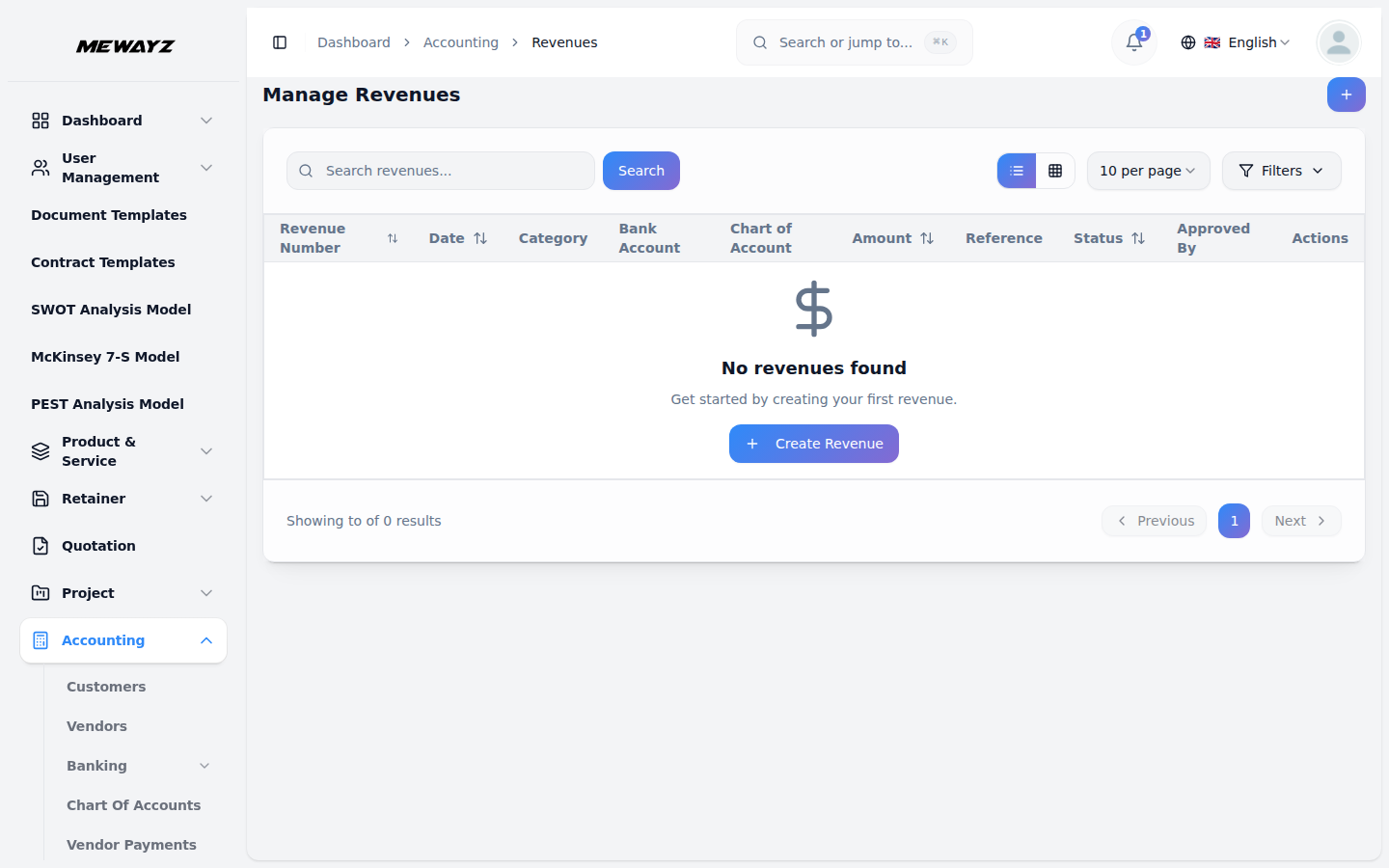
Revenues
Revenue events, categories, posting period.
Books · 07
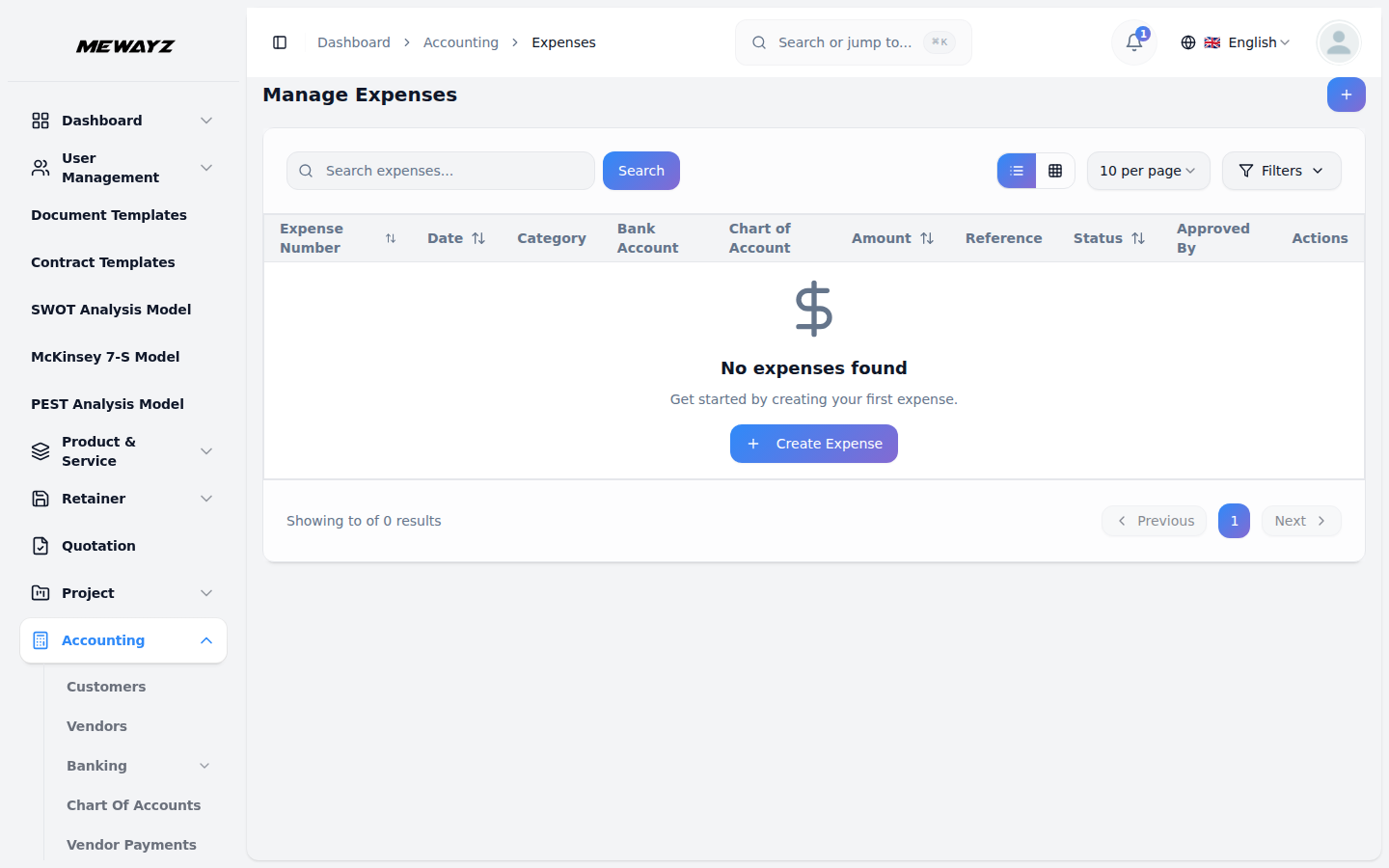
Expenses
Captured, categorised, receipt-attached.
Books · 08
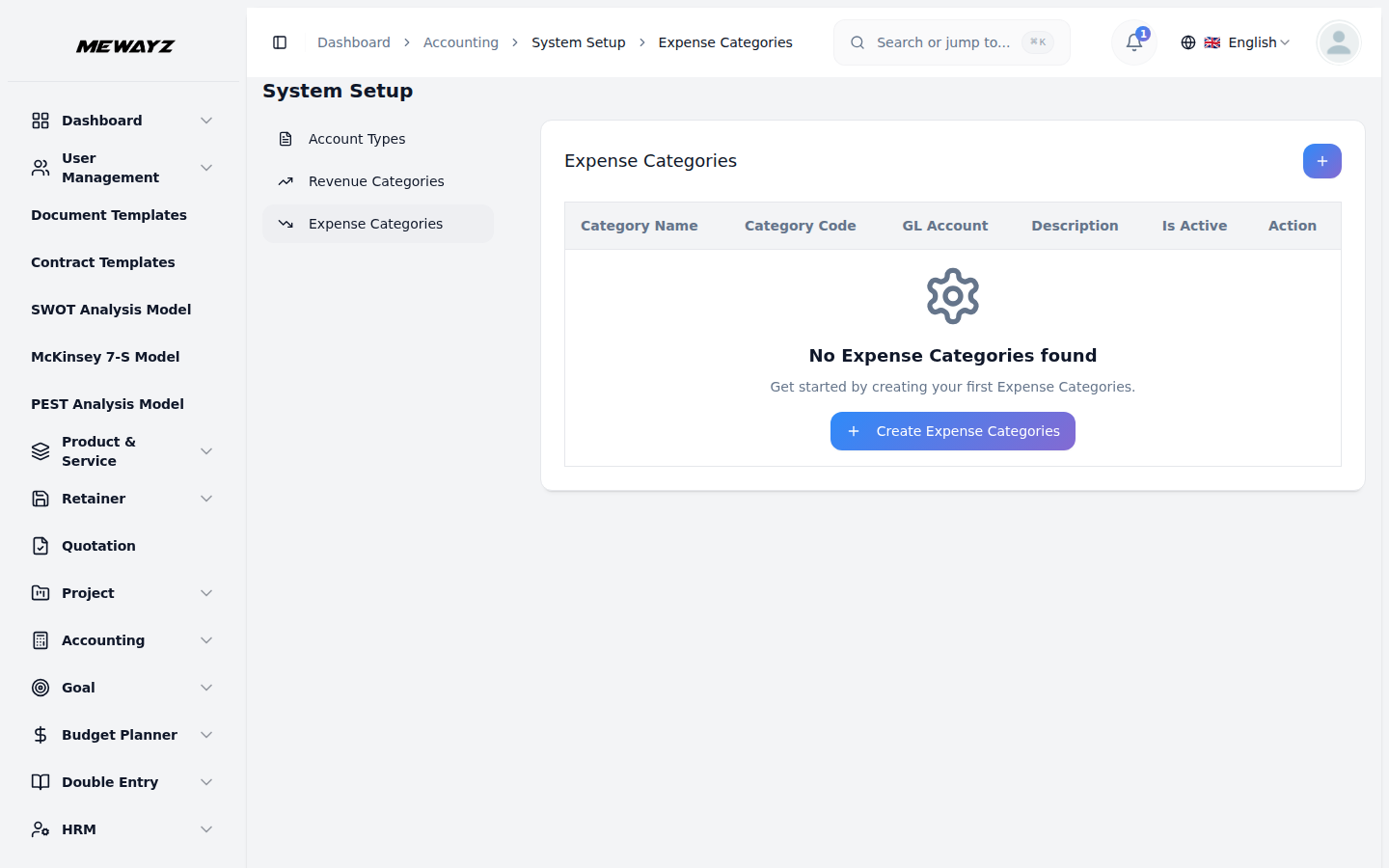
Expense categories
Custom chart of expense accounts.
Books · 09
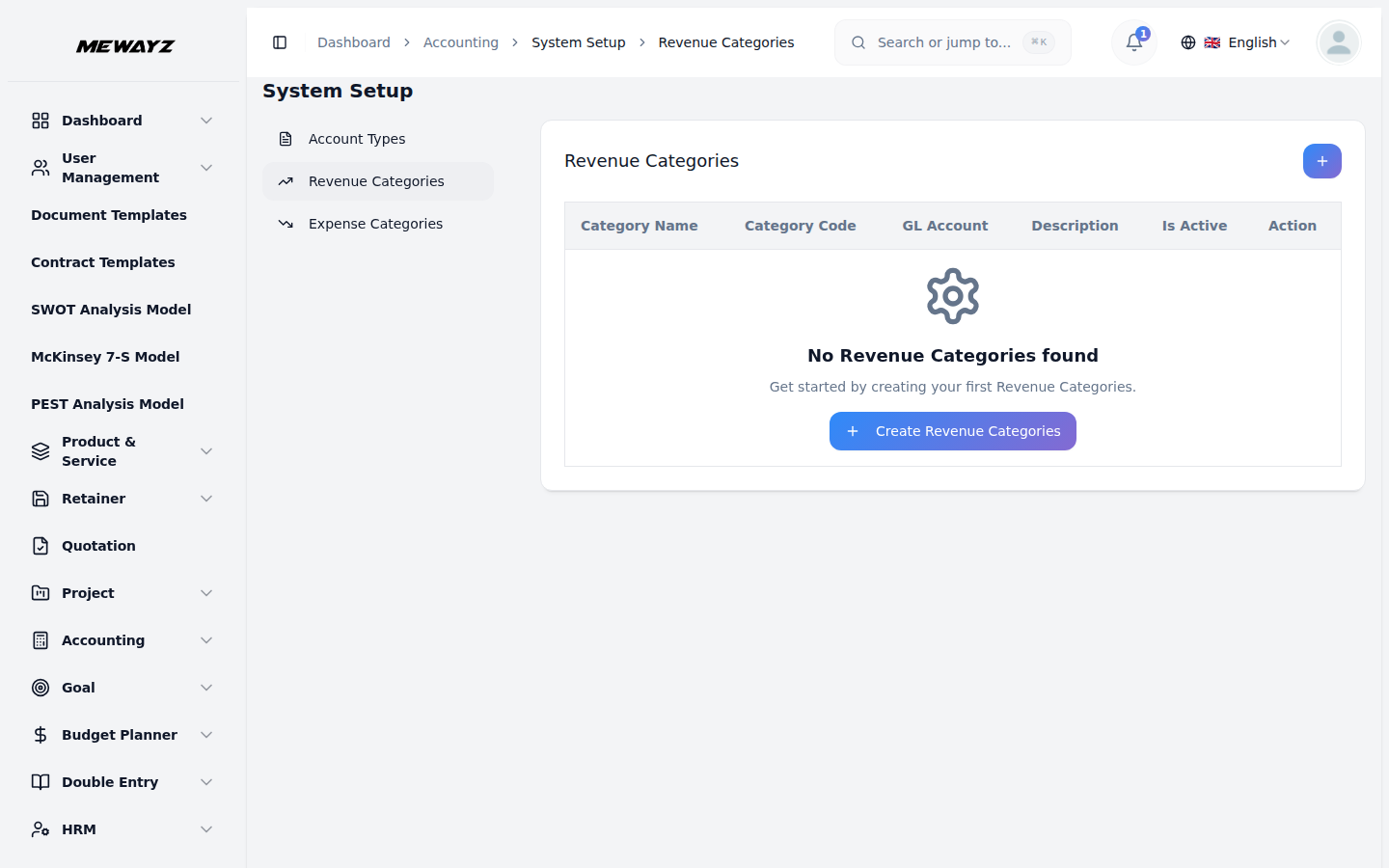
Revenue categories
Per-stream revenue taxonomy.
Books · 10
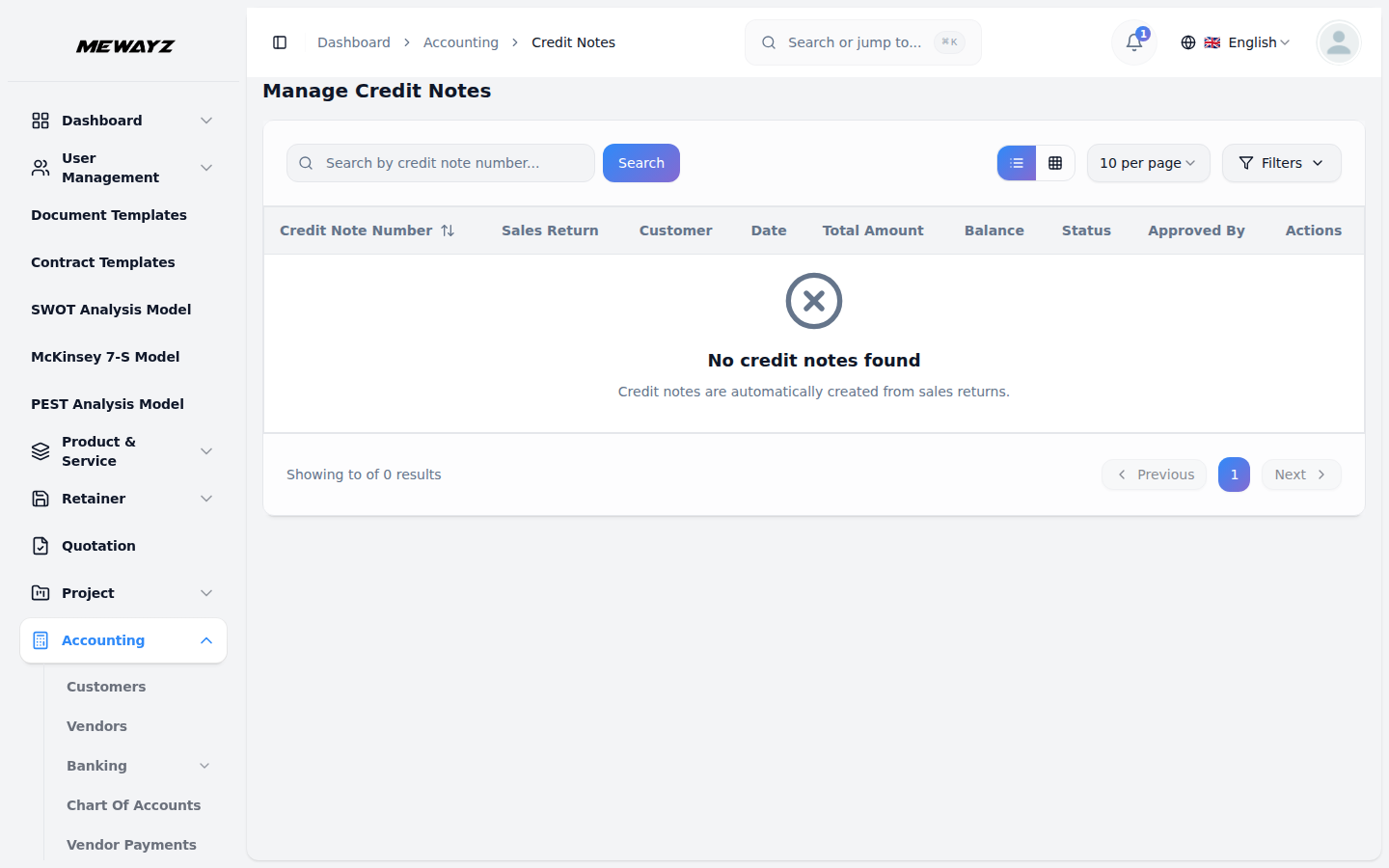
Credit notes
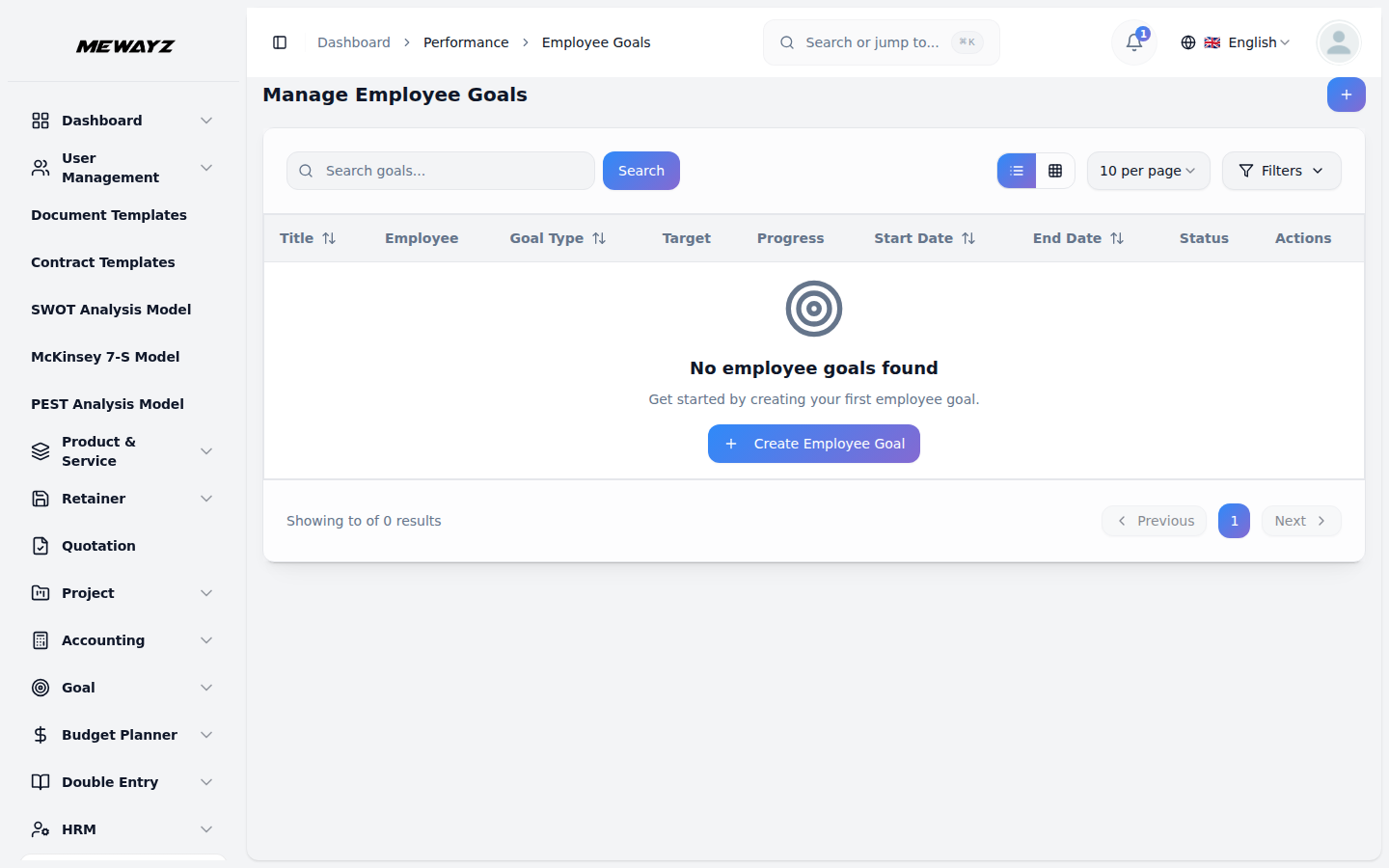
Refunds, returns, adjustments.
Books · 11
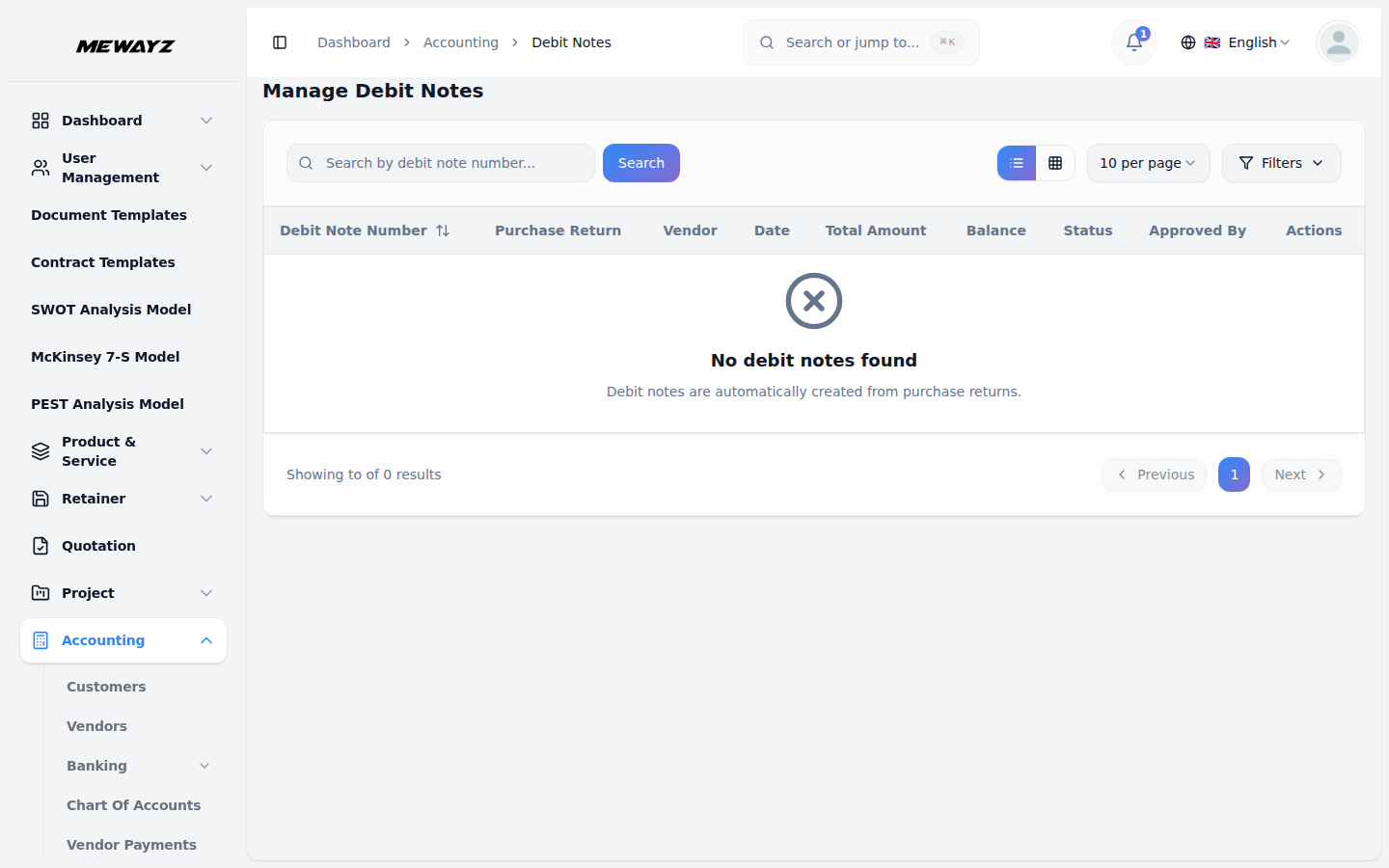
Debit notes
Vendor refunds, chargebacks.
Books · 12
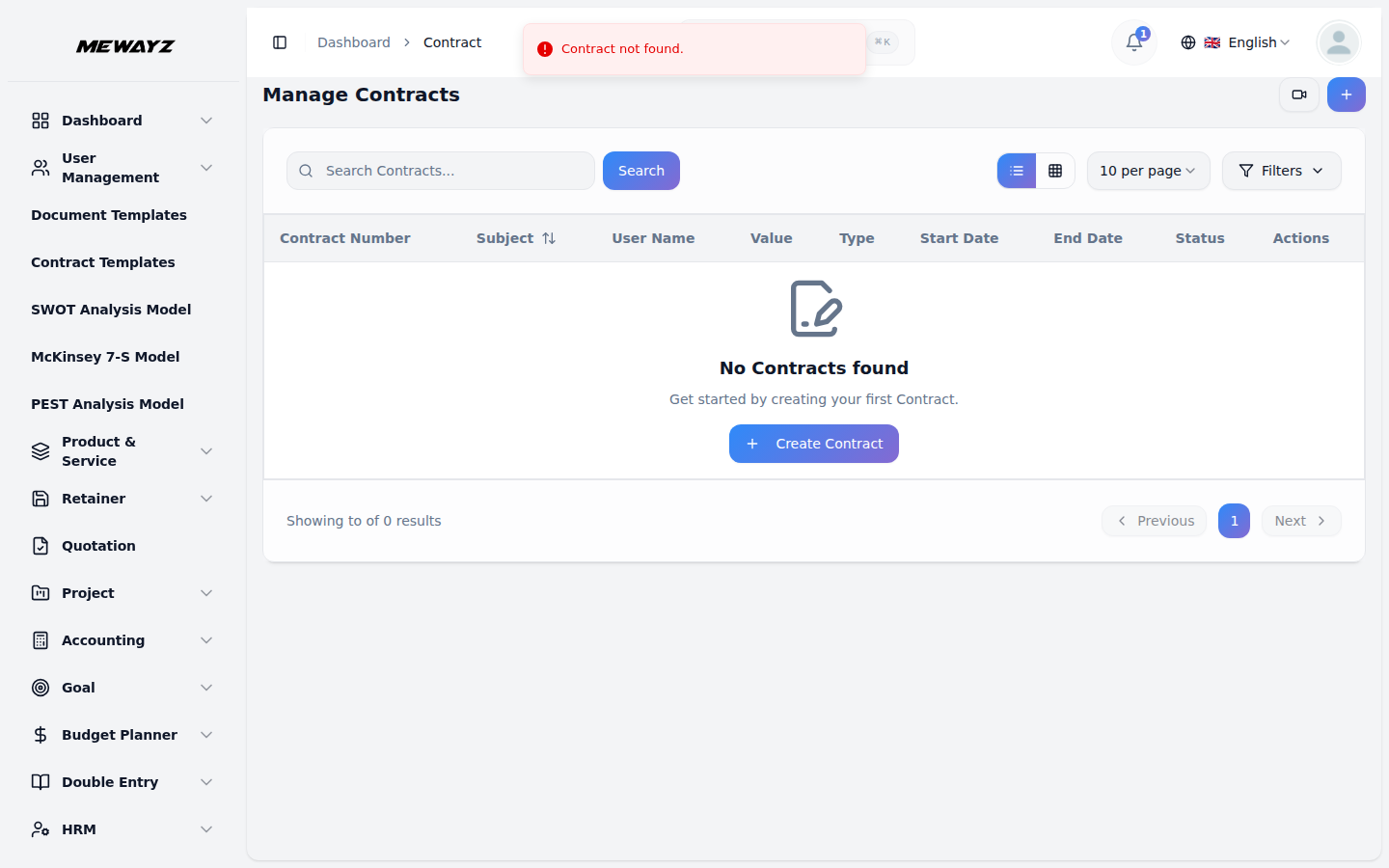
Contracts
Subscription & service agreements with billing.
Banking
Bank · 01
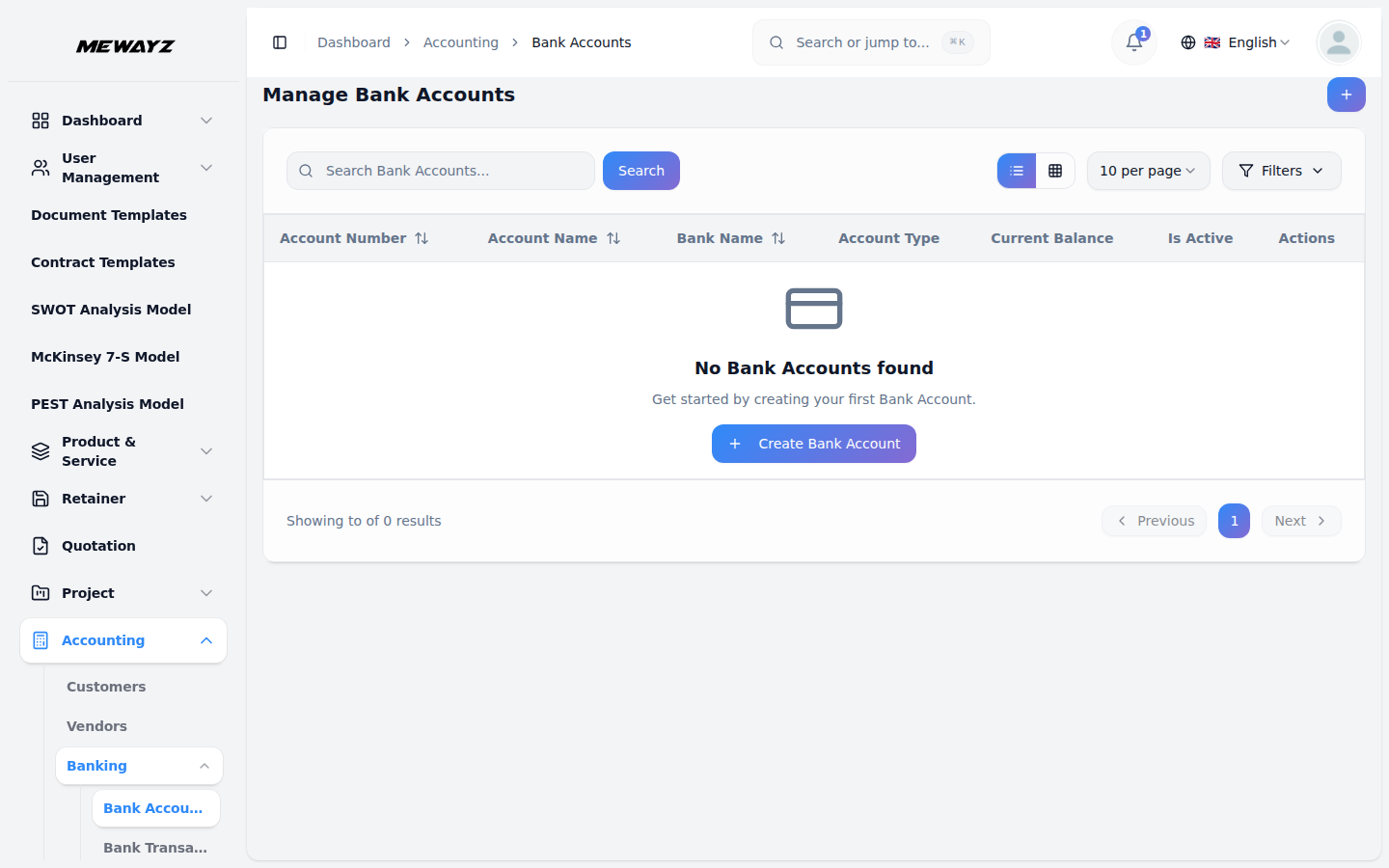
Bank accounts
Live feeds, balances, ownership.
Bank · 02
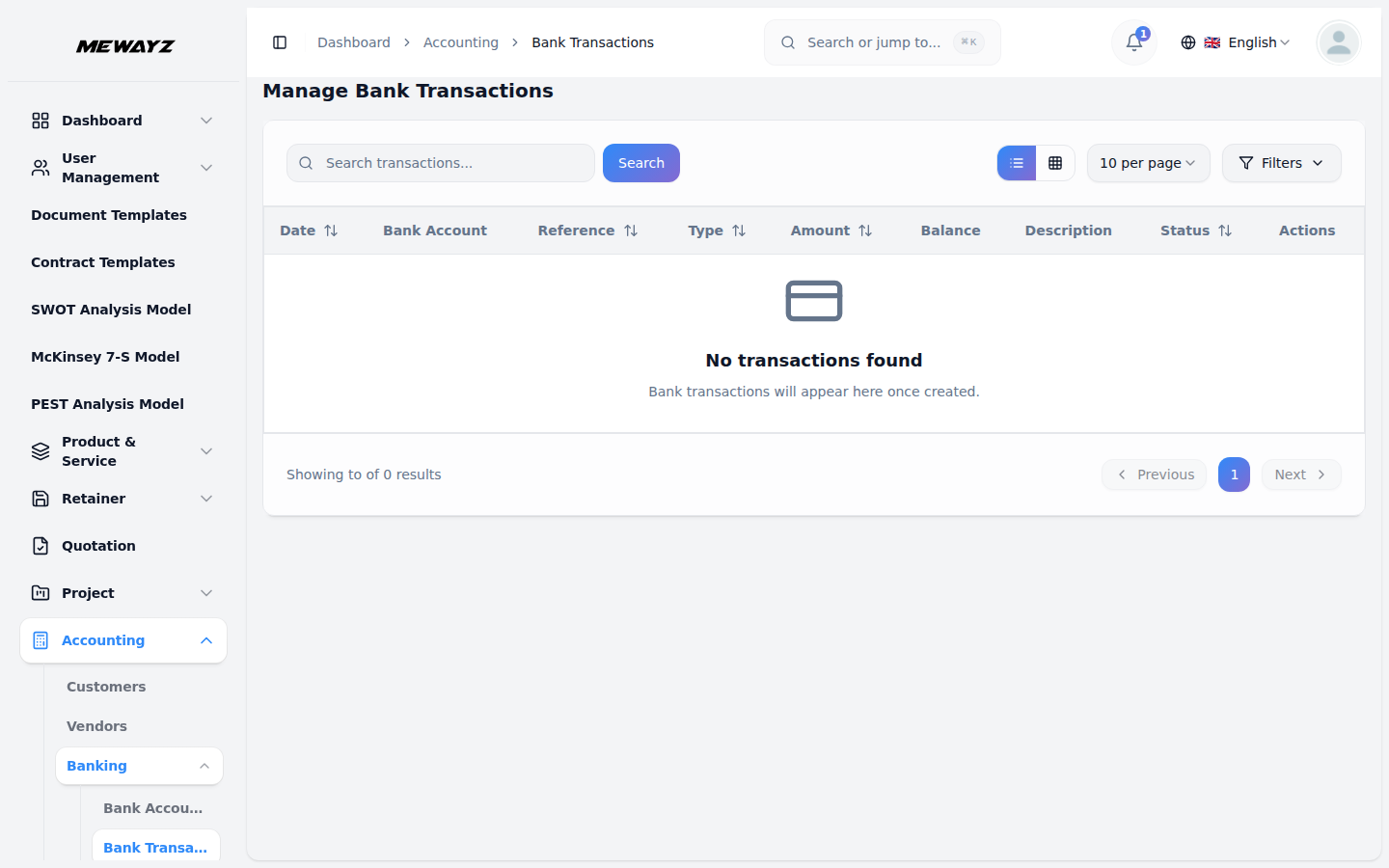
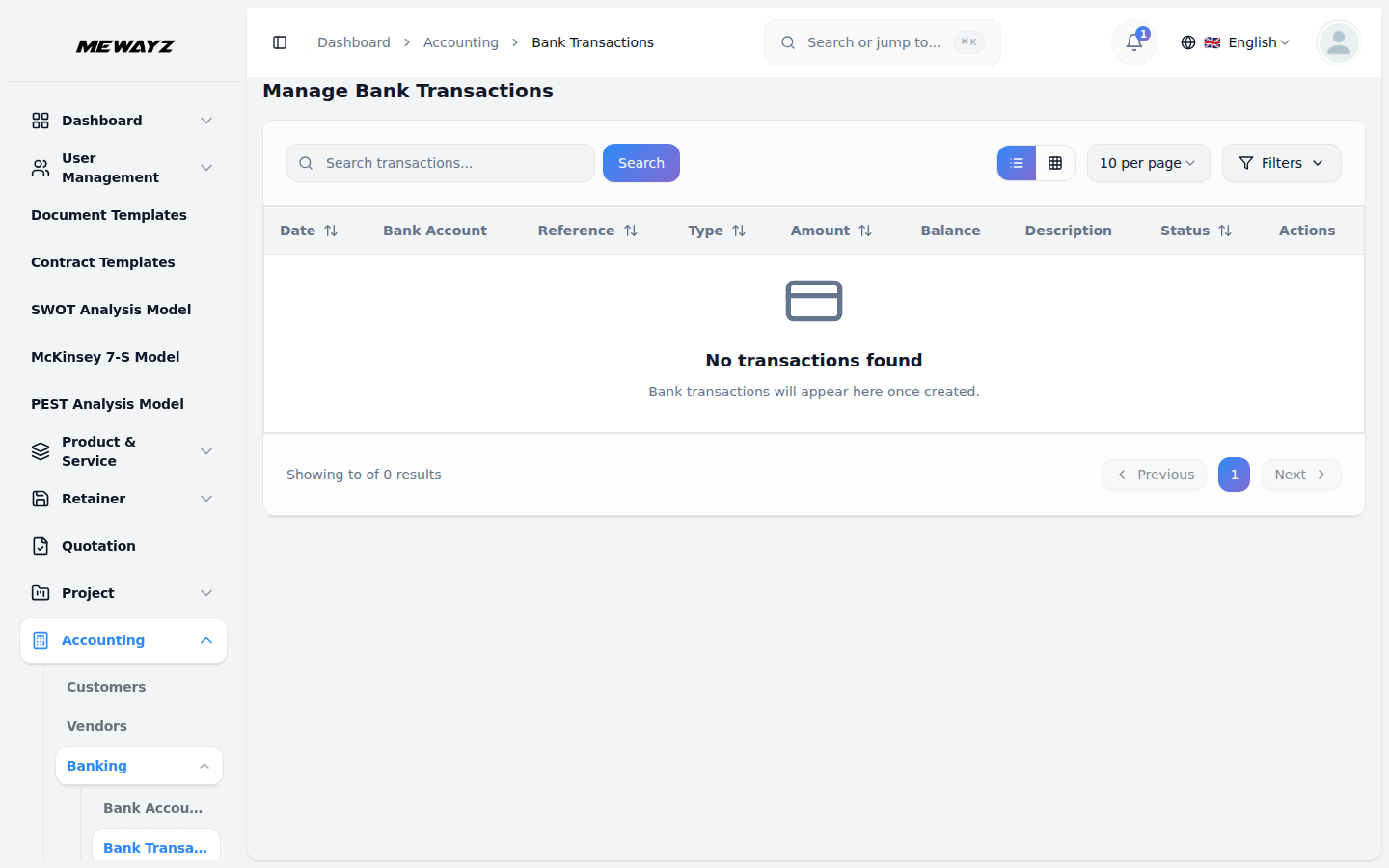
Bank transactions
Reconciled, categorised, indexed.
Bank · 03
Transaction detail
Splits, attachments, match suggestion.
Bank · 04
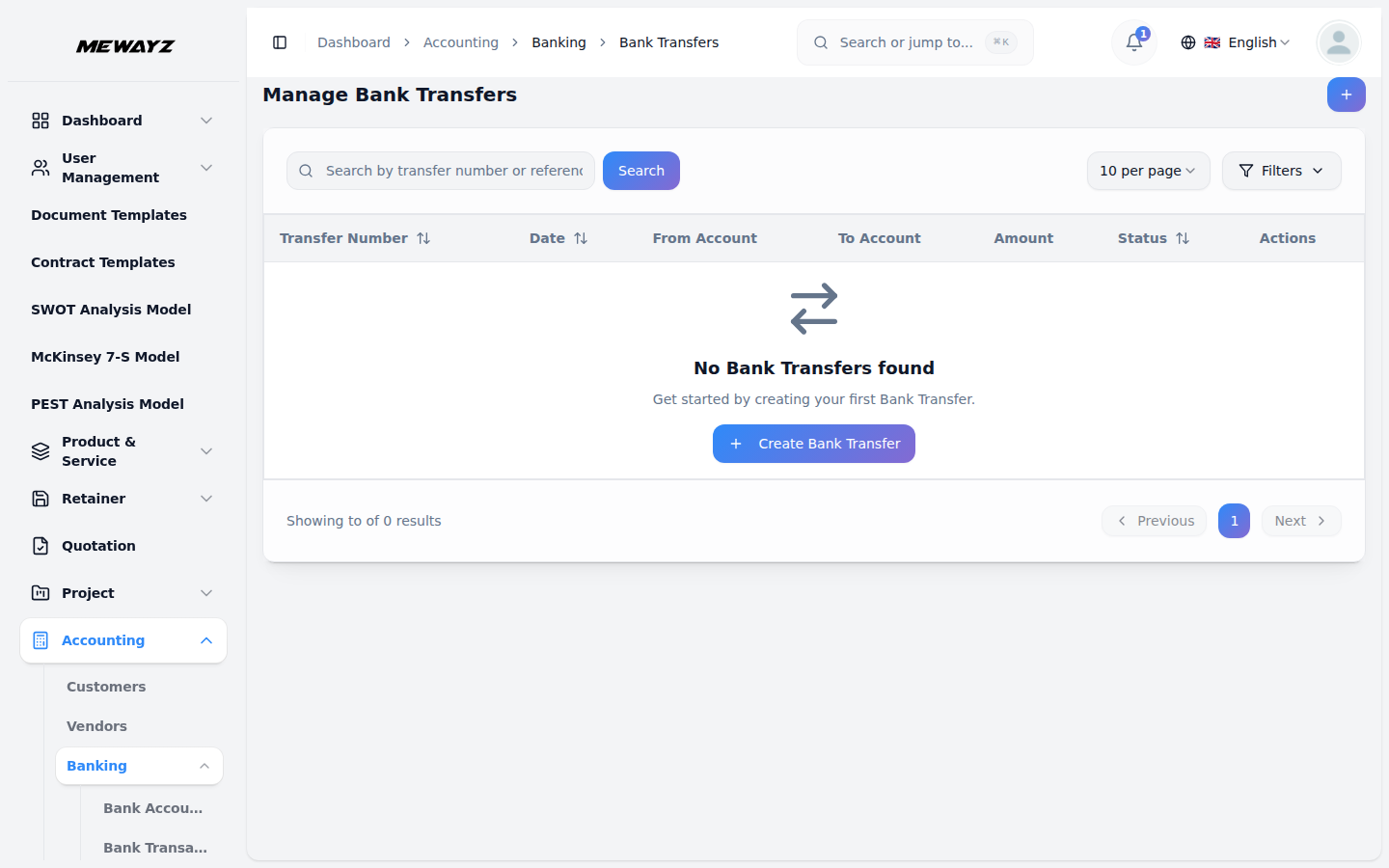
Bank transfers
Inter-account moves, automatically eliminated.
09 · Financial reports
Numbers that tie out.
The reports the accountant asks for. Profit & loss, balance sheet, trial balance, cash flow, ledgers. Standard formats, exportable, audit-ready.
Report · 01
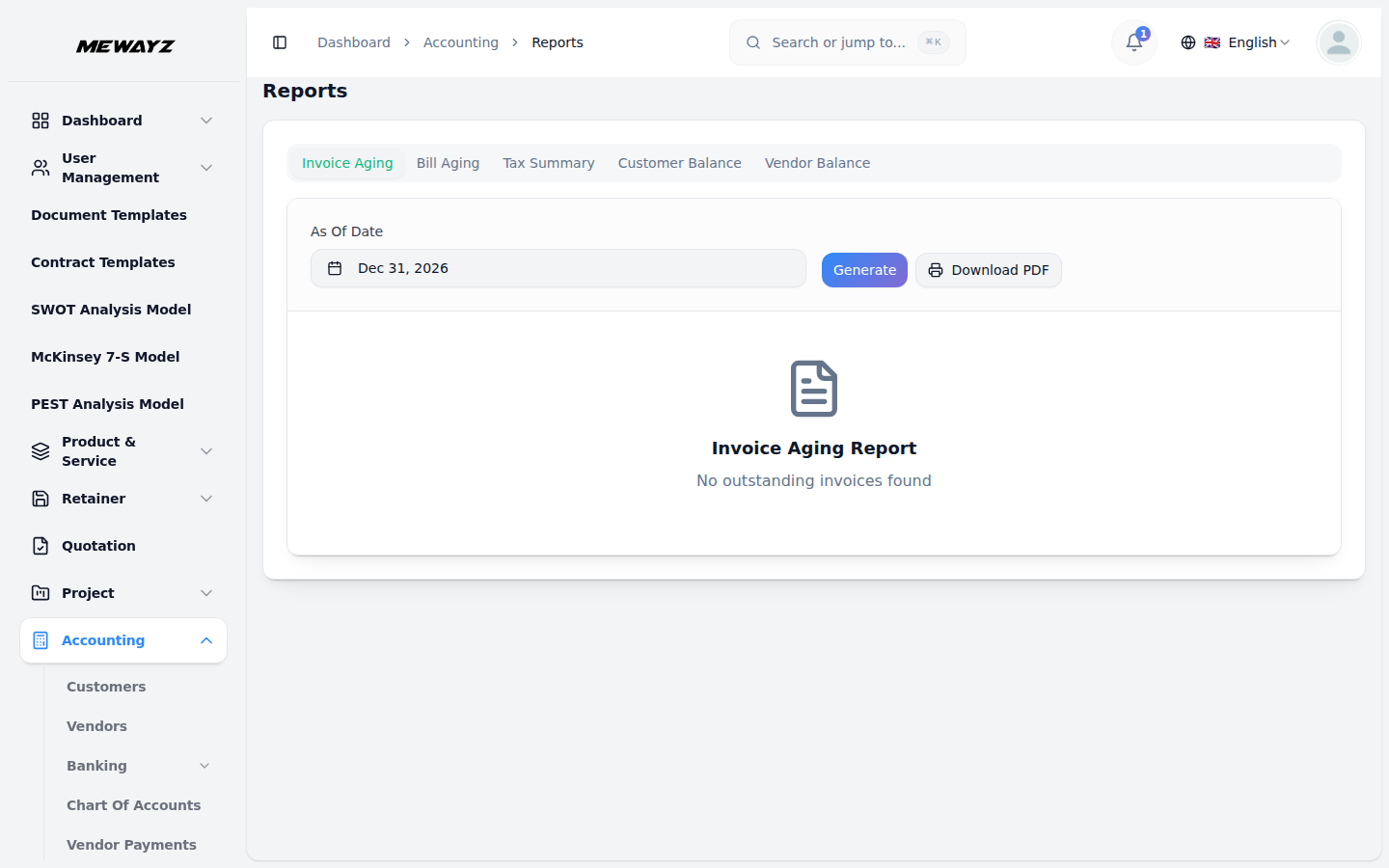
Reports hub
Every report, one menu.
Report · 02
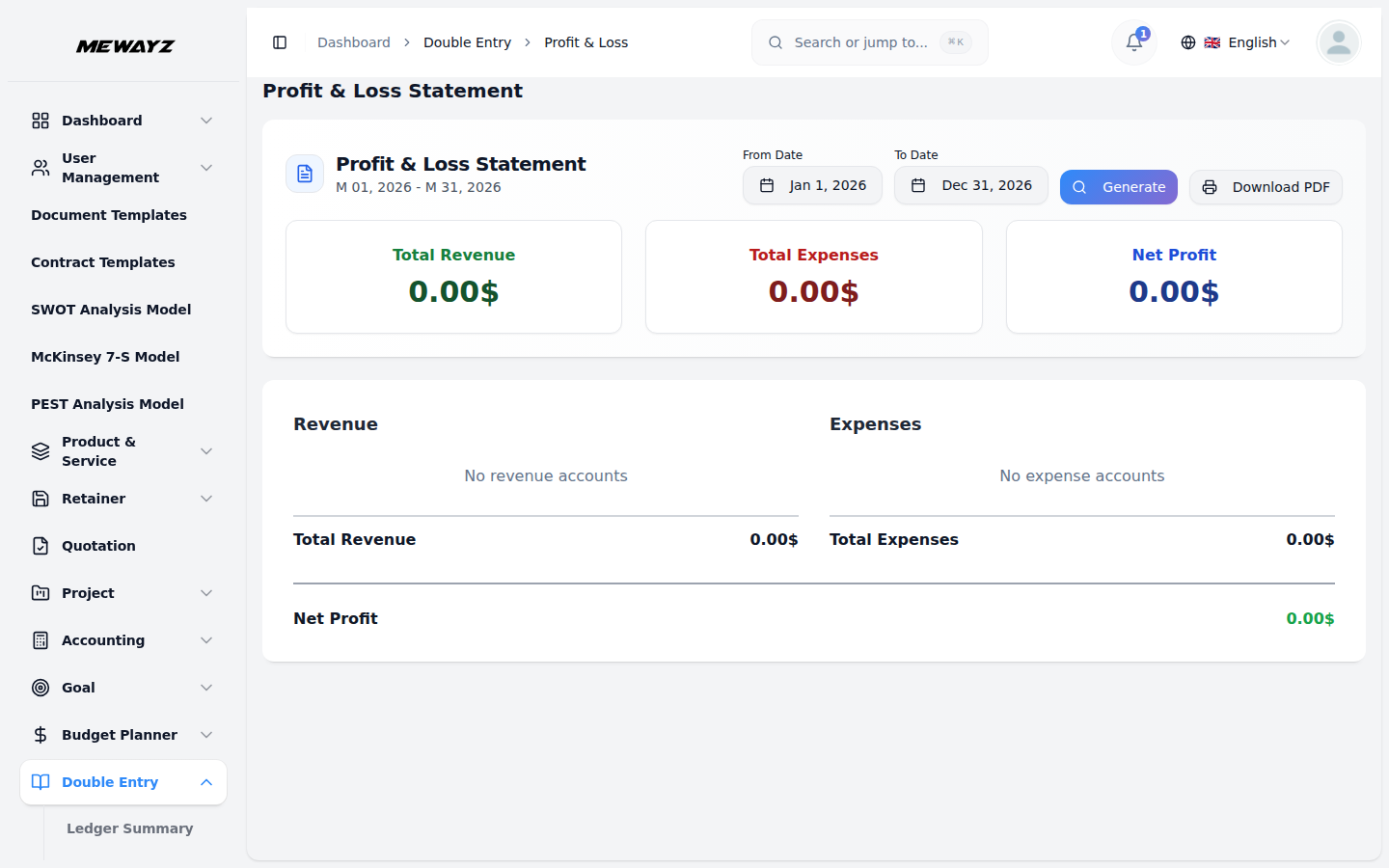
Profit & loss
By period, by department, by location.
Report · 03
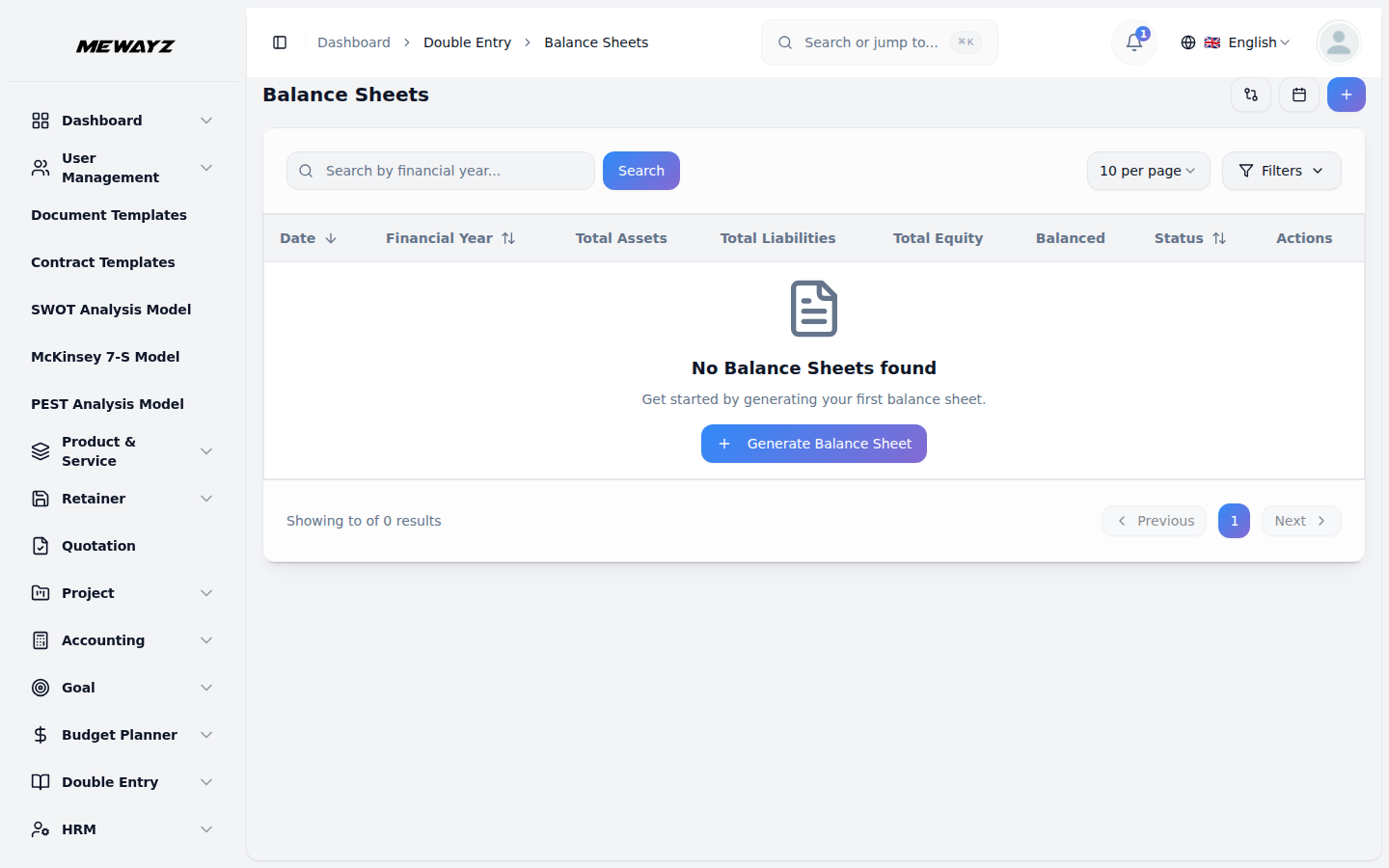
Balance sheet
A/L/E with comparatives.
Report · 04
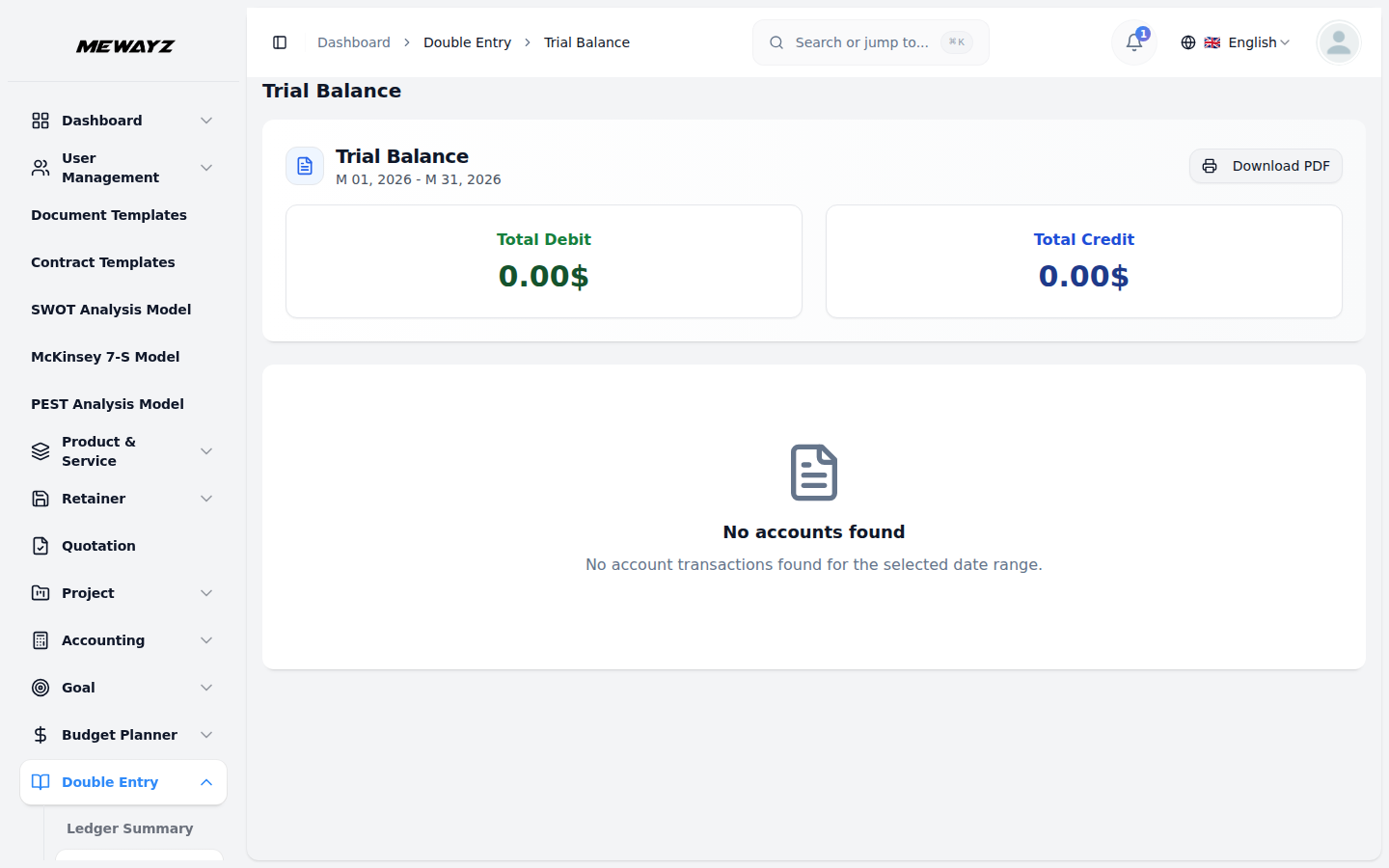
Trial balance
Pre-close check.
Report · 05
Cash flow
Operating / investing / financing breakdown.
Report · 06
General ledger
Drillable journal-level detail.
Report · 07
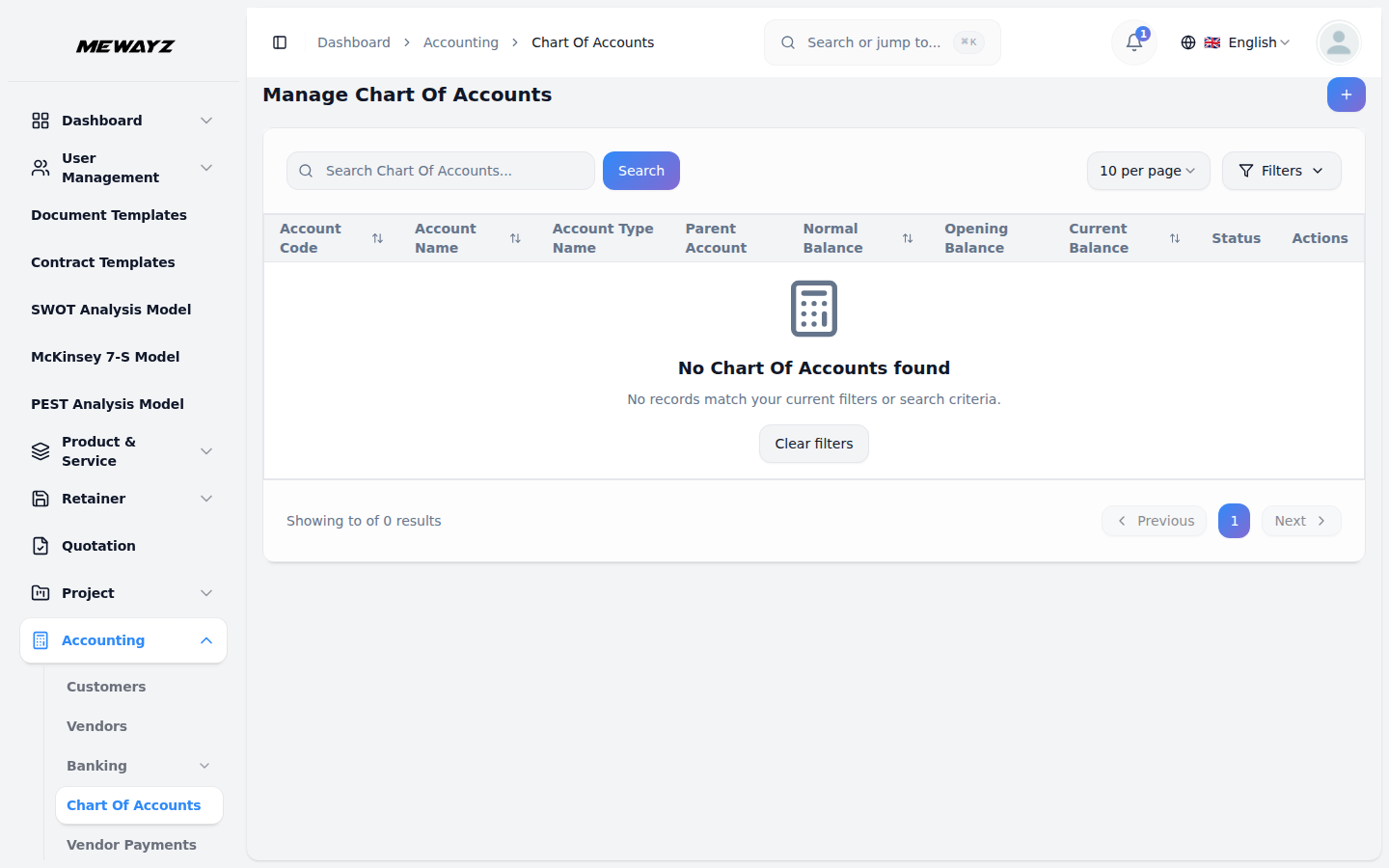
Chart of accounts
Hierarchical, mappable, multi-currency.
Report · 08
Journal entries
All postings, with source links.
Report · 09
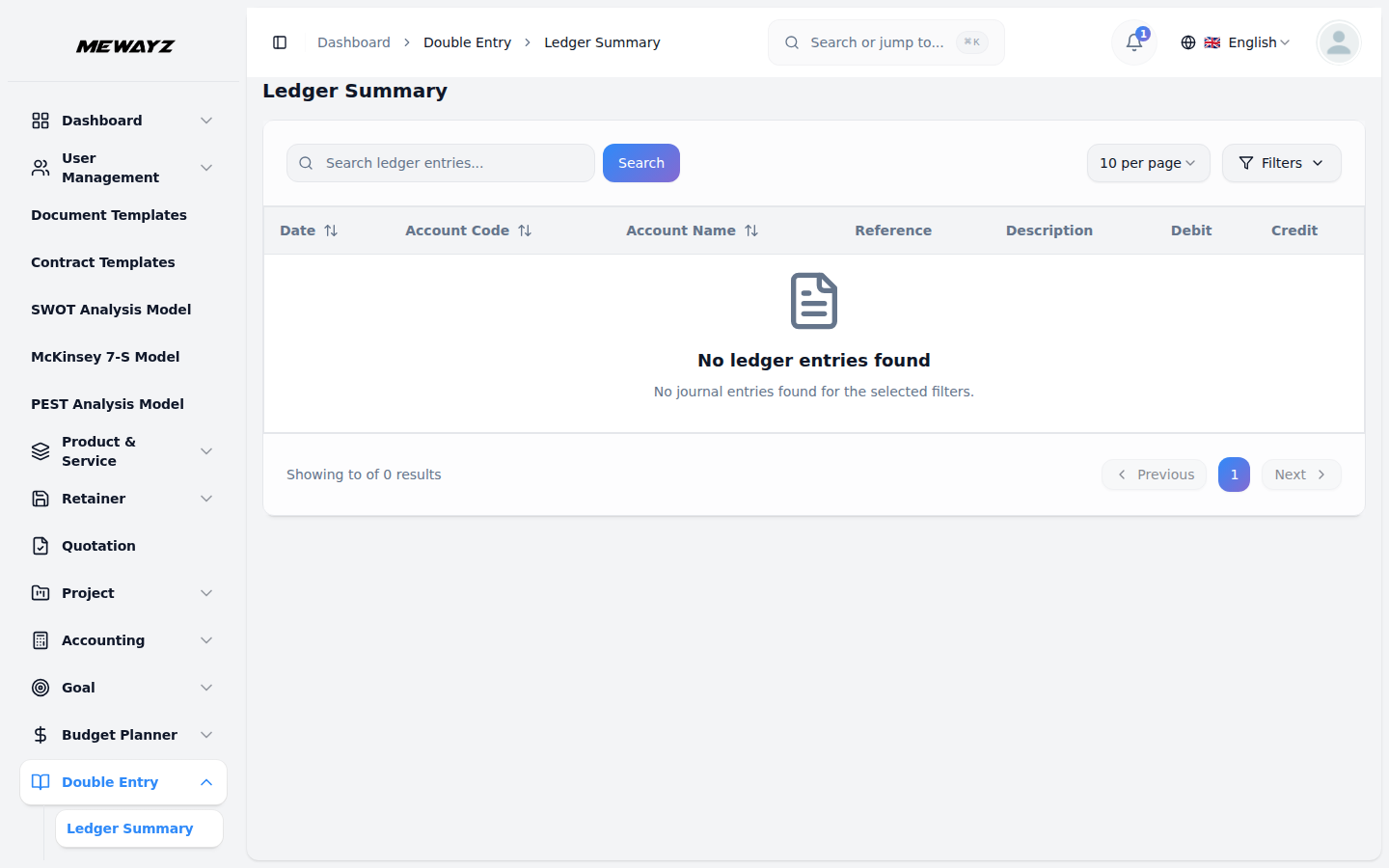
Ledger summary
Period totals per account.
Report · 10
Account statement
Customer / vendor running statement.
Report · 11
Account balances
Live balances across all accounts.
Report · 12
Expense report
By category, employee, period.
Budgets, assets, taxes
FP&A · 01
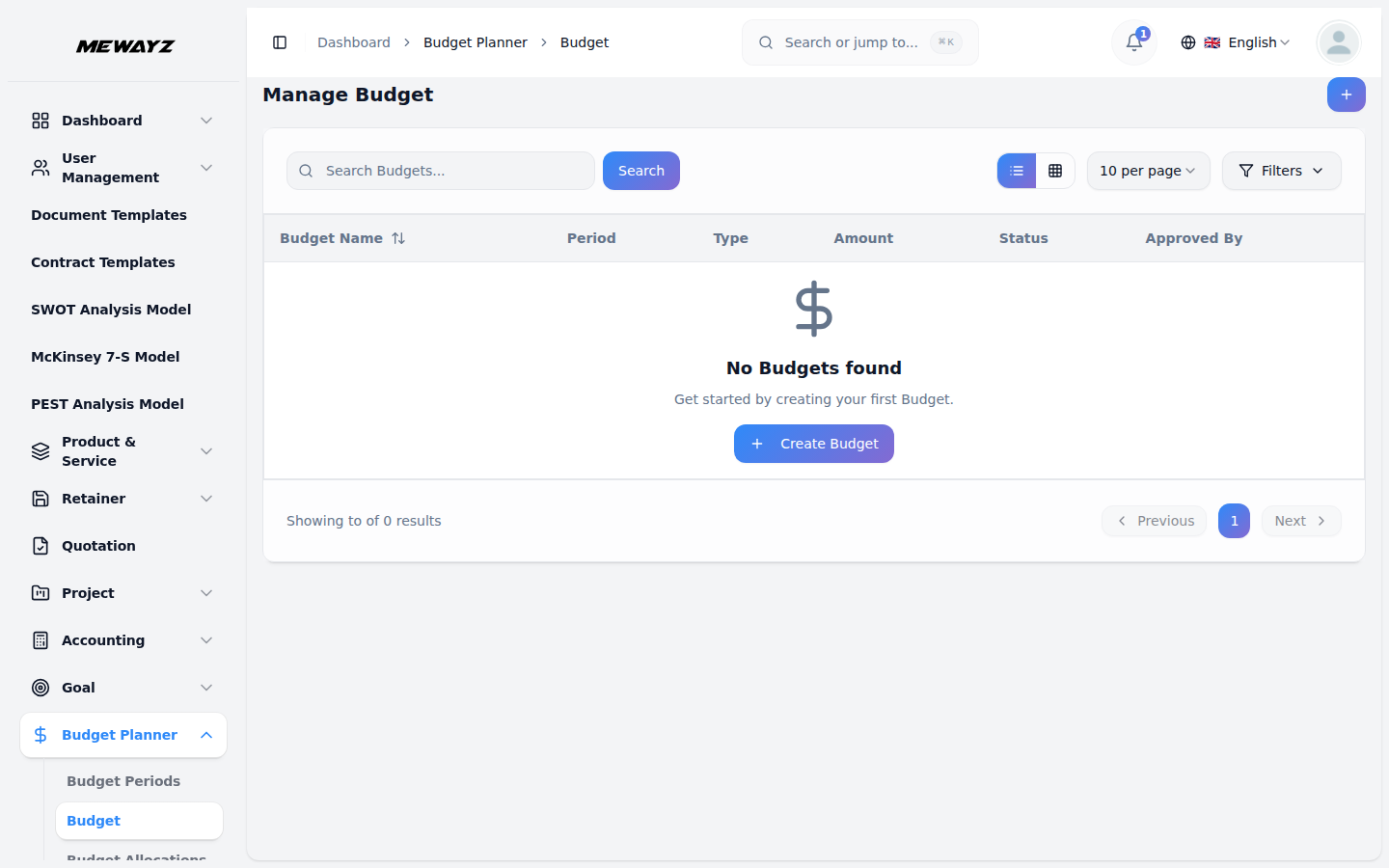
Budgets
Plan vs actual, with variance.
FP&A · 02
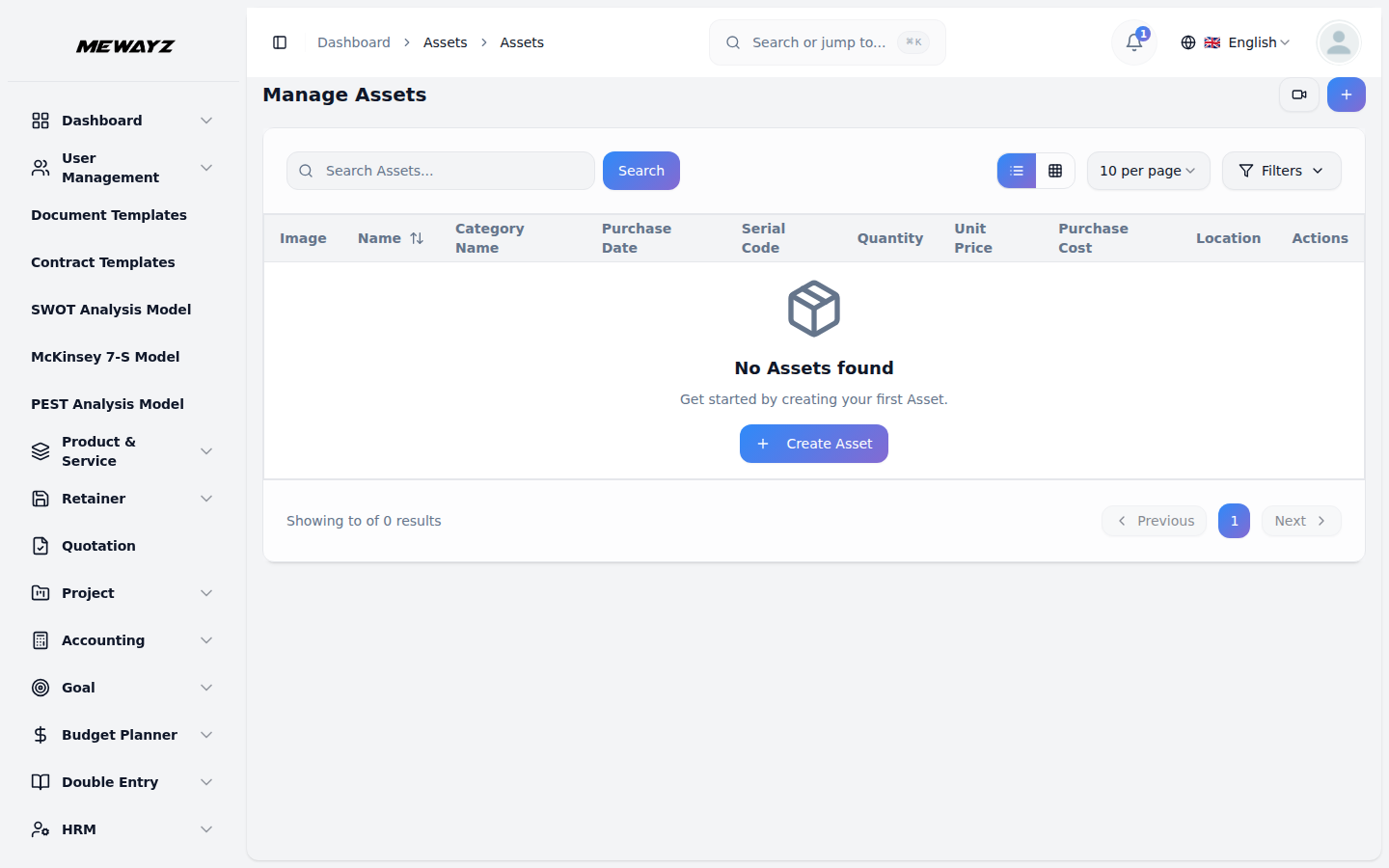
Fixed assets
Register, depreciation, disposals.
FP&A · 03
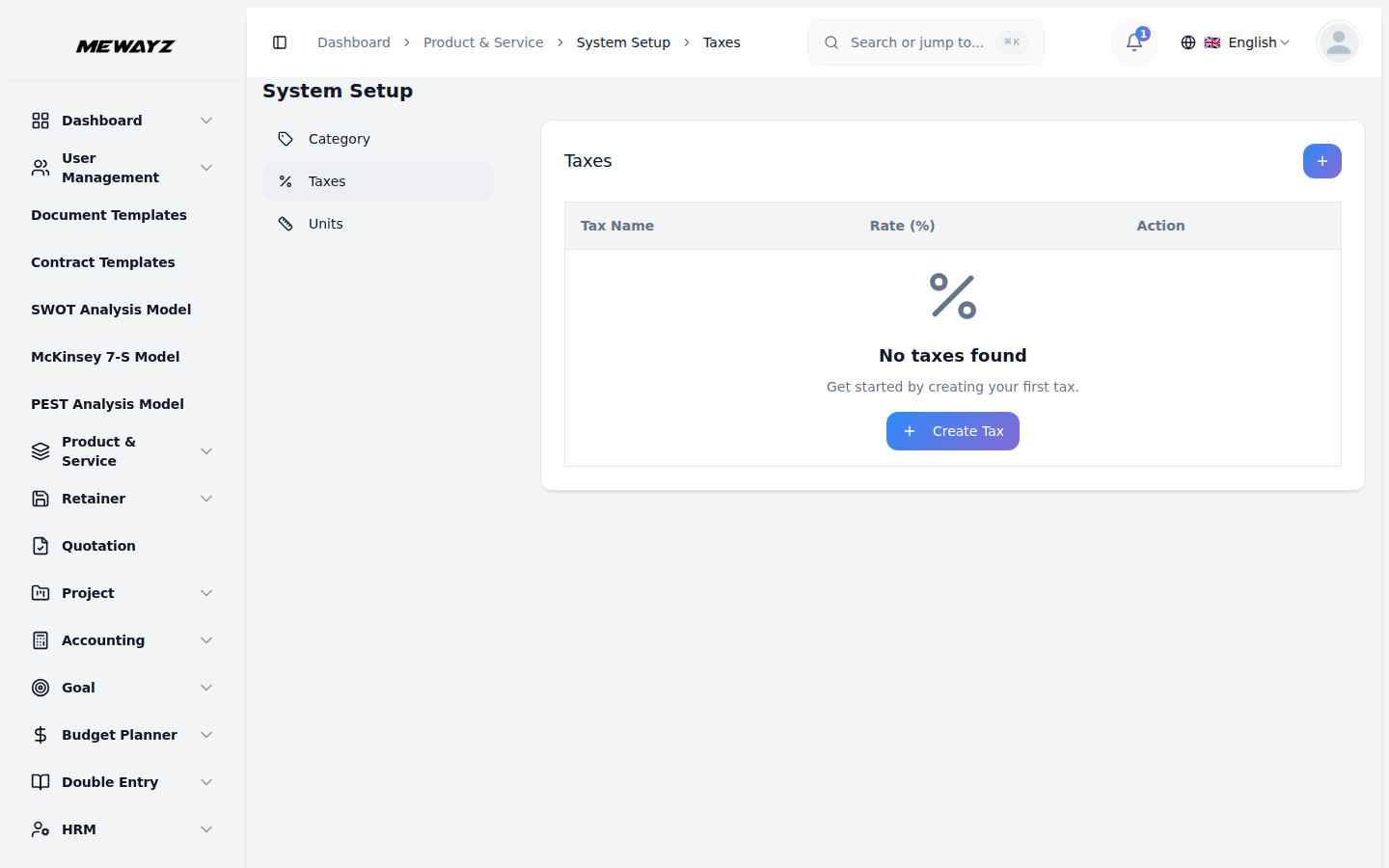
Tax rates
Per-region tax tables.
10 · Projects & tasks
Tasks that flow into invoices.
Project management built next to the CRM and accounting that bookend it. A closed deal becomes a project. Project time becomes a billable line. The customer's portal shows what they paid for.
PM · 01
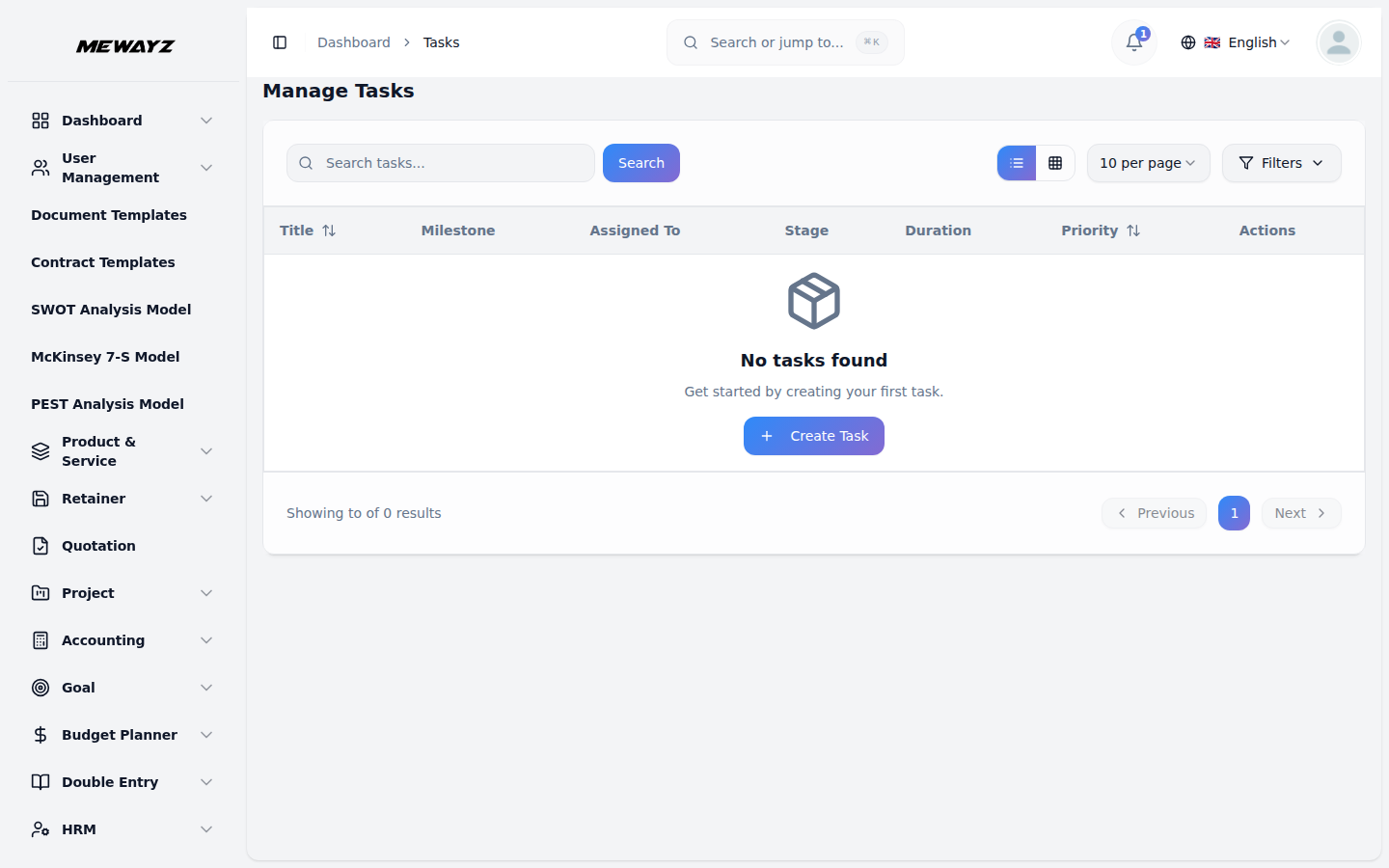
Tasks list
Cross-project task search + filter.
PM · 02
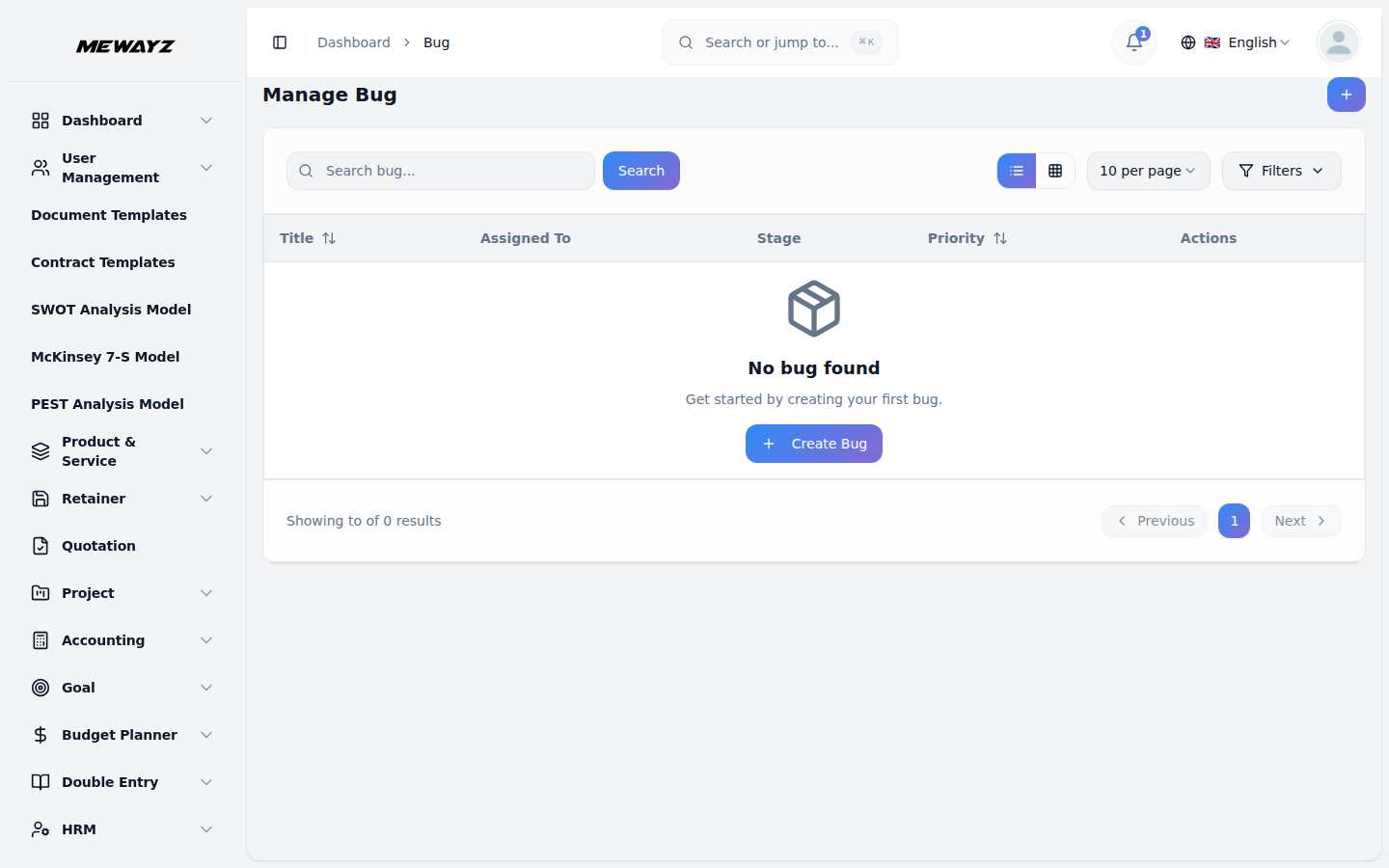
Bugs & issues
Severity-aware, with reproduction steps.
PM · 03
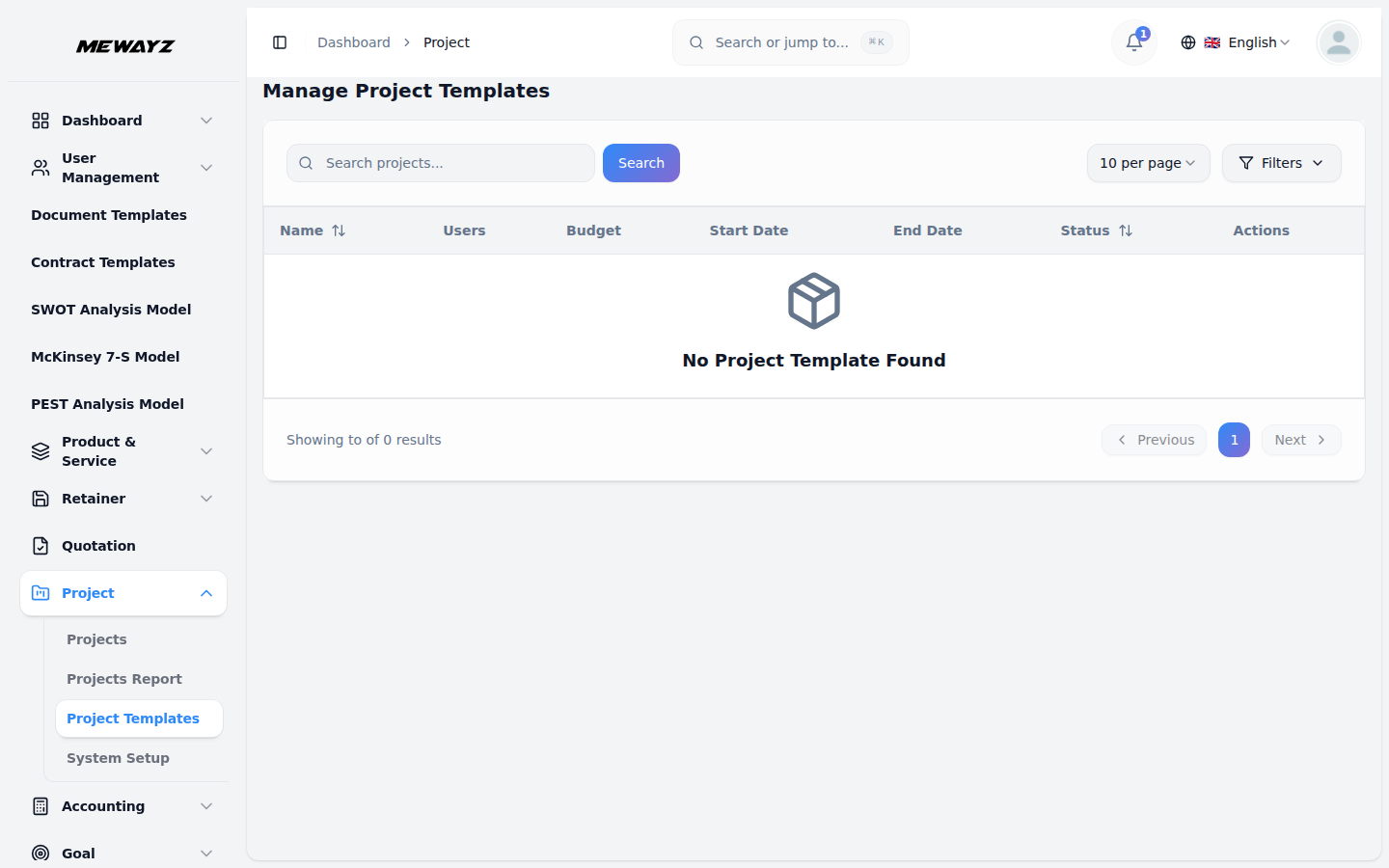
Project templates
New-project starter packs for repeatable work.
PM · 04
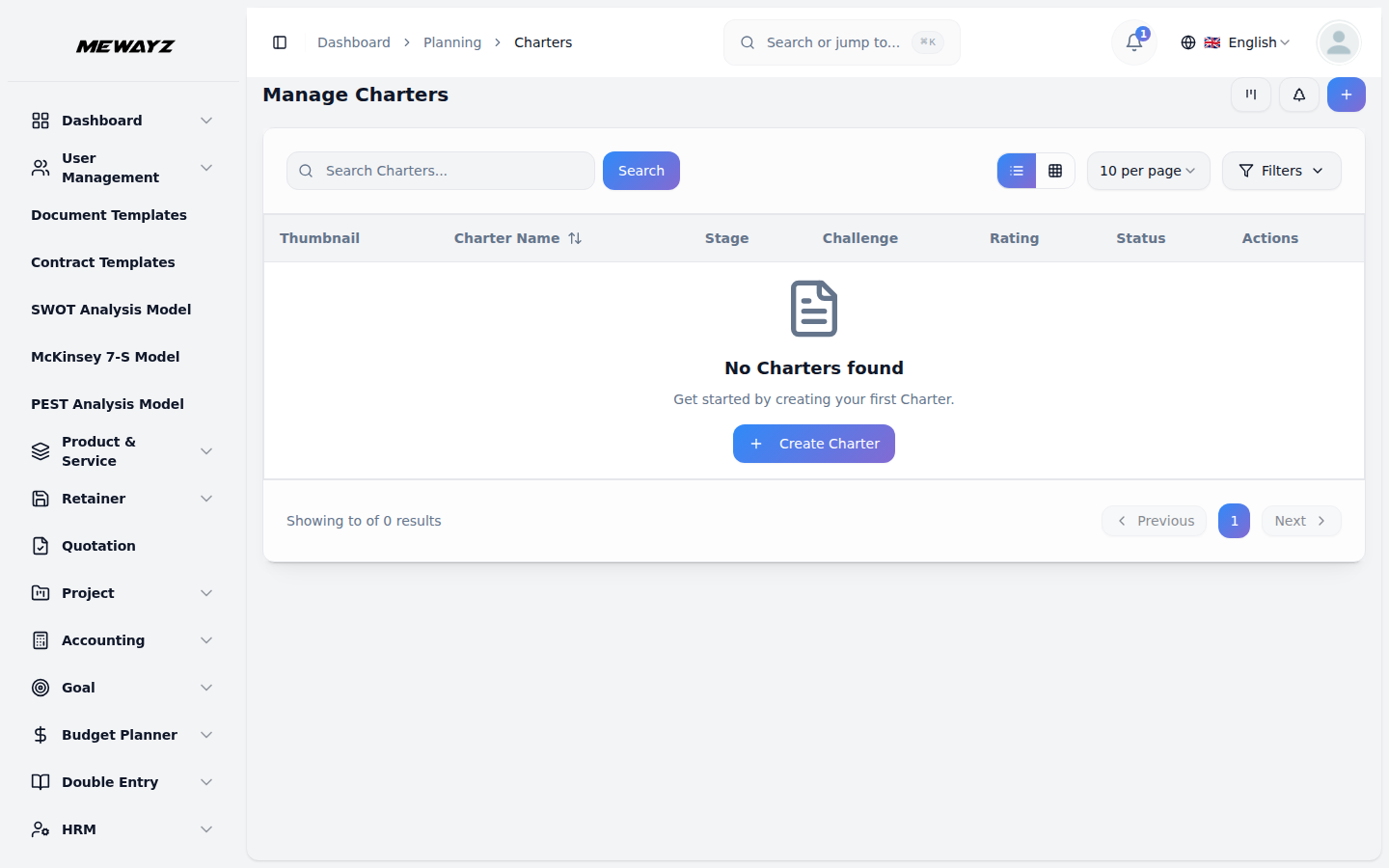
Planning charters
Project charter / brief in a structured form.
PM · 05
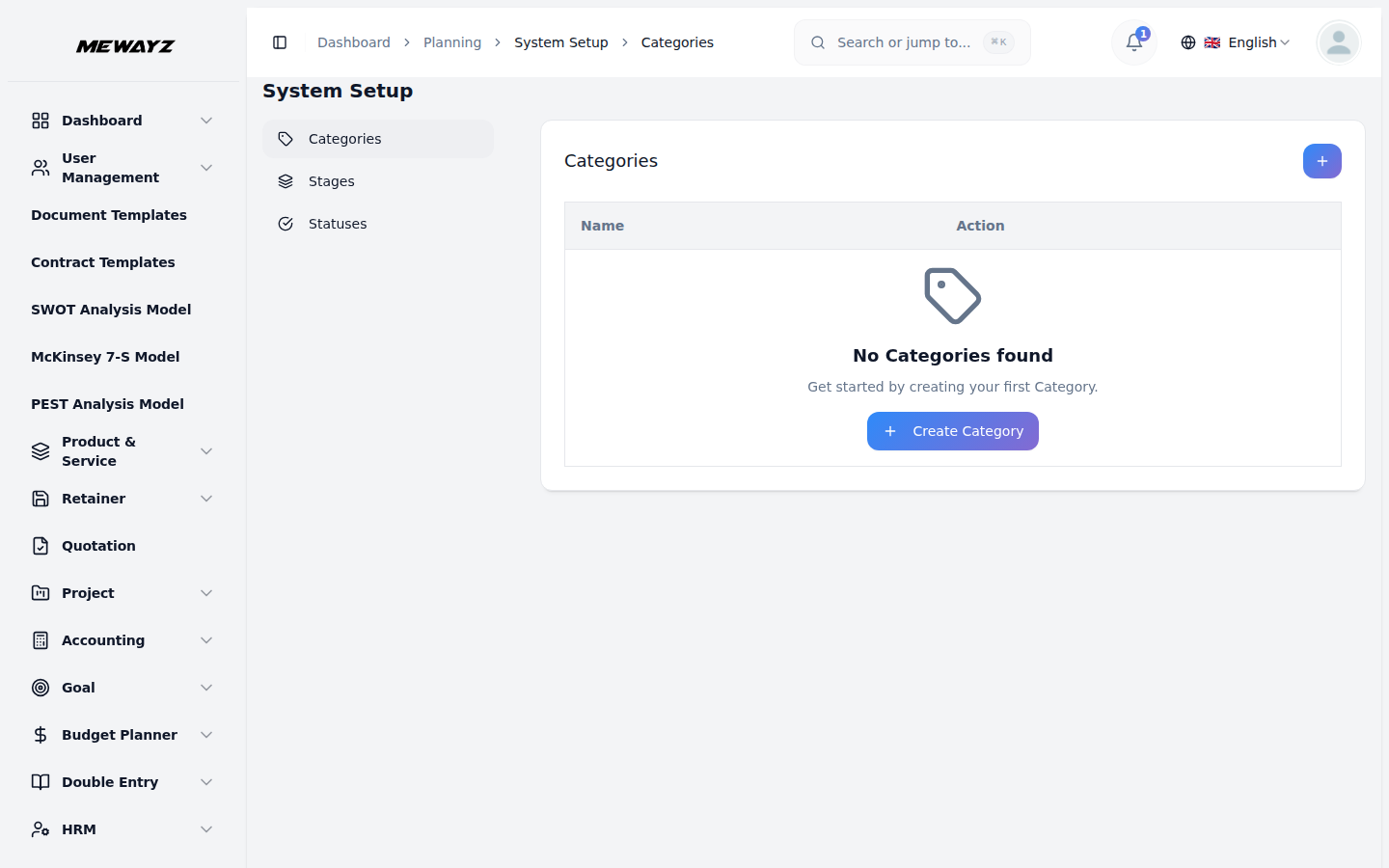
Planning categories
Initiative classification.
PM · 06
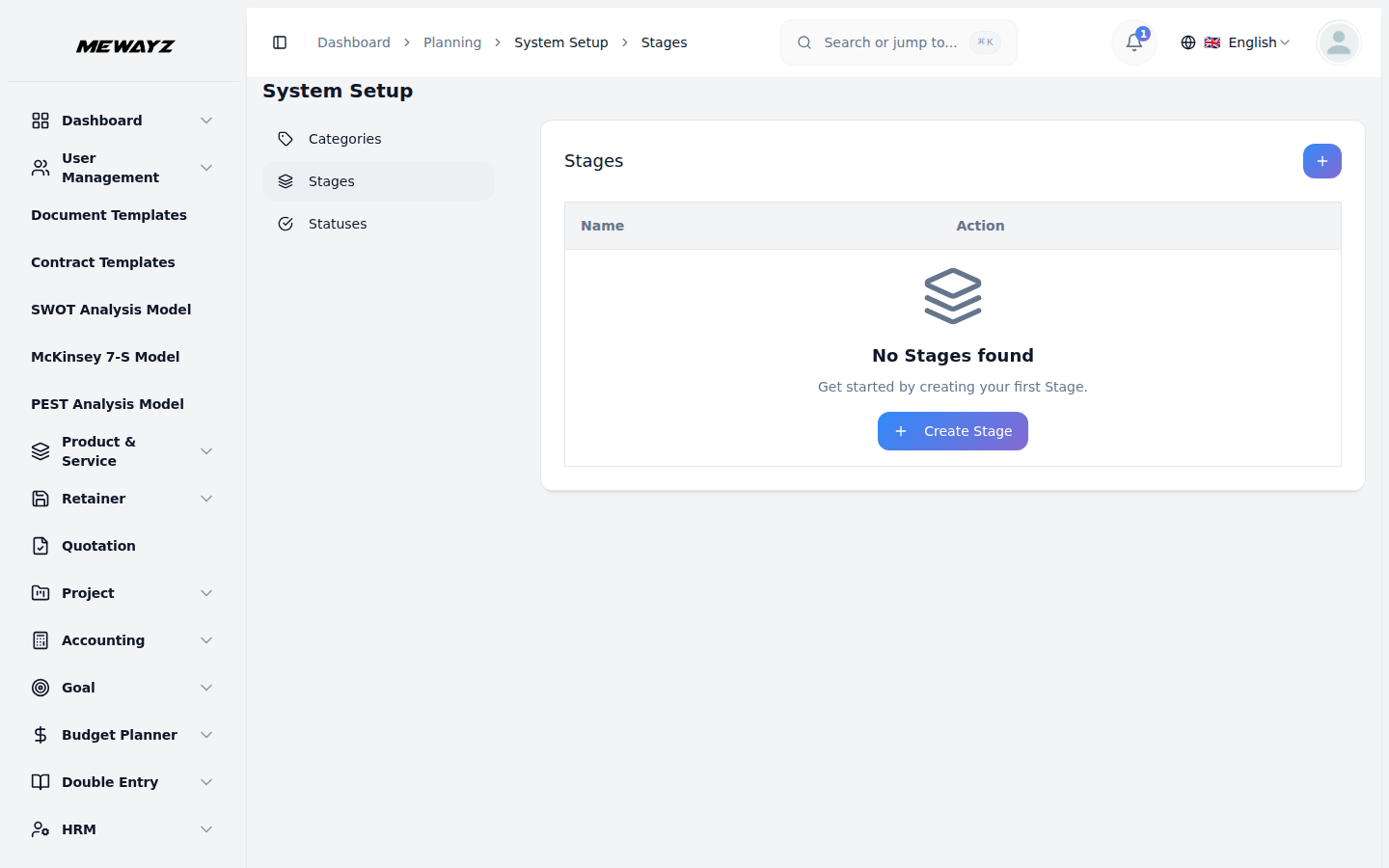
Planning stages
Initiation → planning → execution → close.
PM · 07
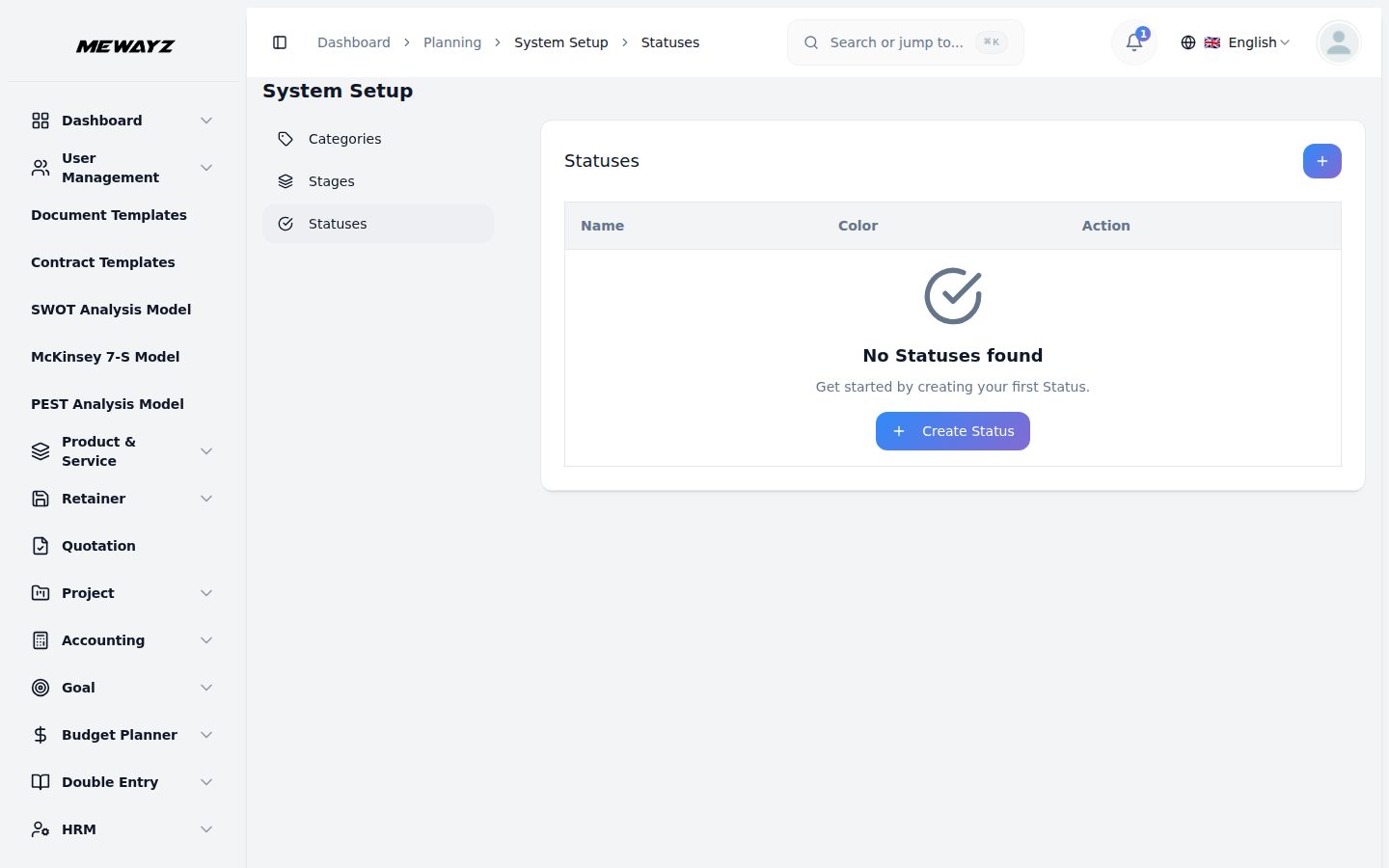
Planning statuses
Green / amber / red with reasons.
PM · 08
Boards
Kanban view, sprint backlog, swimlanes.
11 · POS & inventory
Sell. Stock. Reconcile.
Point-of-sale, online checkout, and inventory share one product database. Stock moves once, posts to the ledger automatically, shows up on the next day's P&L.
POS · 01
Products
Master catalog with variants, photos, barcodes.
POS · 02
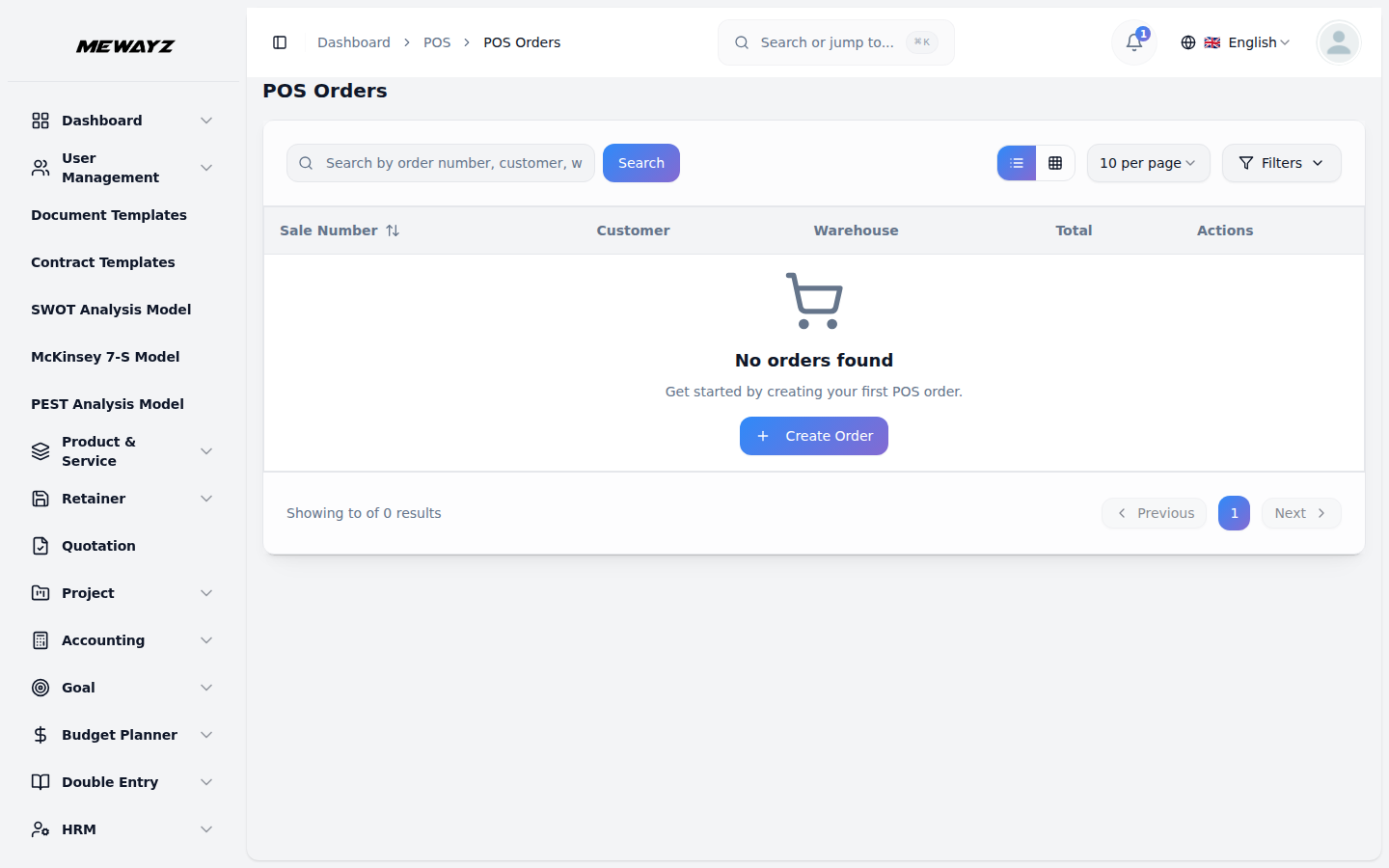
Orders
Open tabs, paid, refunded, all sources.
POS · 03
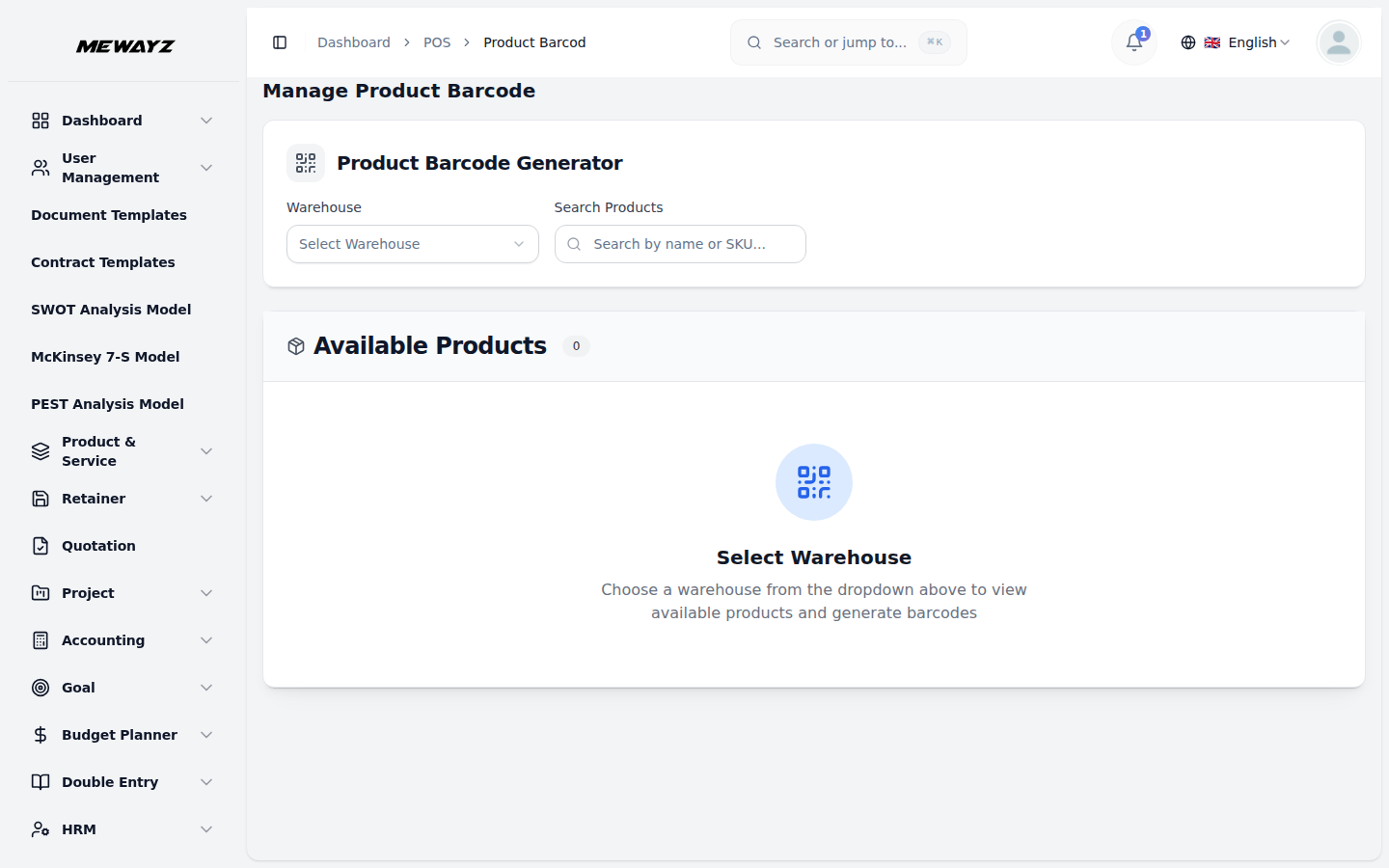
Barcode & SKU
Print labels, scan to pull product.
POS · 04
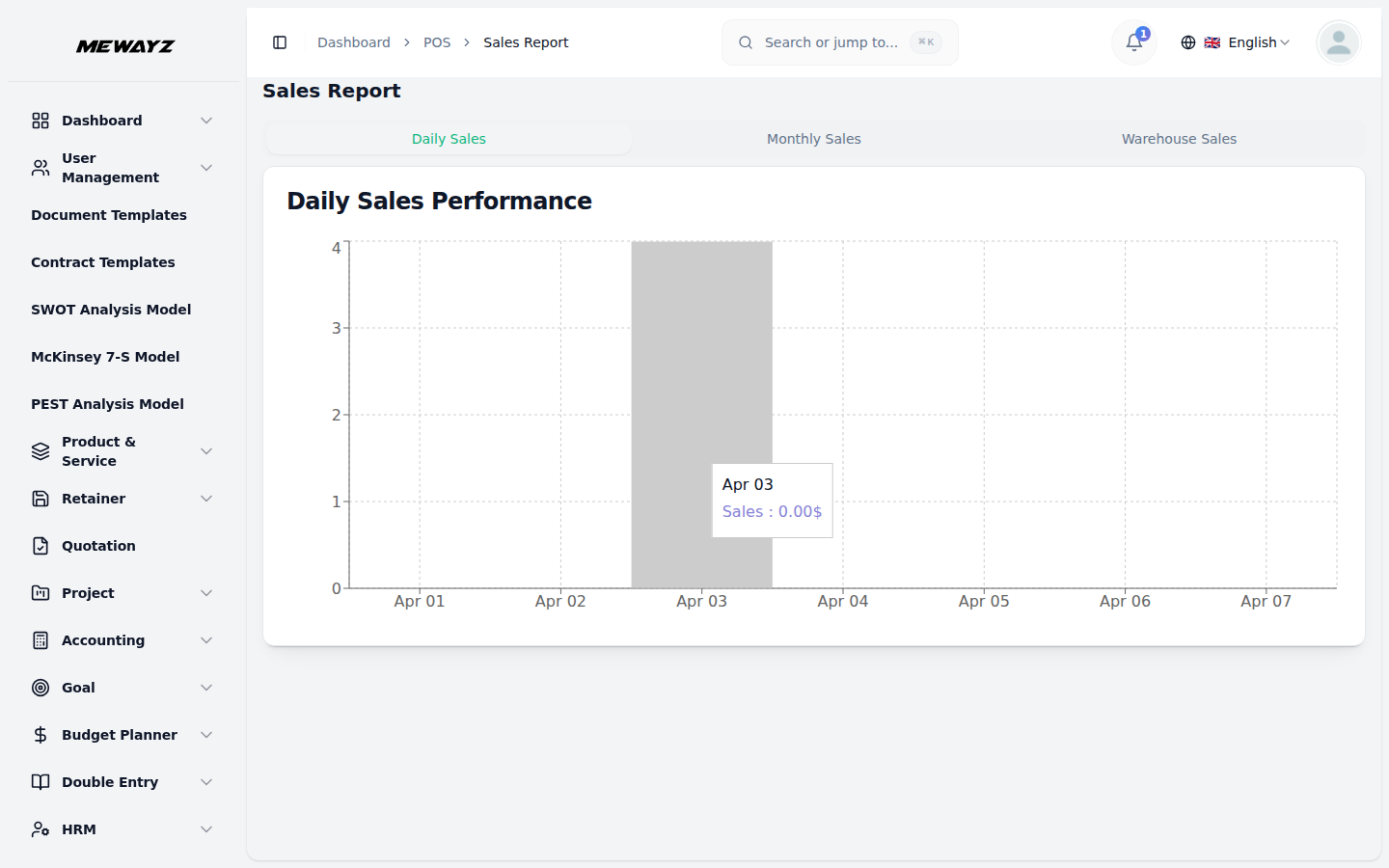
Sales reports
Daily, weekly, by item, by register.
POS · 05
Product report
Best / worst sellers, margin, velocity.
POS · 06
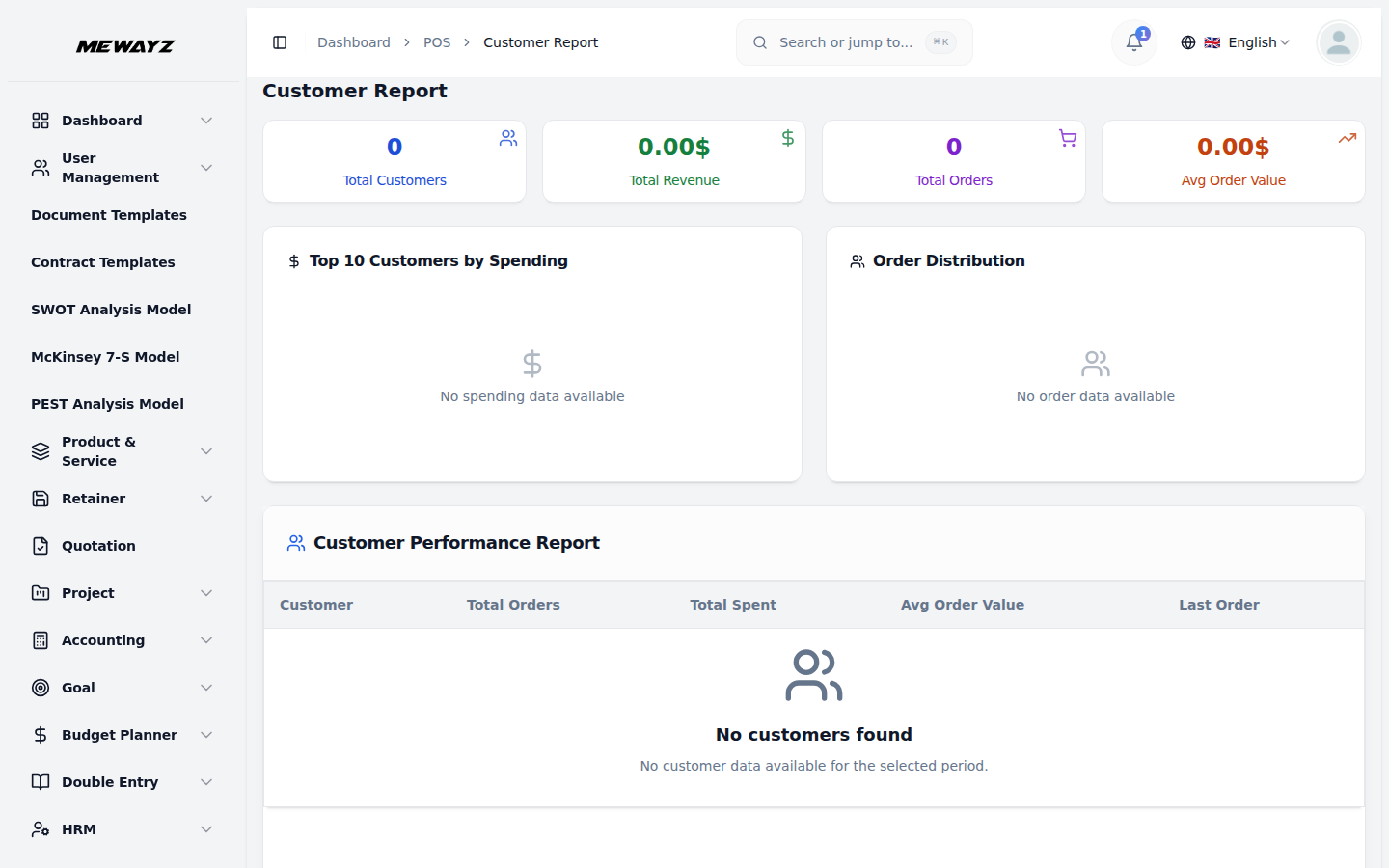
Customer report
RFM segments, lifetime value.
Inventory & products
Inv · 01
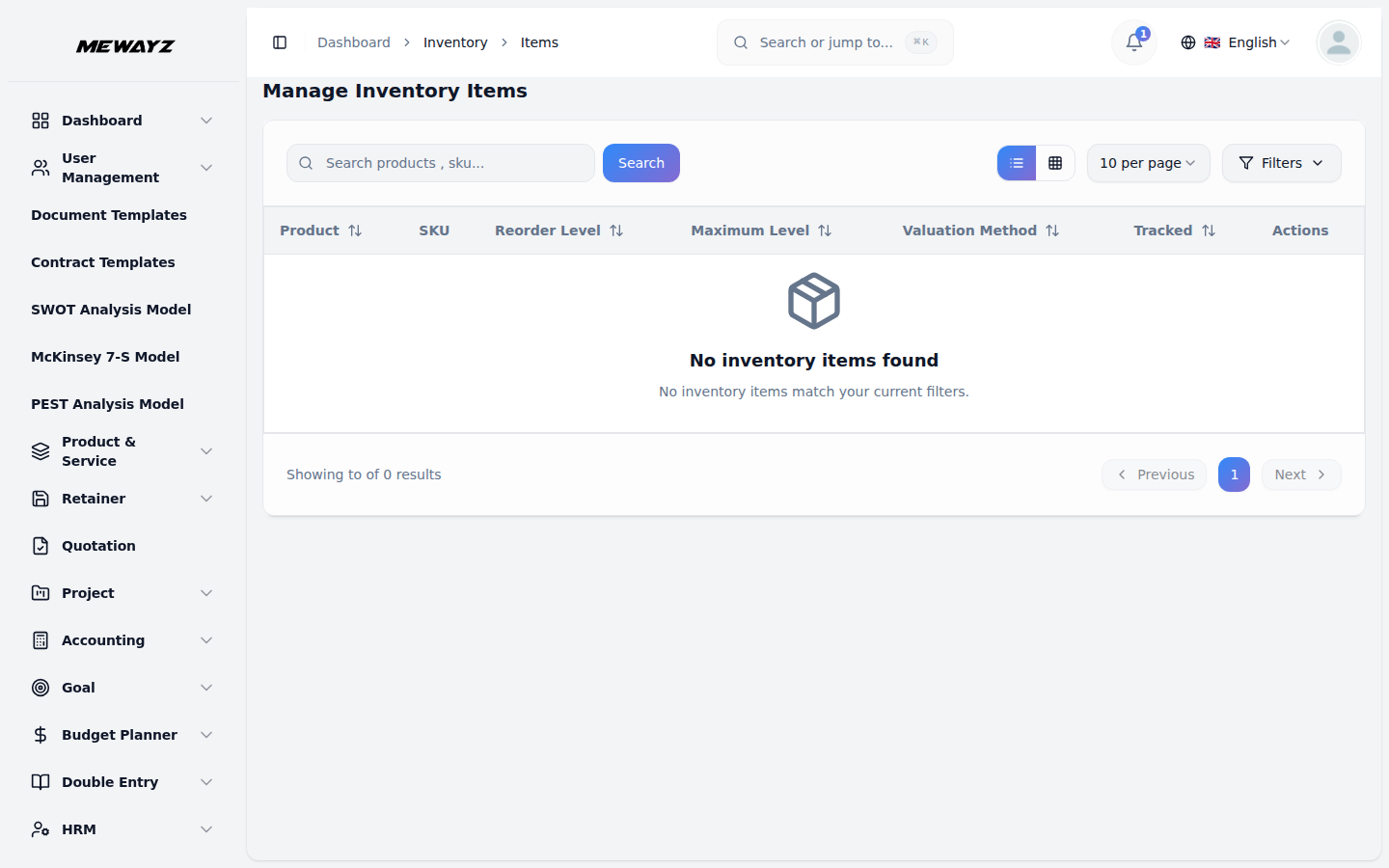
Inventory items
On-hand, committed, on-order.
Inv · 02
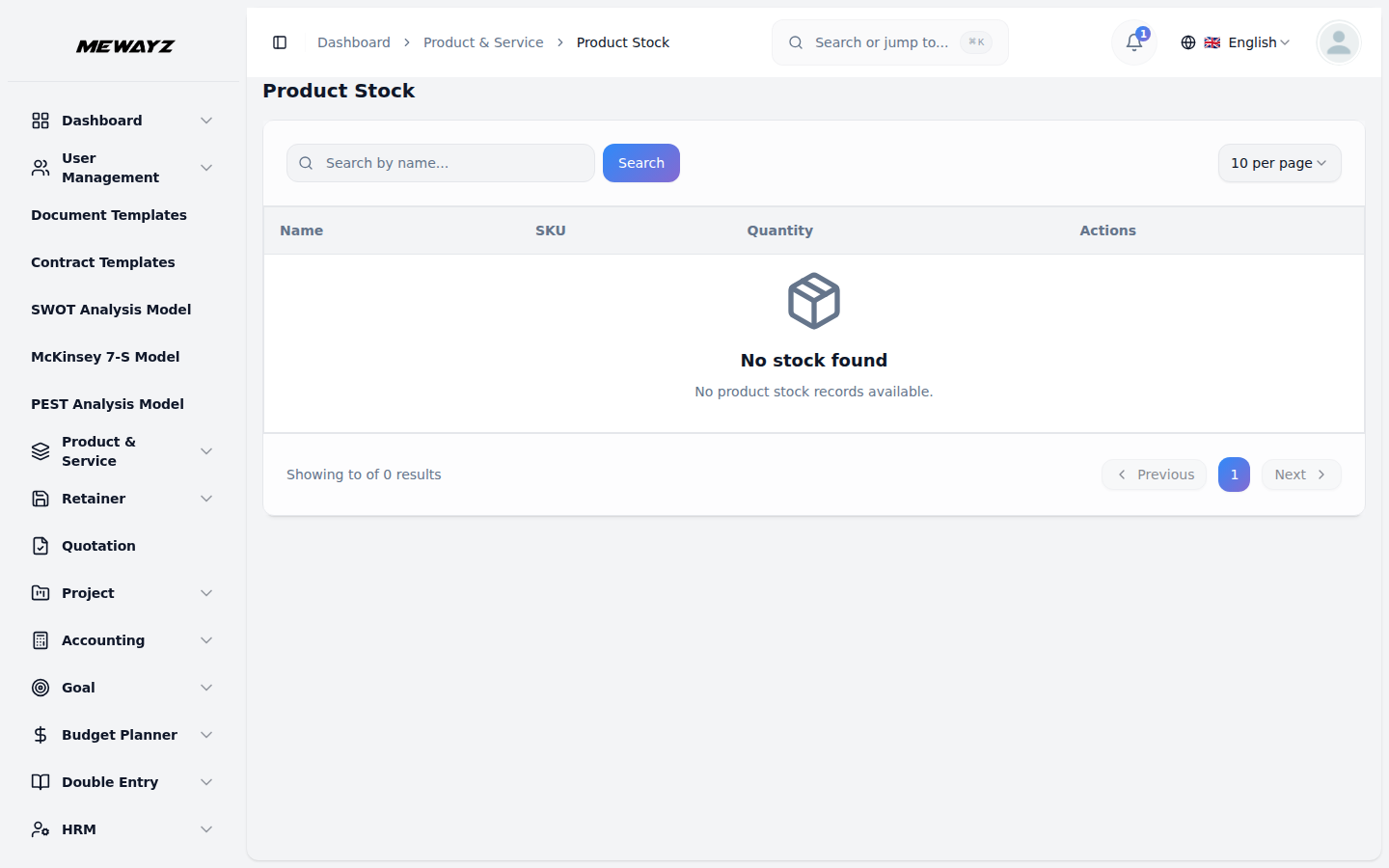
Product stock
Multi-location stock view.
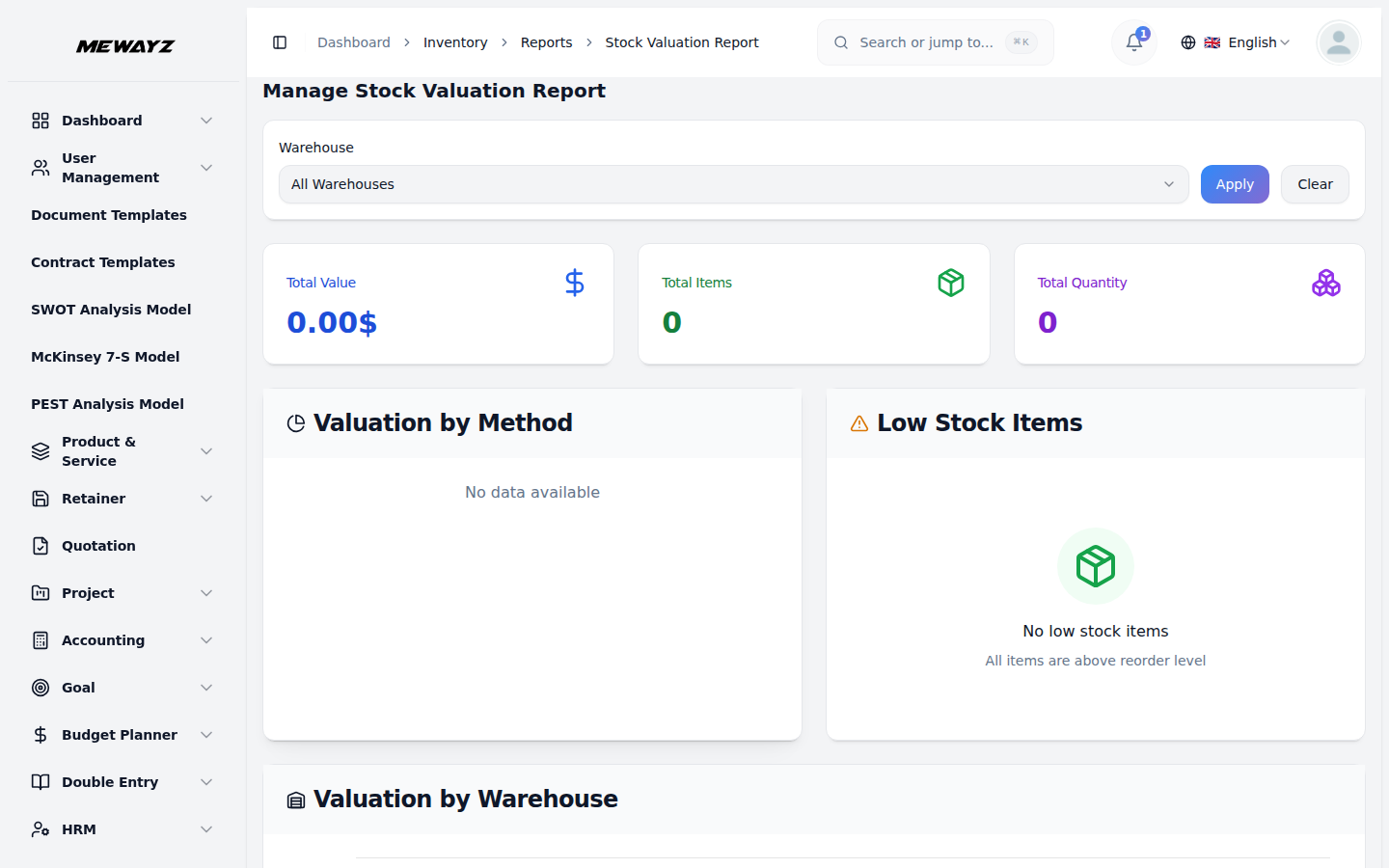
Inv · 03
Stock valuation
FIFO / weighted-average, real-time.
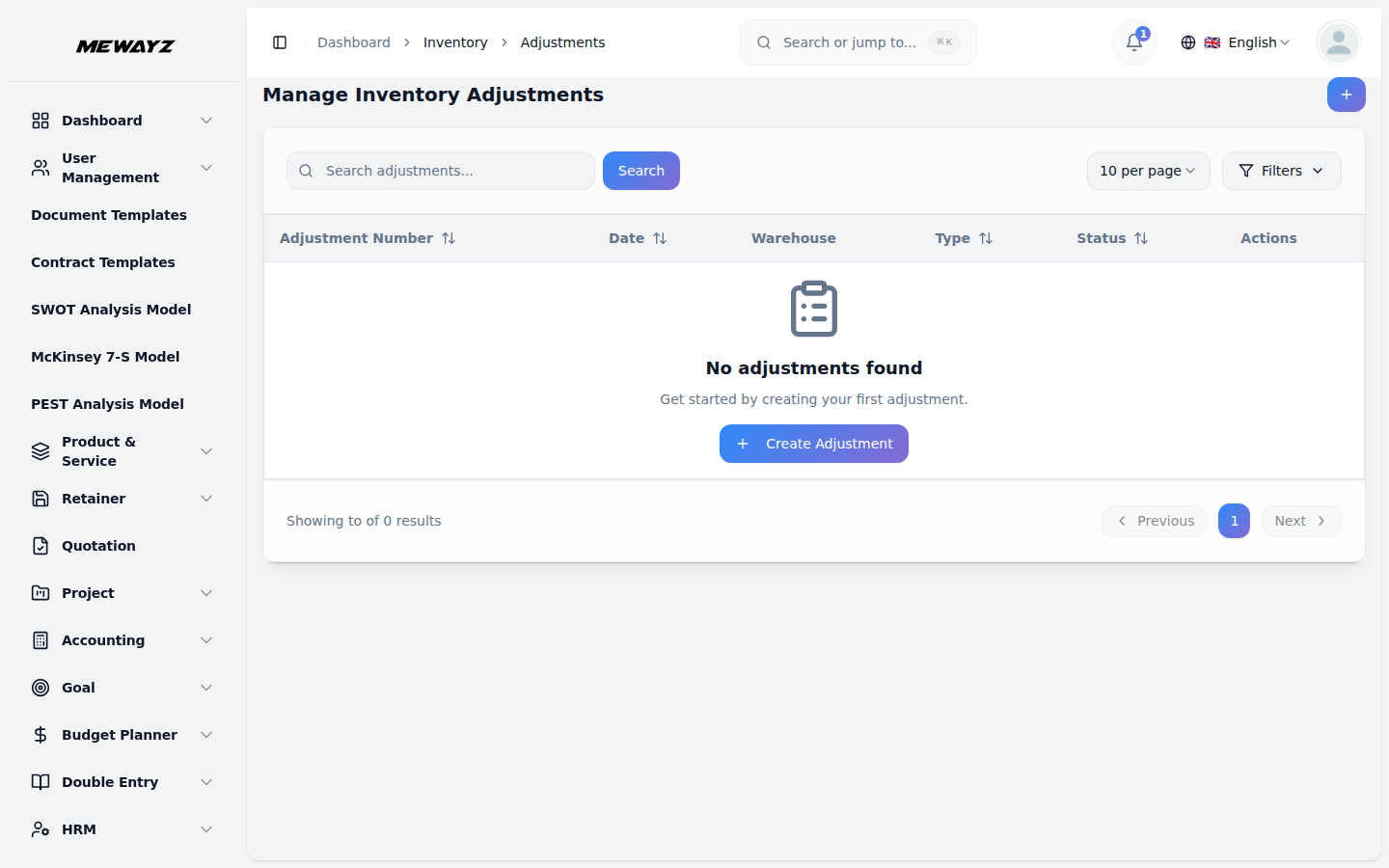
Inv · 04
Stock adjustments
Counts, write-offs, transfers.
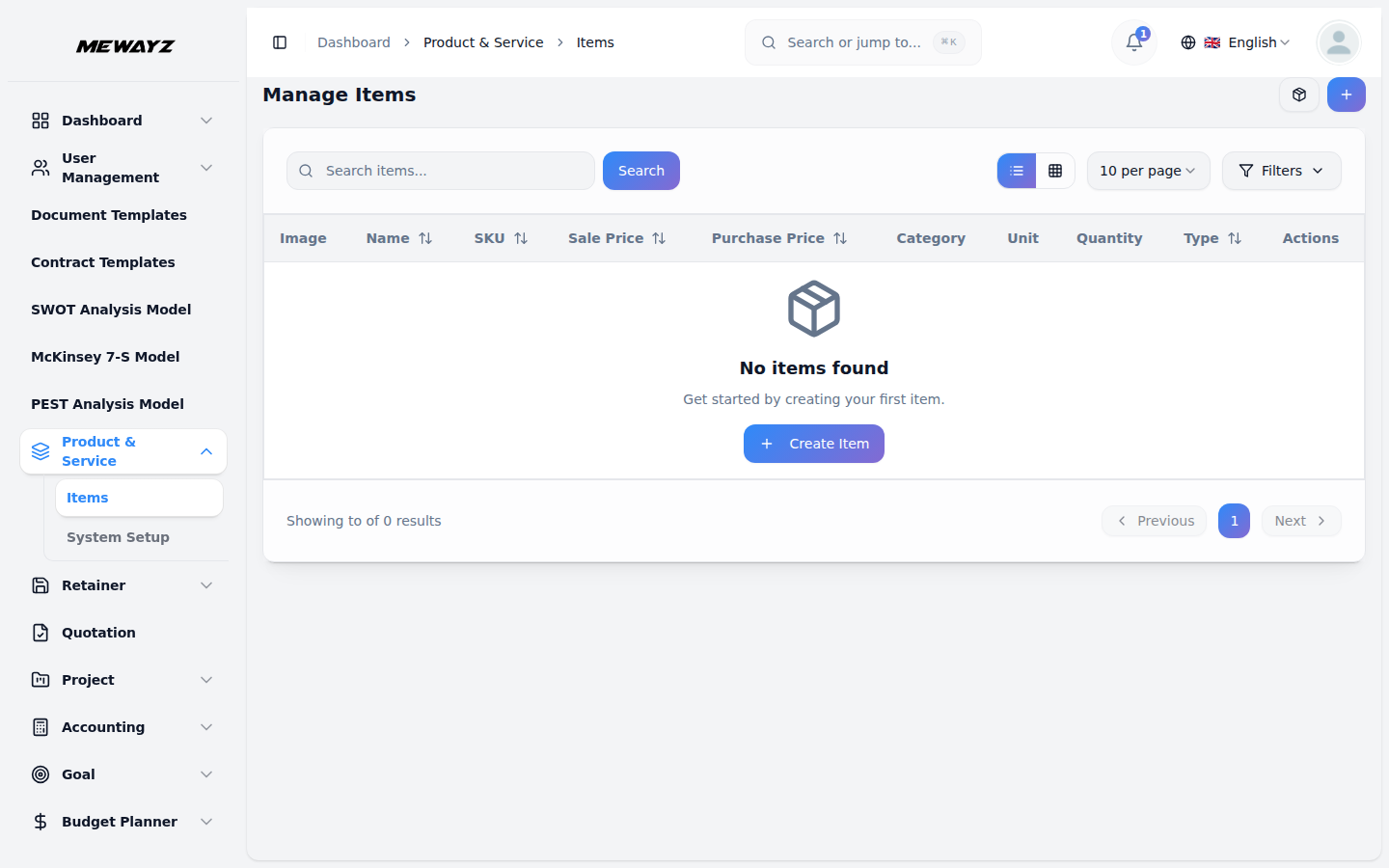
Inv · 05
Product items
SKU-level master record.
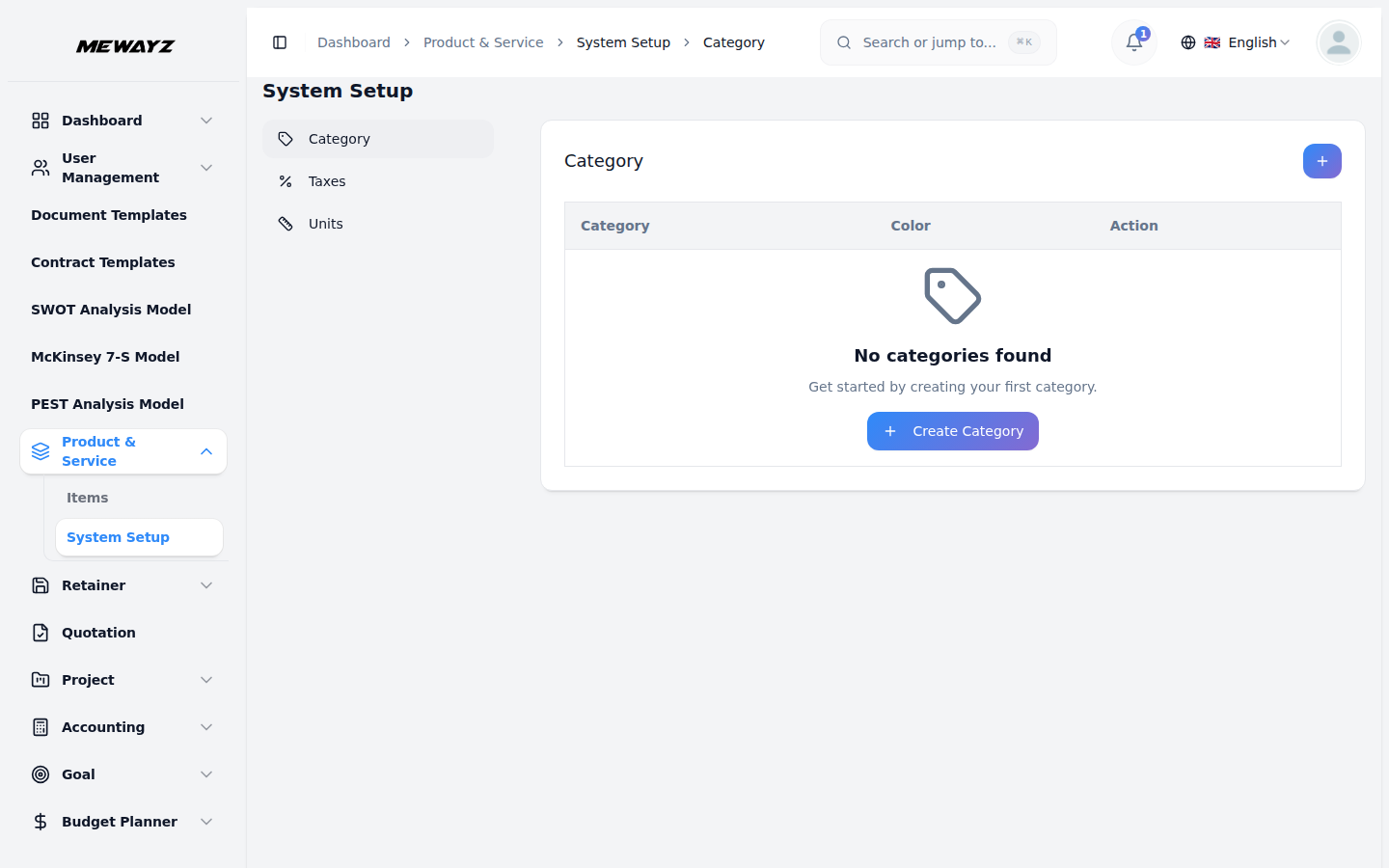
Inv · 06
Categories
Product hierarchy.
Inv · 07
Product taxes
Per-product tax mapping.
Inv · 08
Units of measure
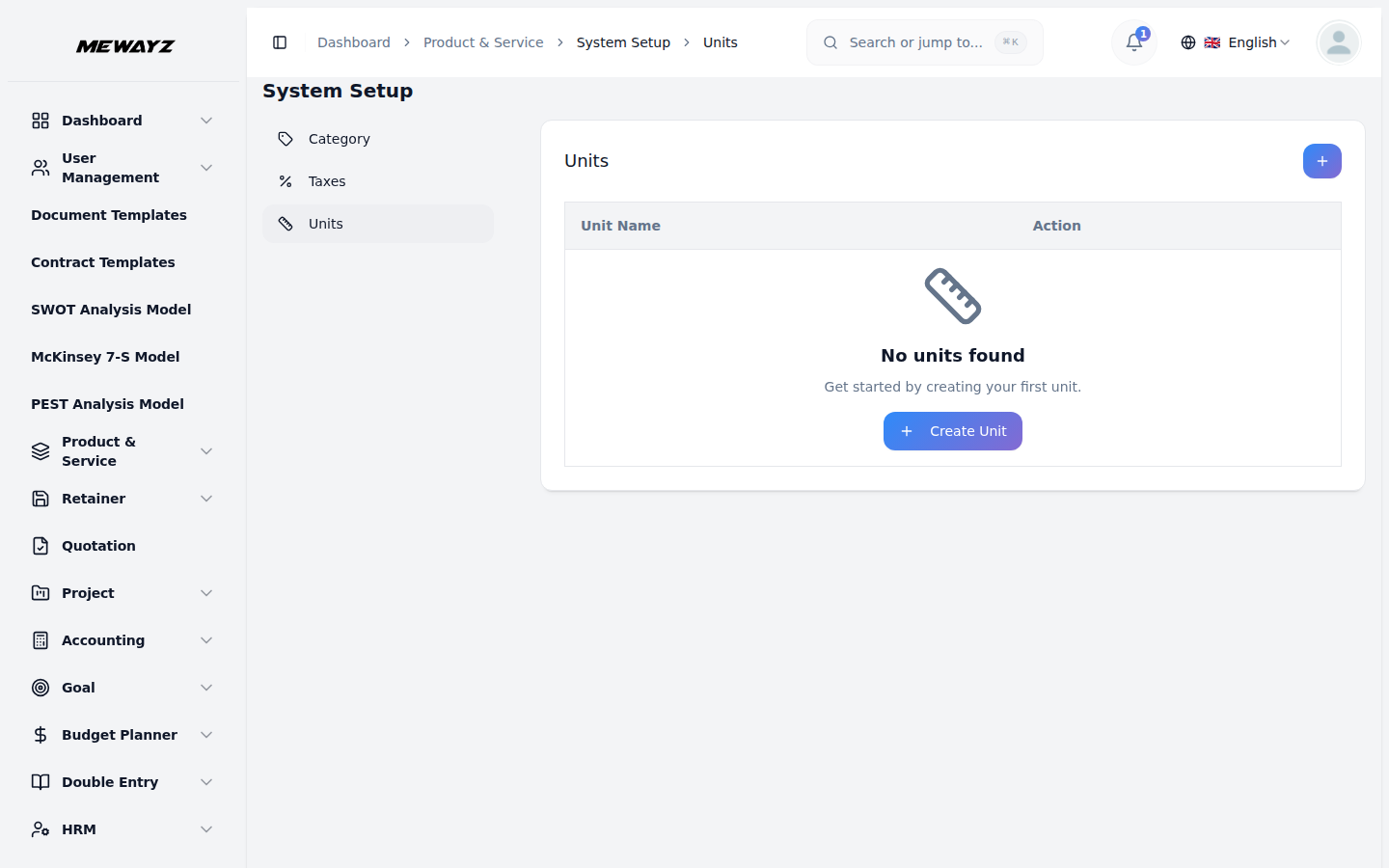
kg / lb / box / case with conversions.
12 · Helpdesk & support
Tickets with full account context.
Every ticket opens with the customer's invoices, projects, prior tickets, and CRM history in the sidebar. The agent does not need to ask "what did you buy from us?"
Support · 01
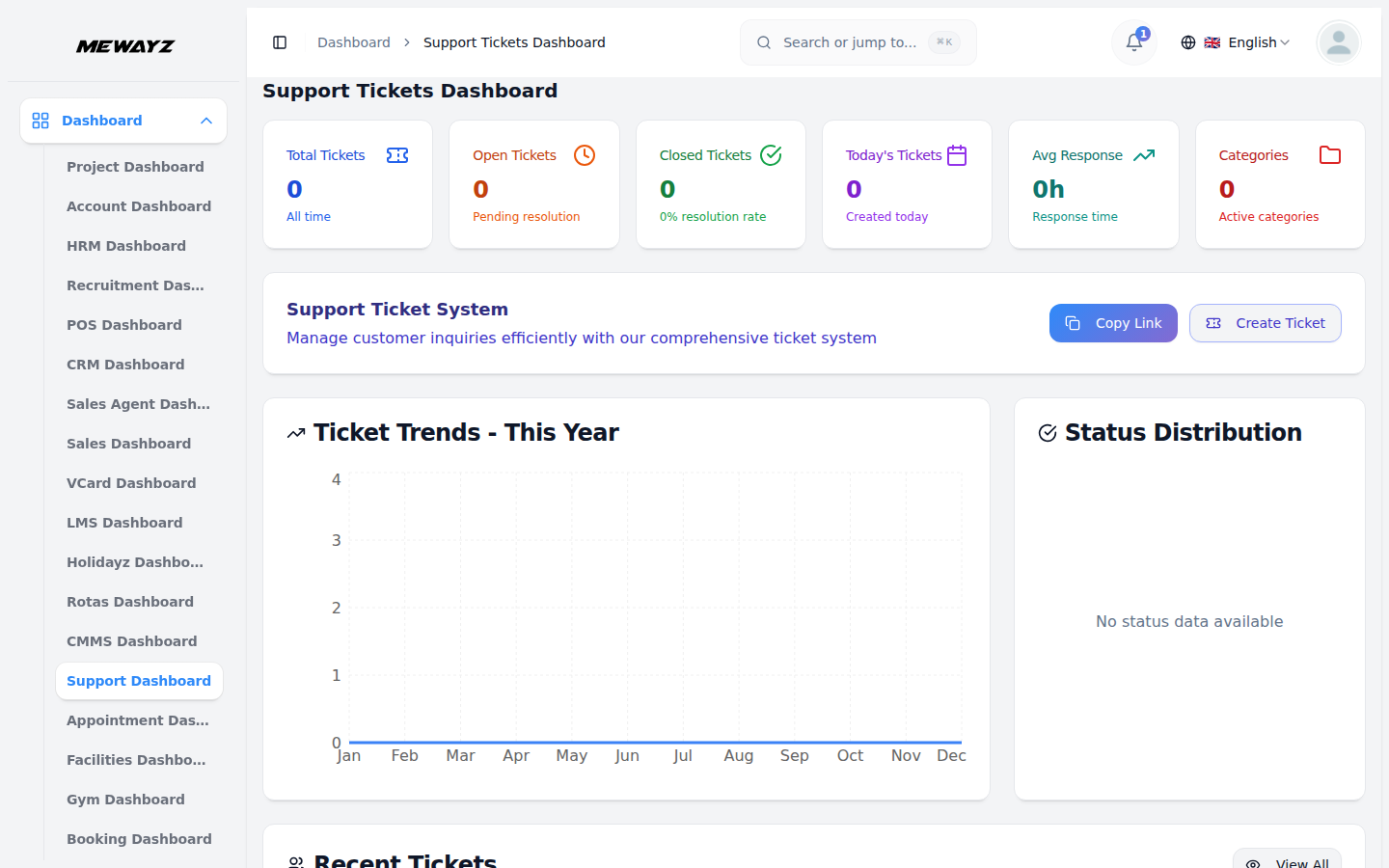
Helpdesk
Shared inbox, owners, SLAs.
Support · 02
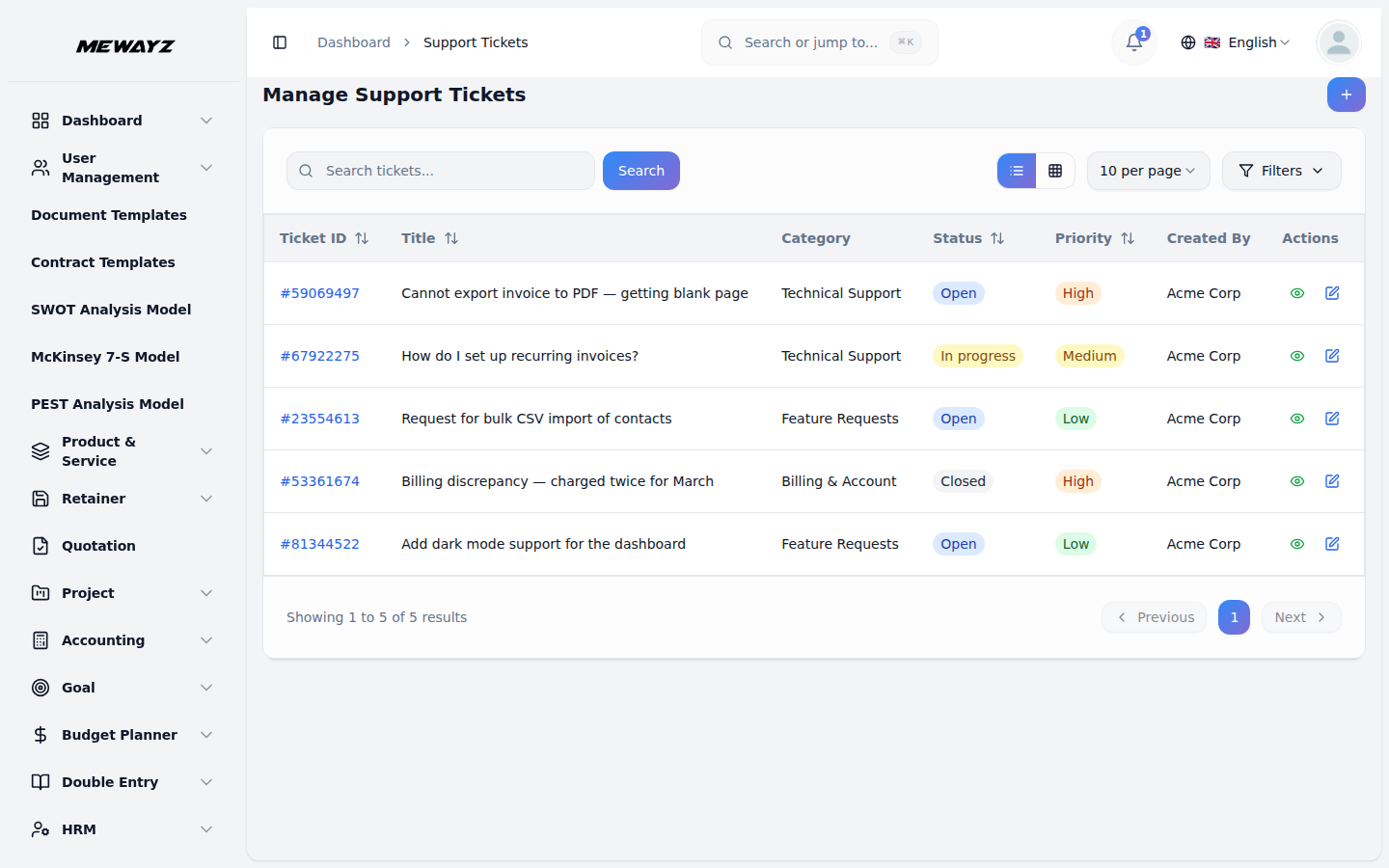
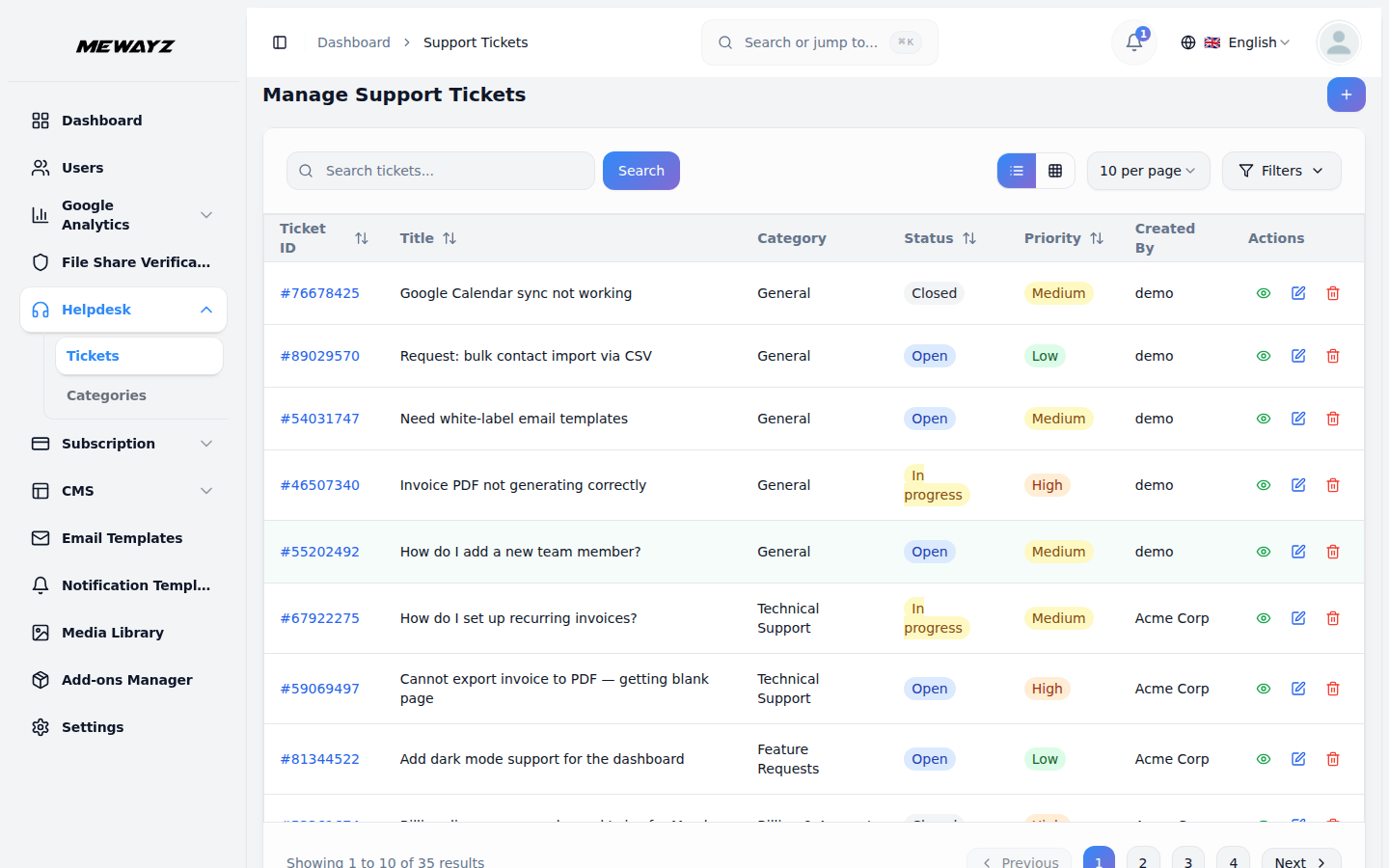
Tickets
All tickets, by status, by client, by agent.
Support · 03
Workspace tickets
For platform-level support (your customers asking for help).
Support · 04
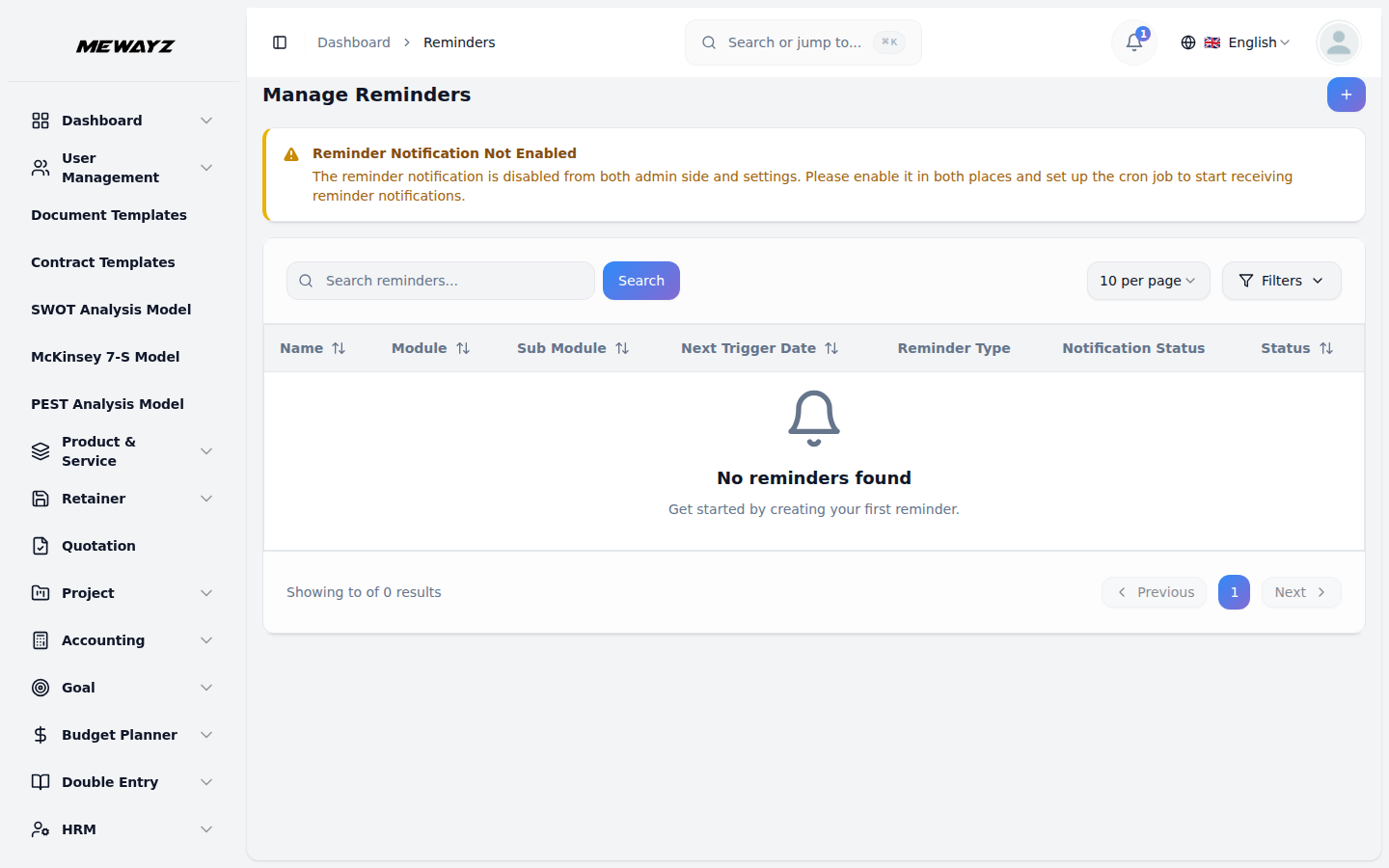
Reminders
Time-based follow-up nudges.
Support · 05
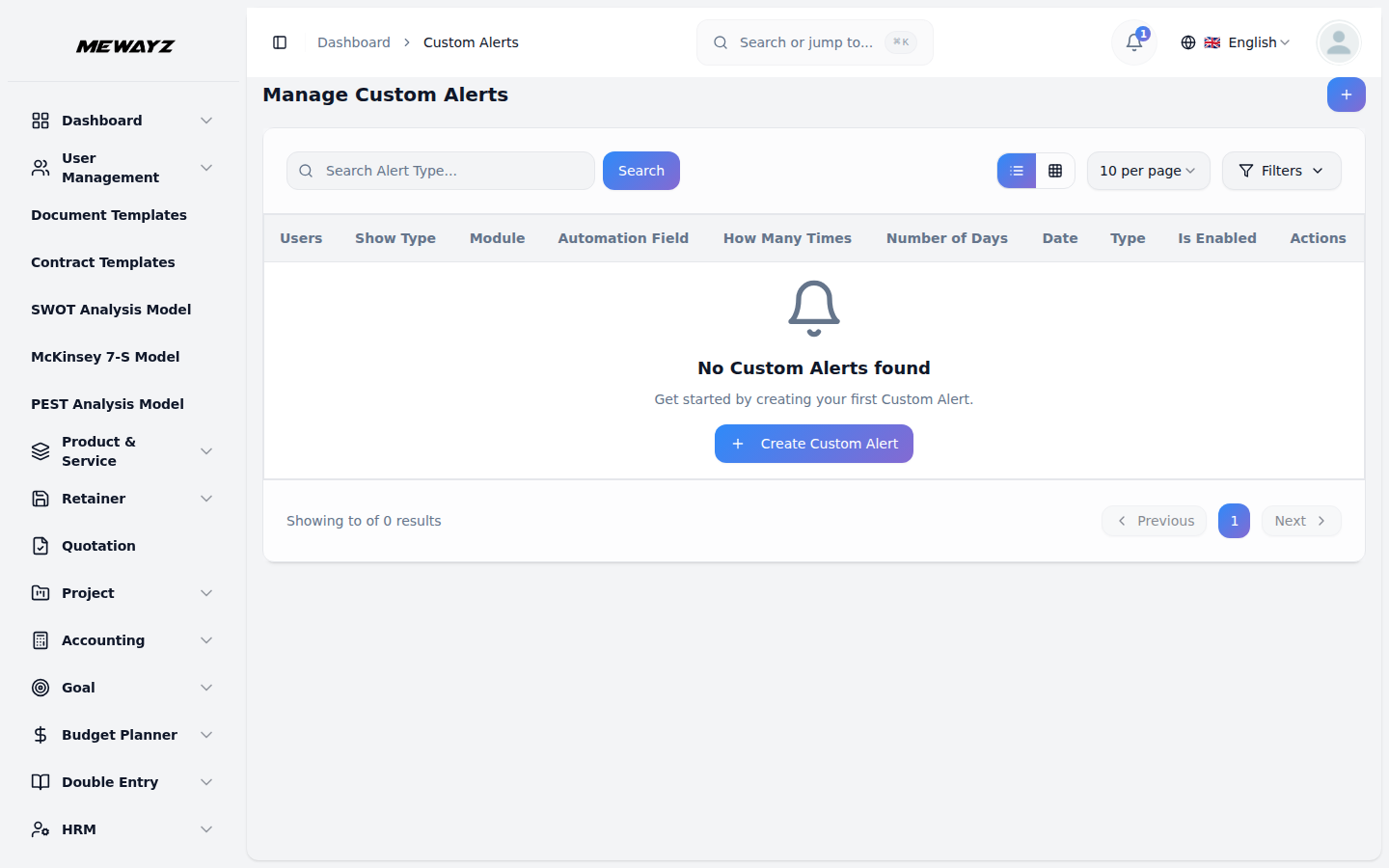
Custom alerts
Trigger-based alerts to agents or customers.
Support · 06
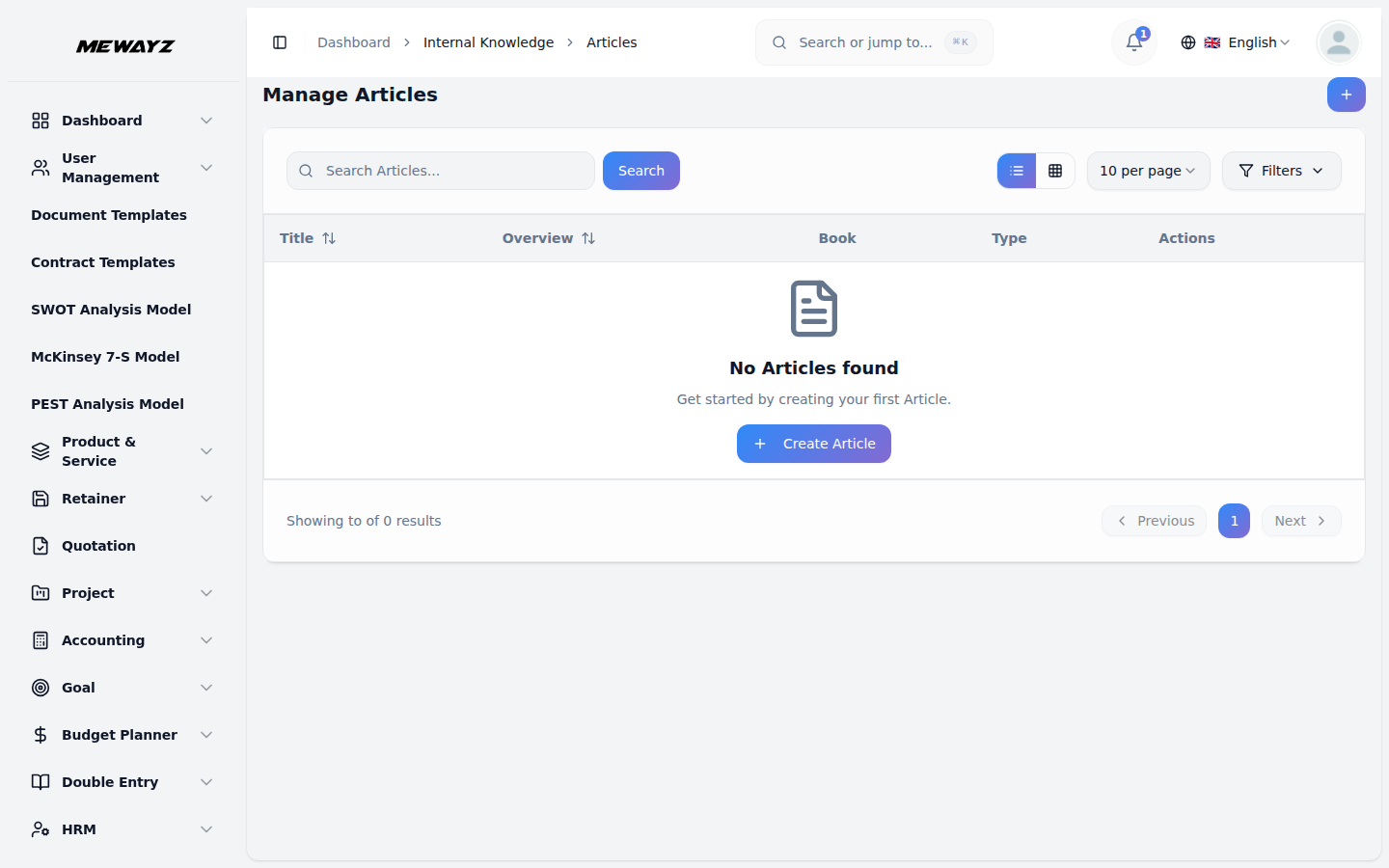
Knowledge articles
Internal + public KB, single source.
Support · 07
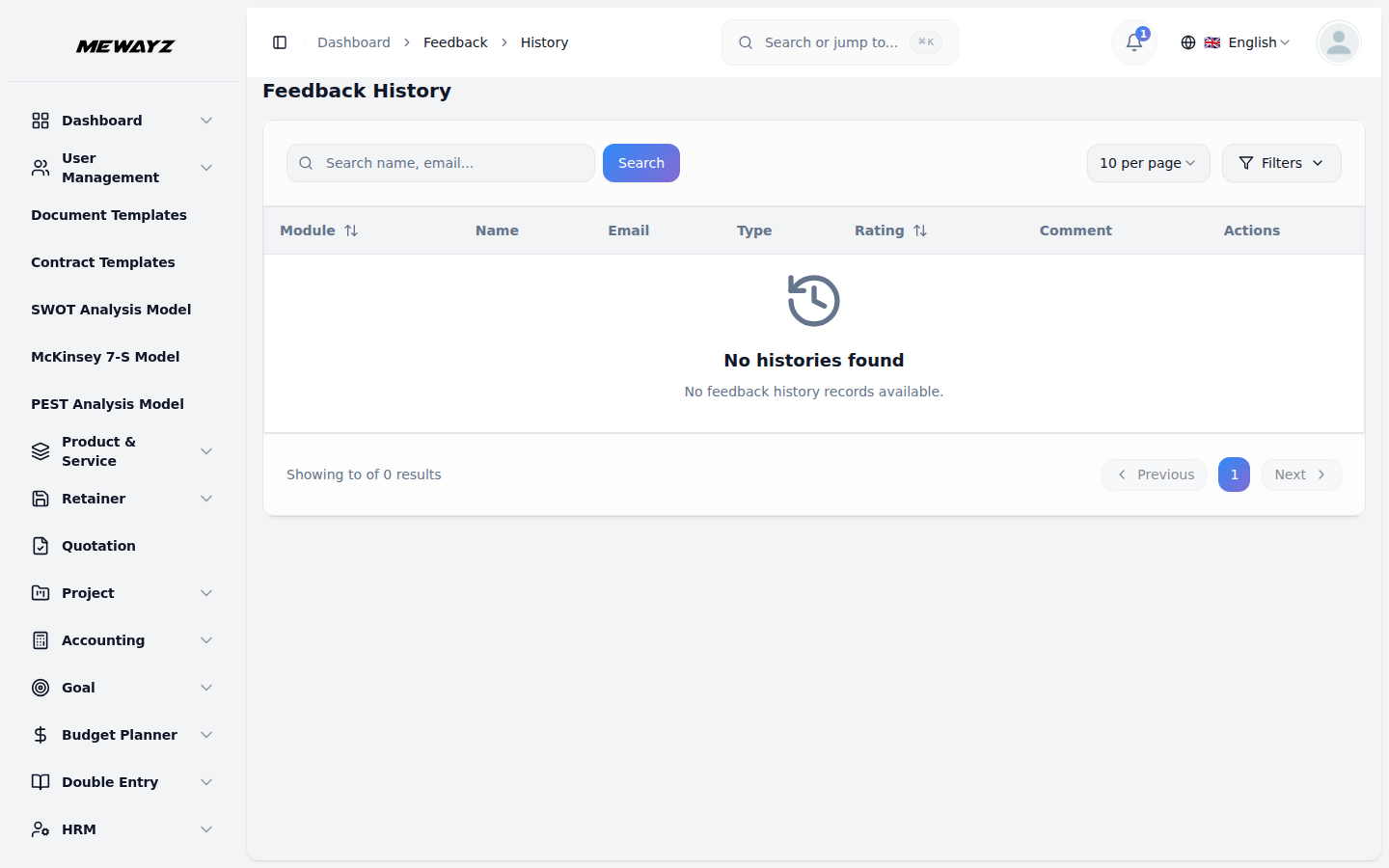
Feedback history
CSAT & NPS per ticket.
Support · 08
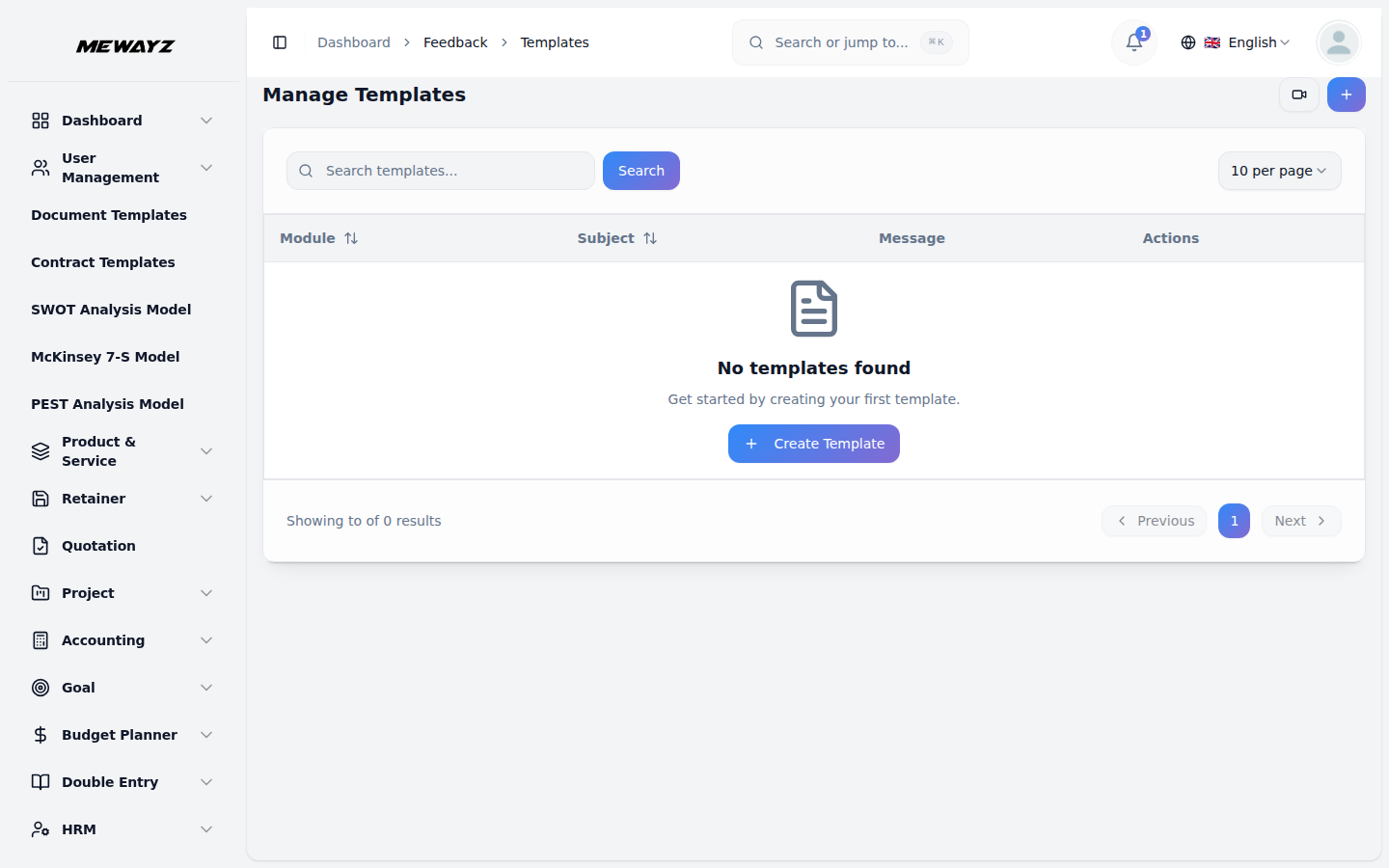
Feedback templates
Configurable post-ticket surveys.
13 · Communication · Built-in
Chat, video, DMs. Same tab.
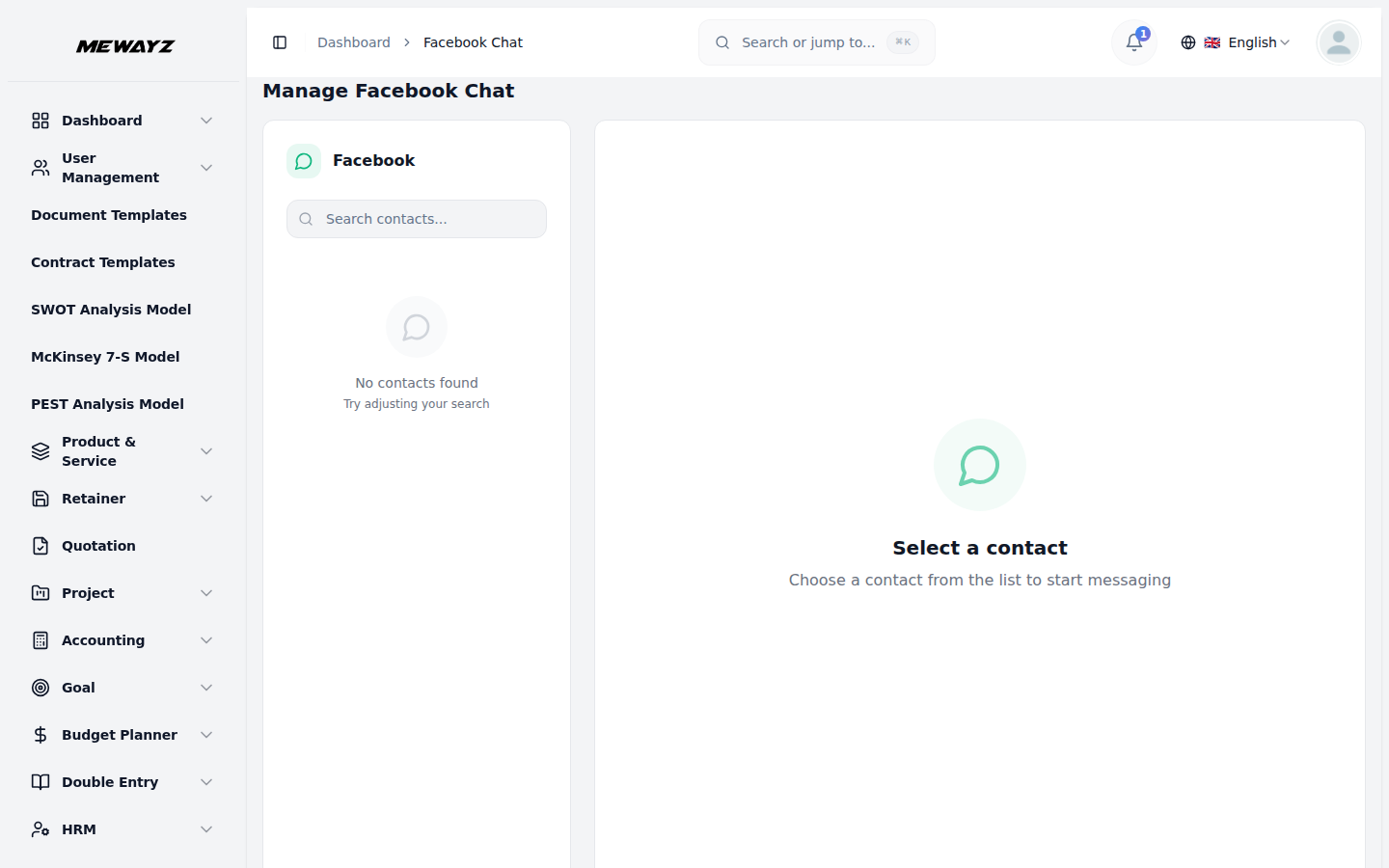
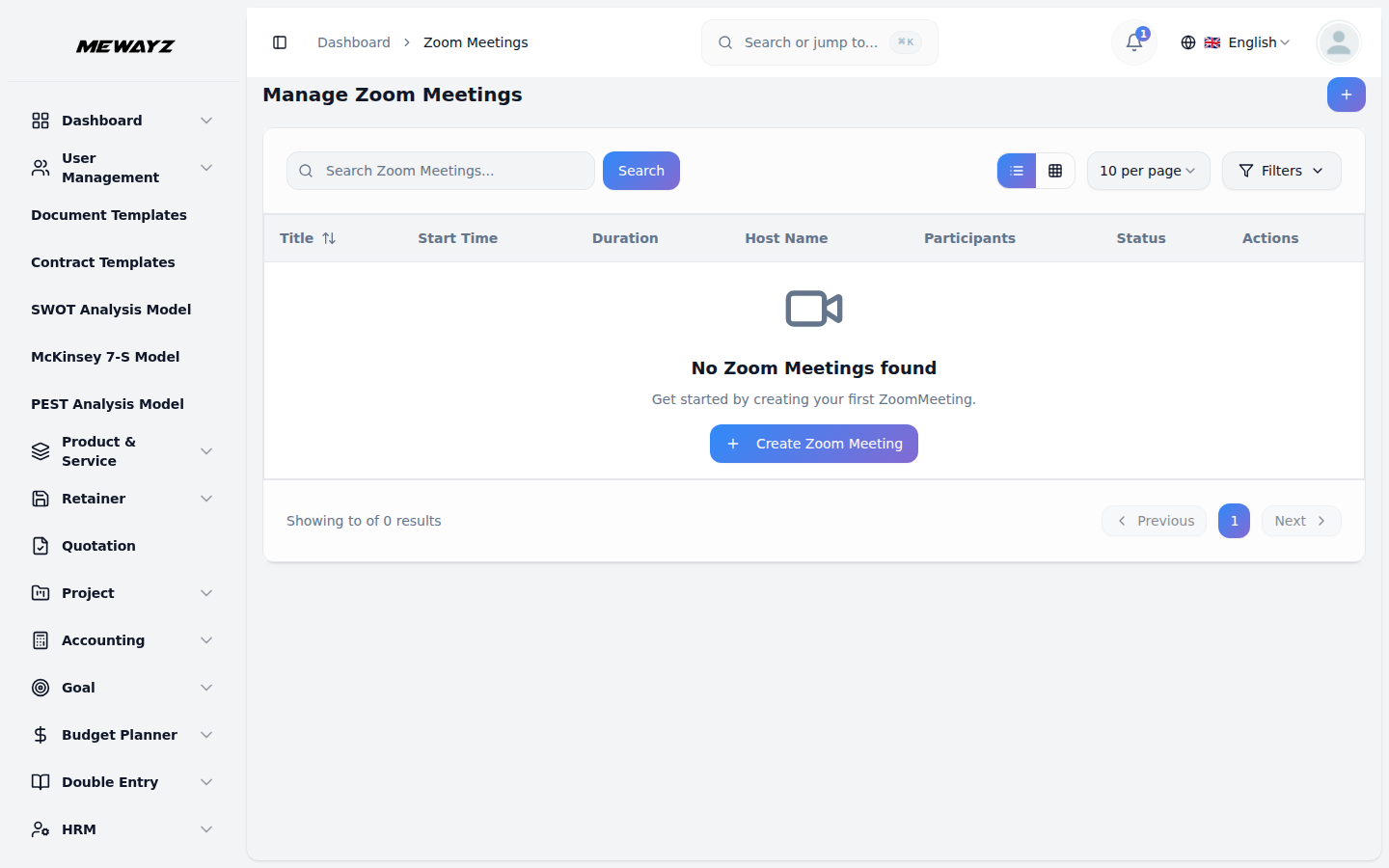
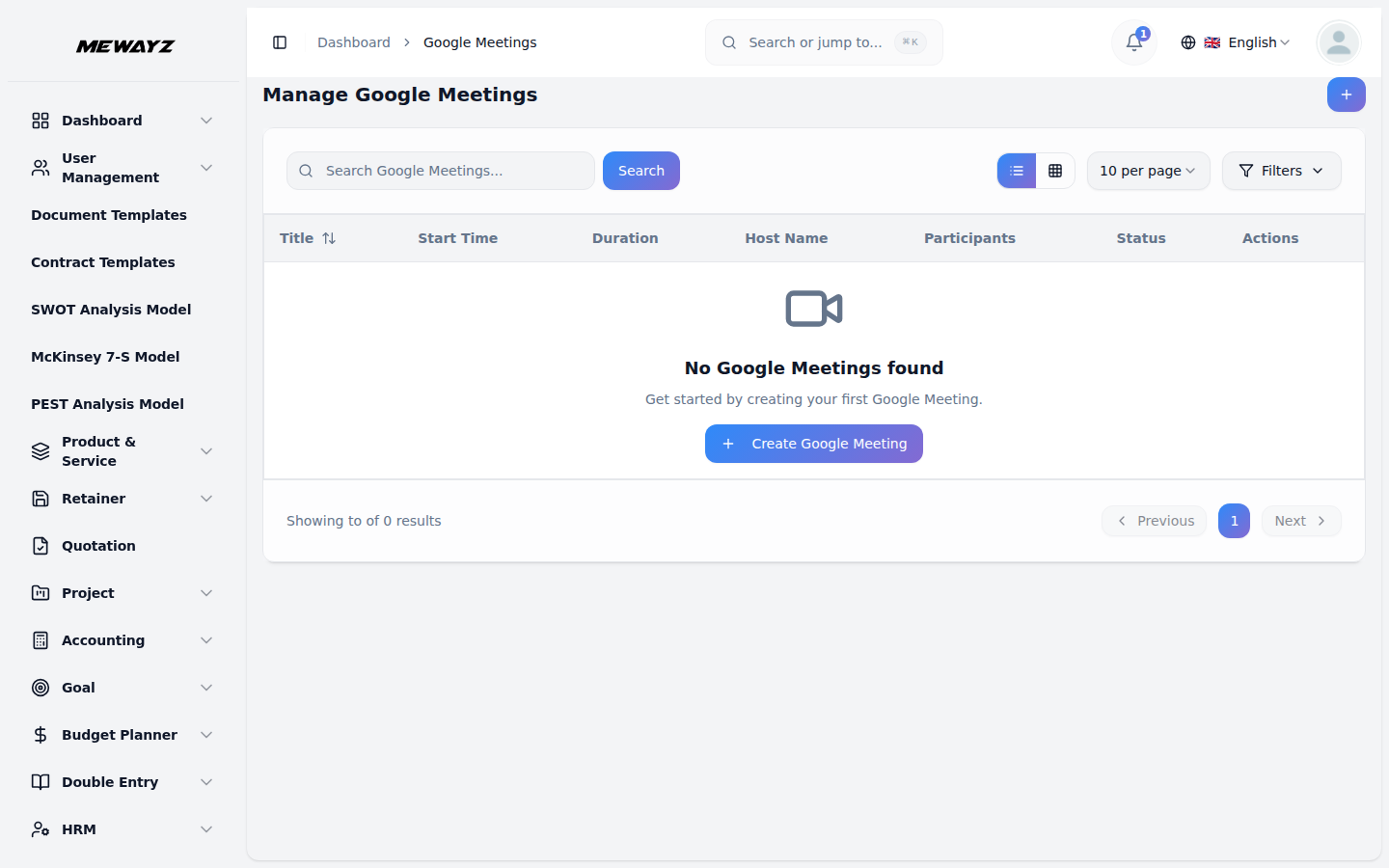
Internal messenger, social inboxes for Instagram and Facebook, and built-in video for Zoom and Google Meet. The conversations live next to the records they're about.
Comm · 01
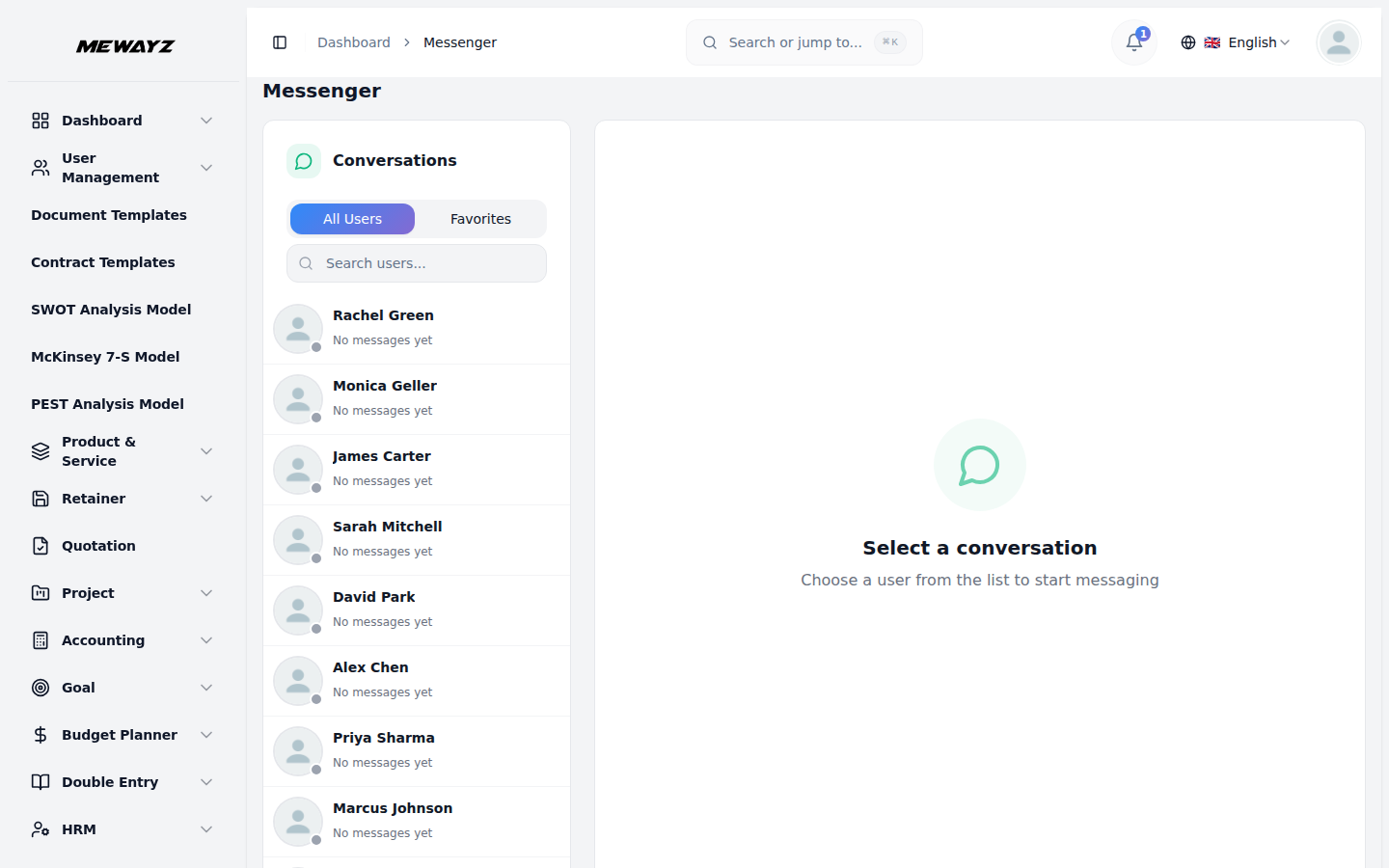
Messenger
Internal team chat, channels, DMs.
Comm · 02
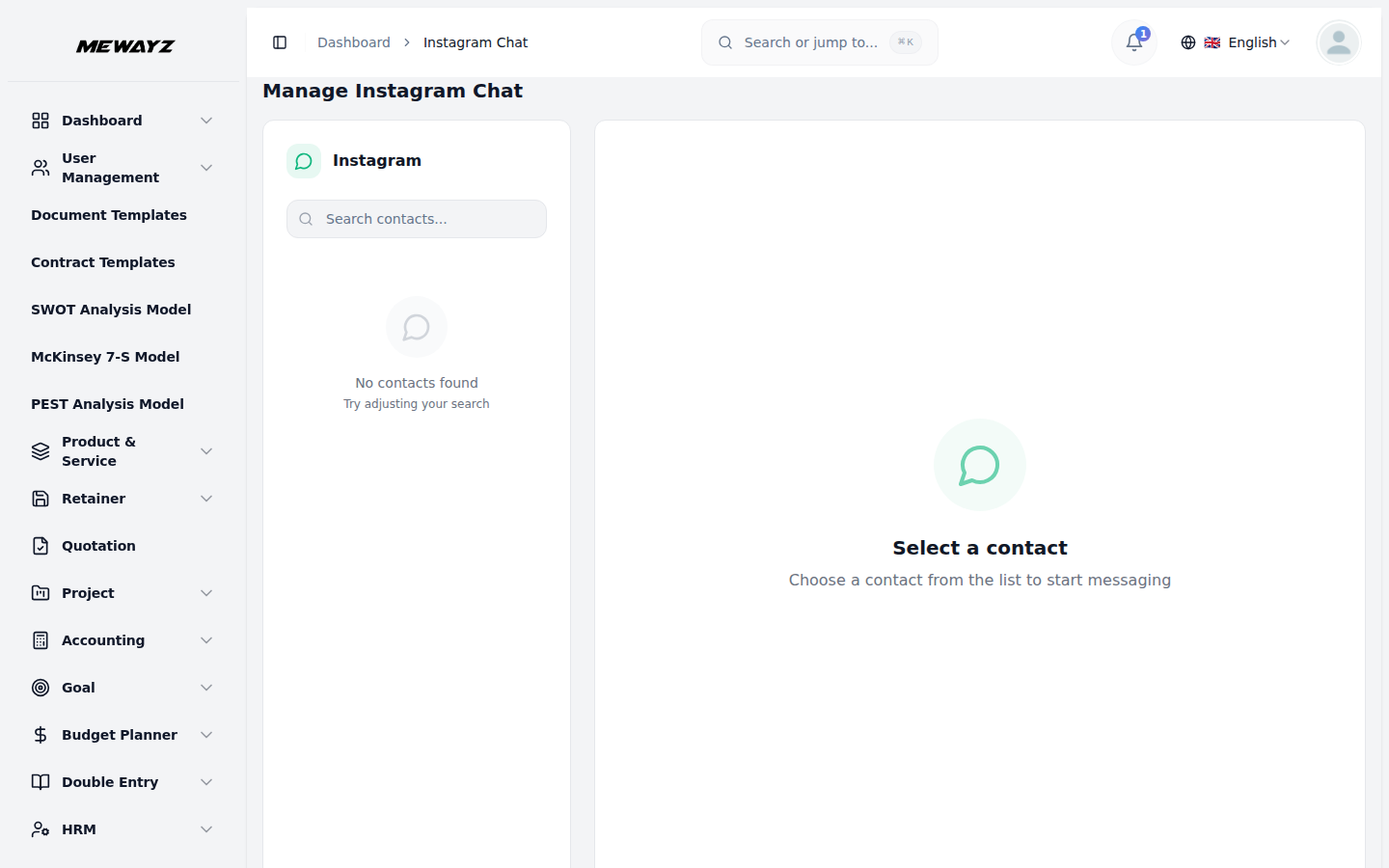
Instagram chat
DMs from your IG inbox in the same inbox as support.
Comm · 03
Facebook chat
FB Messenger / Page DMs unified.
Comm · 04
Zoom meetings
Schedule, host, attach recordings to records.
Comm · 05
Google Meet
Same workflow as Zoom, alternative provider.
Comm · 06
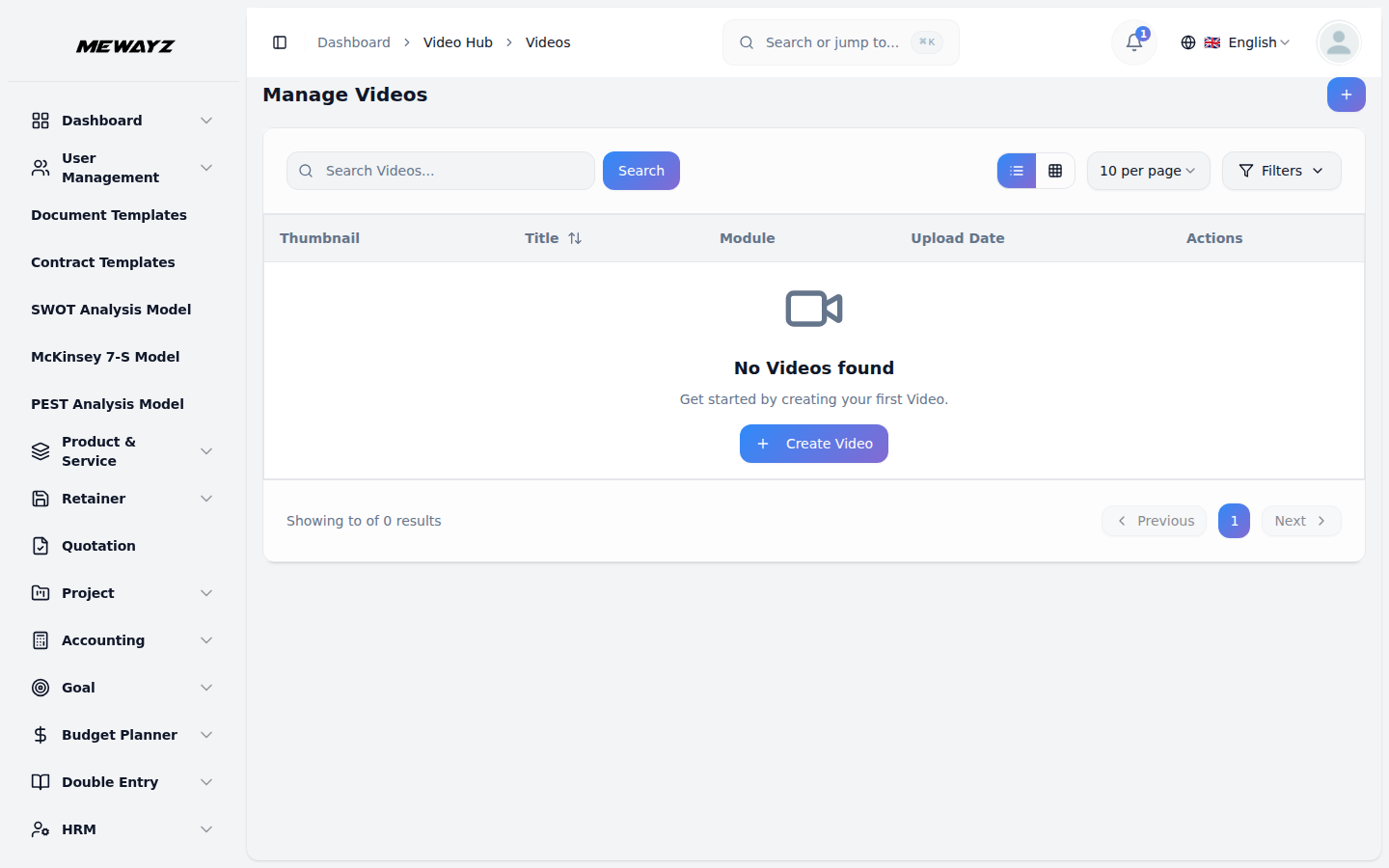
Video hub
Library of recordings, with search.
14 · Documents, templates, contracts
Docs that don't escape.
Office-style docs, slides, sheets, plus contract templates and asset libraries. Your customer-facing documents tied to the customer record. Internal docs tied to the project they belong to.
Docs · 01
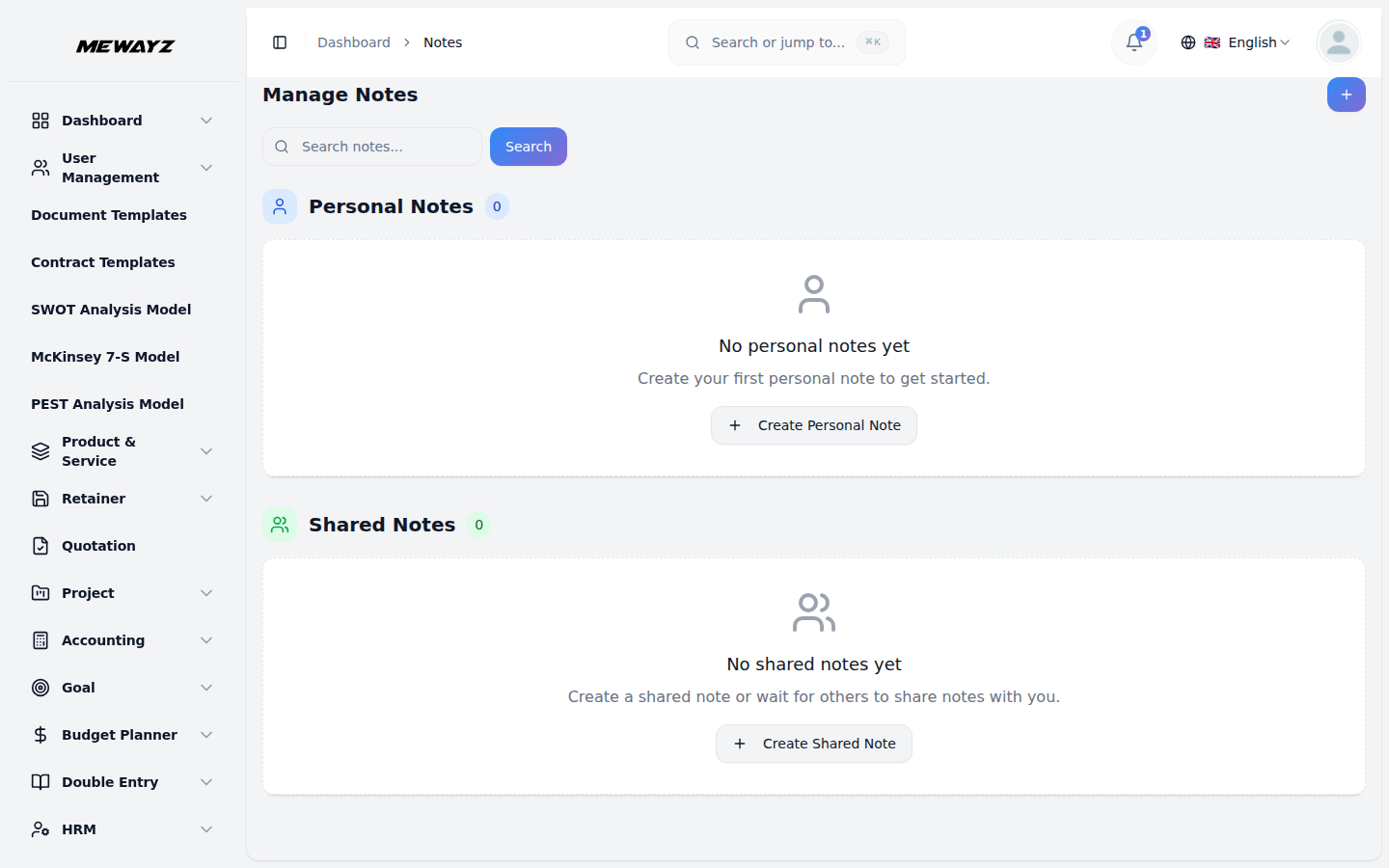
Notes
Quick notes attached to any record.
Docs · 02
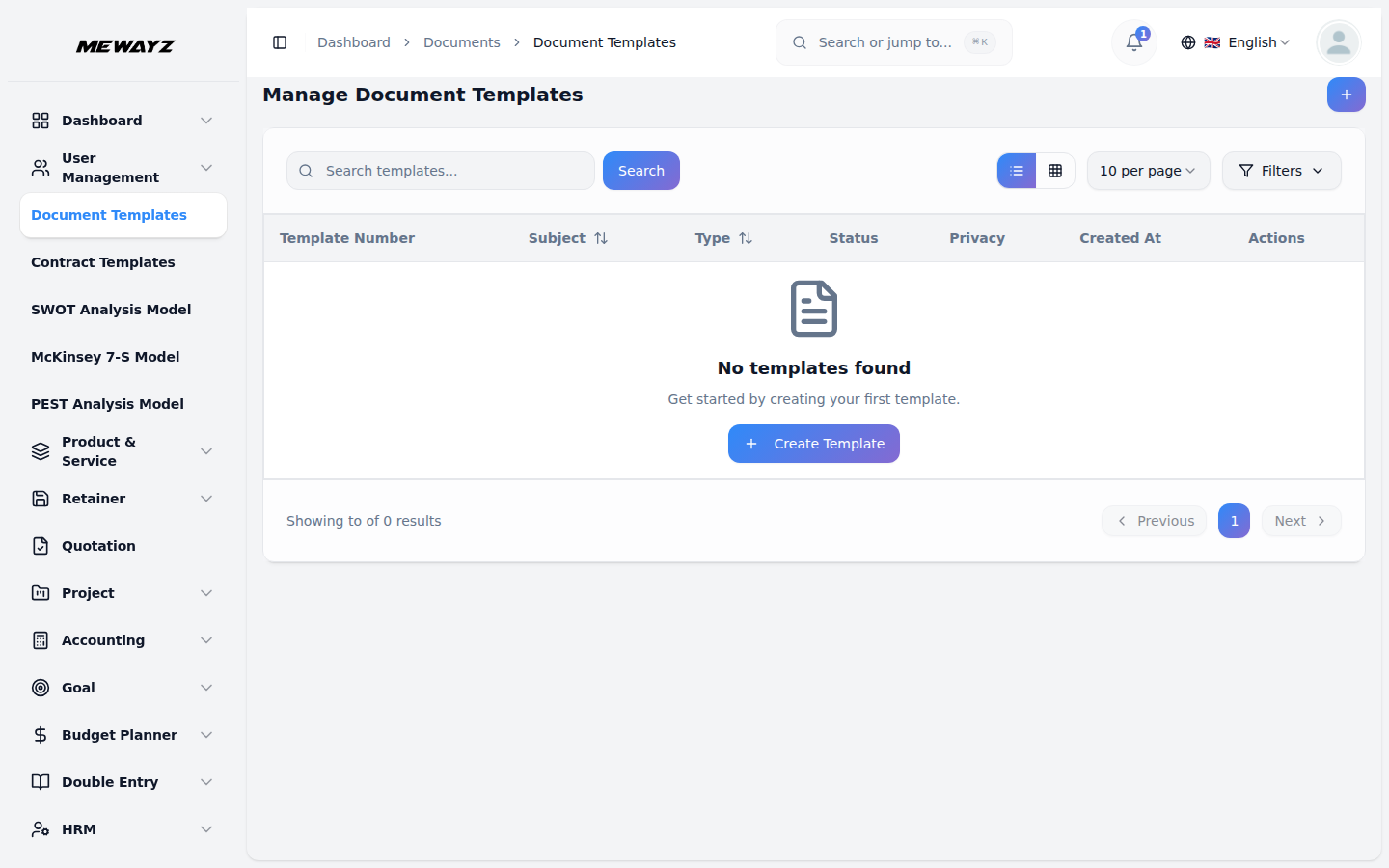
Document templates
Onboarding kits, SOPs, run-books.
Docs · 03
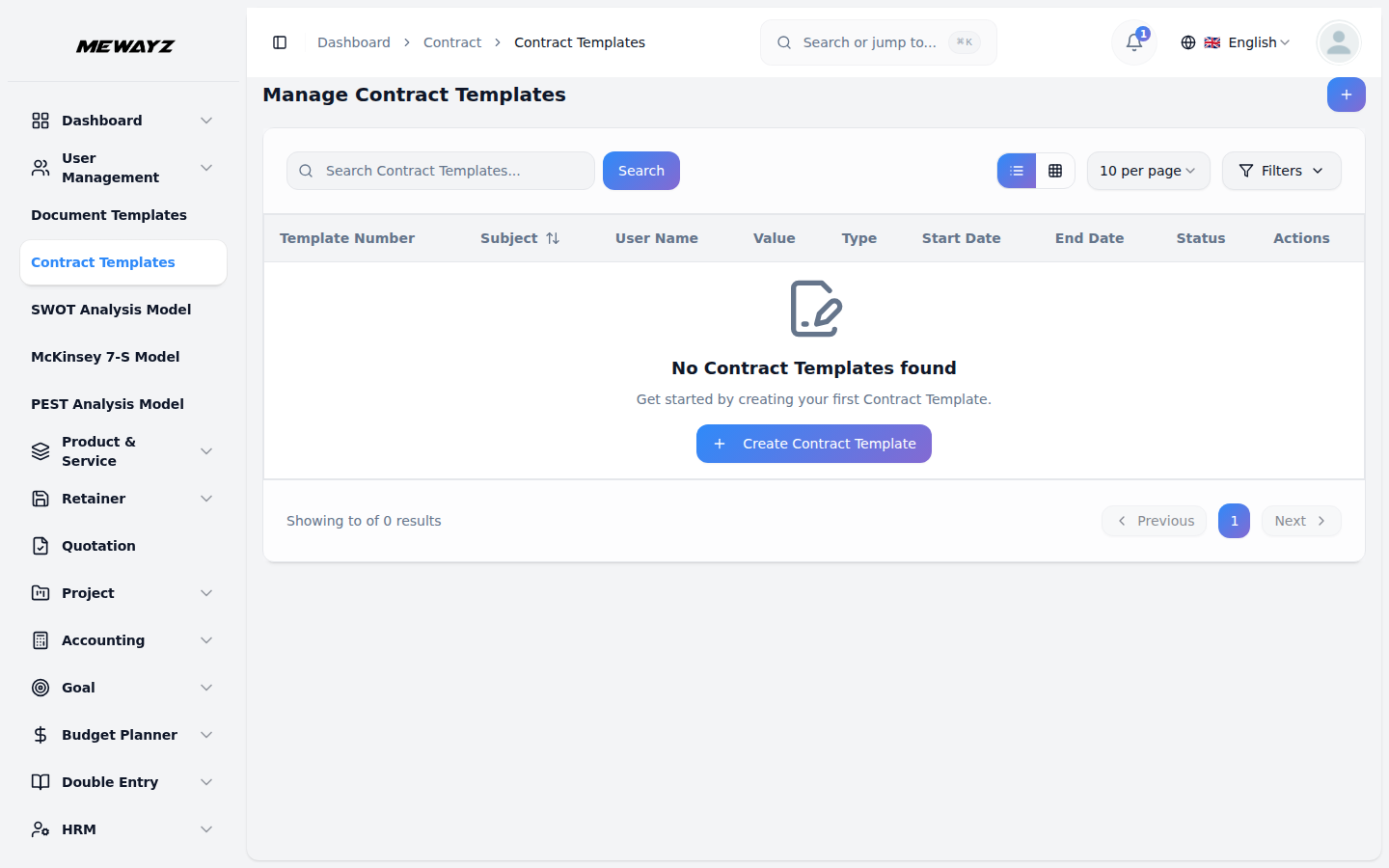
Contract templates
MSA, NDA, SOW with variable blocks.
Docs · 04
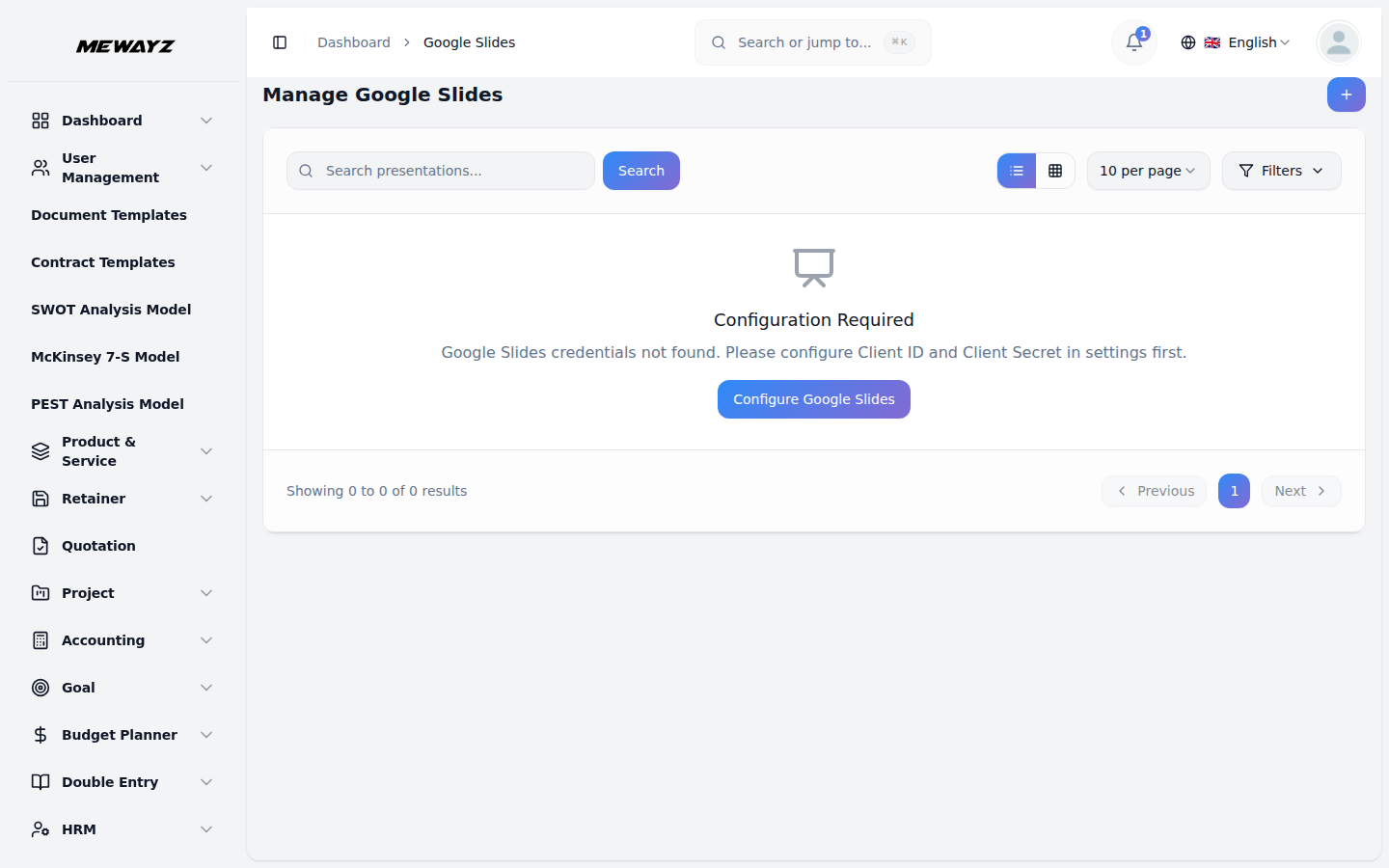
Slides
Decks, embedded with Google Slides.
Docs · 05
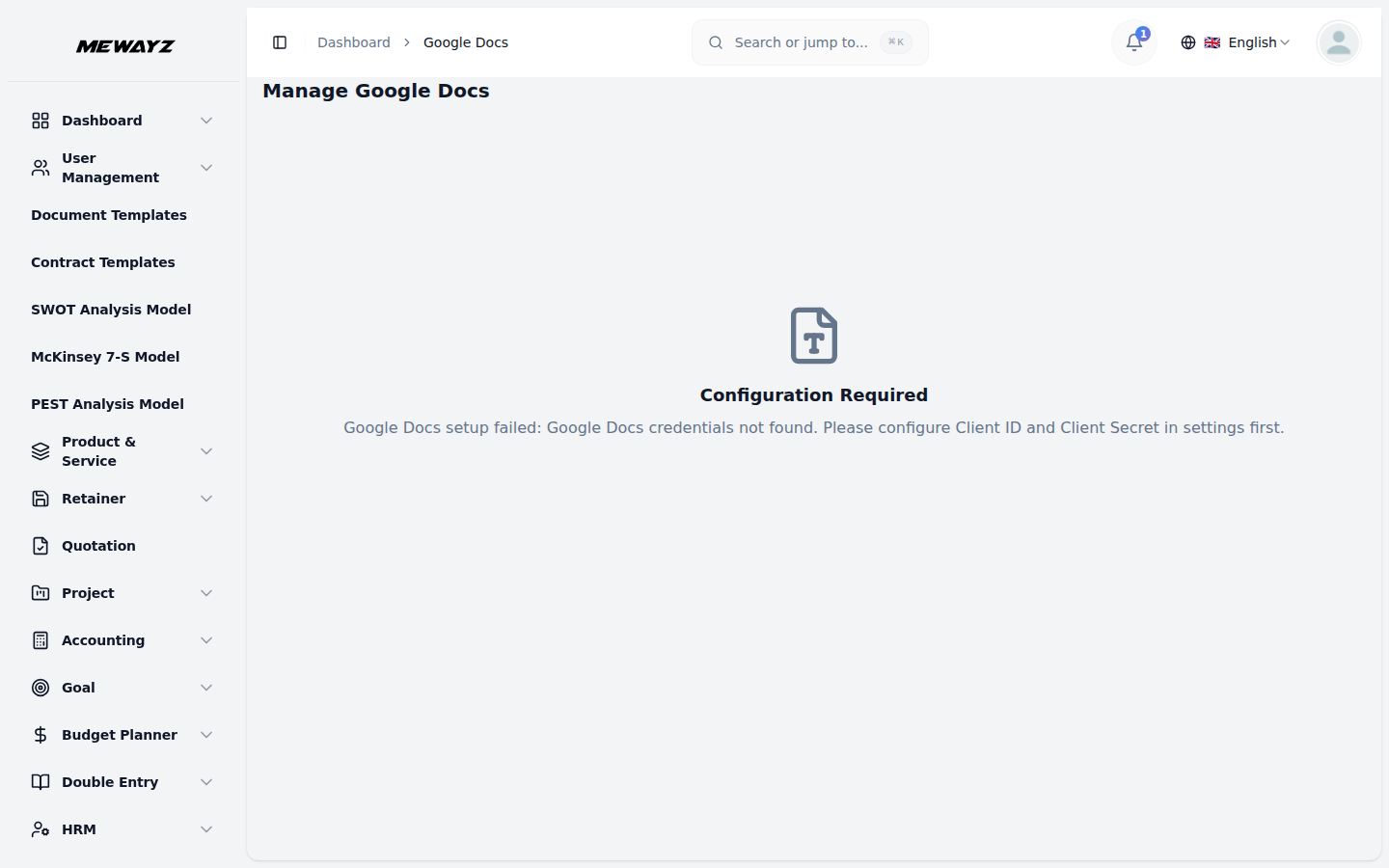
Docs
Long-form documents.
Docs · 06
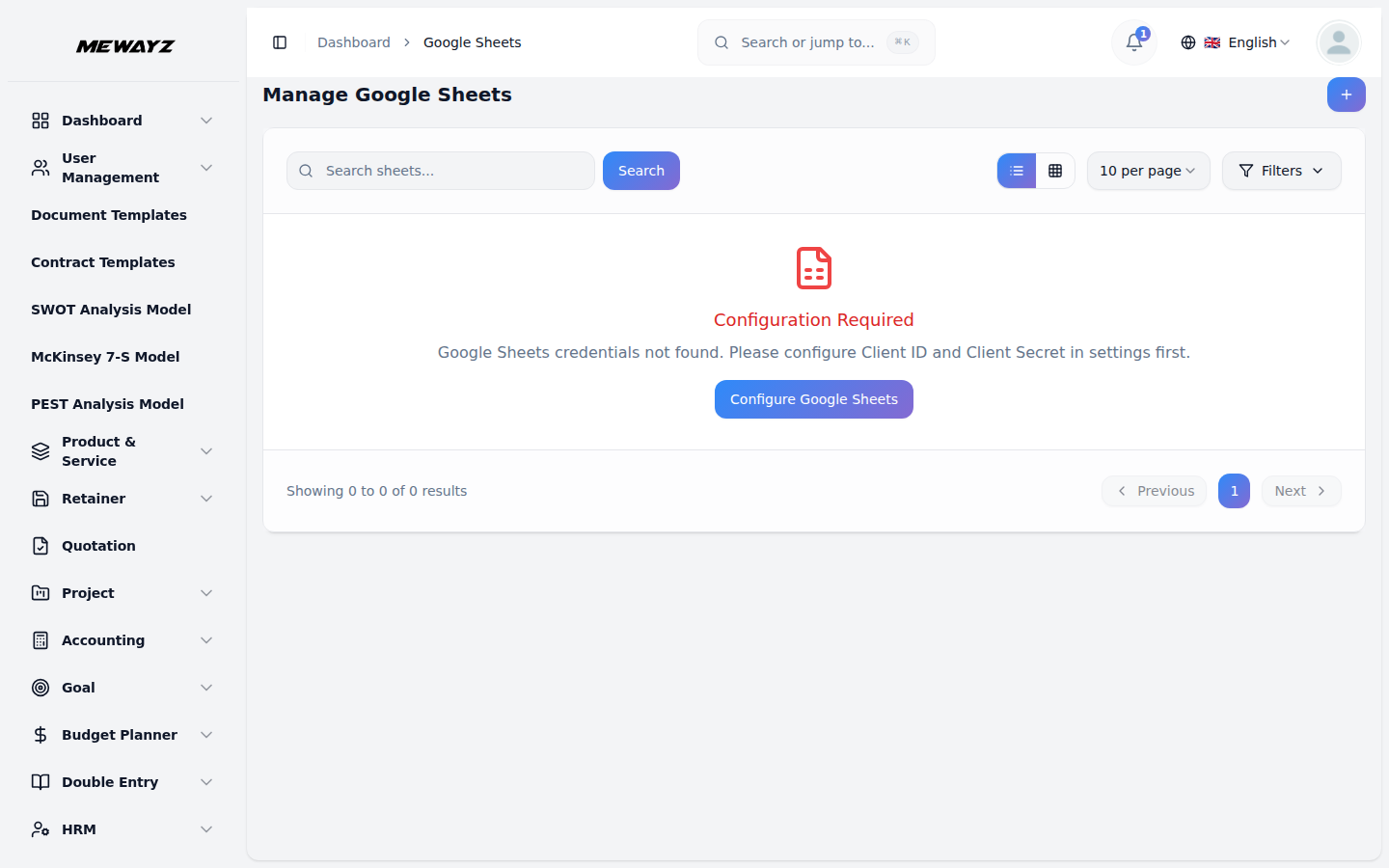
Sheets
Spreadsheets where they belong.
Docs · 07
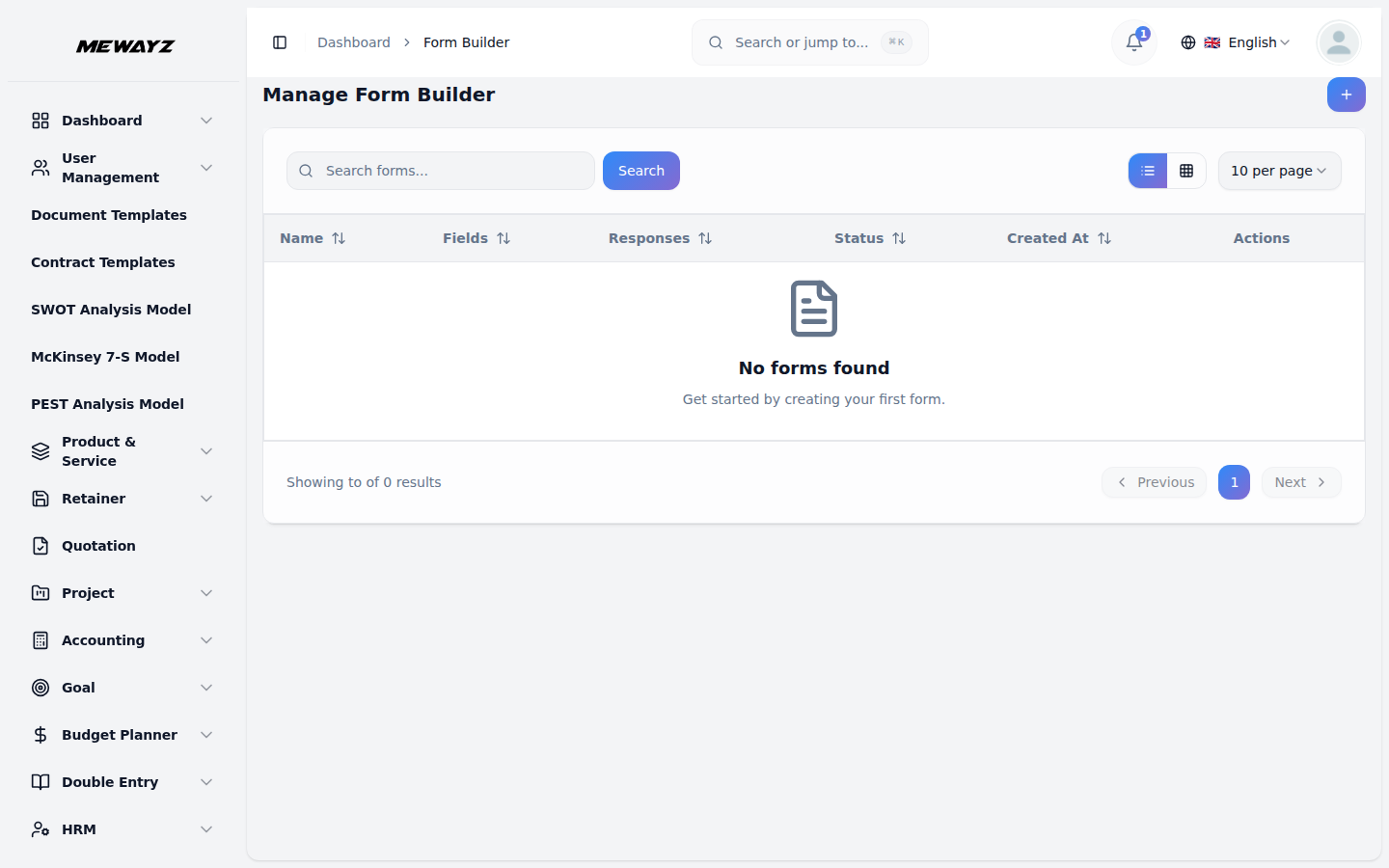
Form builder
Capture forms into the CRM directly.
Docs · 08
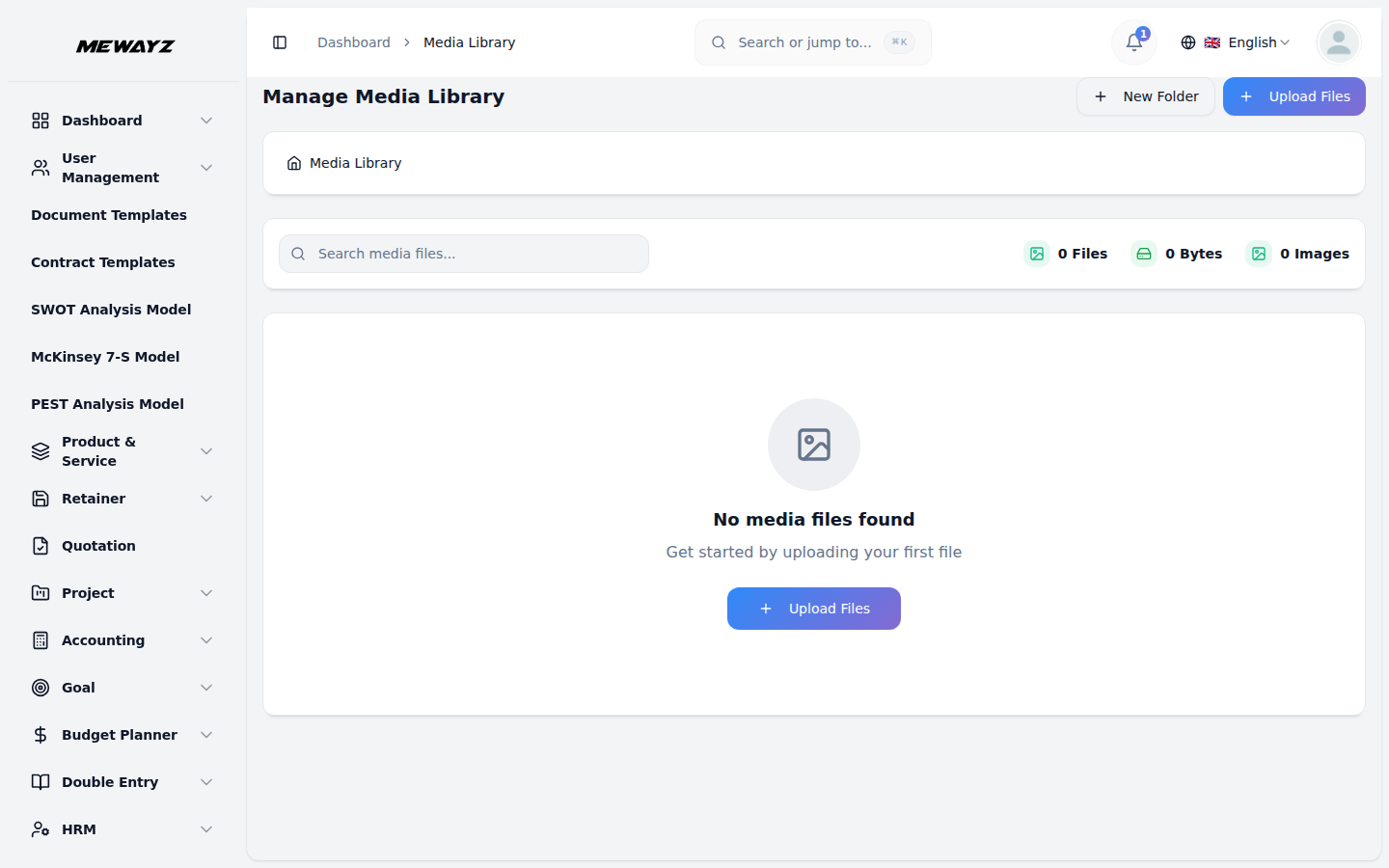
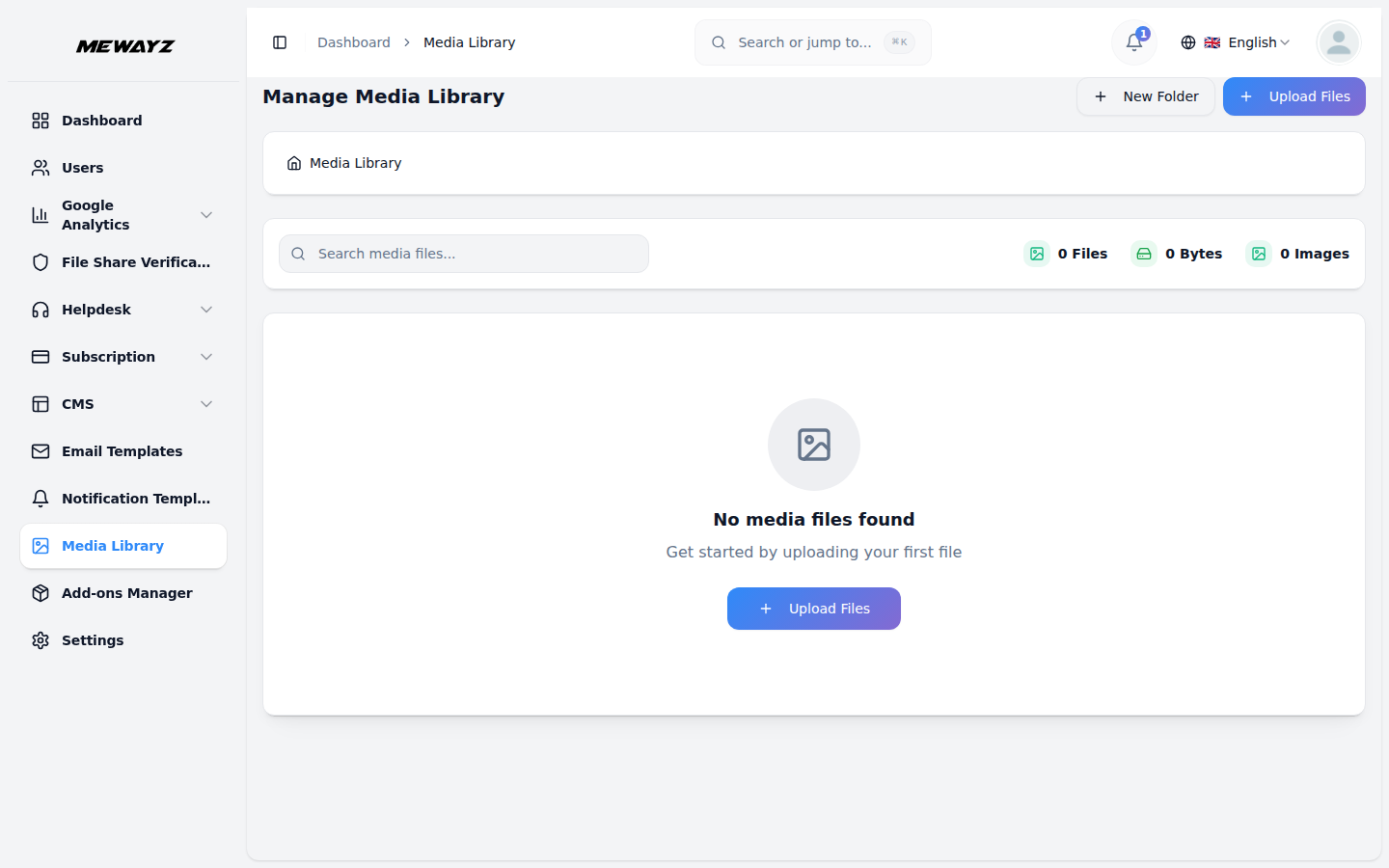
Media library
Assets, with per-record links.
Docs · 09
Workspace media
Logo / brand assets for white-label.
Docs · 10
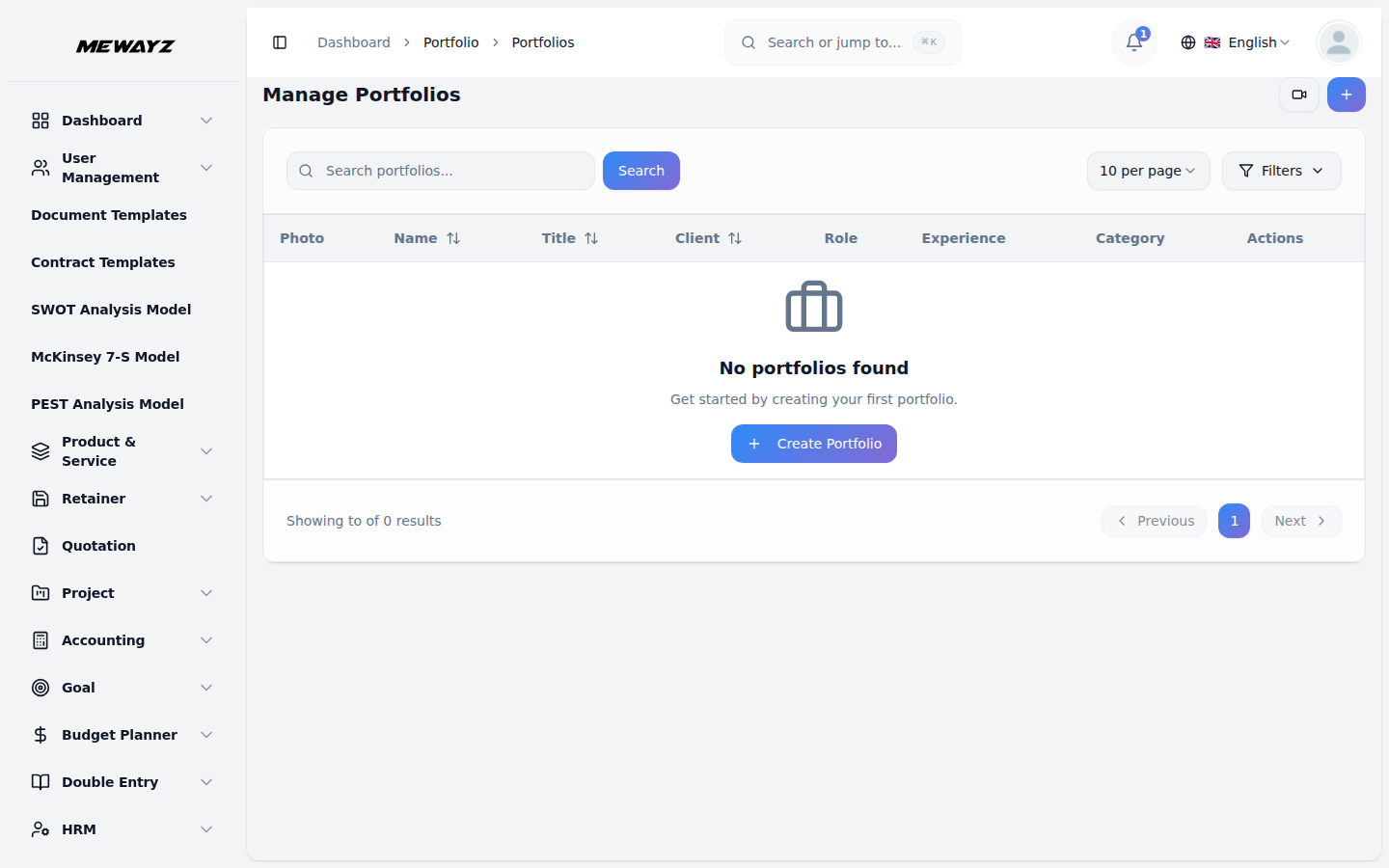
Portfolios
External-facing case study pages.
Docs · 11
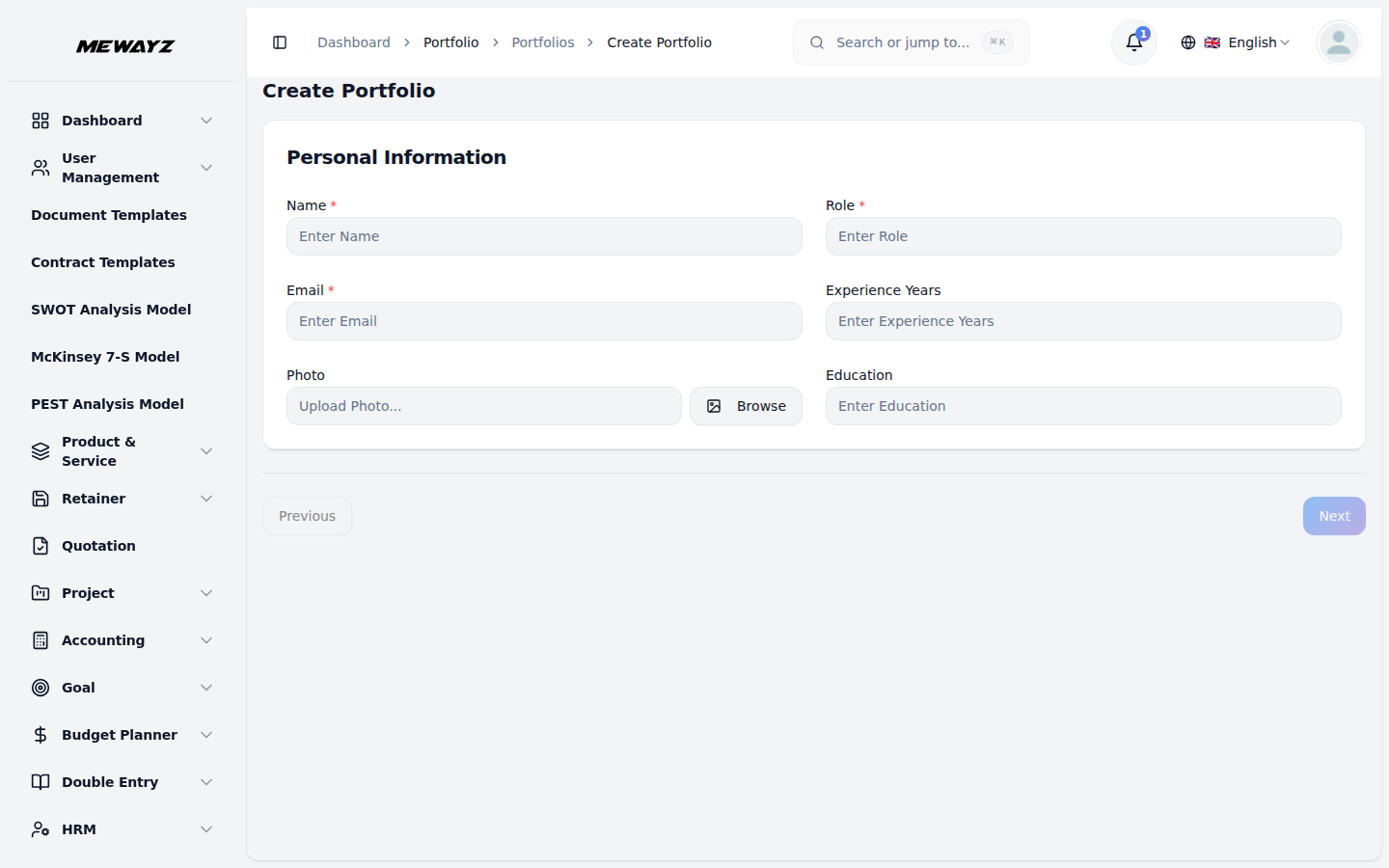
Create portfolio
Project → portfolio in two clicks.
Docs · 12
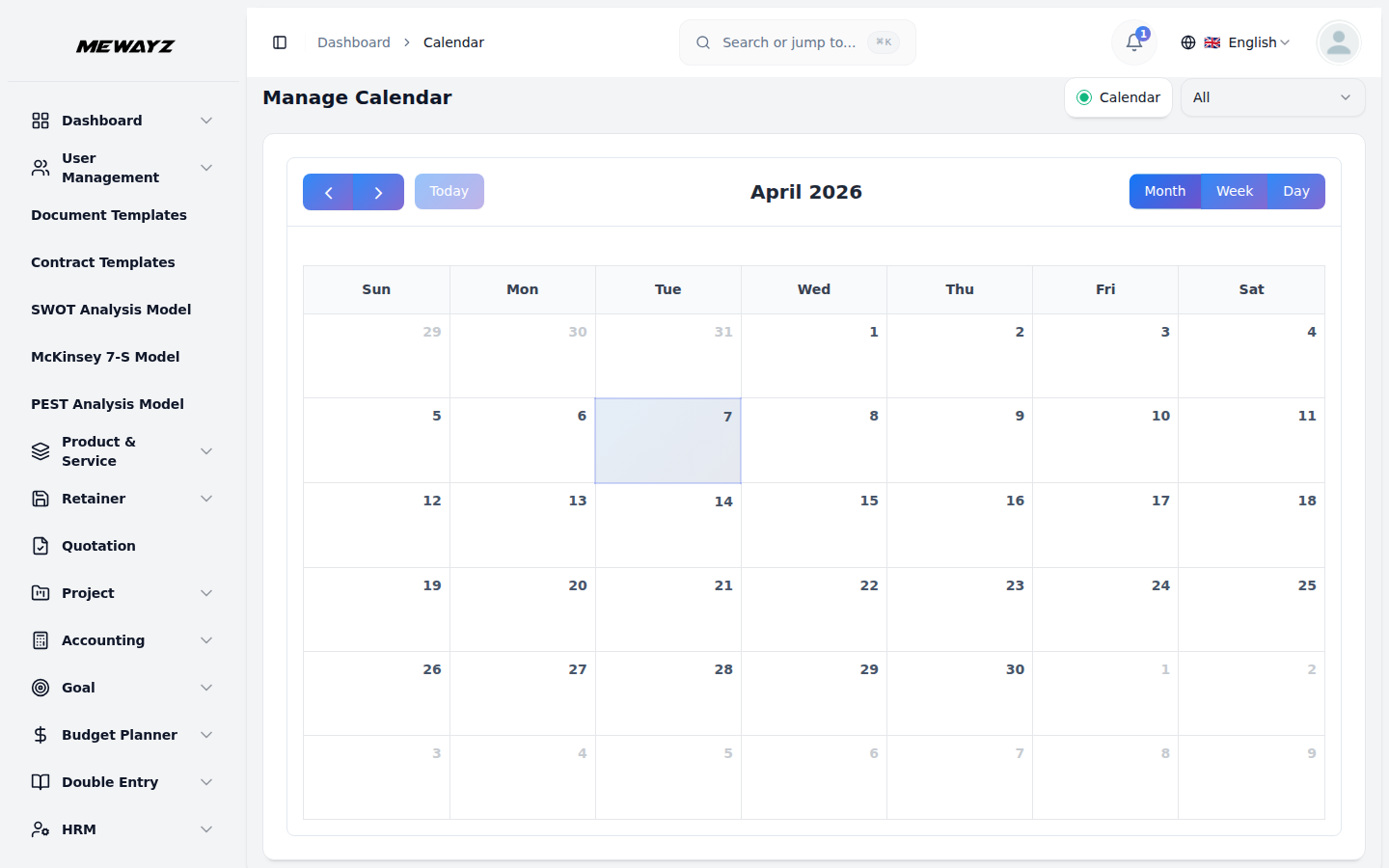
Calendar
Cross-module calendar, meetings, tasks, leave.
15 · Strategy & planning
Models, frameworks, workflows.
The slightly-weird modules nobody else includes. Strategy frameworks, process diagrams, workflow automations. The kind of thing a consultancy charges for, sitting next to the books.
Strategy · 01
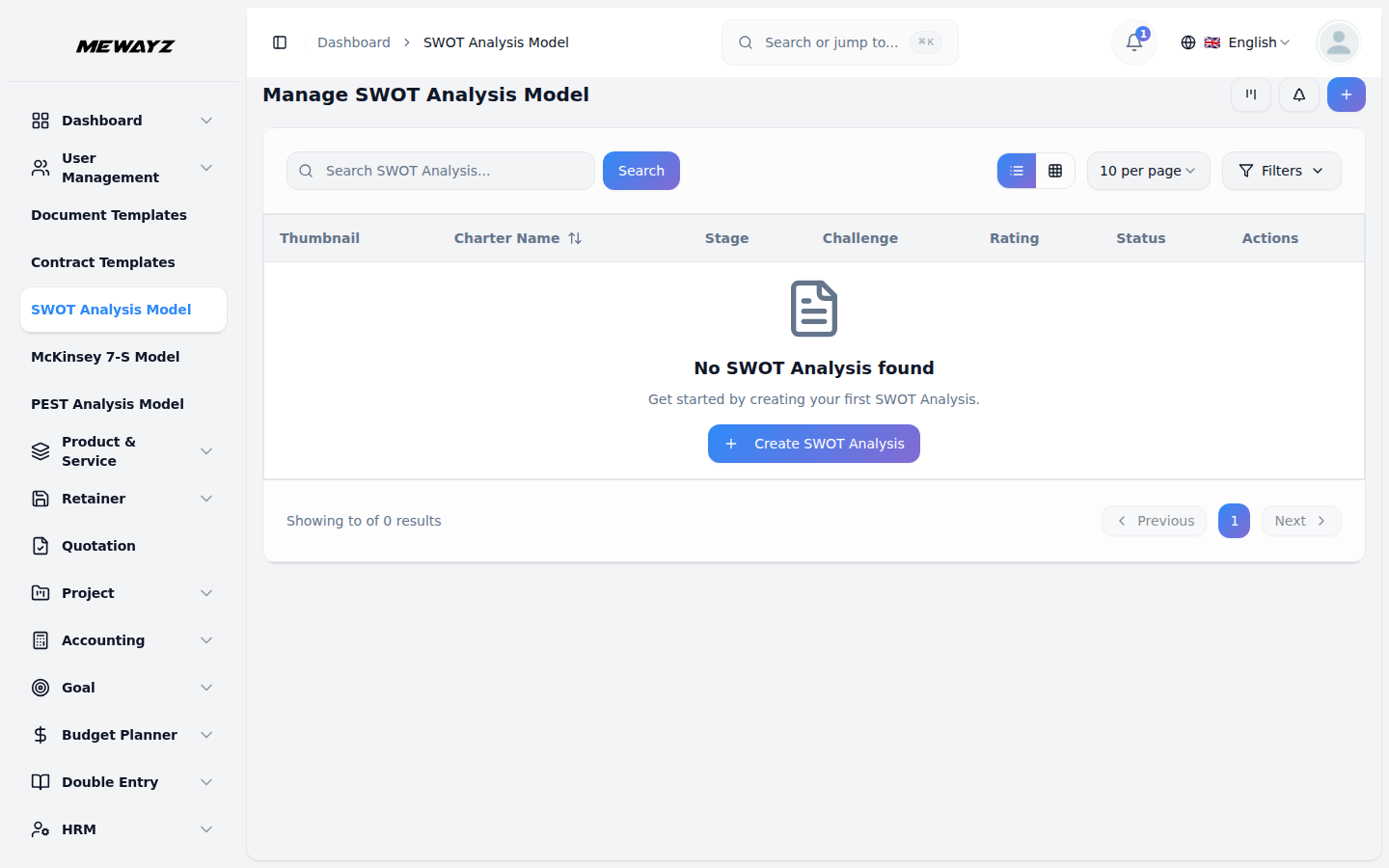
SWOT analysis
Workspace-wide SWOT, with assignment.
Strategy · 02
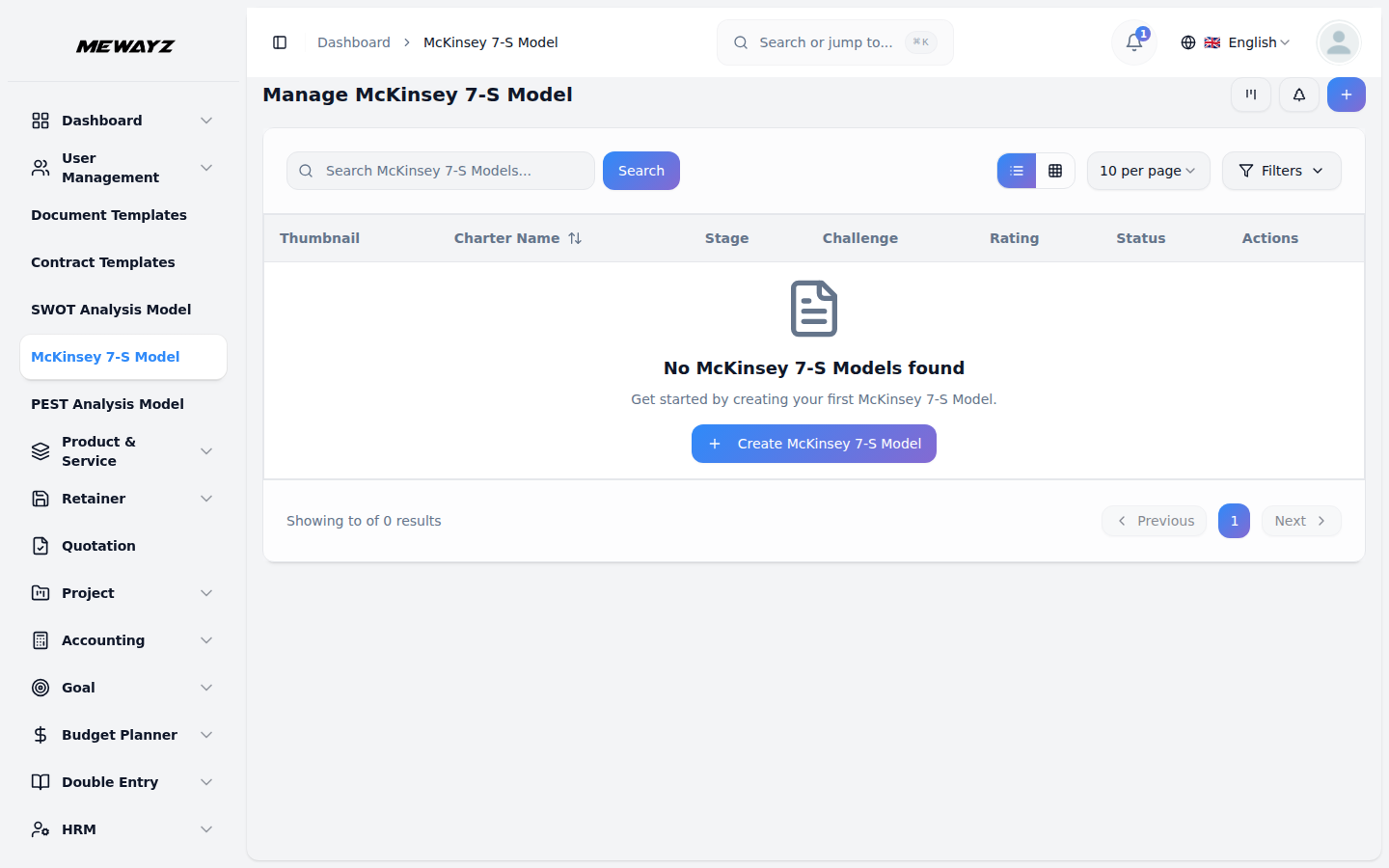
McKinsey 7S
7-S strategy template.
Strategy · 03
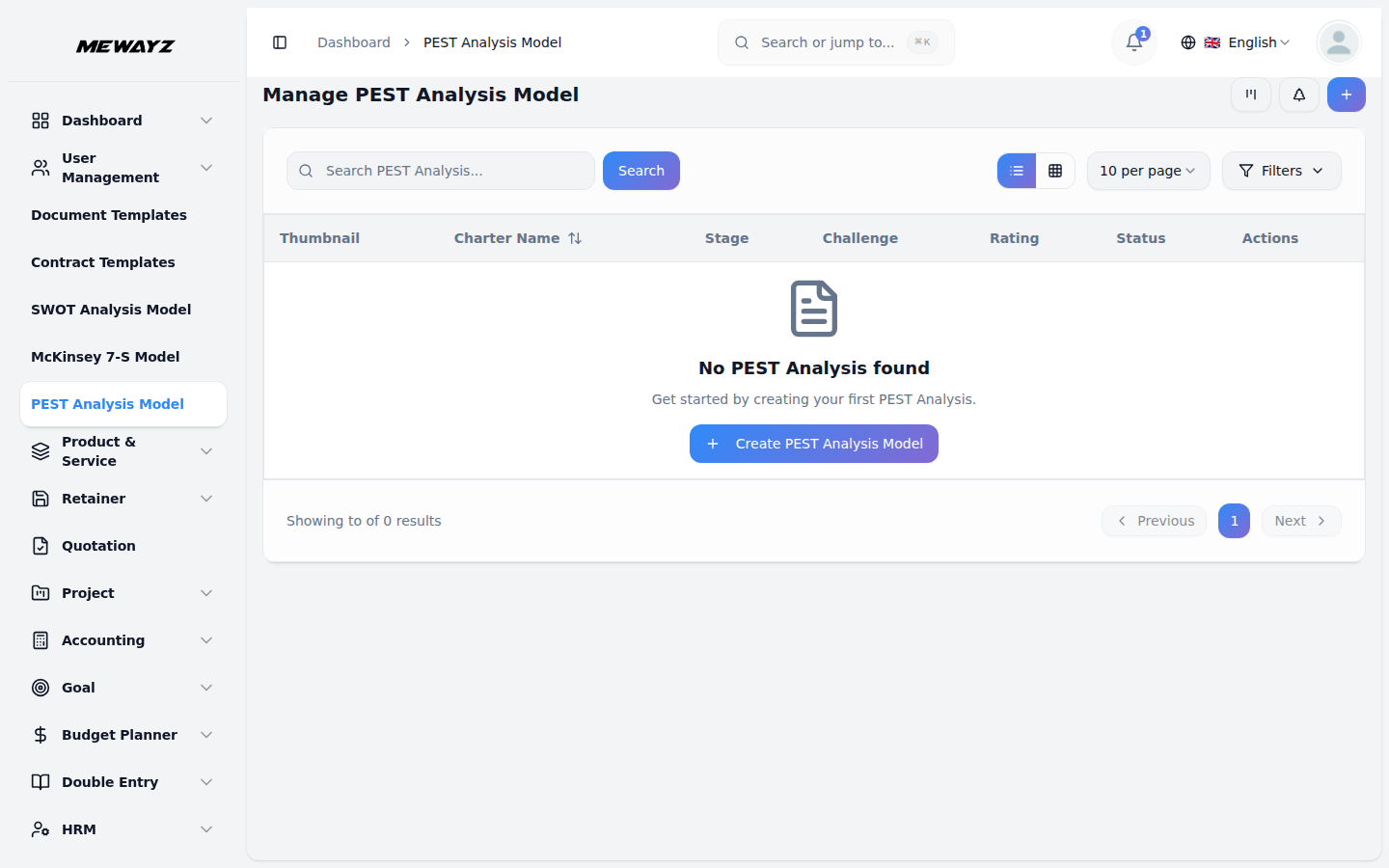
PEST analysis
Macro-environment scan template.
Strategy · 04
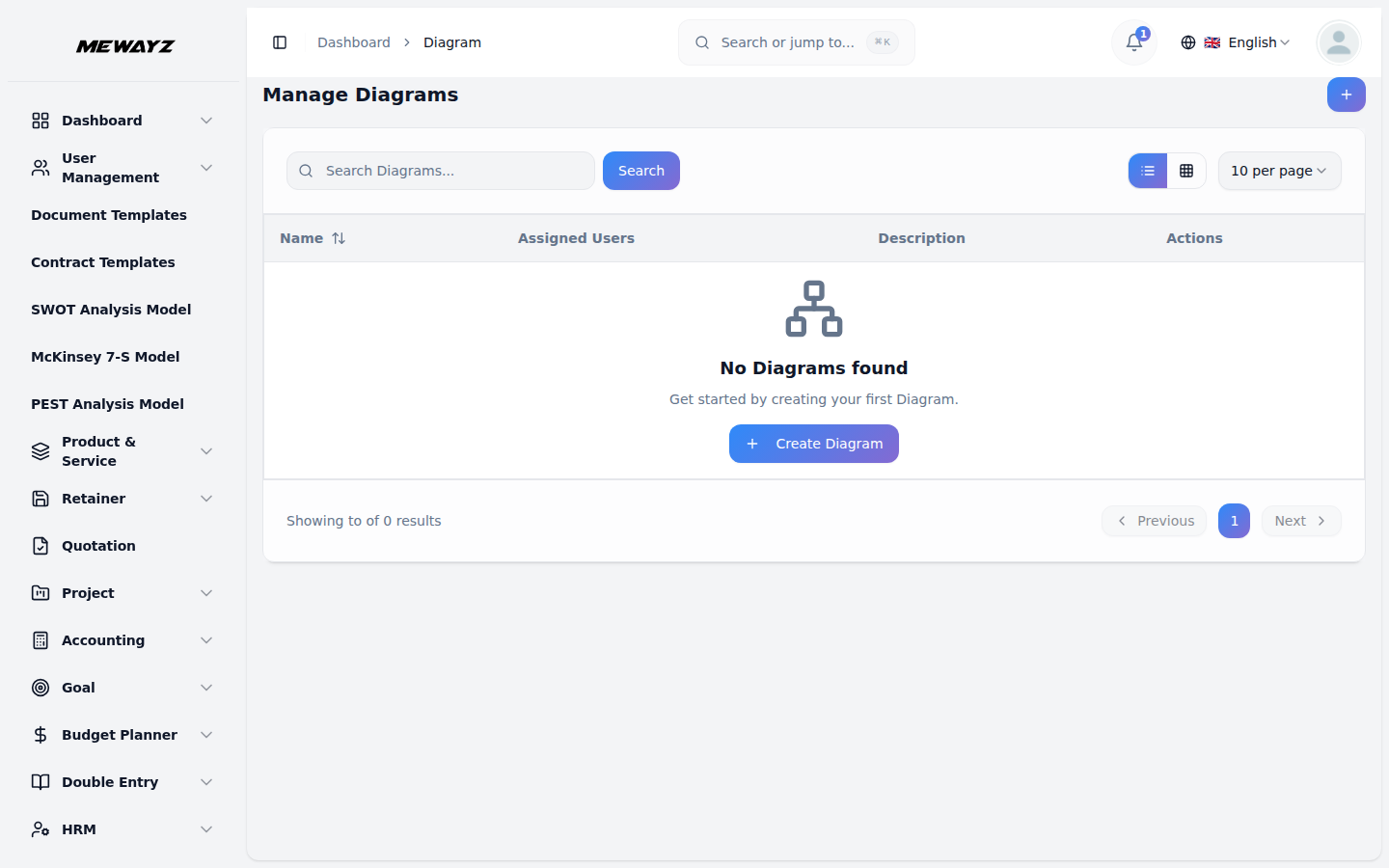
Diagrams
Flow / org / system diagrams.
Strategy · 05
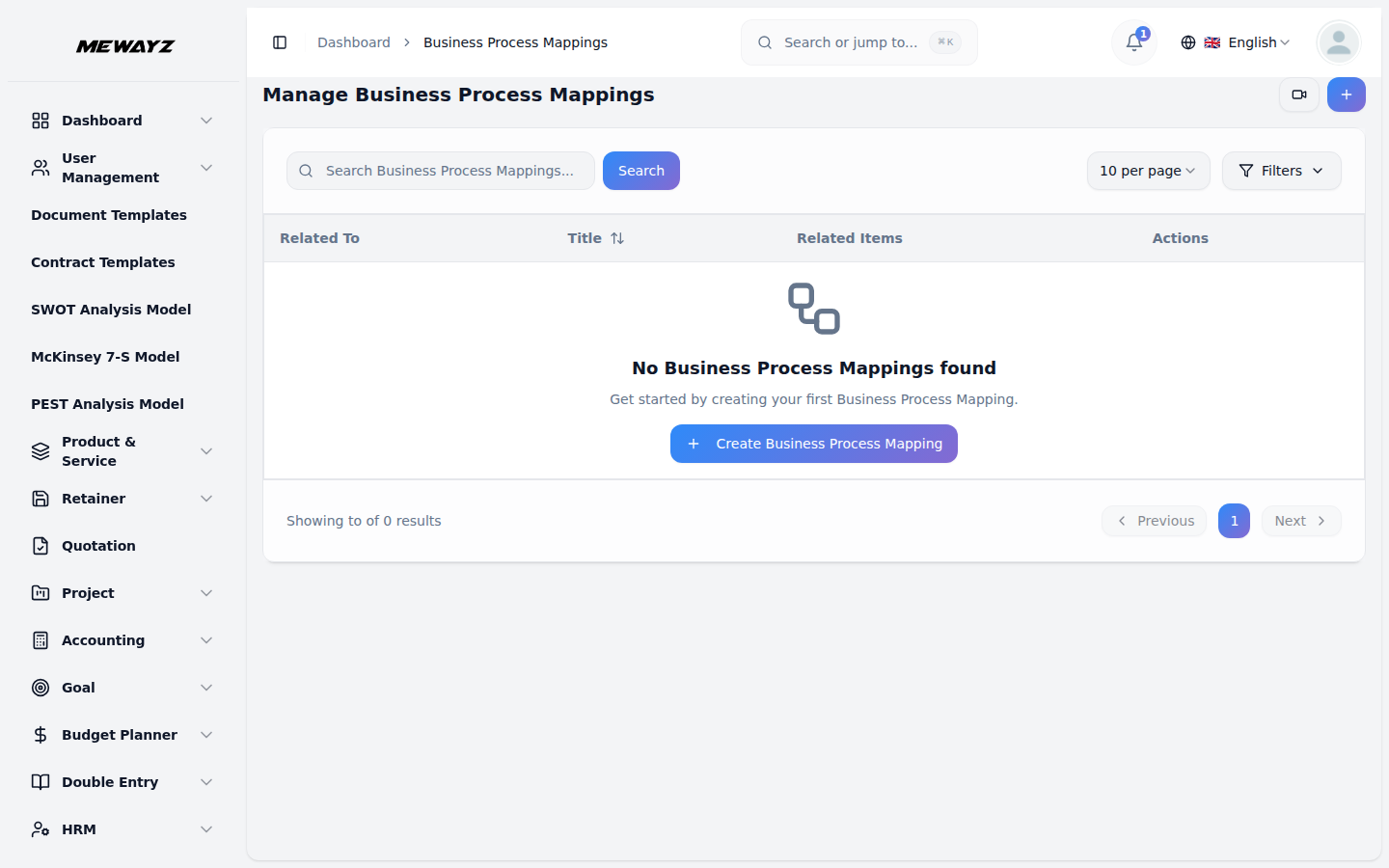
Business process
BPM-style process modelling.
Strategy · 06
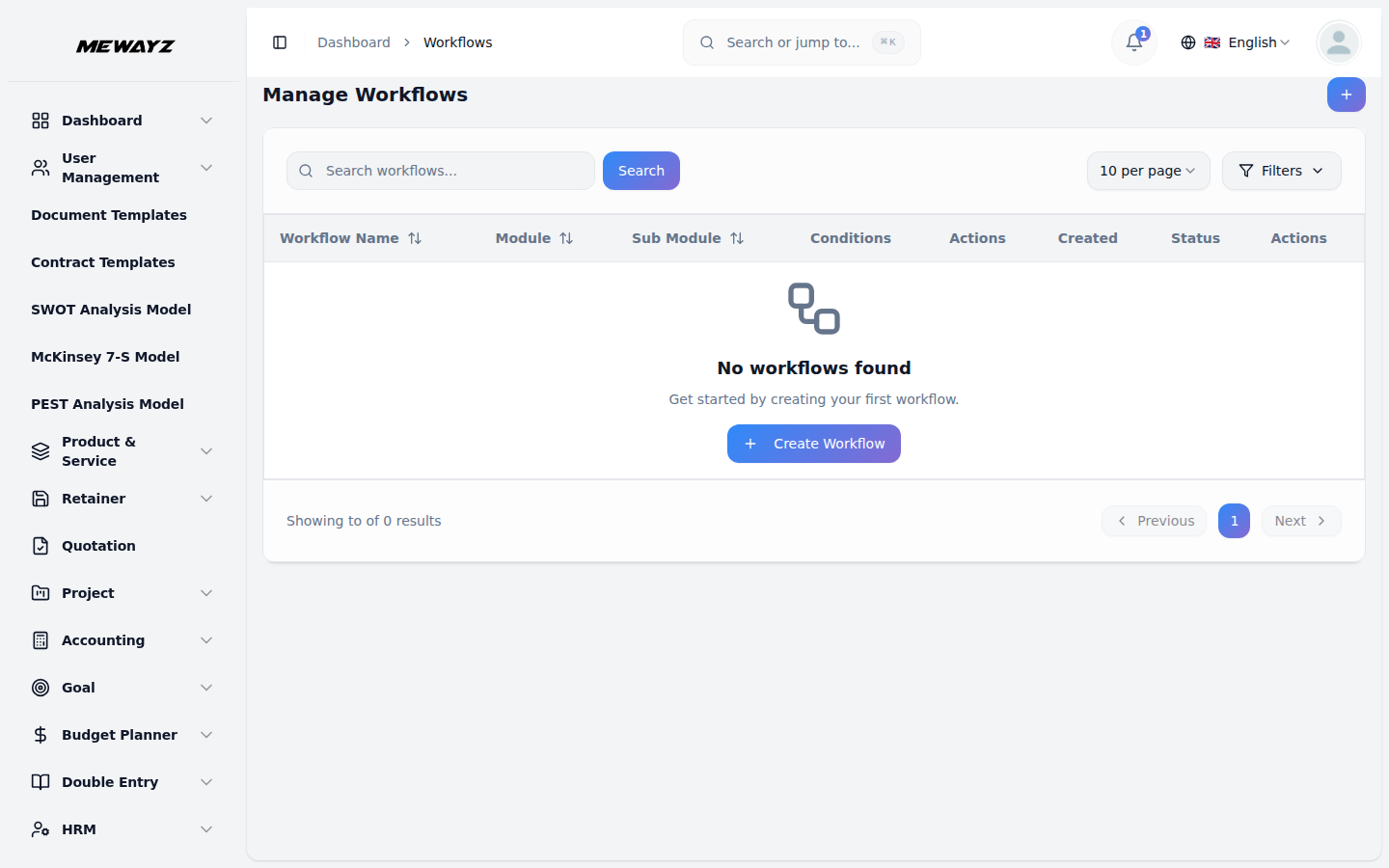
Workflow
Trigger → condition → action automation.
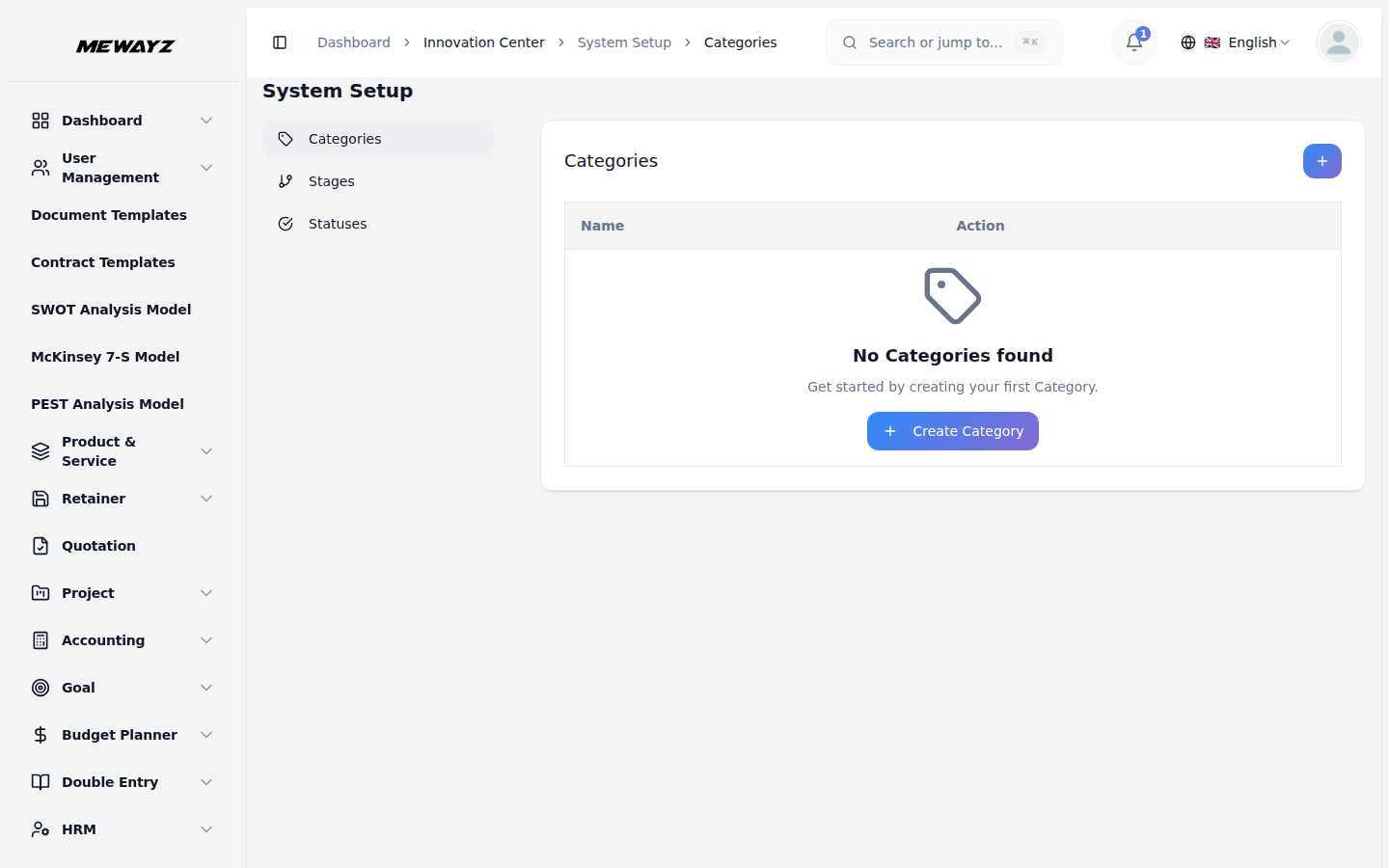
Innovation · 01
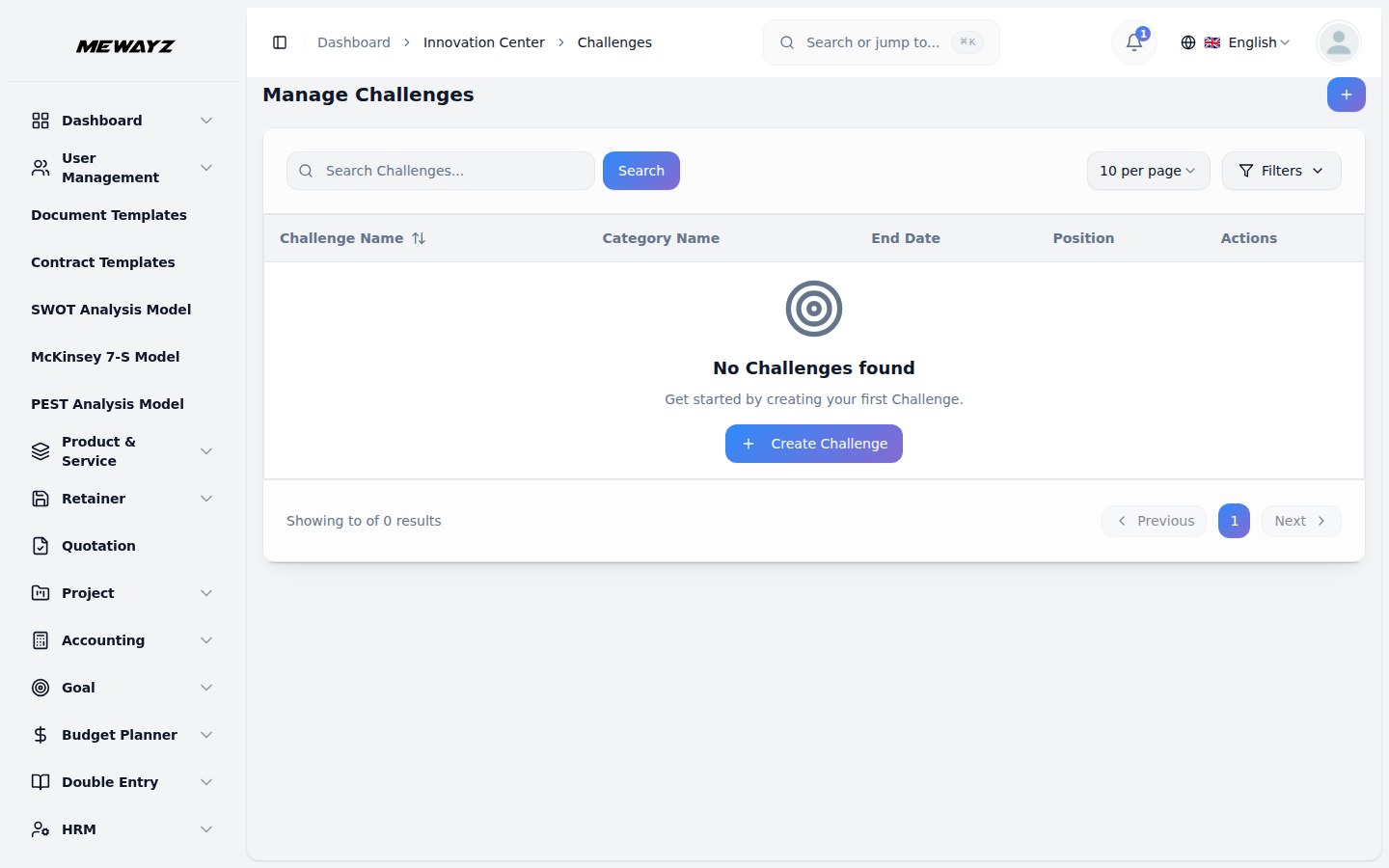
Innovation challenges
Internal idea contests with stages.
Innovation · 02
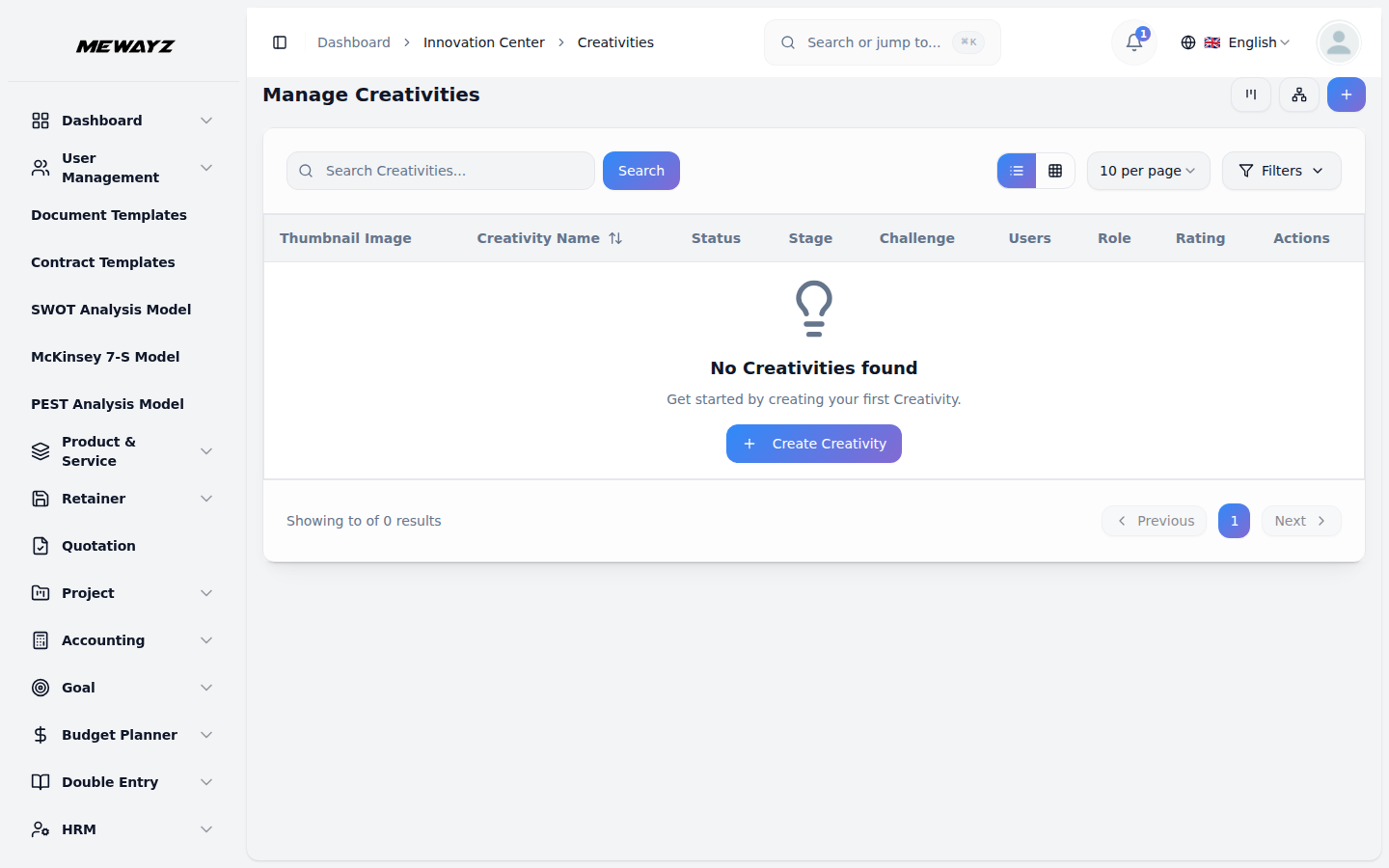
Creative ideas
Idea pool with voting.
Innovation · 03
Categories
Product / process / customer / cost.
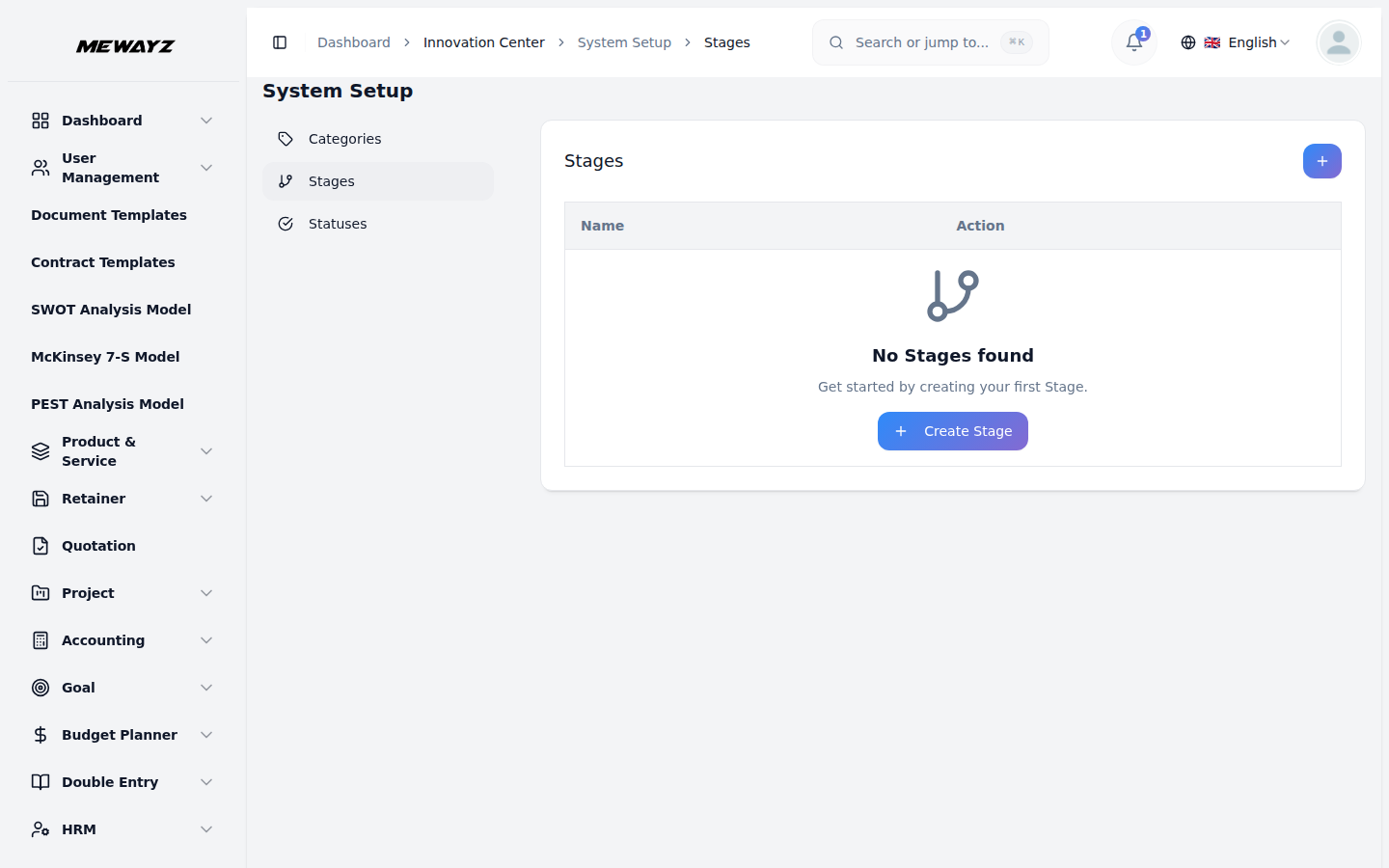
Innovation · 04
Stages
Idea → screened → piloted → scaled.
16 · Consultancy module
Run a services business on the platform.
For consultancies, agencies, and pro-services firms. Service catalogs, applications, inquiries, document types, billing, all wired to the same client record as your CRM.
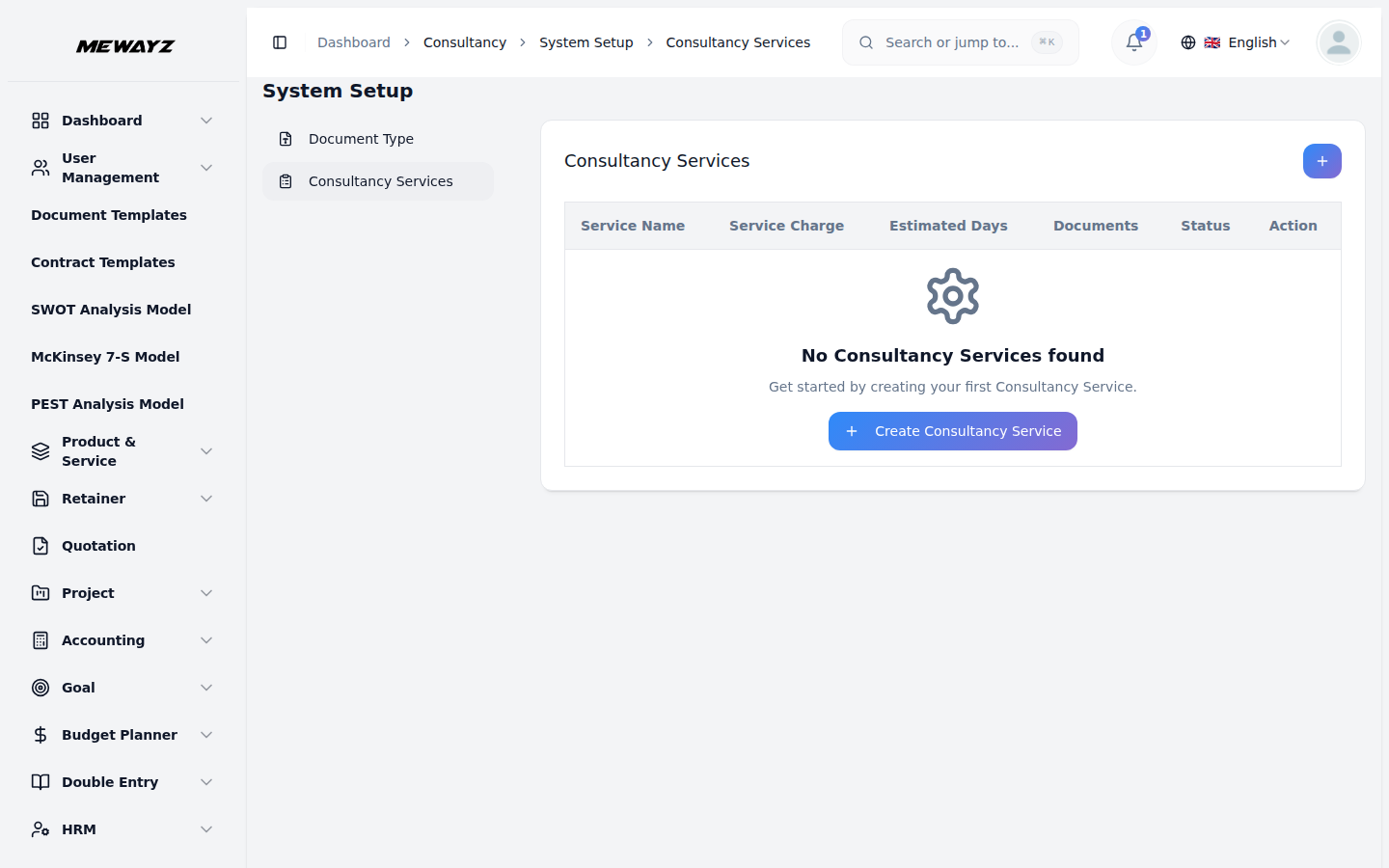
Consult · 01
Services catalog
Productised services with pricing.
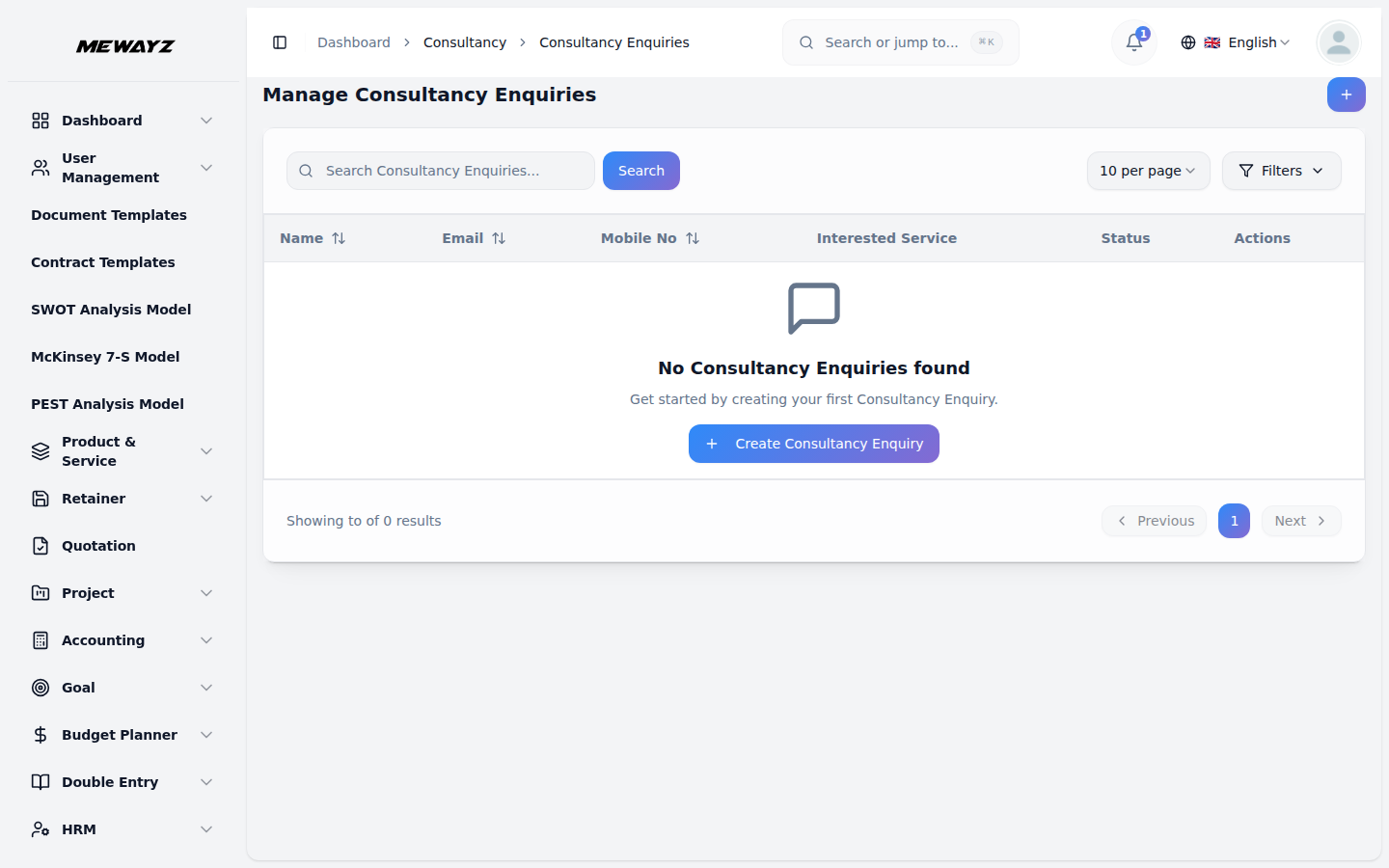
Consult · 02
Inquiries
Inbound interest, qualified.
Consult · 03
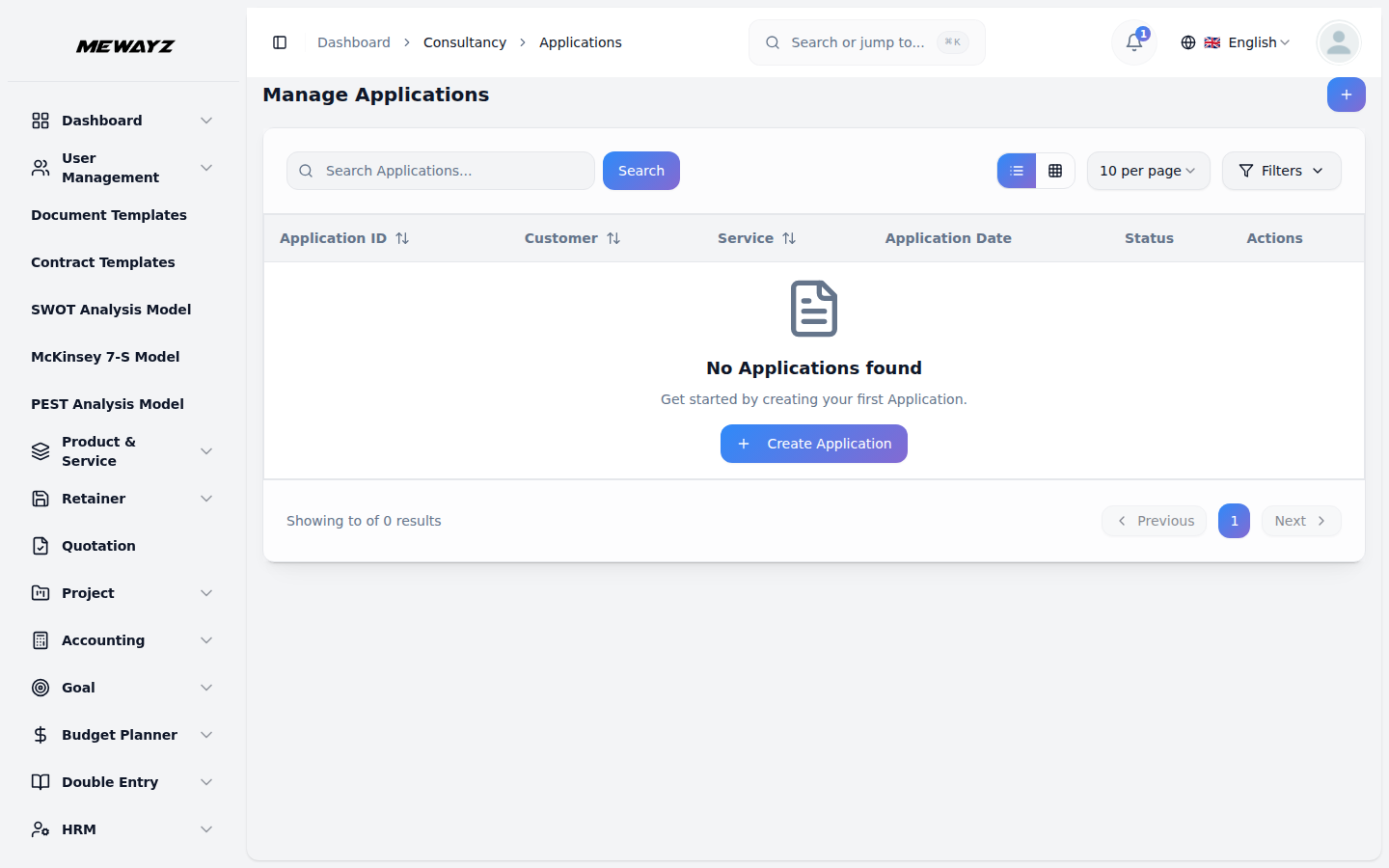
Applications
Full intake forms, with required docs.
Consult · 04
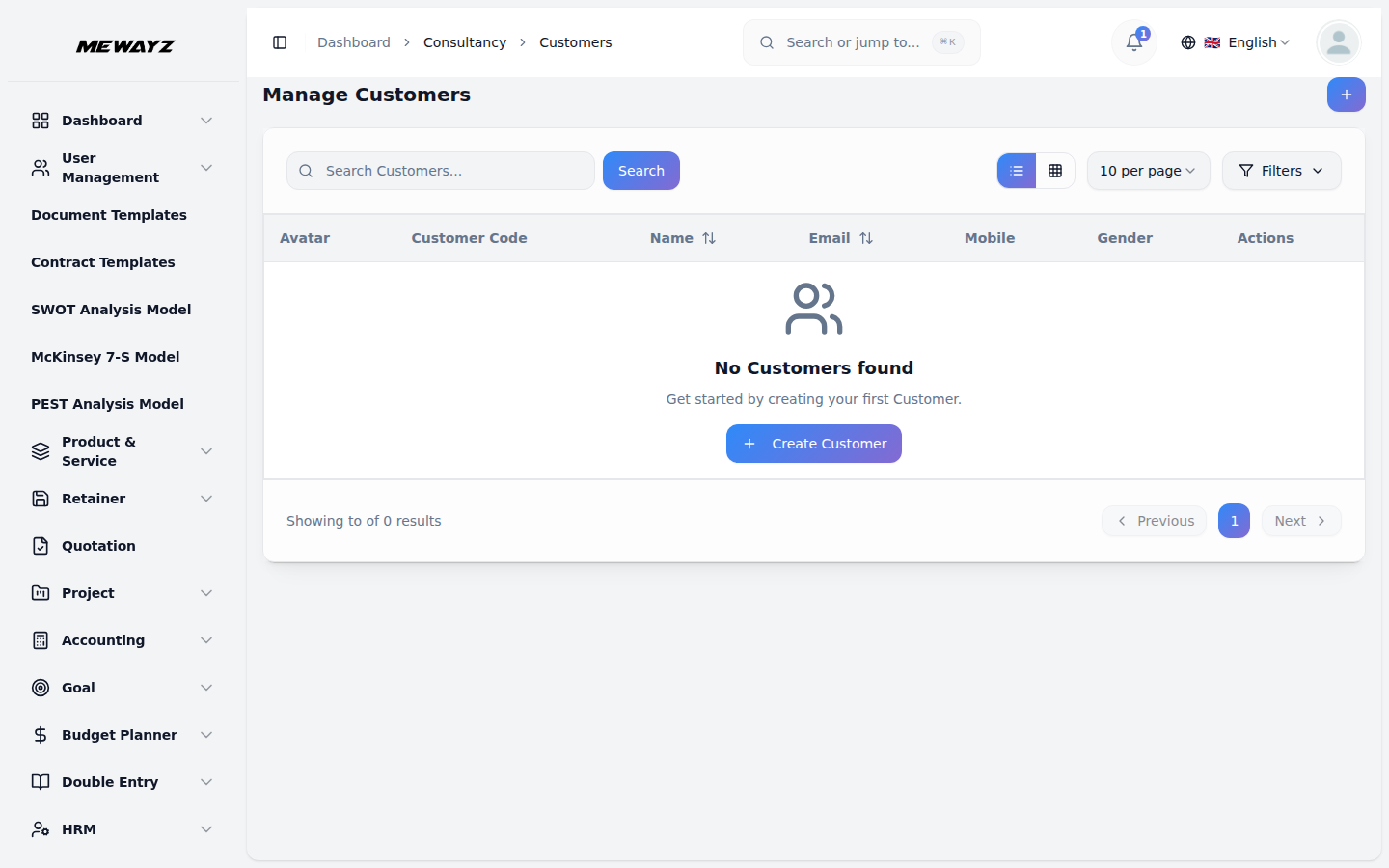
Clients
Active engagements, history.
Consult · 05
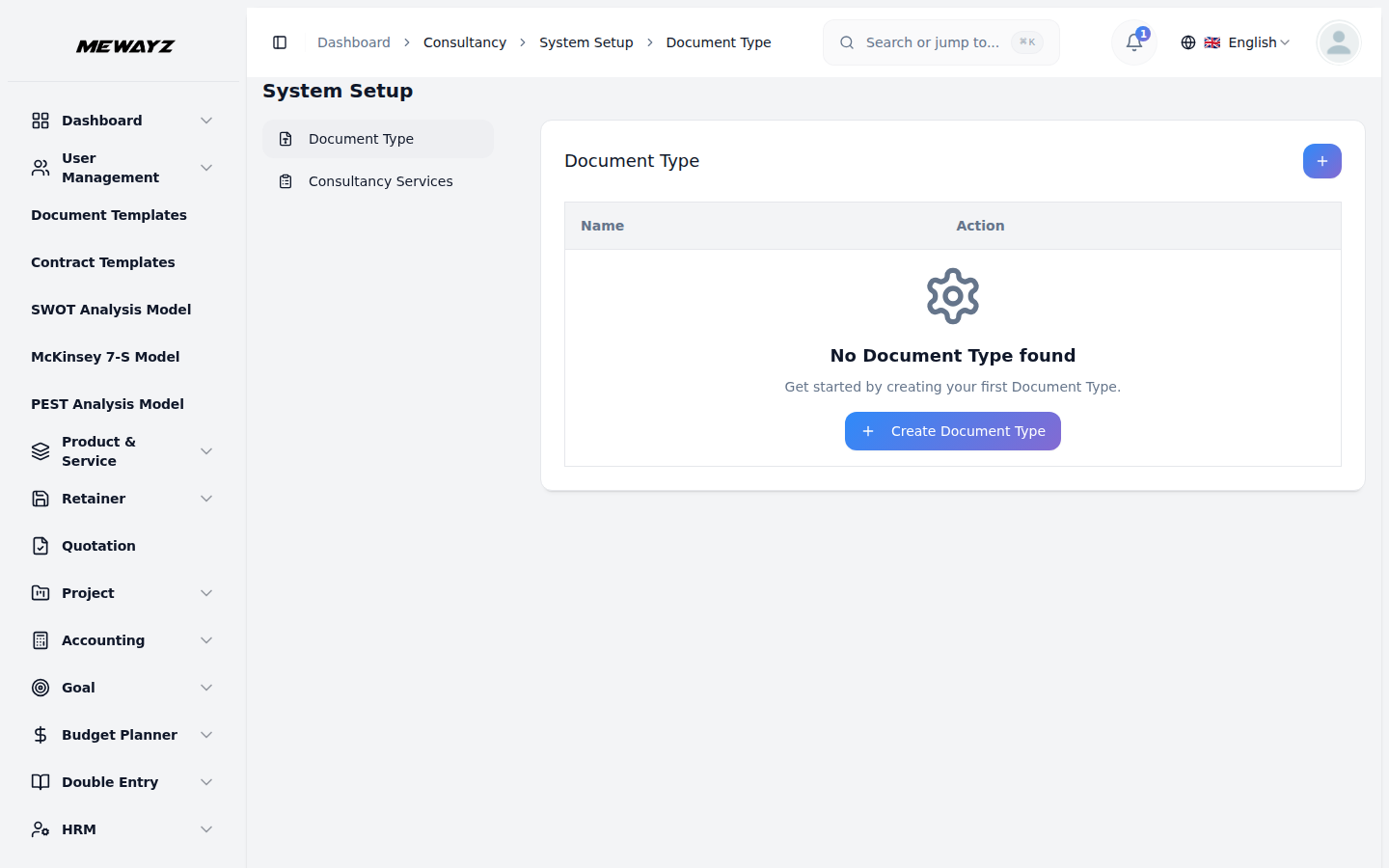
Document types
Per-engagement required artifacts.
Consult · 06
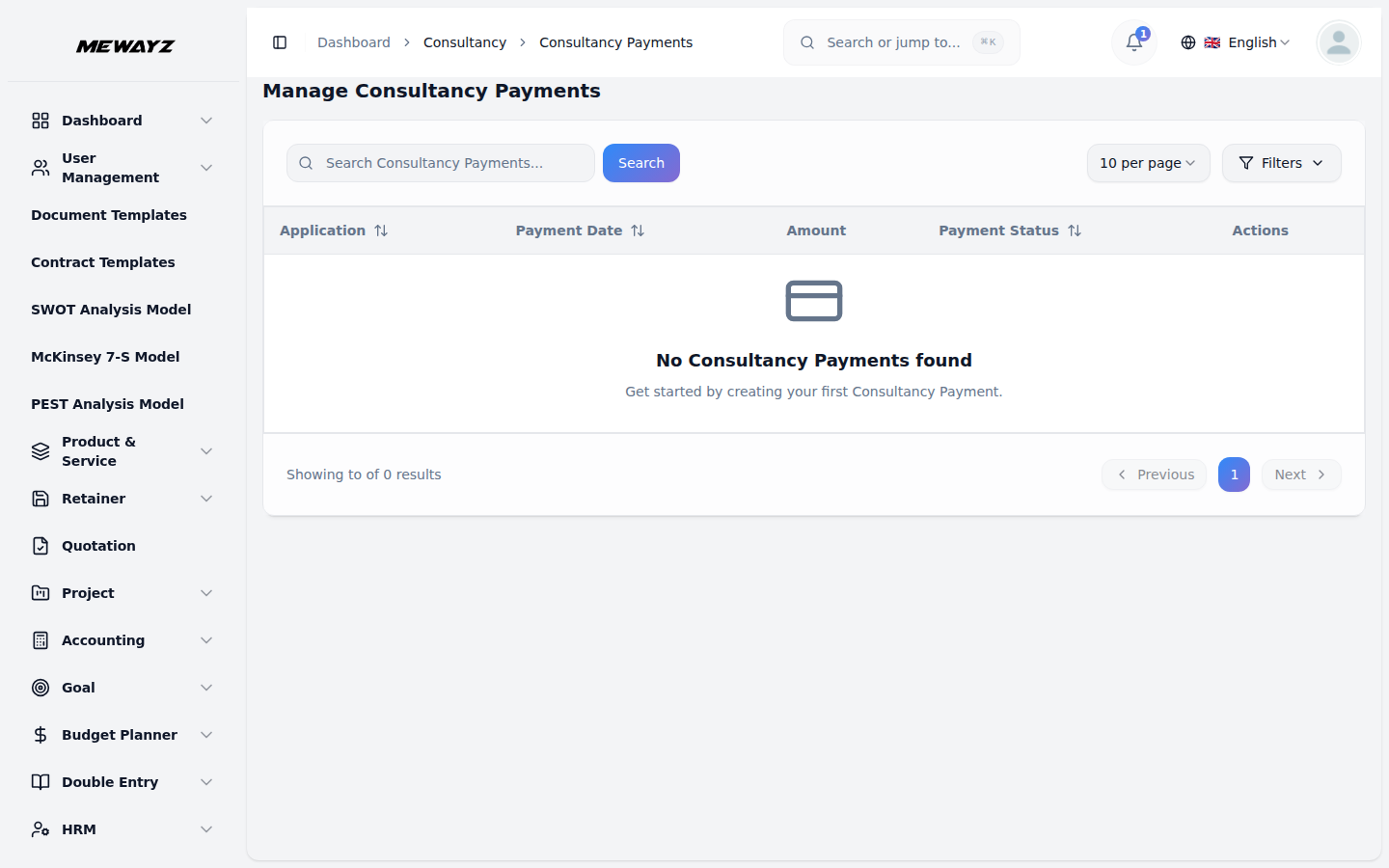
Payments
Retainer + per-service billing.
17 · AI & automation
AI in every module.
Document drafting, image generation, template-based content, ticket suggestions. Not a separate "AI app", it's a verb in every module that needs it. 1M tokens/month included on Business.
AI · 01
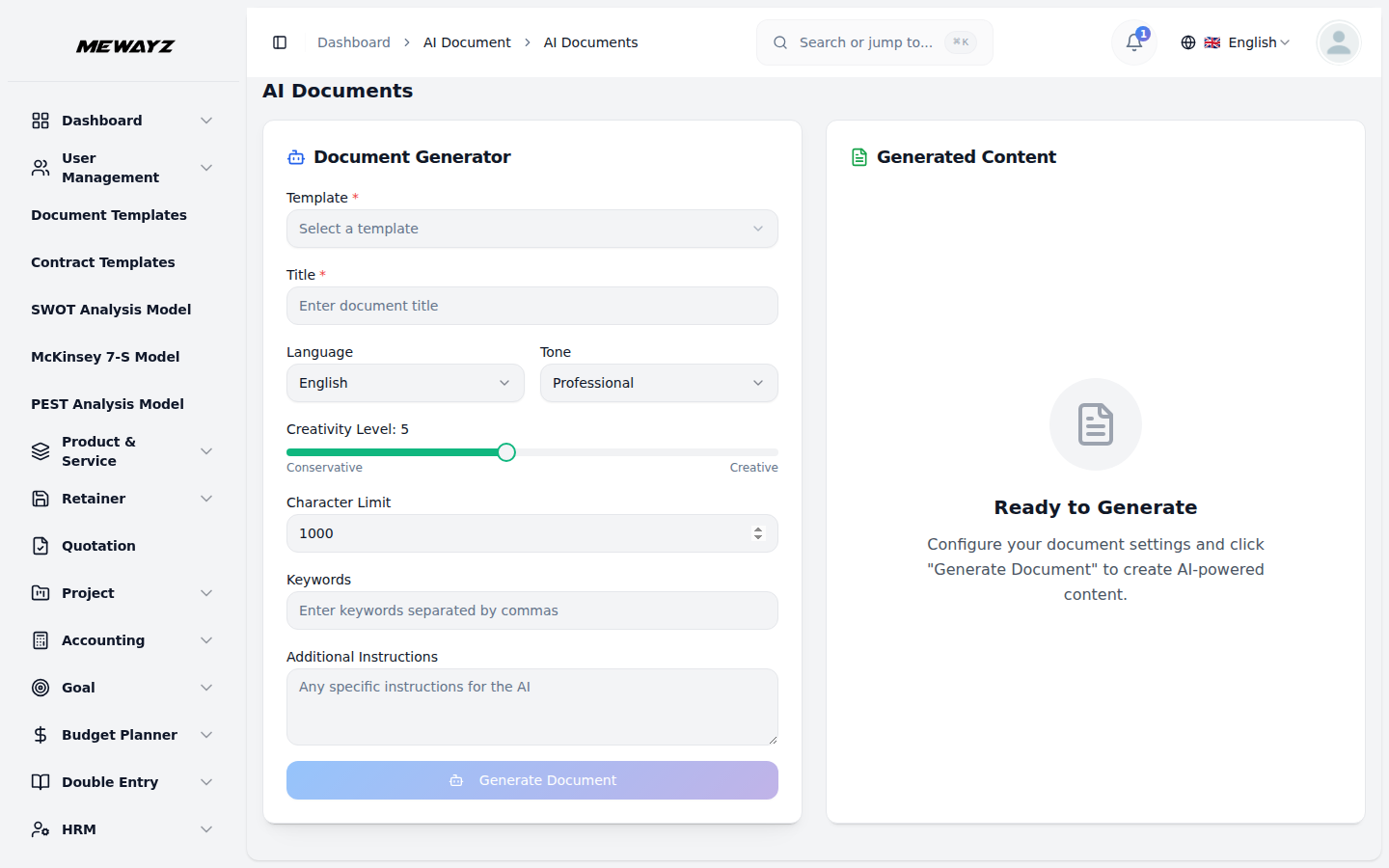
AI documents
Draft proposals, contracts, briefs.
AI · 02
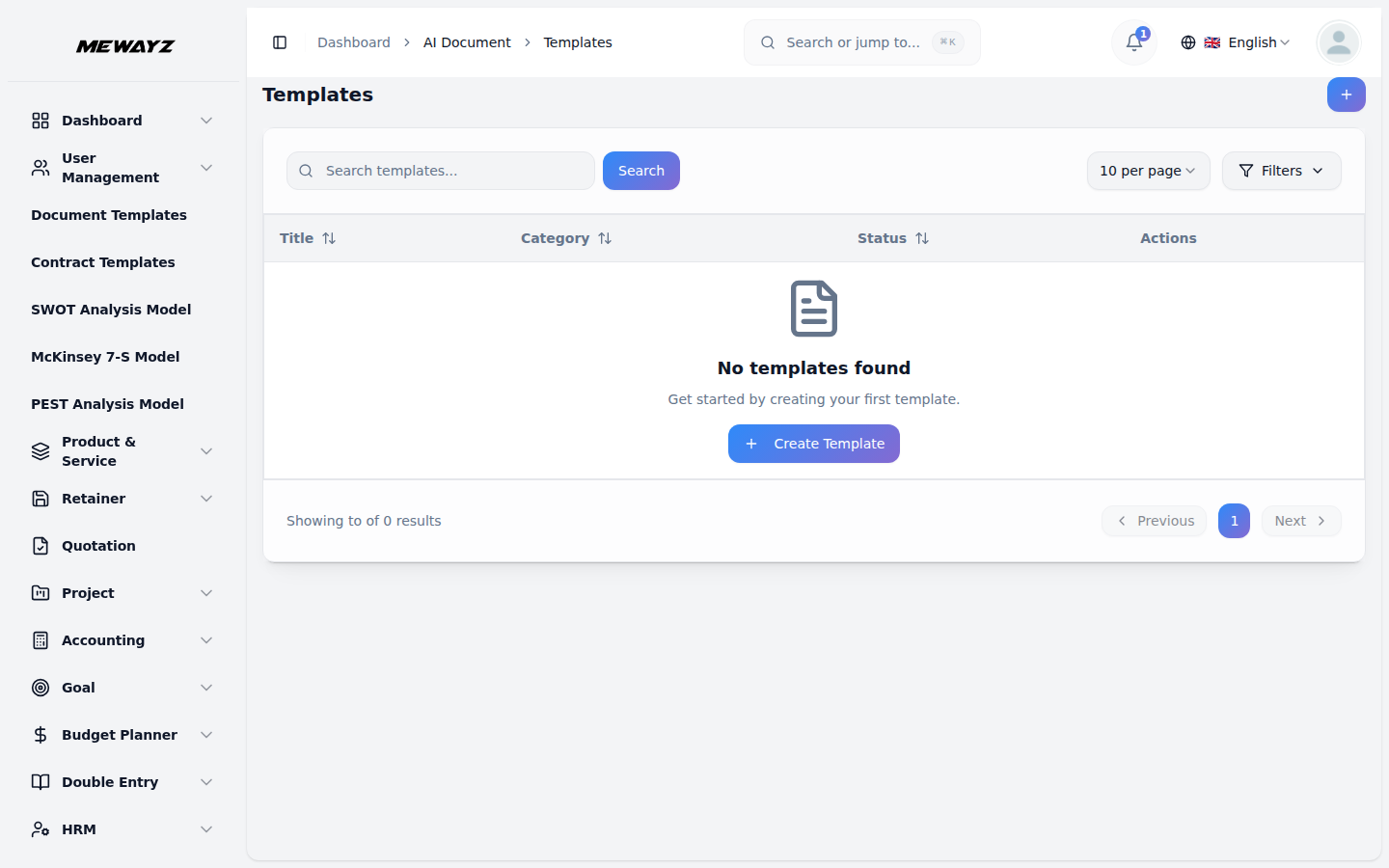
AI templates
Reusable AI prompts per module.
AI · 03
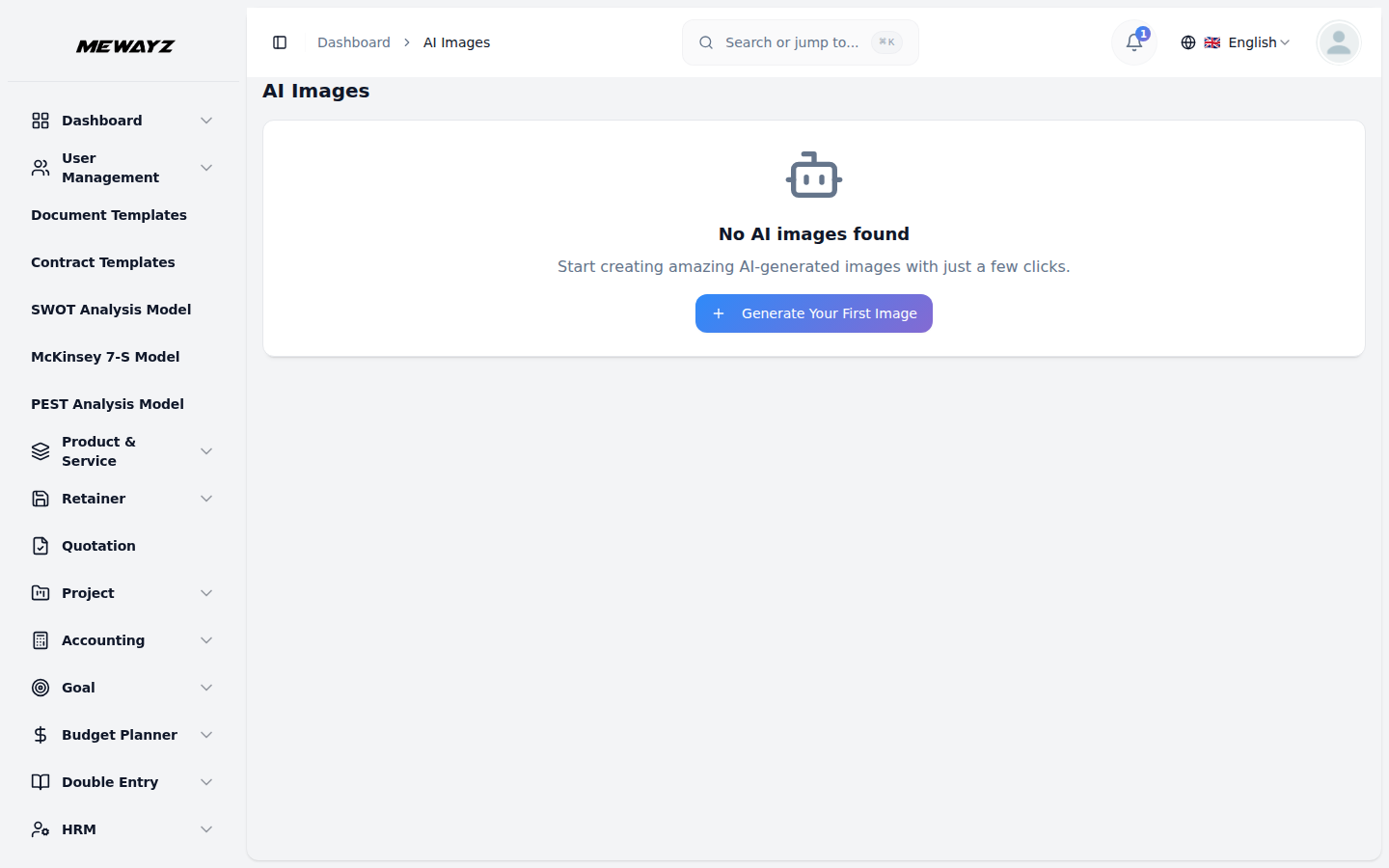
AI image
In-product image generation for marketing.
18 · Marketing & outreach
Lists, sends, conversions.
Email marketing, newsletters, feedback collection, all sourced from the CRM. No CSVs, no broken syncs.
Marketing · 01
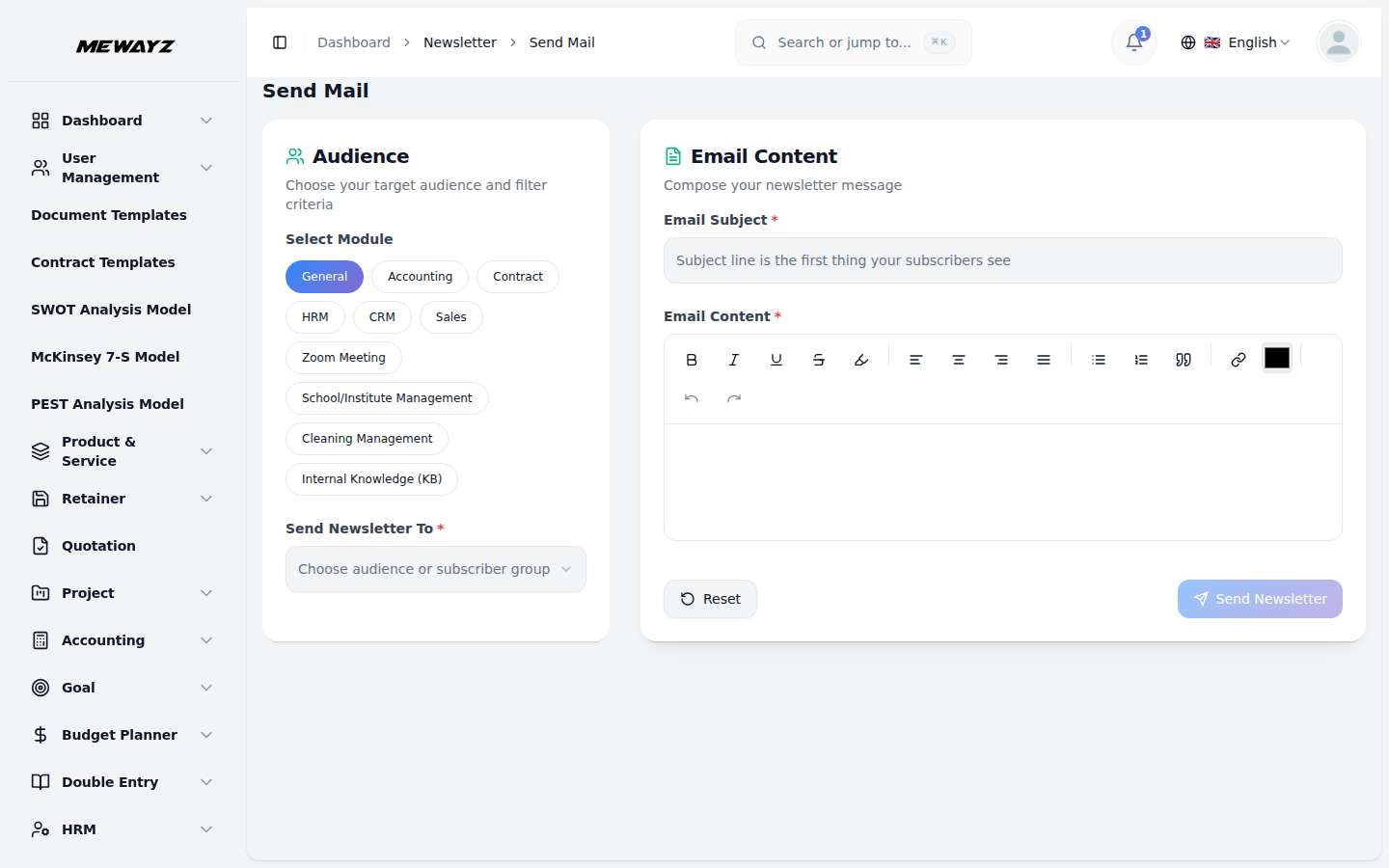
Send newsletter
Composer with CRM segment selector.
Marketing · 02
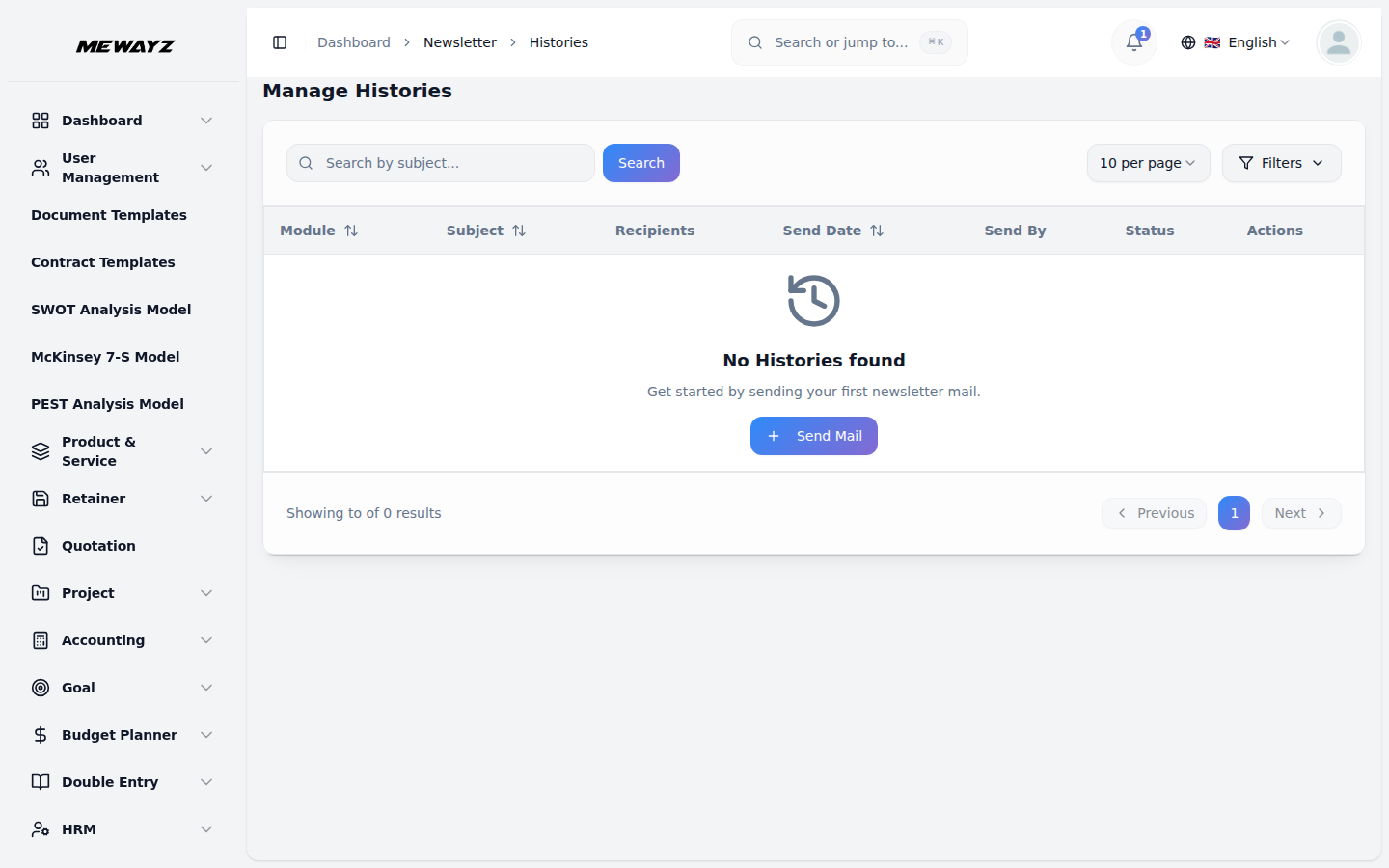
Newsletter history
Opens, clicks, replies, unsub.
19 · Admin & settings
Workspace controls, no surprises.
The settings every admin actually needs: users, plans, billing, branding, integrations, audit logs, API docs. White-label tier exposes a few extras for multi-tenant management.
Admin · 01
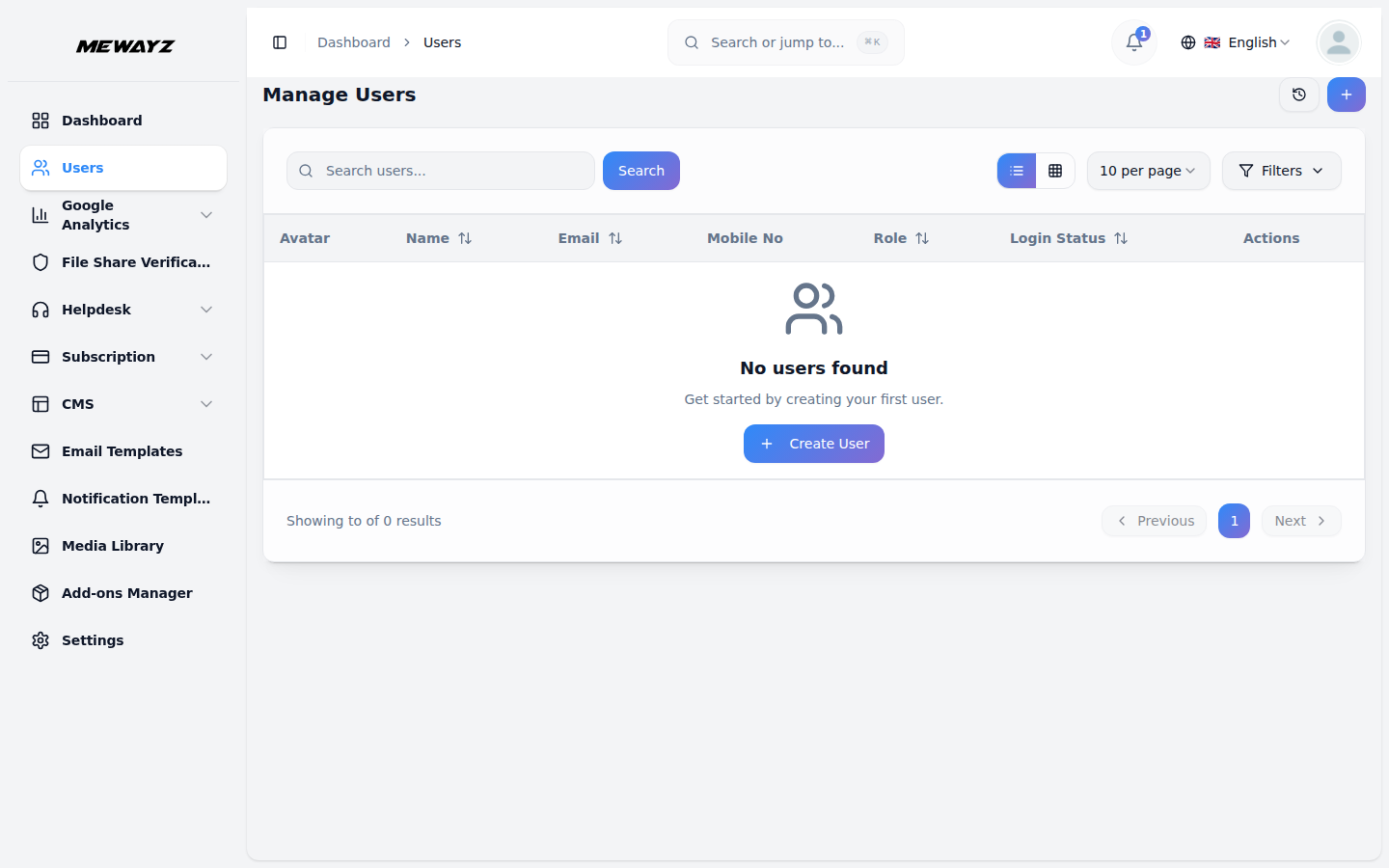
Users & roles
Custom roles, granular permissions.
Admin · 02
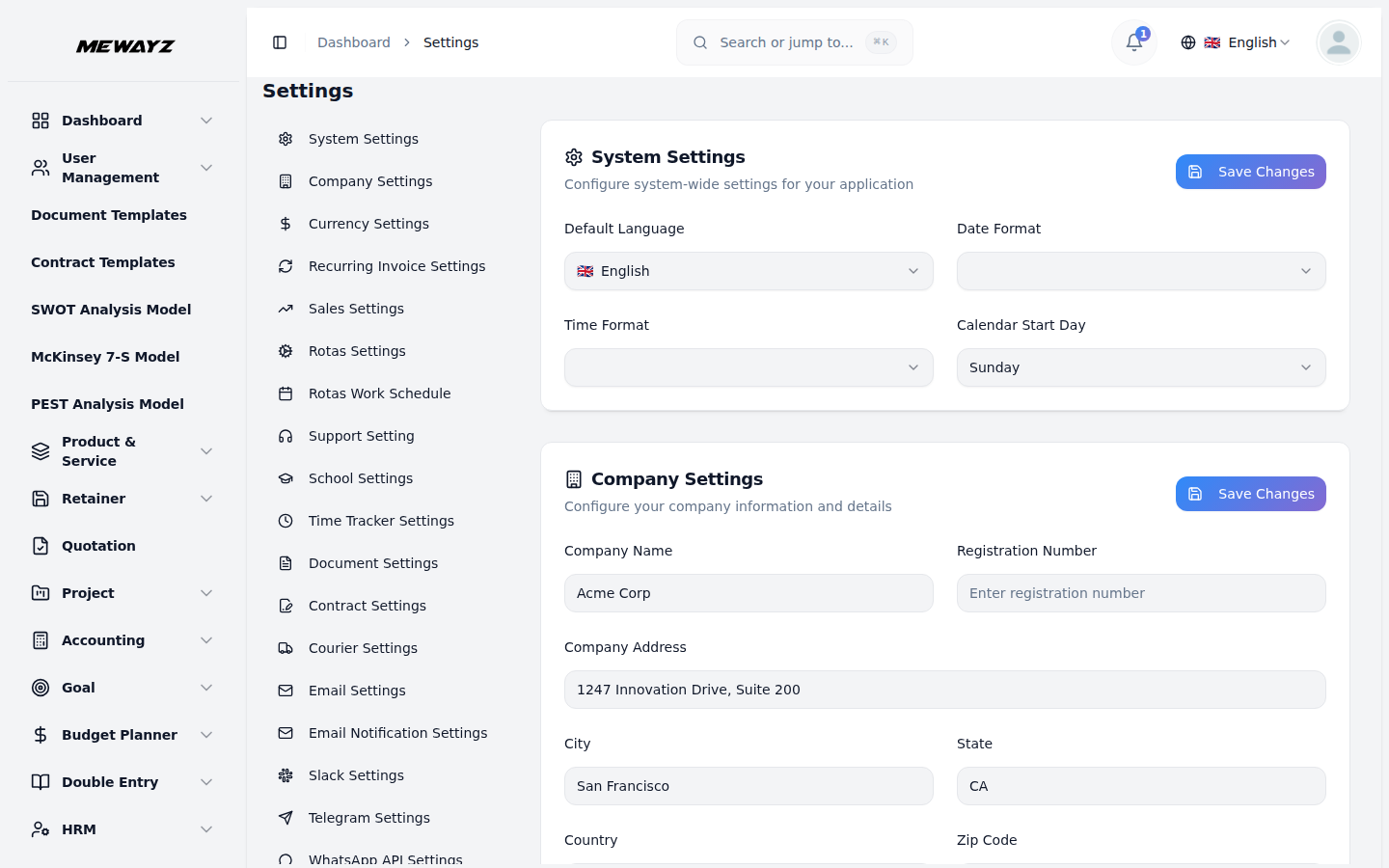
Workspace settings
Org-level configuration.
Admin · 03
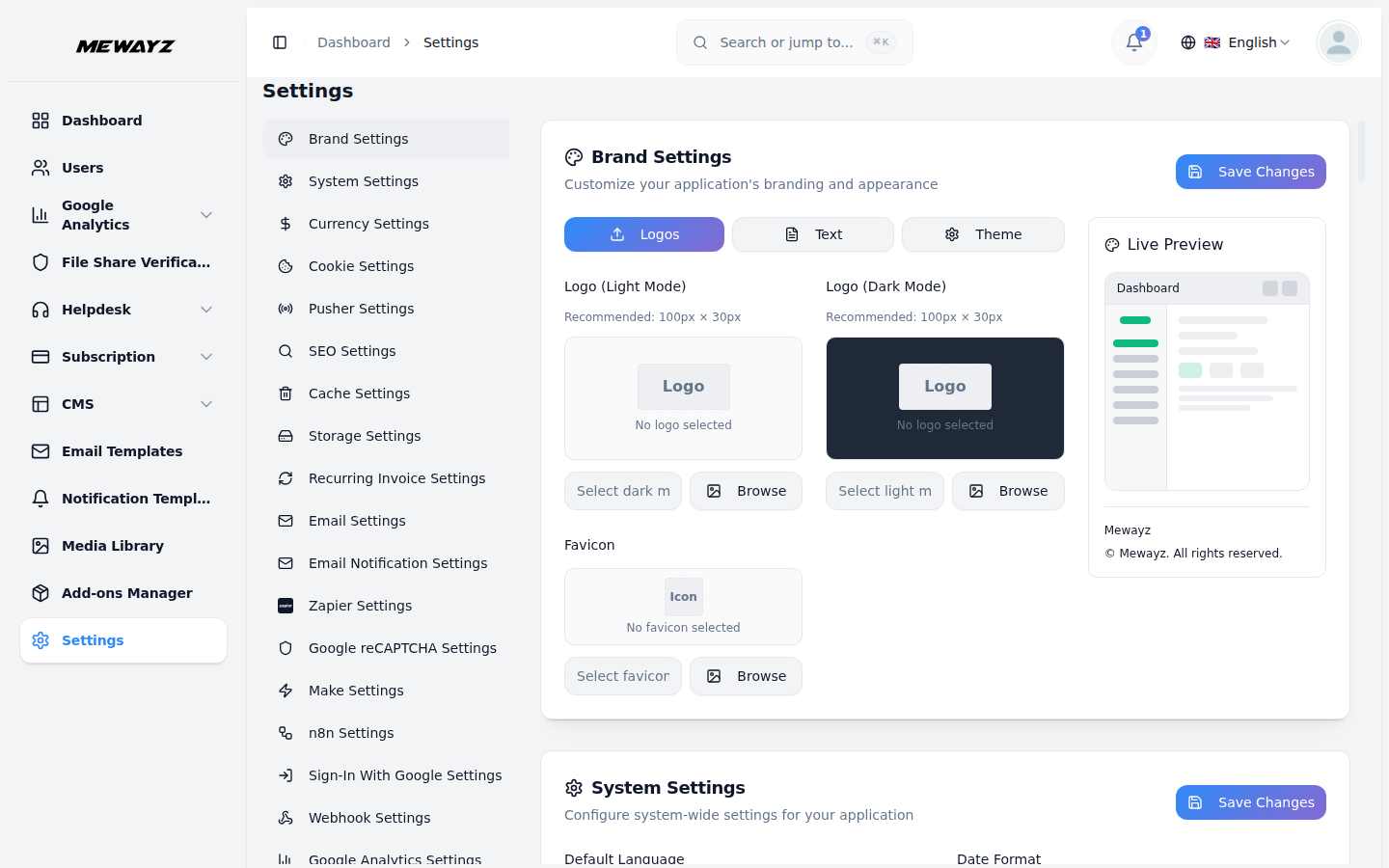
Module settings
Per-module configuration panels.
Admin · 04
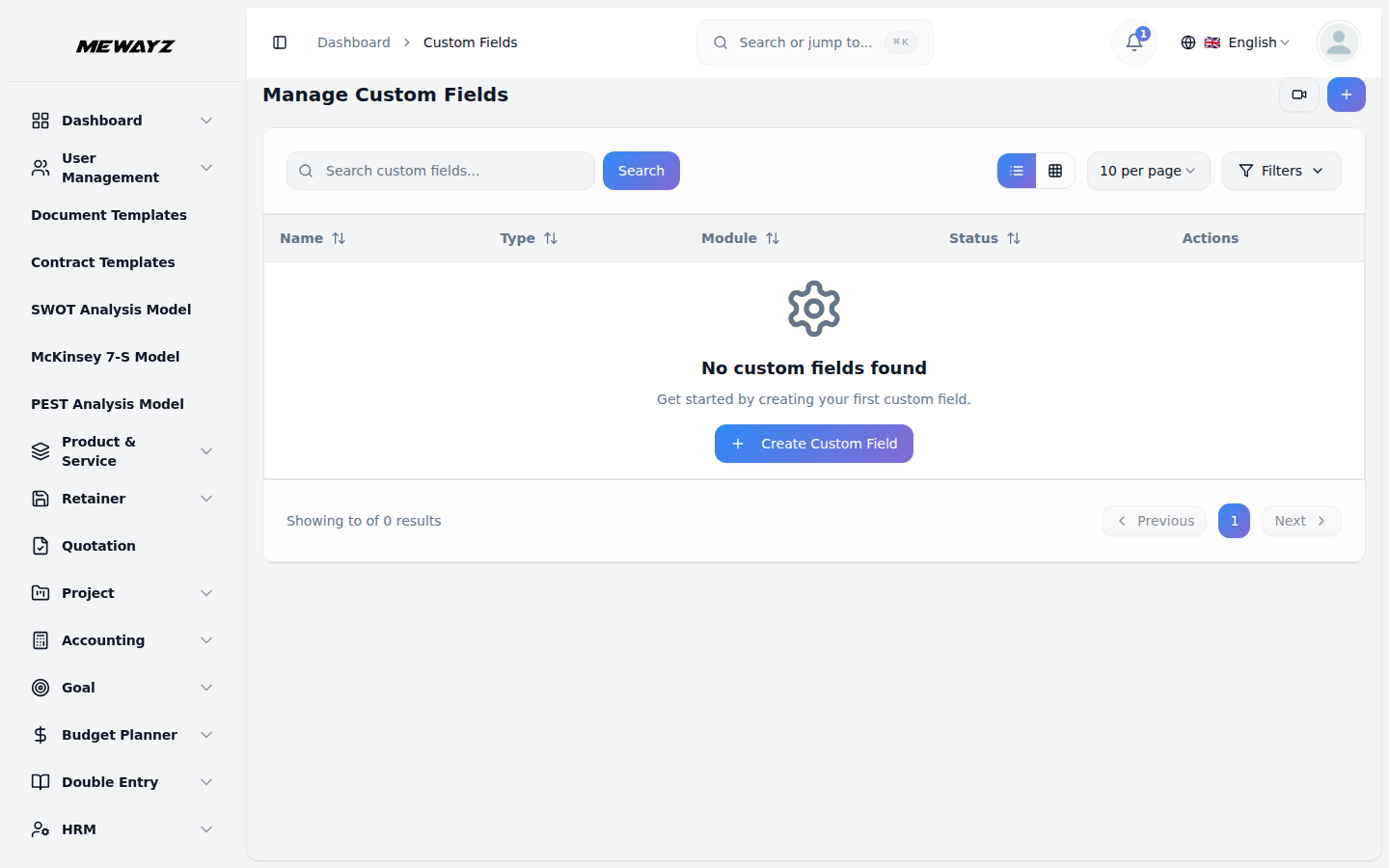
Custom fields
Add fields to any record without code.
Admin · 05
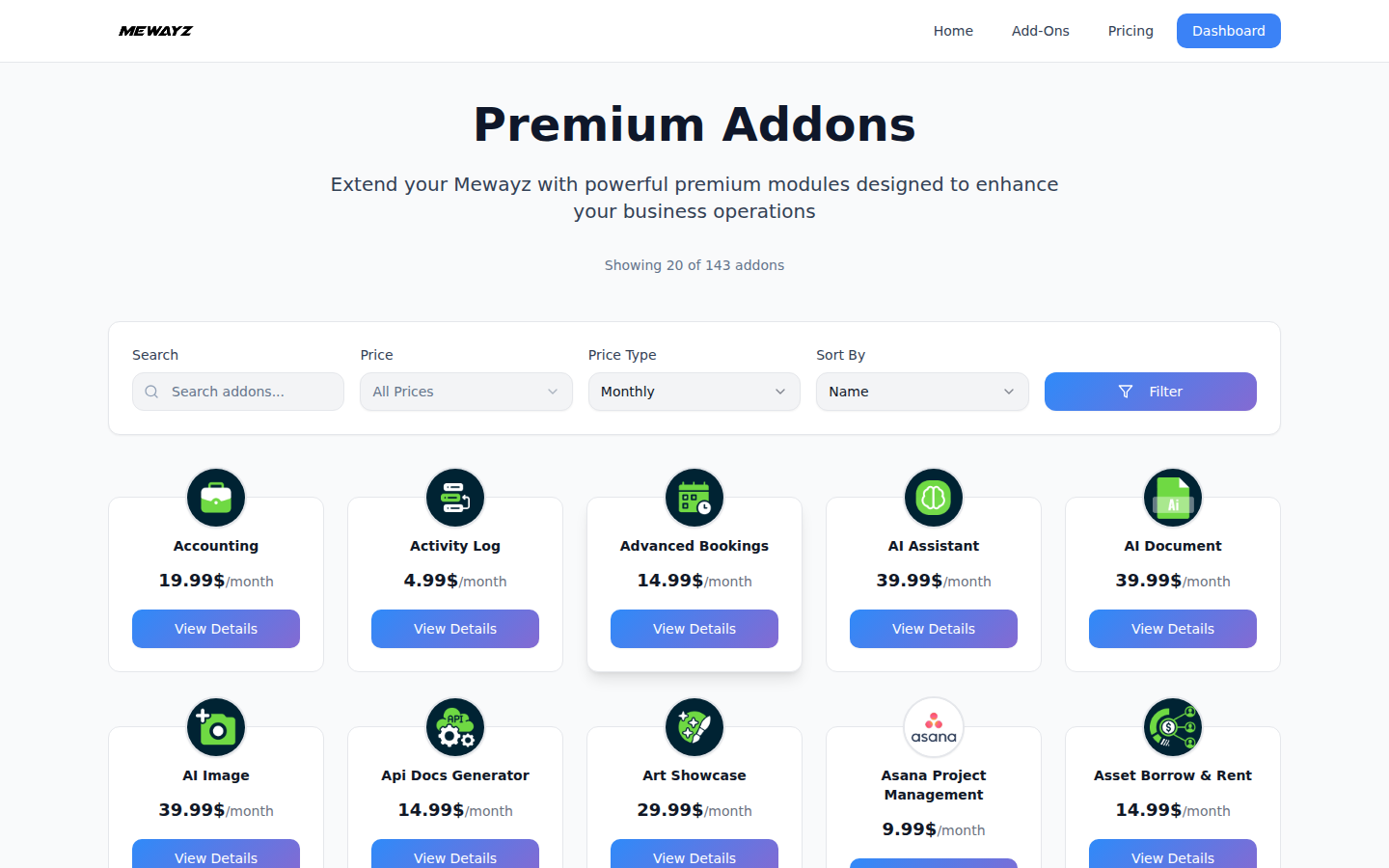
Add-ons
Optional capabilities (SMS, AI tokens, storage).
Admin · 06
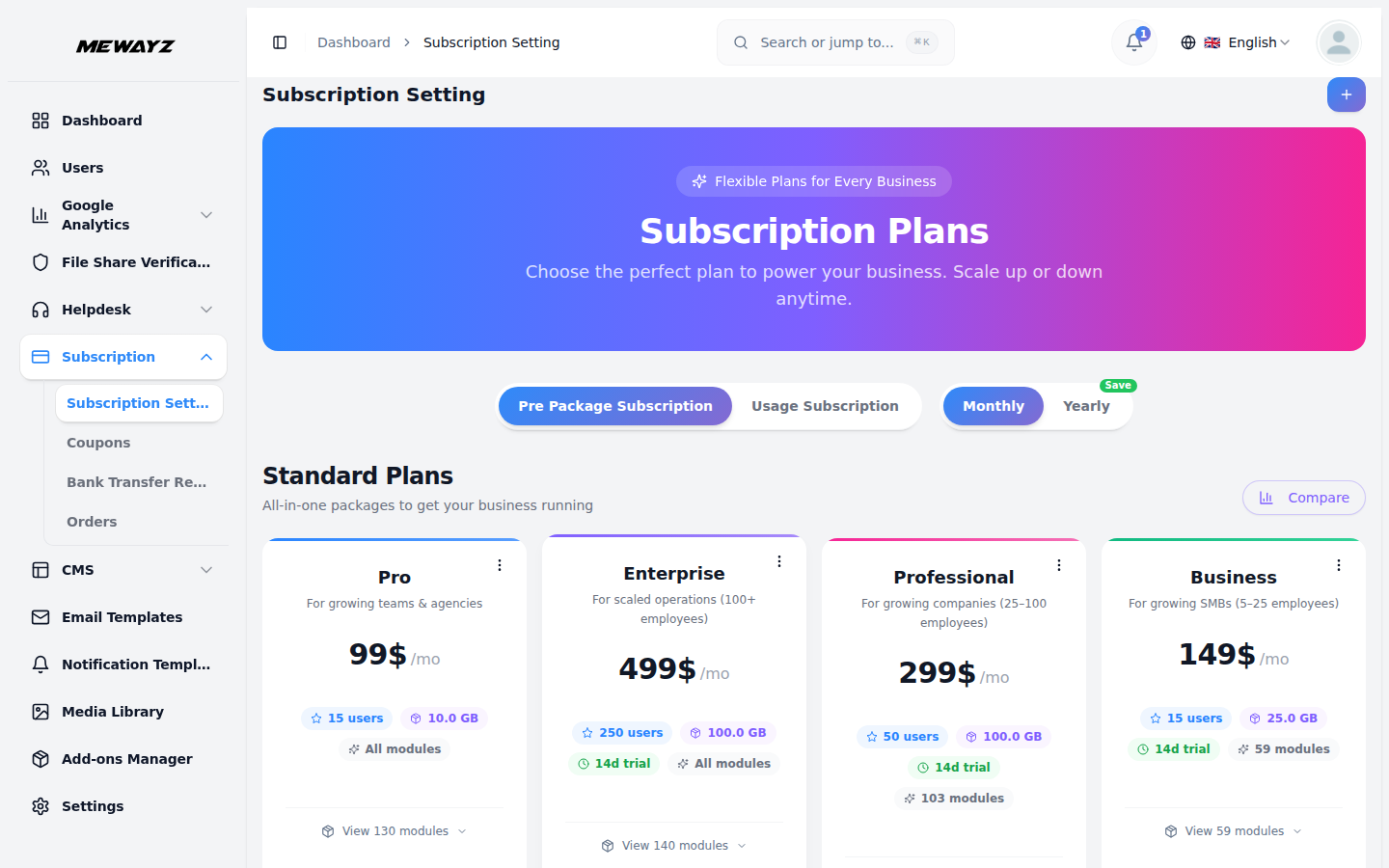
Plans
For Agency tier: define your own client plans.
Admin · 07
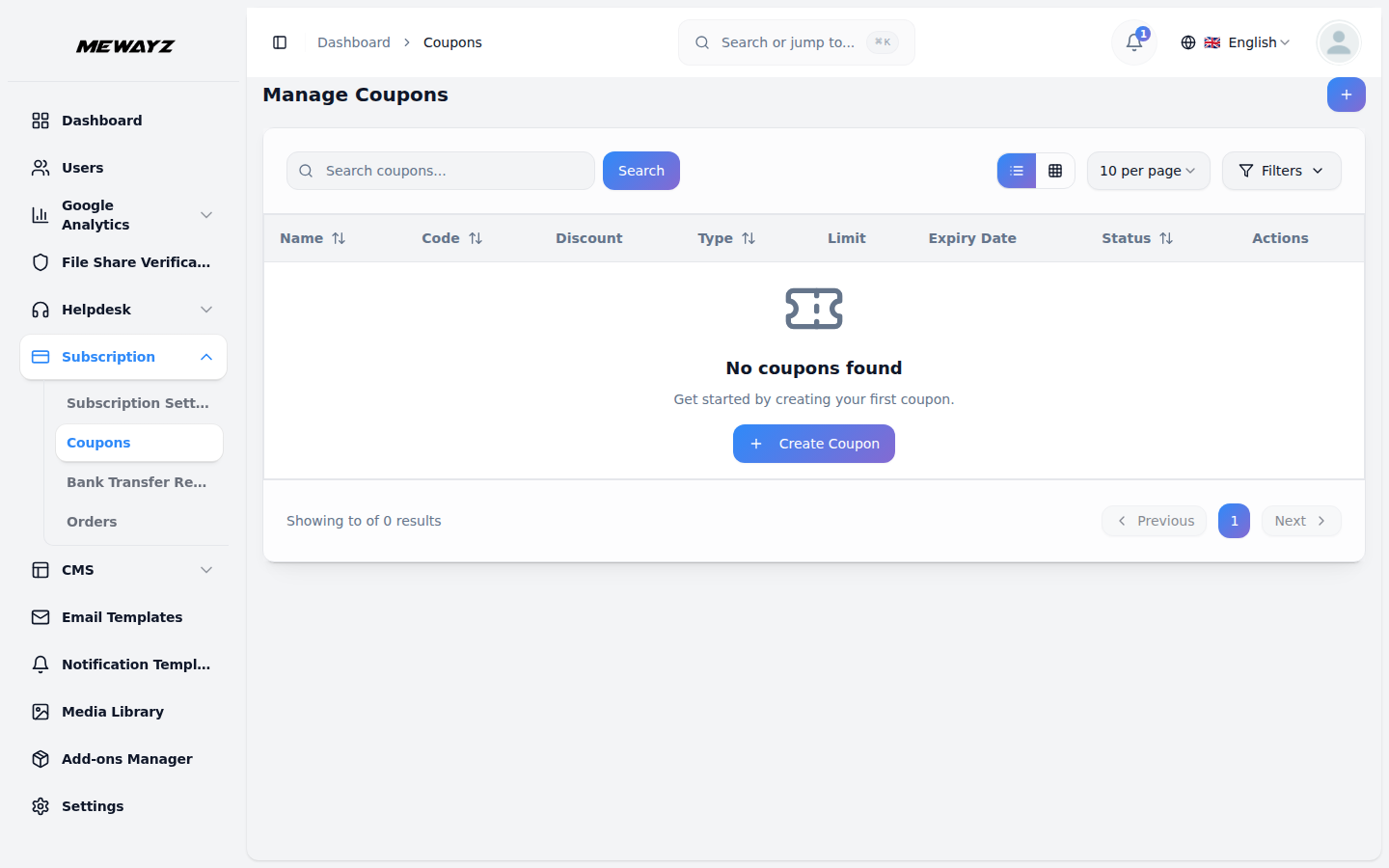
Coupons
Discount codes for client plans.
Admin · 08
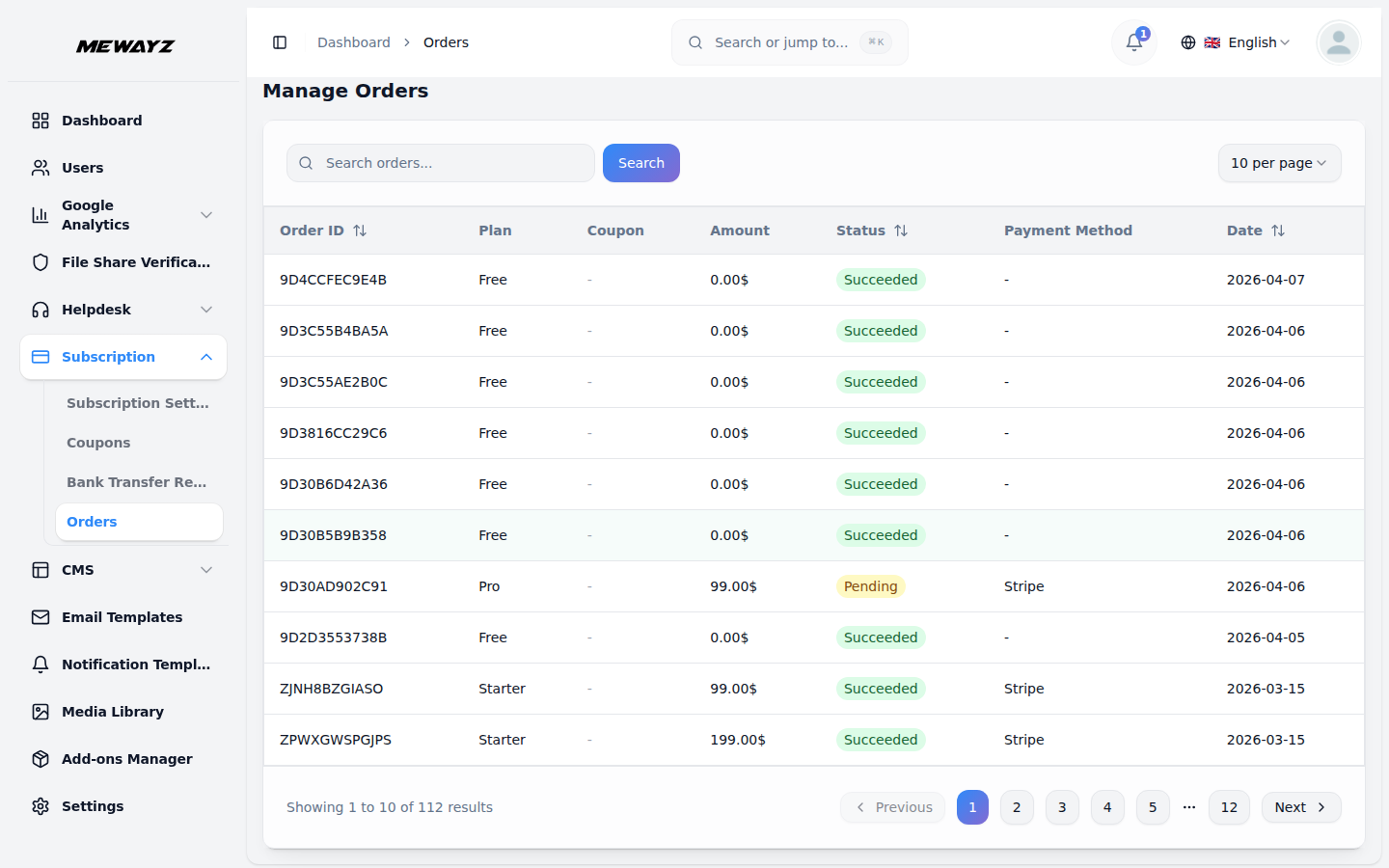
Orders
Plan upgrades, downgrades, payments.
Admin · 09
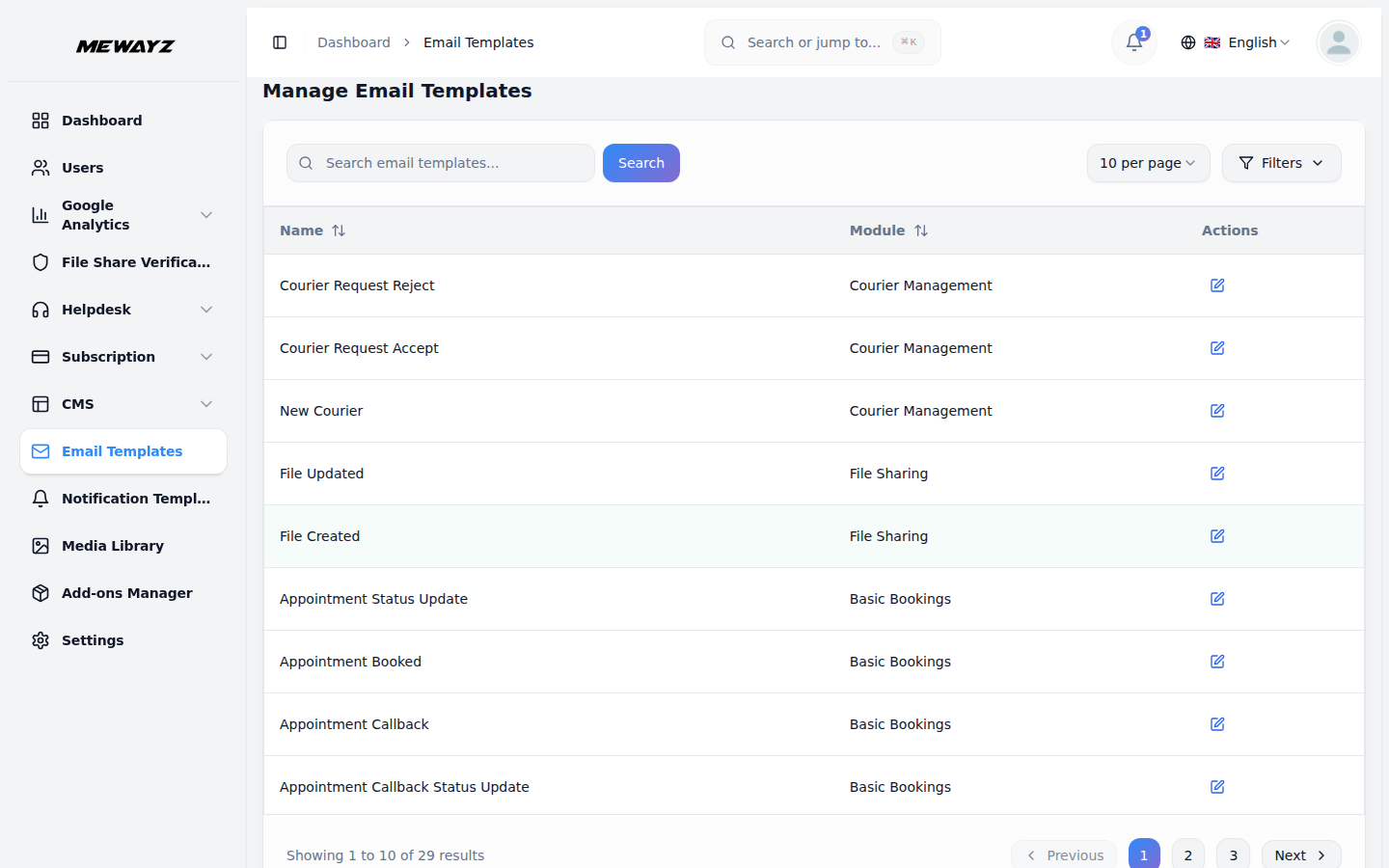
Email templates
Transactional + invoice email branding.
Admin · 10
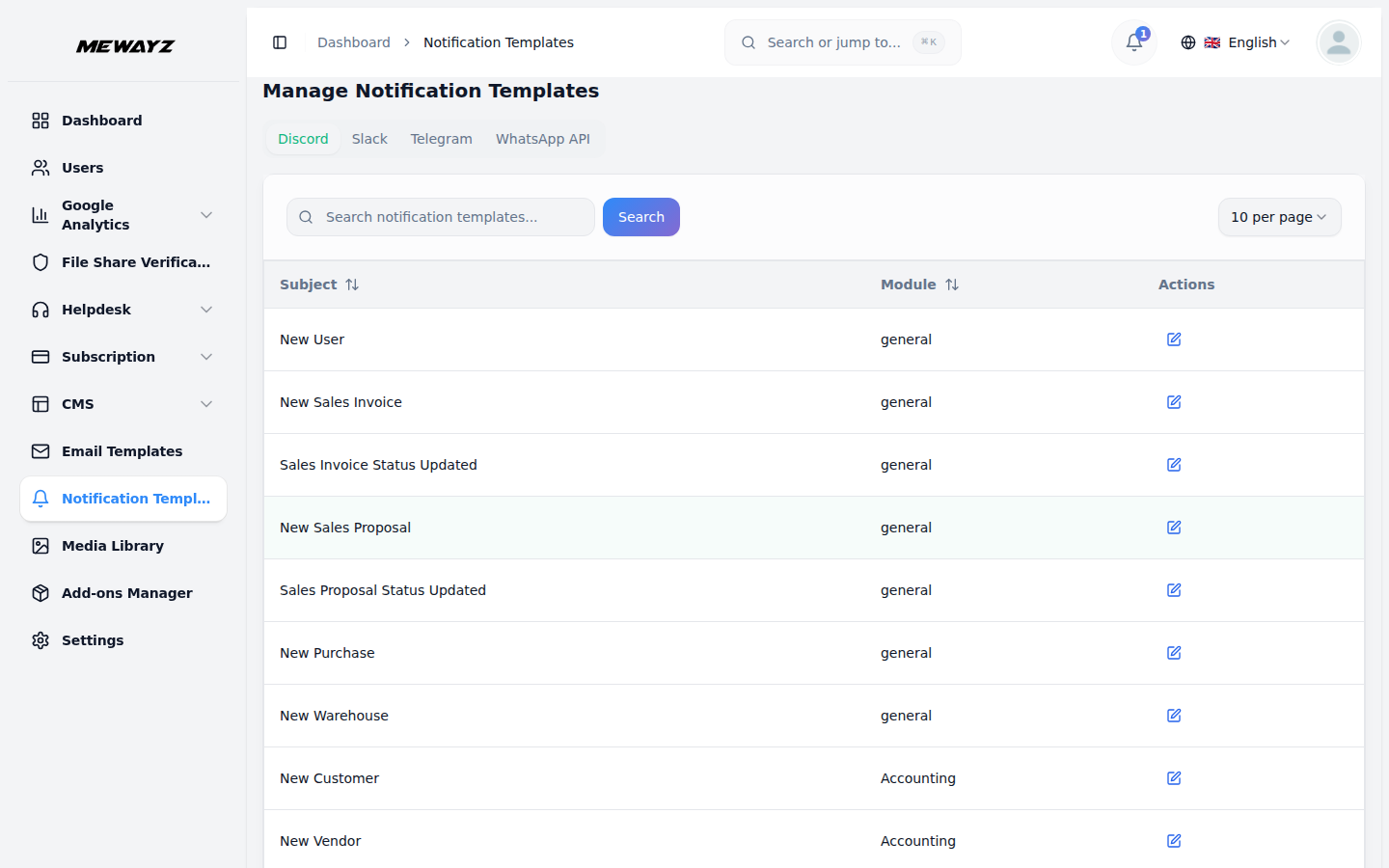
Notification templates
In-app and email notification copy.
Admin · 11
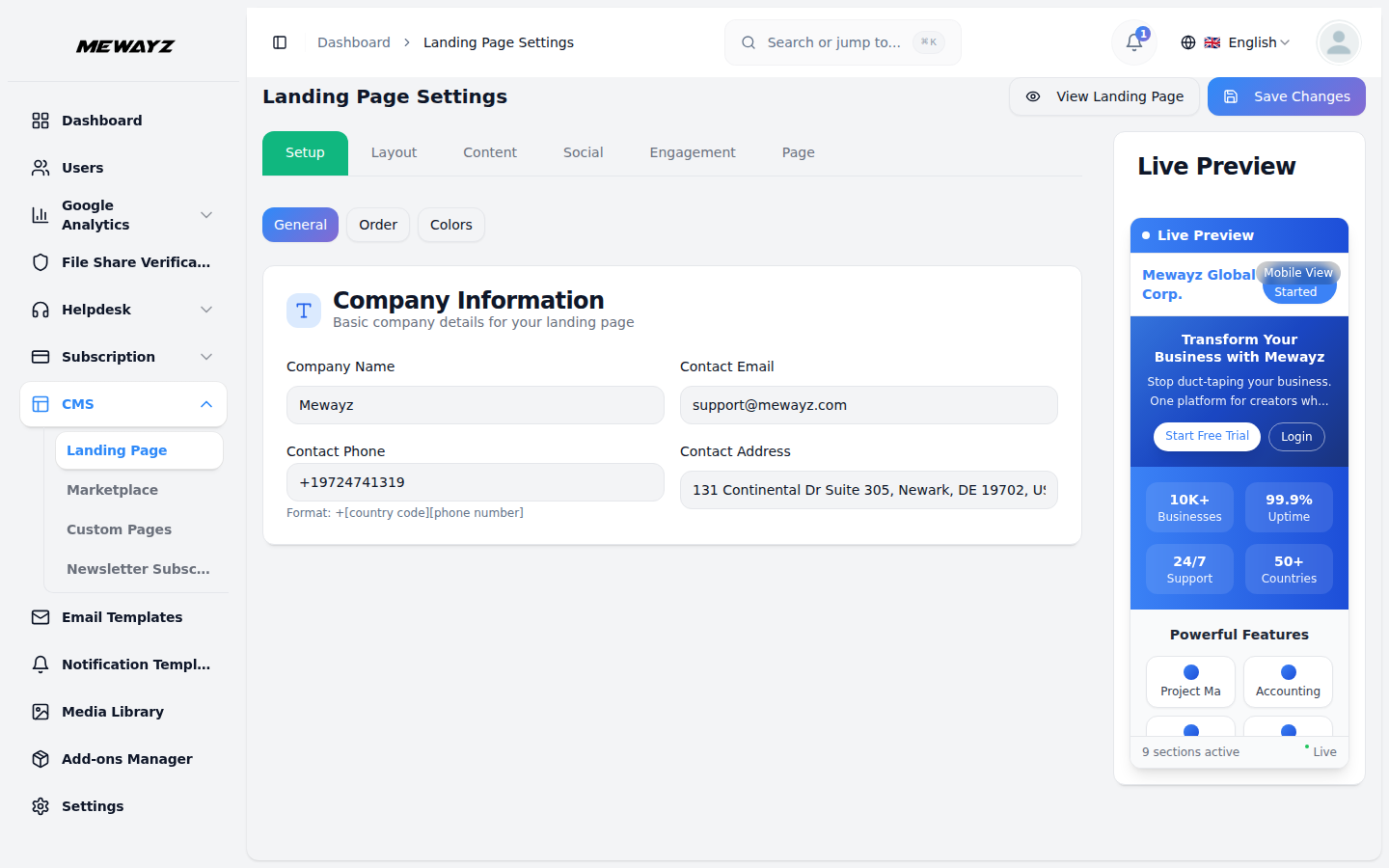
Landing page
White-label public landing for Agency tier.
Admin · 12
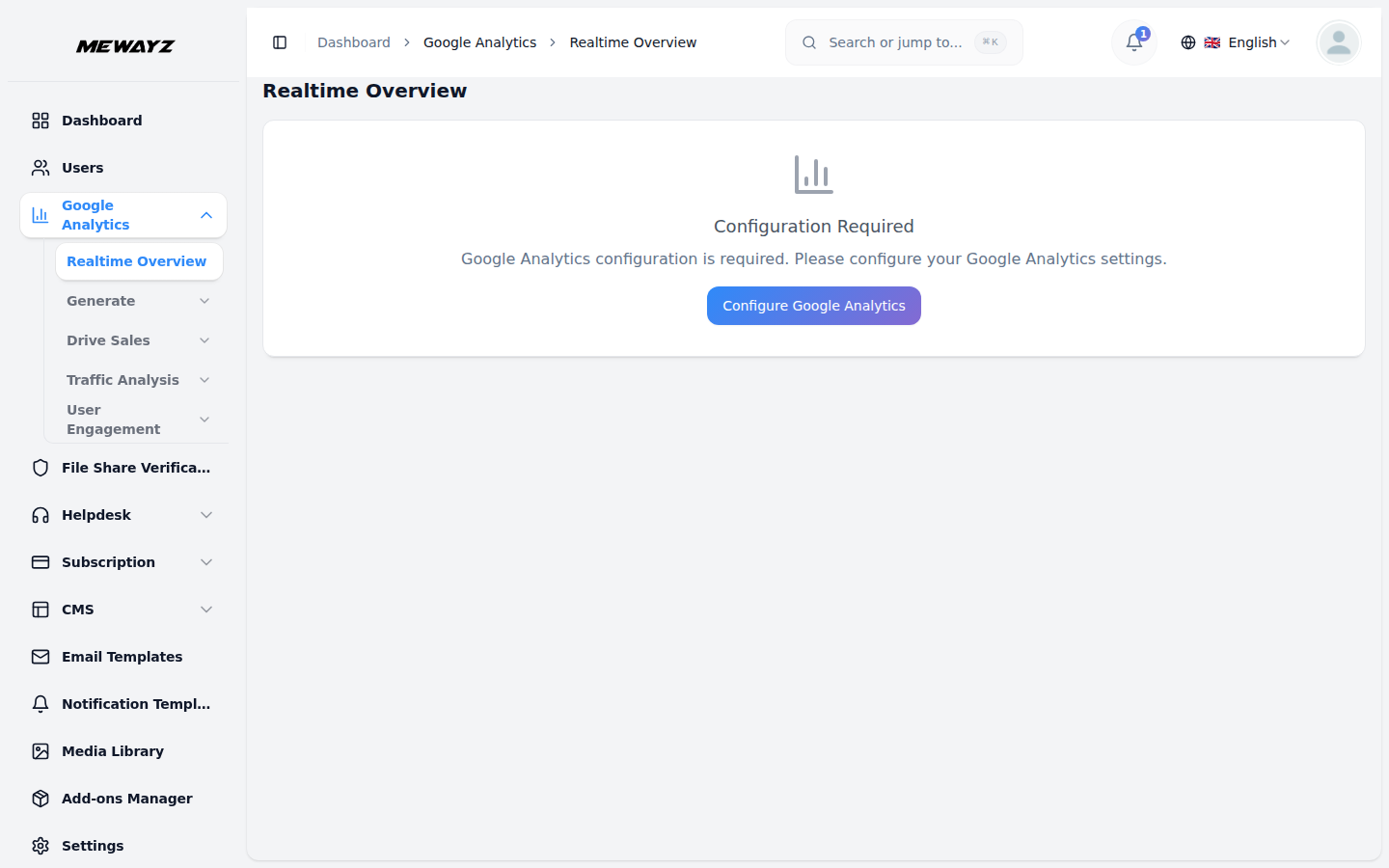
Google Analytics
Hook in GA / Tag Manager.
Admin · 13
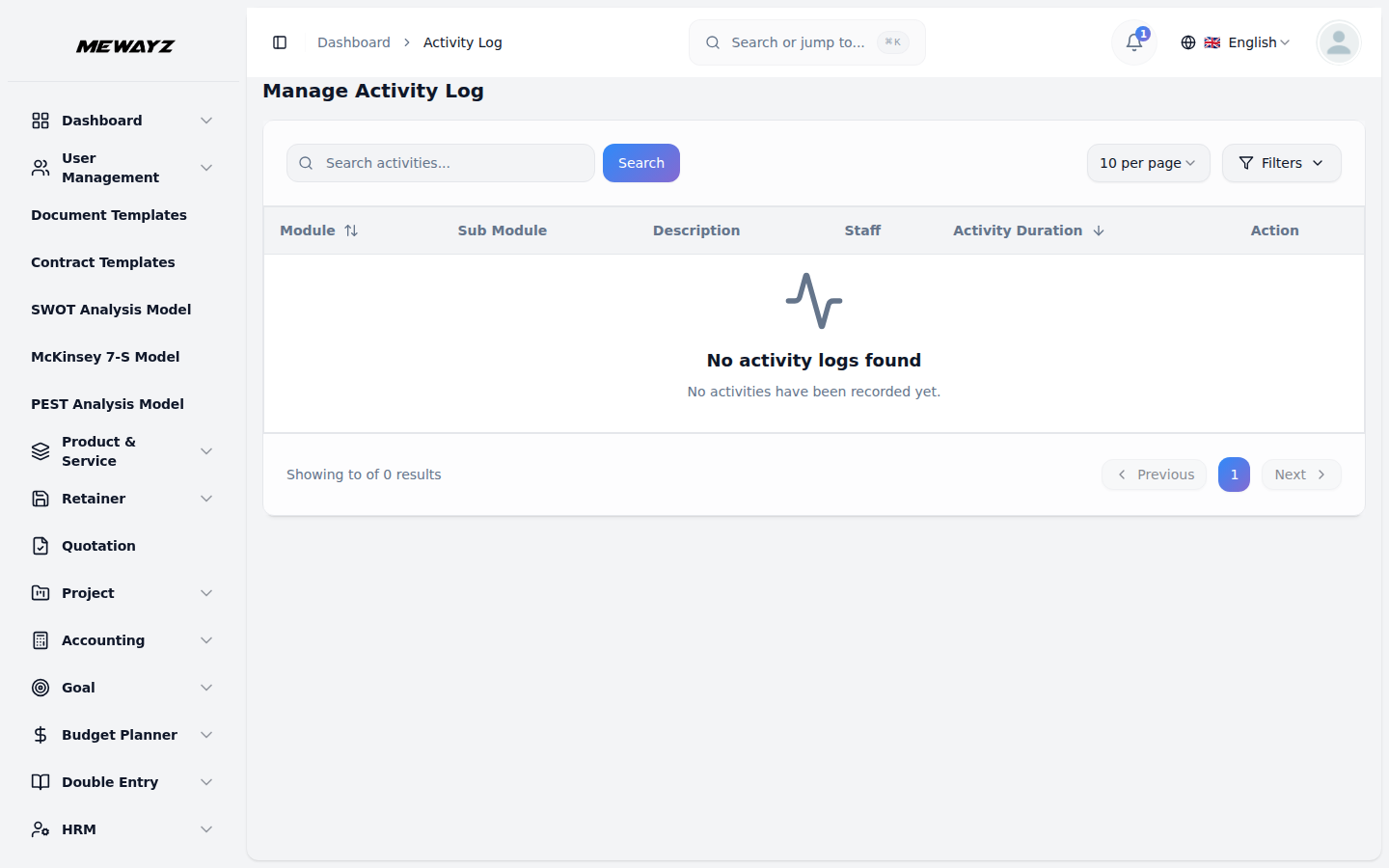
Activity logs
Every action, audit-ready.
Admin · 14
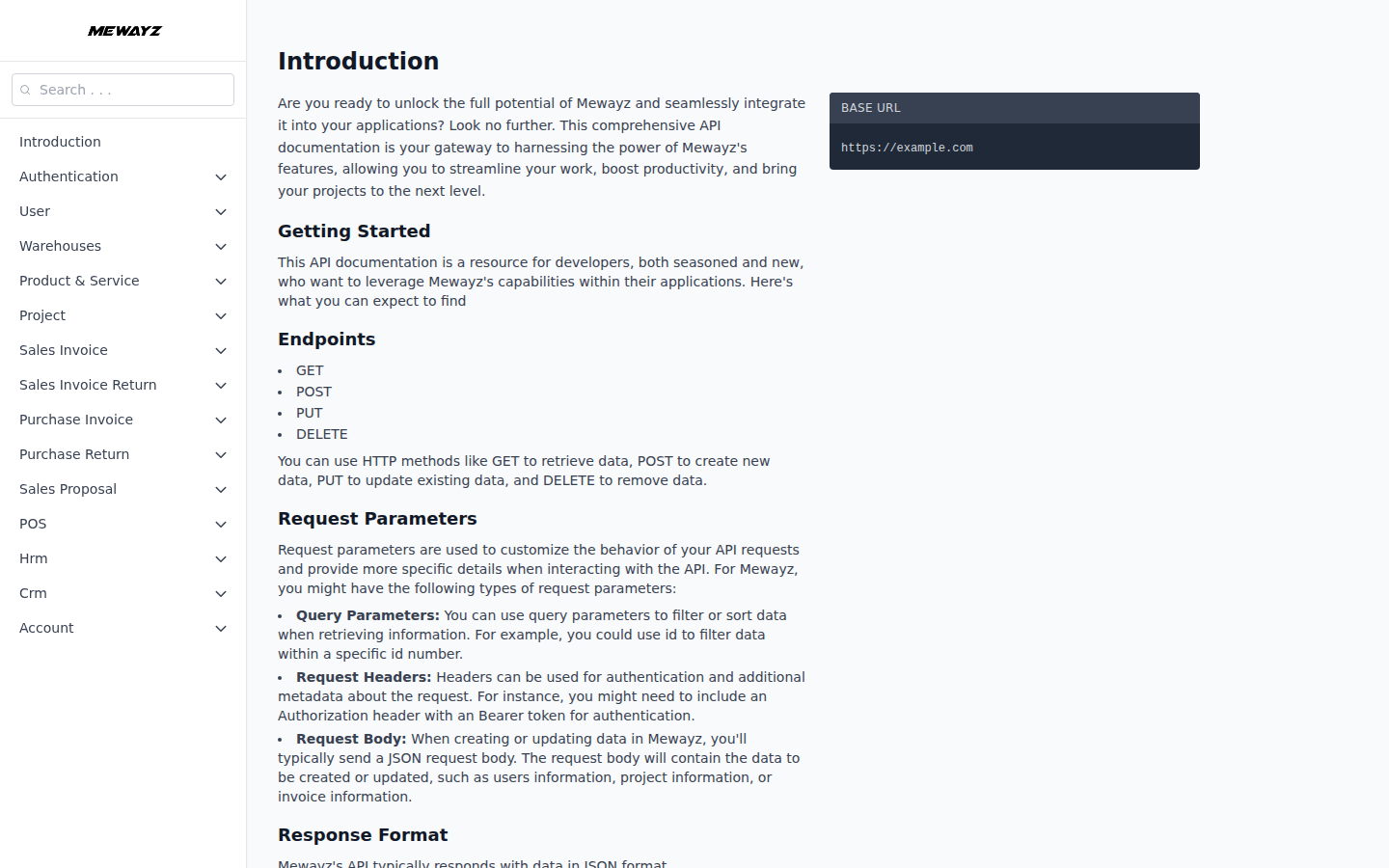
API docs
REST + webhooks reference.