Diagram Add-On Detailed Documentation
The Diagram Add-On is a smart diagramming tool designed to help users visualize ideas, create professional diagrams, and collaborate effectively within an organization.
Overview
The Diagram Add-On is a smart diagramming tool designed to help users visualize ideas, create professional diagrams, and collaborate effectively within an organization. It allows you to create flowcharts, mind maps, and project plans using an easy drag-and-drop interface. The software enables real-time collaboration, public sharing without login requirements, and provides extensive customization options for creating polished, professional visuals. It’s ideal for planning, training, and strategic visualization needs.
How To Install Add-On?
To Set Up the Diagrams Add-On you can follow this link: Setup Add-On.
Manage Diagrams
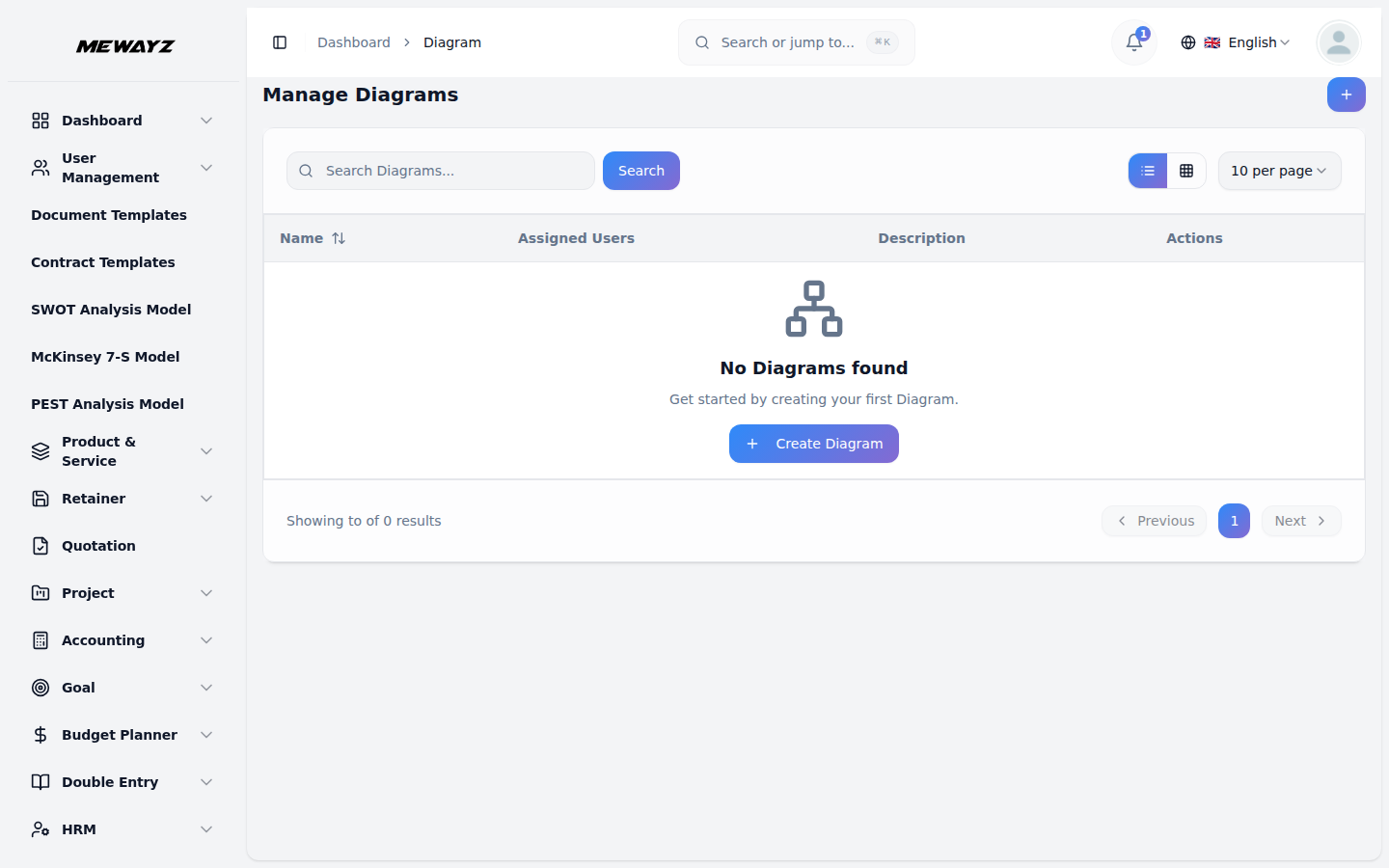
- To create a new diagram, click the “Create” button at the top of the Manage
- Enter a description of the diagram. Create your diagram using the diagram tool
- You can fully control how your diagram looks. Change the background colour, grid
- After completing all fields, click “Create” to save the new diagram.
- The list page shows all diagrams with columns including No, Name, Assigned
Diagrams page. Fill out the form by entering the name of the diagram. Select the users you want to assign the diagram to (these options come from users who have the role of user).
provided with its easy drag-and-drop functionality.
size, page size, shadows, and even the shape and direction of connection arrows. You can pick a portrait or landscape view, set up guides, and style the chart to match your needs.
Users, and Description. You can search for specific diagrams, export the data, or add new diagrams using the buttons at the top. For each diagram, you can View (click to show Diagram), Copy (click to copy Diagram), Edit, or Delete using the action buttons.