Feedback Integration in Mewayz (Formerly Seemless)
Feedback is a powerful tool that provides individuals with valuable insights into their actions and how they impact those around them.
Introduction
The Feedback Add-On is a vital tool for collecting, organizing, and analyzing feedback from users, customers, and stakeholders. It helps businesses refine their products and services while driving continuous improvement. By providing valuable insights, it enhances decision-making and fosters growth in both personal and professional contexts. This Add-On simplifies the feedback process, ensuring organizations gain a deeper understanding of customer experiences. Whether for business optimization or personal development, the Feedback Add-On plays a crucial role in achieving success in the digital age.
How to Install the Add-On?
To Set Up the Feedback Add-On you can follow this link: Setup Add-On.
How to use the Feedback Add-On?
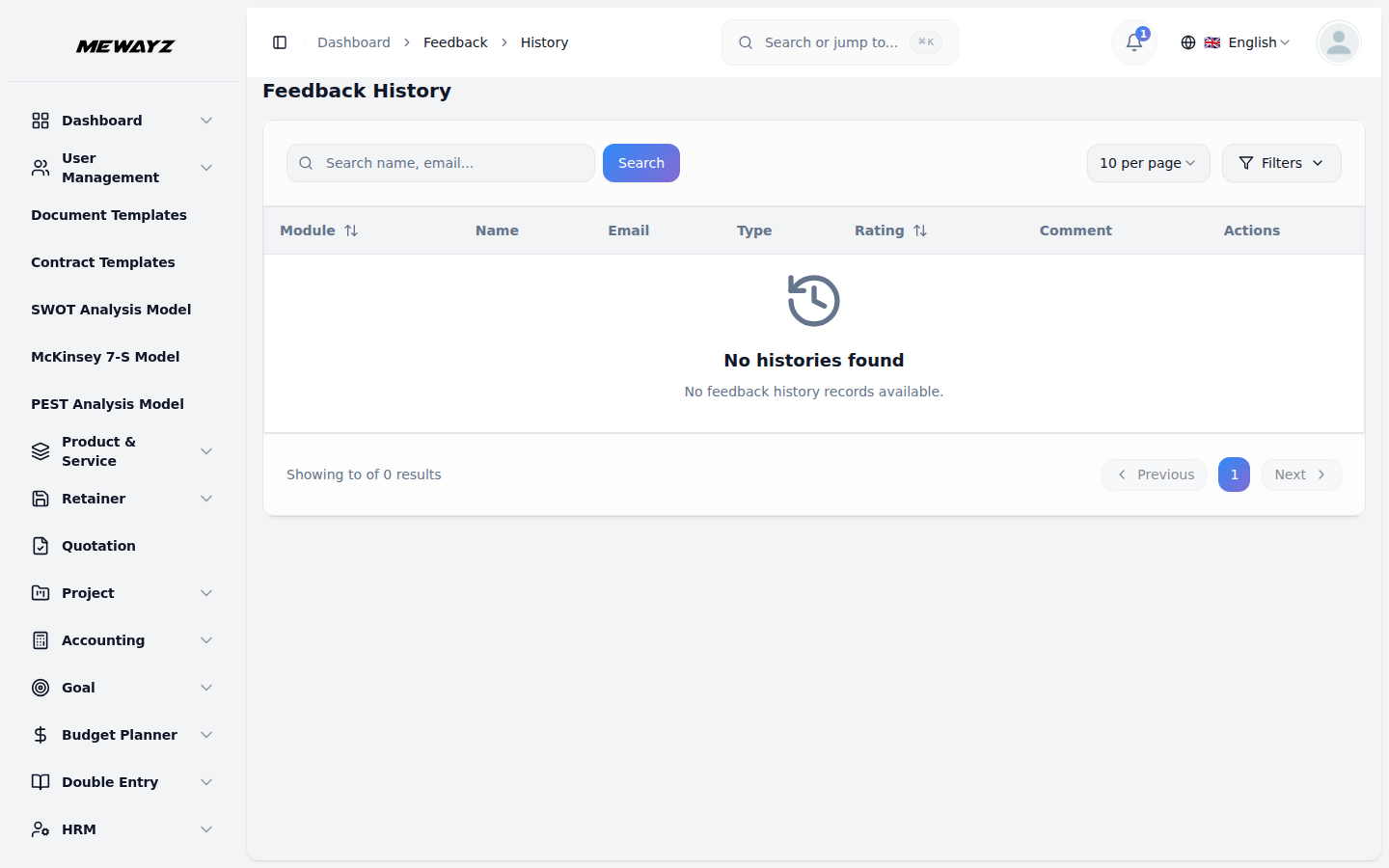
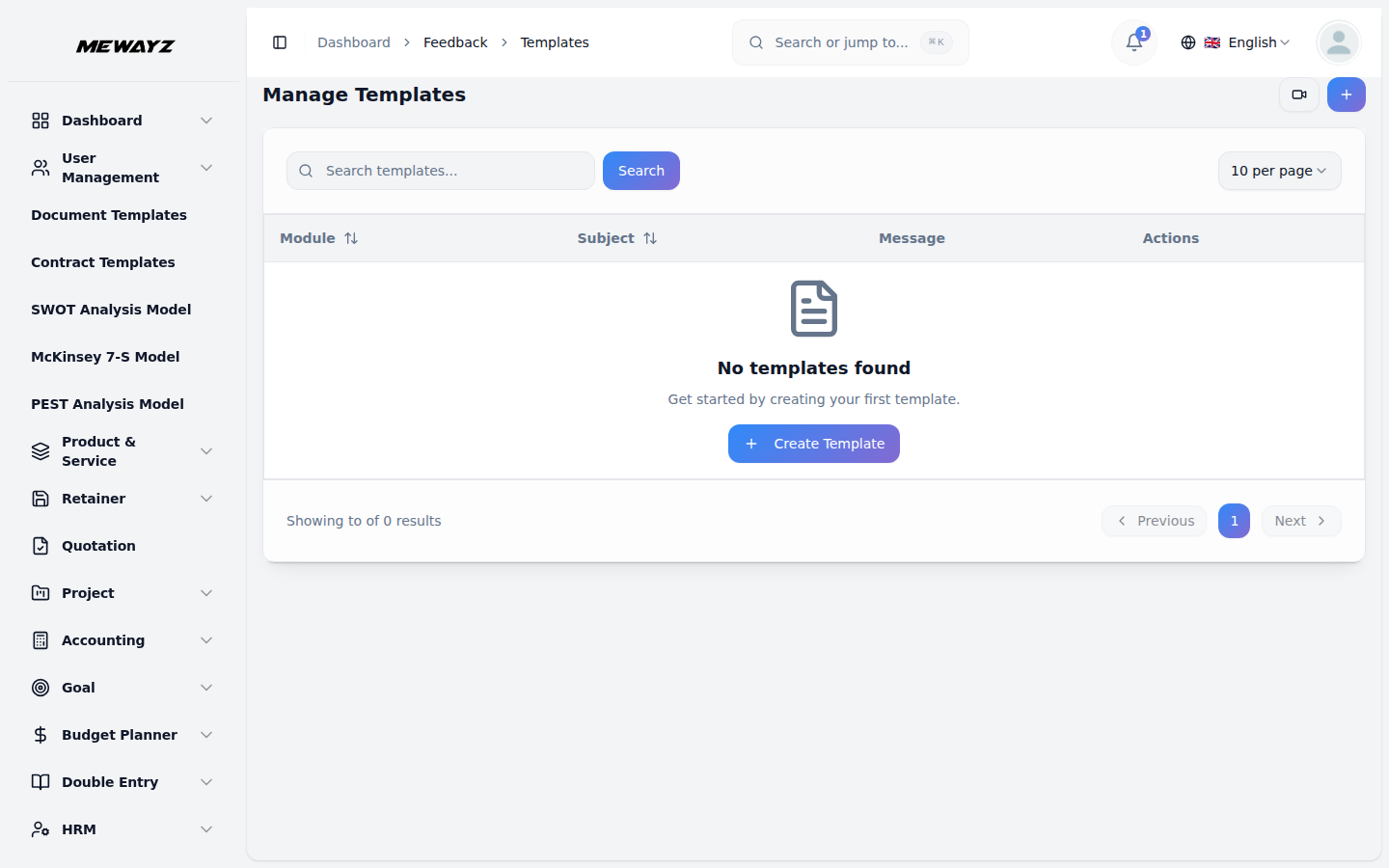
- Find it in the menu card where you will find two pages named templates and history.
- On the template page, Click the create button or the **“Create New
- On the template page, select an Add-On, enter the subject, and compose the feedback
- The mail of the feedback will be sent to the customer whenever the action selected
- After configuring all necessary details, click “Create” to finalize the template.
- On the Feedback Templates page, view the list of existing templates with options to
- If you click on the view button, the history of the template will be shown according
- If you paste the link from the action column of the template page, your name, and
- Then on the history page, you can view the history of feedback given by customers.
- Here you can view the Add-On wise history of feedback.
Template”** option at the top of the Feedback Templates page.
message in the provided box. You can also add variable messages that will be pre-filled automatically. Finally, save the template for future use. The customers can add the feedback through a copy link.
by you is compelled by the user. (For example: If you select the accounting Add-On, and select the invoice paid field in it, the mail will be sent to the customer once he pays the amount.)
view, edit, delete, or copylink them as needed.
to the Add-On you have selected.
email field will be visible, if you fill in those details you can easily give ratings and feedback through a description.
You can also view the comments, ratings, and all the related details related to feedback. You can also delete the feedback whenever you want.
So, this is how you can have access to the Feedback Add-On.