Product / Service Catalog in Mewayz (Formerly Seemless)
The Product / Service Add-On is the shared inventory catalog used by accounting, CRM, POS, EcomStore, and Bookings.
Mewayz (Formerly Seemless)-original module, no Mewayz (Formerly Seemless) upstream. Documentation authored from package source at
packages/mewayz/ProductService/.
Introduction
The Product / Service Add-On is the single source of truth for every sellable item across the Mewayz (Formerly Seemless) platform. Rather than each module (Sales, POS, EcomStore, Bookings) maintaining its own product list, all of them read from and write to one shared catalog. This means that when an operator creates a new product in Product / Service, that product is immediately usable on every sales surface, with synchronized stock counts and tax rules.
The module covers physical goods with stock tracking, non-stock services priced per hour or per session, multi-warehouse inventory, hierarchical categories, per-line tax rules, and units of measure.
How To Install The Add-On?
To Set Up the Product / Service Add-On, you can follow this link: Setup Add-On.
The Add-On is gated by PlanModuleCheck:ProductService. Most sales-facing plans bundle it on by default — POS, Account, EcomStore, and Bookings all depend on it being active.
Items
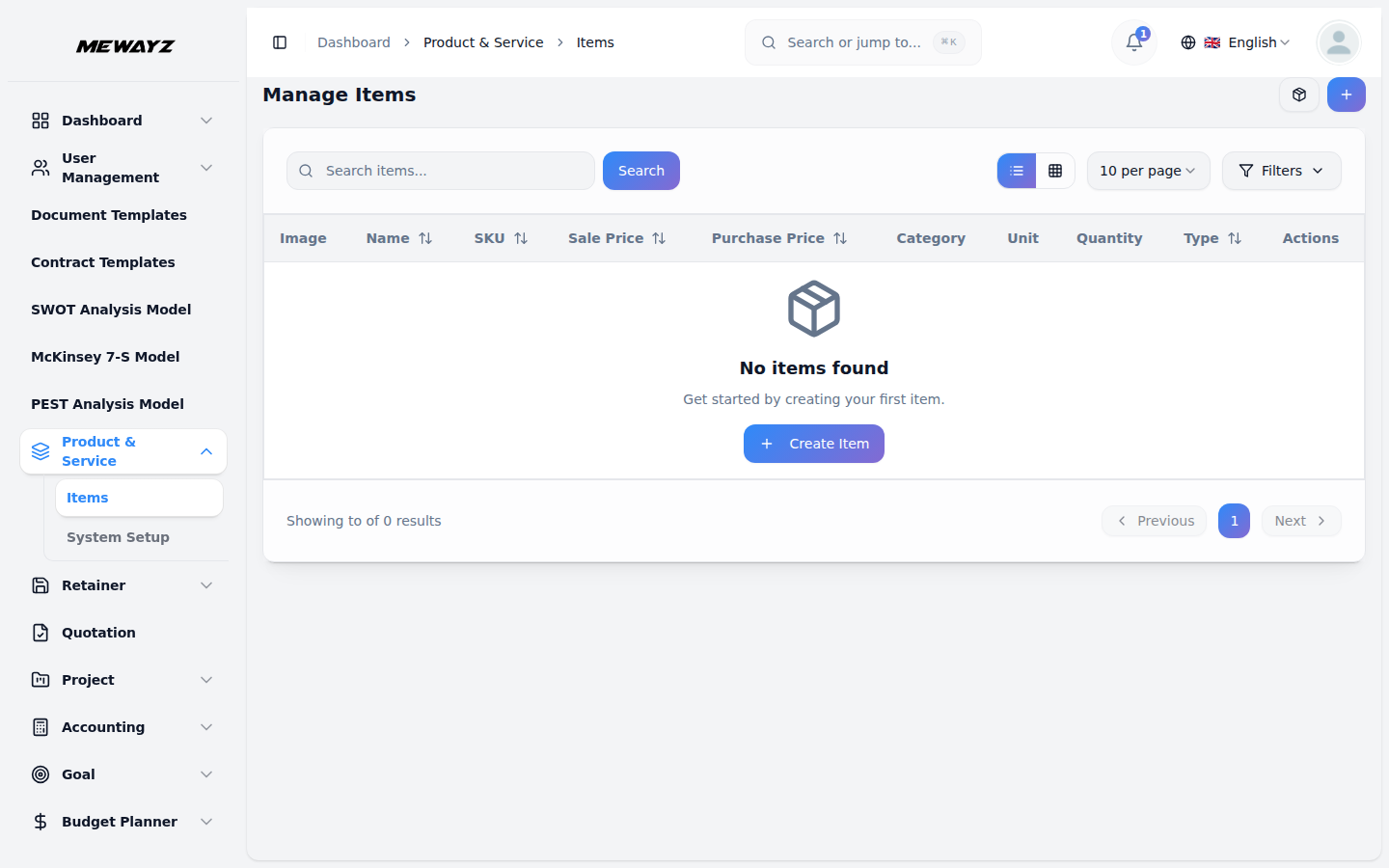
Browse Items
- Navigate to Product & Service → Items in the sidebar.
- The list view shows all items the operator can manage, with filters for Name, Type (product or service), Category, and Active Status.
- Each row displays SKU, sale price, purchase price, current warehouse stock total, and quick-action buttons (view, edit, delete).
Create a New Item
- Click + New Item at the top right of the items list.
- The form has the following fields:
- Name — Display name shown in dropdowns across the platform
- Type — Product (stock-tracked) or Service (no stock)
- SKU — Optional stock-keeping unit (unique per tenant)
- Category — Pick from existing categories, or create a new one inline
- Unit — Unit of measure (each, kg, hour, sqm, etc.)
- Sale Price — Default price when this item appears on an invoice or order
- Purchase Price — Default cost when receiving stock
- Taxes — Multi-select of tax rates that apply to this item
- Image — Product image used by EcomStore + POS
- Description — Long-form description; used by EcomStore detail pages
- Click Save to create the item. An event (
CreateProductServiceItem) is dispatched so listeners in other modules can react (e.g., search index reindex).
Edit / Delete an Item
- From the items list, click the row's edit button to open the same form populated with the item's data.
- Deleting an item dispatches
DestroyProductServiceItem. If the item is referenced by an existing invoice, order, or POS sale, the underlying row is soft-deleted so historical records keep their data intact.
Stock Management
- Navigate to Product & Service → Stock in the sidebar.
- The stock view groups items by warehouse so an operator with multiple physical locations can see exact quantities at each location.
- Each row shows item, warehouse, current quantity, and last- movement date.
Add or Adjust Stock
- Click Add Stock to log a stock movement.
- Select the Item, the Warehouse, the Quantity (positive for inbound, negative for adjustment-out), and a Note.
- Every movement is recorded; the catalog never just "updates a number", every change is auditable.
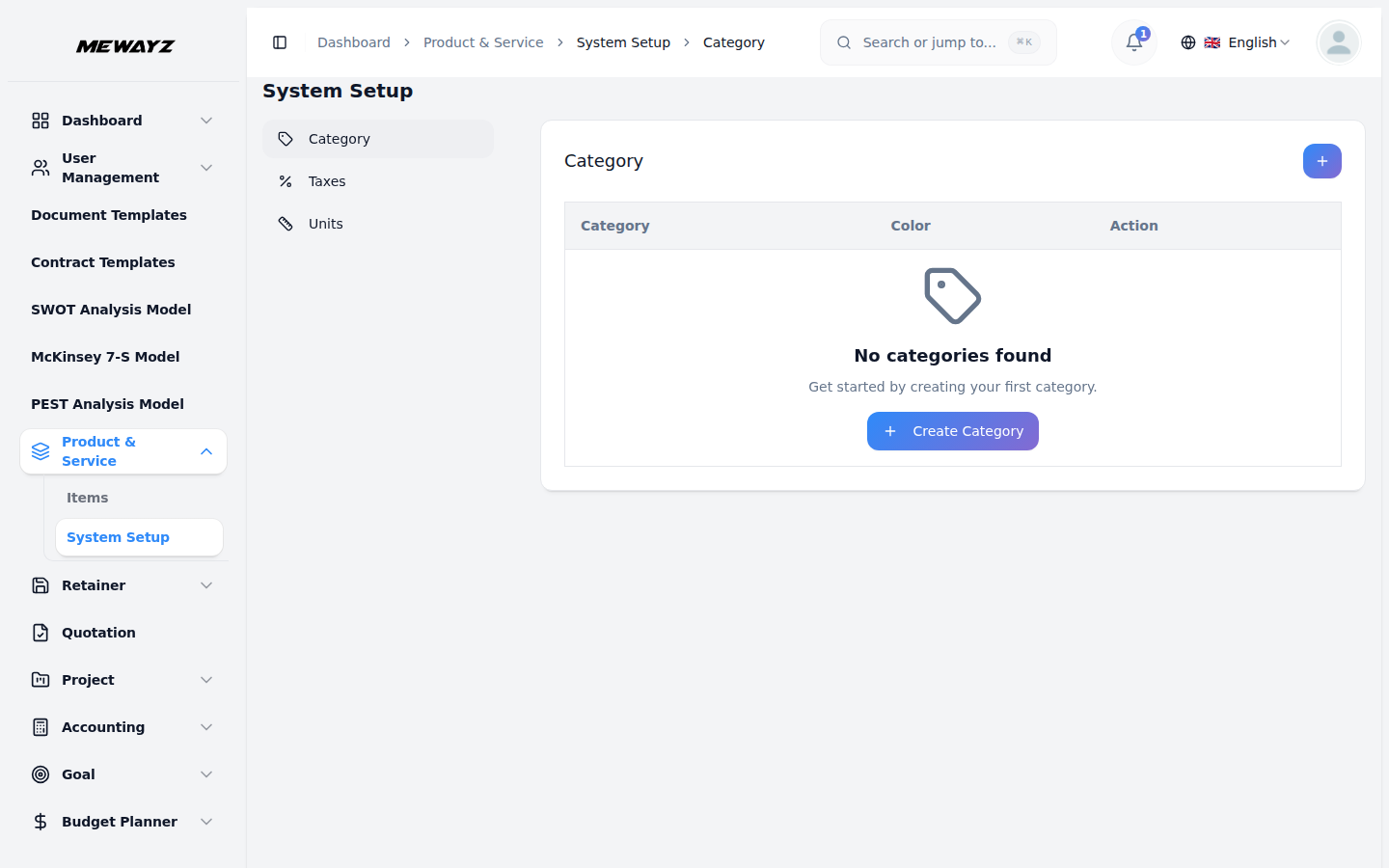
Categories
- Navigate to Product & Service → Categories.
- Categories are flat or hierarchical (parent → child). Each category can have a color tag that is reflected in the items list and on EcomStore listing pages.
- Create / edit / delete operations follow the standard CRUD pattern.
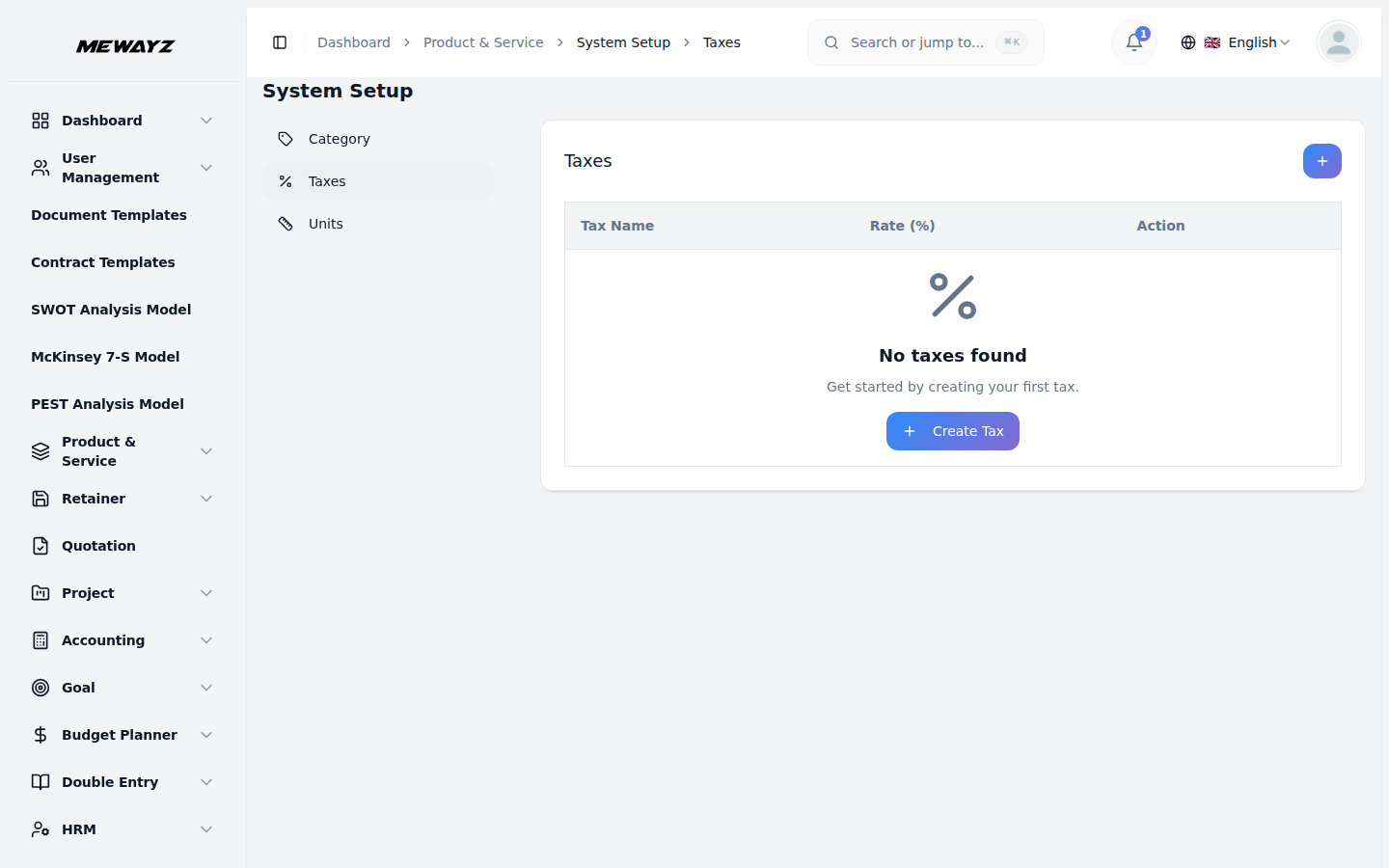
Taxes
- Navigate to Product & Service → Taxes.
- Add the tax rates the operator's business needs (e.g. VAT 15%, Sales Tax 7.25%, etc.).
- Each tax has a name, rate (percentage), and an optional description.
- Taxes are then attached to items via the multi-select on the item form.
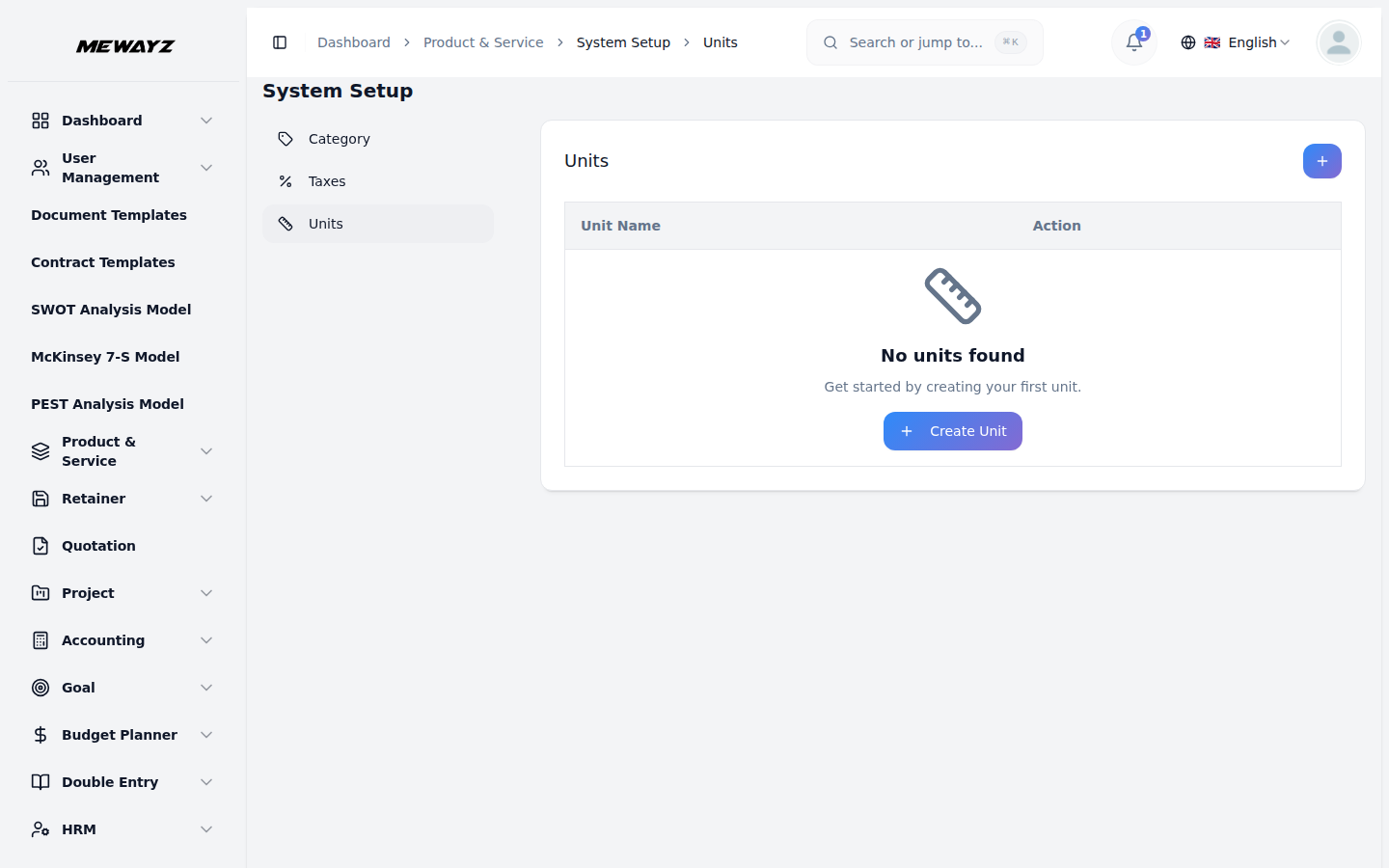
Units
- Navigate to Product & Service → Units.
- Units are the labels shown in the cart / invoice line — "each", "kg", "hour", "session", "sqm", etc.
- Mewayz (Formerly Seemless) ships a starter set; add or rename to match the operator's industry vocabulary.
Cross-Module Behavior
Other Mewayz (Formerly Seemless) modules consume the Product / Service catalog:
- Account module — Sales invoices and purchase invoices pick line items from this catalog.
- CRM / Sales — Deal line items and proposals reference items.
- POS module — POS sales pull product list directly.
- EcomStore module — Storefront products are rendered from this catalog with category-based browse.
- Bookings module — Service catalog for bookable services.
- ApiDocsGenerator module — Documents the public API endpoints for programmatic access (
/api/products, etc.).
Permissions
The package defines granular permissions:
manage-product-service-item— Full managementcreate-product-service-item— Create new itemsmanage-any-product-service-item— Edit any tenant itemmanage-own-product-service-item— Edit only own-created items
Assign these via Settings → Roles & Permissions.
API Access
The package also exposes GET /api/product-service/items as an internal authenticated endpoint that other modules and the API Docs Generator surface as GET /api/products.
Operator Notes
- Stock movements are immutable, to "reverse" a movement, log a new movement in the opposite direction rather than editing the original row.
- When deleting items that have stock on hand, the system warns before allowing the action.
- Item images are stored under
storage/app/public/product-service/and served via thestoragesymlink. After uploading a new image, it is normalized to a single filename in the DB; the public URL is computed at render time.