User Manual: POS Module (Mewayz (Formerly Seemless))


1. Introduction
1.1 What is Pos SaaS?
Pos SaaS is a comprehensive multi-tenant Point of Sale and business management platform designed for modern retail operations. Built as a SaaS solution using Laravel 12 and React 19 with TypeScript, it provides businesses with a complete retail ecosystem that covers the entire sales lifecycle from inventory management to customer analytics.
The platform is designed for businesses who want to manage their retail operations efficiently. Whether you run a single store or multiple locations, Pos helps you process sales, track inventory, manage customers and vendors, and monitor business performance from one centralized system. It saves time, reduces manual errors, and keeps all your business data synchronized with just a few clicks.
1.2 Key Features Overview
Pos includes a complete set of features to support your retail business:
- Complete POS System: Modern point-of-sale interface with cash register management
- Multi-Branch Support: Manage multiple store locations from a single platform
- Inventory Management: Comprehensive product, category, brand, and stock management
- Customer & Vendor Management: Complete relationship management tools
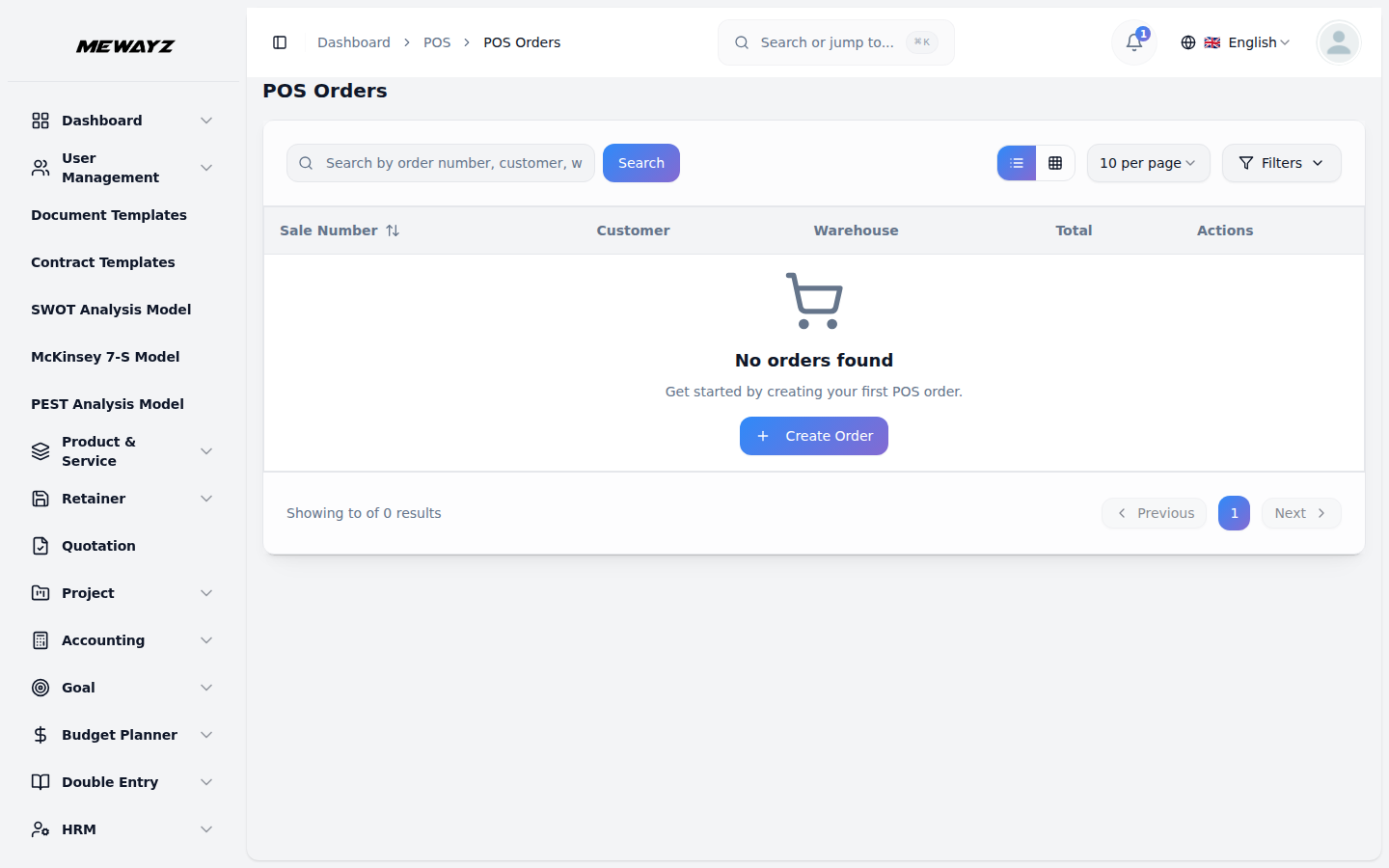
- Sales & Purchase Management: Full transaction lifecycle with returns processing
- Quotation System: Professional quotation creation and management
- Expense Tracking: Comprehensive expense management with categories
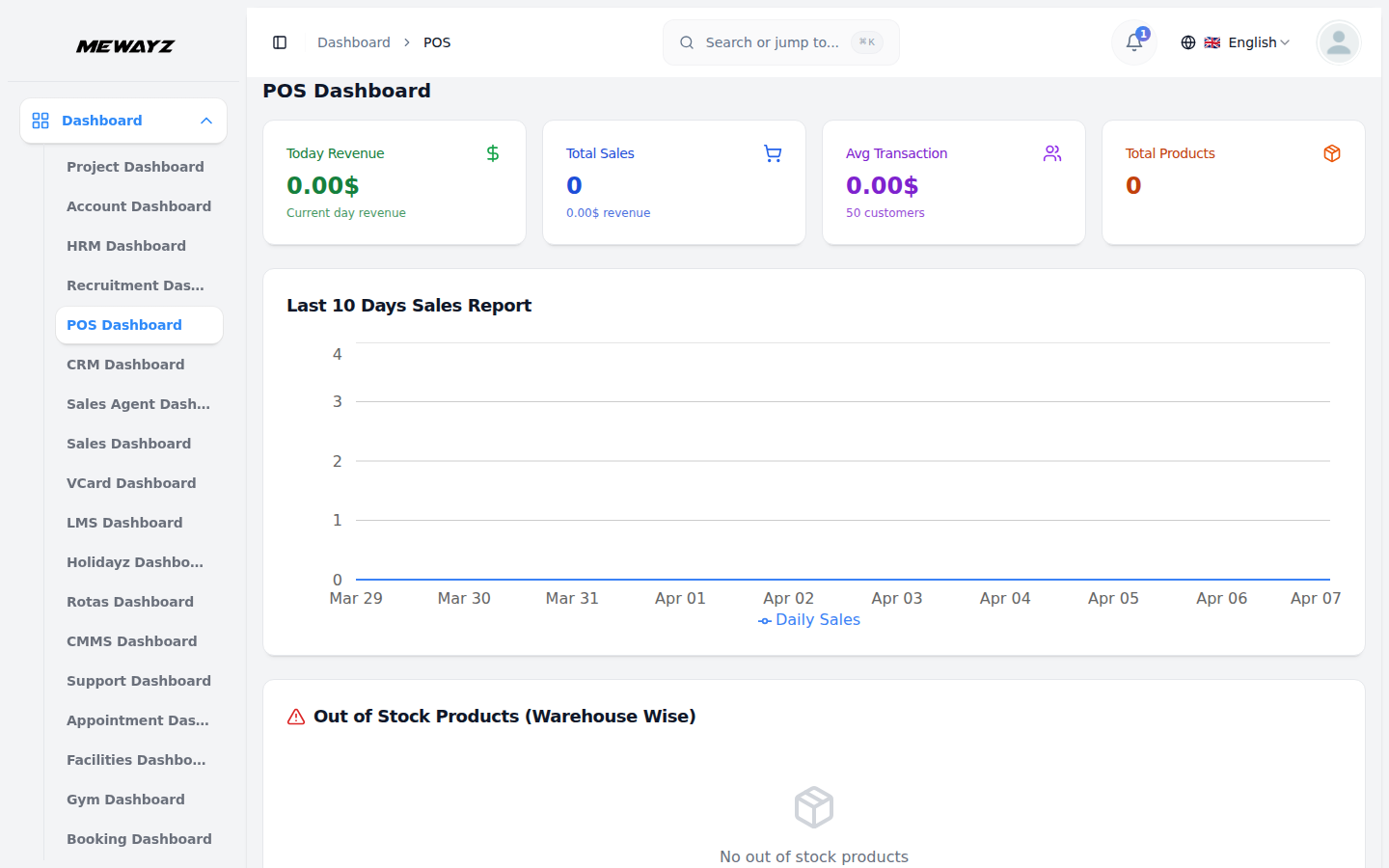
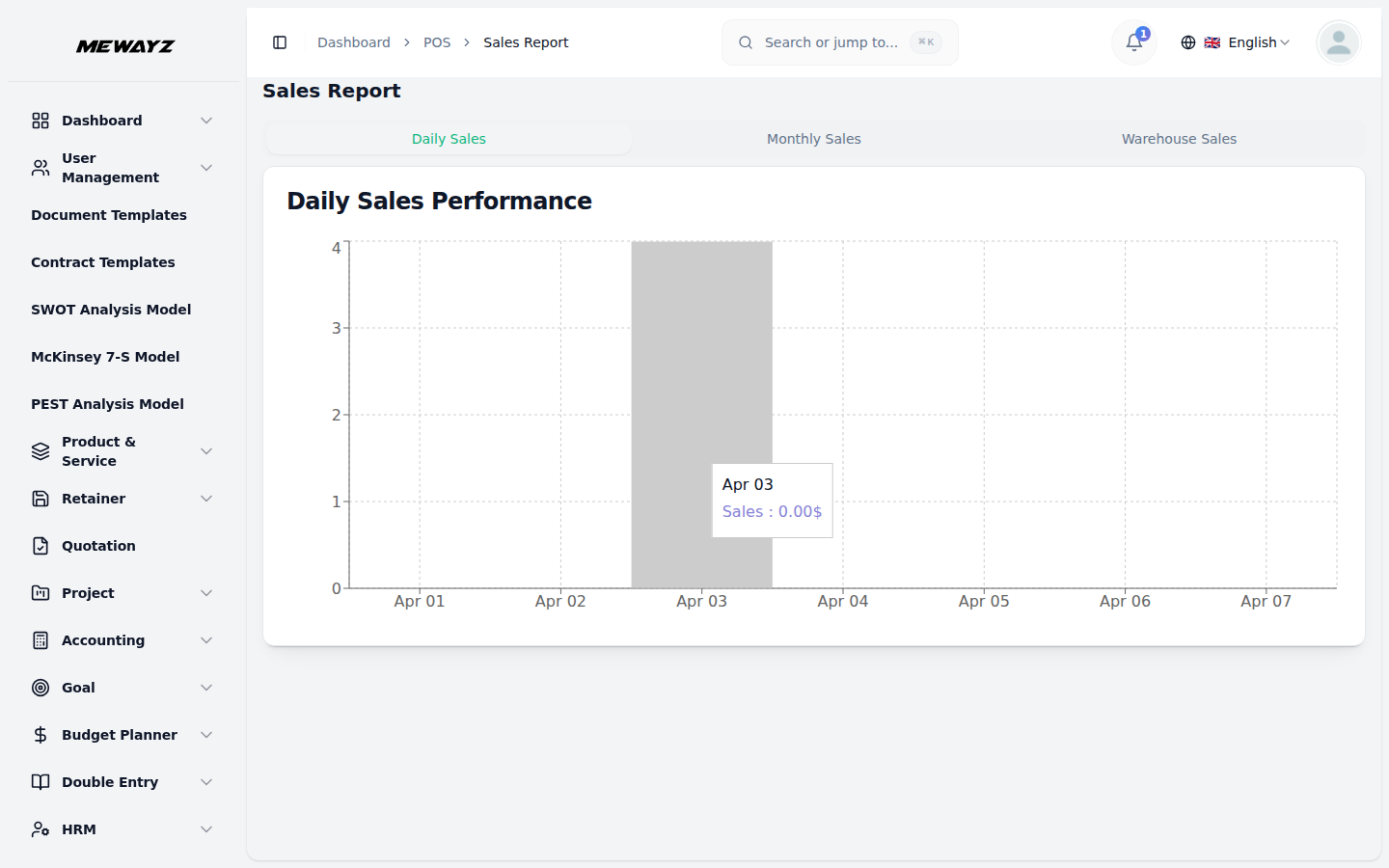
- Real-time Reports: Sales, financial, inventory, and customer analytics
- Multi-Currency Support: Support for multiple currencies and payment methods
- 30+ Payment Gateways: Stripe, PayPal, Razorpay, and many more
- Notification System: Email and SMS notifications with templates
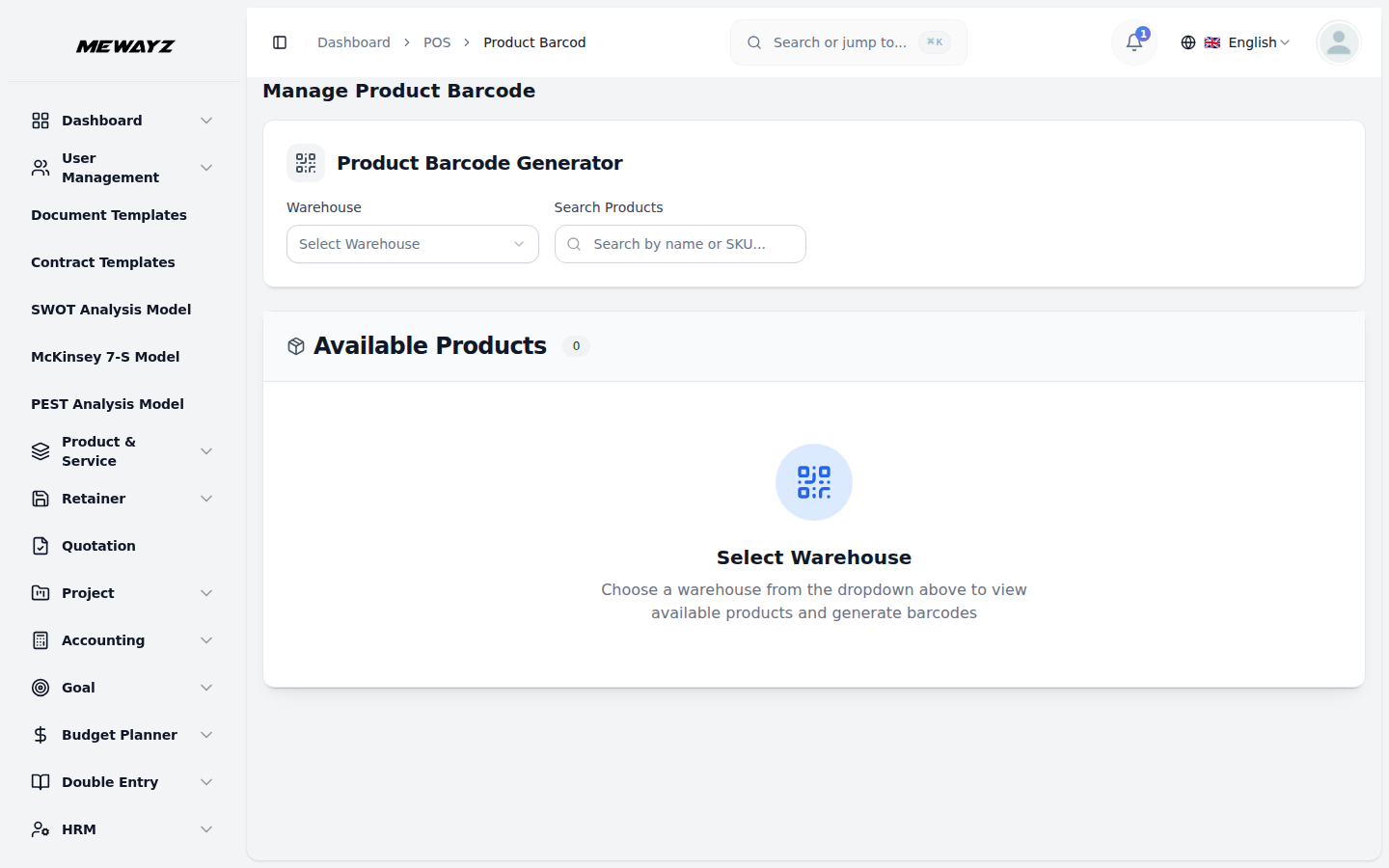
- Barcode Generation: Product barcode generation and printing
- Role-Based Access: Granular permissions and user management
- Multi-Language Support: Available in multiple languages with RTL support
- Progressive Web App: Mobile-responsive design with PWA capabilities
All of these features work together to help you manage your retail operations efficiently. The system is designed to be easy to use while offering the flexibility needed for different business requirements.
1.3 Who Should Use Pos SaaS?
Pos is built to serve a wide range of businesses. The following types of users will find the platform helpful:
- Retail Store Owners: Manage single or multiple retail locations
- Restaurant Owners: Handle food service operations and inventory
- Wholesale Businesses: Manage bulk sales and vendor relationships
- E-commerce Businesses: Integrate online and offline sales channels
- Franchise Operations: Centralized management for multiple locations
- Small to Large Retailers: Scale operations with professional tools
- Business Managers: Oversee operations with comprehensive analytics
- Sales Teams: Process transactions efficiently with modern POS tools
Whether you are starting a new retail business or managing an established operation, Pos provides the tools you need to run your business professionally and efficiently.